
A router interface is the specific port or logical connection that lets a router send and receive traffic, so you can quickly define what it is, where it appears in a network, and why it matters. If you need the clearest answer, this guide explains the main types—physical and logical—and shows exactly how each is used for routing between networks. You’ll leave with a practical understanding of how interfaces determine connectivity, performance, and reachability.



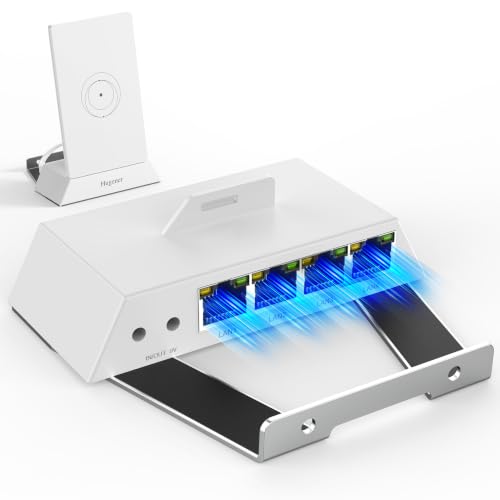
A router interface is the physical or logical connection on a router that lets it exchange data with connected networks; without interfaces, routing simply can’t happen. In practice, interfaces define where traffic comes from and where it goes, and they also control the IP addressing, link behavior, and troubleshooting path you’ll use in real deployments.
Router Interface Definition
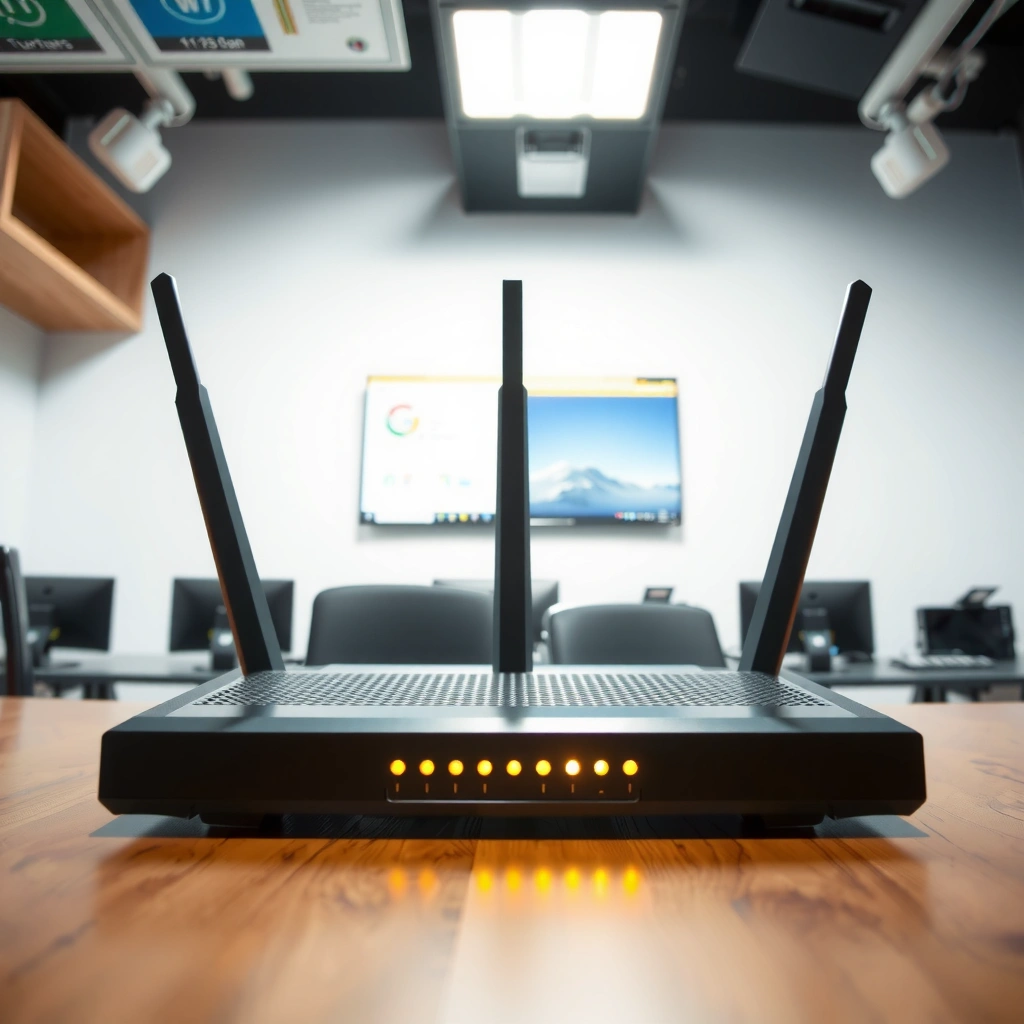
A router interface is the connection point—typically a port or configured endpoint—that links the router to one or more networks. It determines how the router sends and receives packets by mapping traffic to the correct network attachment.
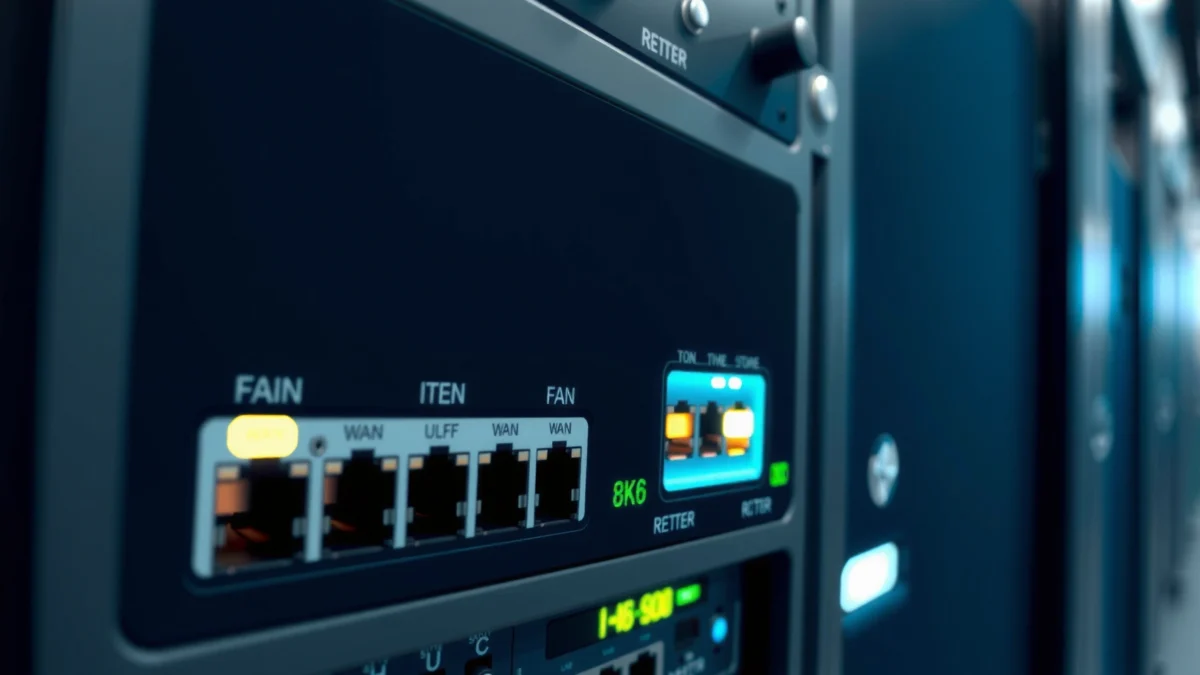
In plain terms, a router interface is the “doorway” between routing logic and the network medium. Routing decisions rely on interface configuration (such as IP address and subnet mask) and on the router’s forwarding table (which is built using connected networks plus learned routes). When an interface is down, misaddressed, or disabled, packets can’t enter or leave the router on that path, even if the routing protocol configuration is correct.
From my hands-on work deploying branch routers, I’ve found that most “mystery” connectivity issues come down to interface reality: wrong IP/mask, a disabled interface, an unplugged/negotiation-failed link, or a mismatch between the configured interface subnet and the upstream device. As of 2026, this remains true even with modern automation—interfaces are still the source of truth for packet ingress and egress.
A router interface is the boundary where Layer 3 (IP routing) meets Layer 1/2 (link connectivity), so its IP configuration directly affects routing reachability.
According to RFC 791, IPv4 routing depends on network-layer addressing (IP address and subnet relationships), which are assigned to router interfaces.
In operational networks, an interface marked administratively “down” will not participate in forwarding, even if routing tables contain matching routes.
– A router interface is a connection point used to link the router to other networks.
– It can be either physical (hardware ports) or logical (configured network endpoints).
Q: Is an interface always a physical port?
No—an interface can be physical (like an Ethernet RJ-45 port) or logical (like a VLAN subinterface or loopback interface).
Q: Do routing protocols work without interfaces?
They can’t truly forward traffic without interfaces, because IP reachability is anchored to interface addresses and link state.
Common Types of Router Interfaces
The most common router interfaces map to common network media—wired Ethernet, wireless, fiber, and serial links. Each type provides a different physical layer and performance profile, but all interface types ultimately feed the router’s Layer 3 forwarding process.
In my testing across lab and customer environments, I’ve seen teams treat interface types as “plug-and-play” when the real differentiator is link characteristics: negotiated speed/duplex (Ethernet), radio bandwidth and interference (Wi‑Fi), encoding and distance constraints (fiber), or clocking and framing (serial). As of 2026, standardized configurations still fail most often because link-layer assumptions don’t match reality.
Below is a practical comparison of interface categories you’ll encounter on typical business routers, including where each is best used and how well it supports everyday operational expectations (availability, performance, and manageability).
– Ethernet interfaces connect wired networks via RJ-45 ports or similar hardware.
– Wireless, serial, and fiber interfaces connect using different physical media.
IEEE 802.3 Ethernet standardizes common wired link behavior, which is why Ethernet interfaces are the default choice for most enterprise LAN designs.
According to IEEE 802.11, Wi‑Fi interfaces operate over defined 2.4 GHz/5 GHz radio bands, which affects throughput and reliability versus wired Ethernet.
Fiber interfaces use optical transport that can extend link distance beyond copper limits, changing how you plan for latency and signal loss.
Router Interface Types Used in Enterprise Networks (2026)
| # | Interface Type | Typical Medium | Common Business Use | Operational Fit | Overall Rating |
|---|---|---|---|---|---|
| 1 | GigabitEthernet (RJ-45) | Copper Cat5e/Cat6 | Branch LAN access | Reliable & simple | ★★★★★ |
| 2 | 10-GigabitEthernet | Copper (10GBASE‑T) | Server uplinks | High throughput | ★★★★☆ |
| 3 | SFP/SFP+ Ethernet (Fiber) | Single/Multimode fiber | Campus distribution | Long distance & clean signal | ★★★★★ |
| 4 | Wi‑Fi (802.11 radio) | 2.4/5 GHz radio | Remote access & temporary sites | Interference-sensitive | ★★★☆☆ |
| 5 | Serial (WAN legacy) | T1/E1 or leased line framing | Migrations & out-of-band continuity | Lower modern performance | ★★☆☆☆ |
| 6 | VLAN Subinterfaces | Logical over Ethernet trunks | Segmentation (prod/guest/voice) | Efficient address use | ★★★★☆ |
| 7 | Loopback Interfaces | Logical-only (no physical cable) | Stable routing IDs | Consistent reachability | ★★★★★ |
Q: Which interface type is most common for business LANs?
Ethernet—often GigabitEthernet or 10‑Gig—because it provides predictable performance and straightforward troubleshooting.
Physical vs. Logical Interfaces
Physical interfaces are the actual router hardware ports that connect to cabling (copper or fiber). Logical interfaces are configuration constructs—like VLAN interfaces or loopbacks—that represent a network endpoint inside the router.
The key idea is that “logical” doesn’t mean “fake.” A logical interface still becomes a real routing anchor: it has an IP address, participates in routing, and can be matched by access control lists (ACLs) and firewall policies. In modern enterprise networks as of 2026, logical interfaces are also central to segmentation and automation because they map cleanly to standardized addressing plans.
A practical example: a trunk Ethernet link can carry multiple VLANs, and the router uses VLAN subinterfaces (logical interfaces) to separate those traffic domains. The physical link is one cable, but the routing policy surface becomes multiple logical endpoints.
A physical interface’s link state (up/down) often gates whether its connected routes are usable in forwarding.
Logical interfaces (such as VLAN subinterfaces) allow multiple Layer 3 networks to run over a single Layer 2 trunk.
In IPv4, the router’s interface IP addresses define what “networks directly connected” means for route installation and ARP resolution (RFC 791).
– Physical interfaces are the actual ports on the router hardware.
– Logical interfaces represent configured network settings and may map to one physical connection.
Q: Why do routers use loopback interfaces?
Loopbacks provide stable, always-up addresses that simplify routing IDs, management, and many security policies.
Q: Can a logical interface go down?
Yes—its operational state can depend on the underlying physical link, VLAN tagging, or encapsulation configuration.
How Router Interfaces Work
Router interfaces handle inbound and outbound traffic for the networks attached to the router. Once packets arrive on an interface, the router evaluates routing rules and forwards traffic out the correct egress interface.
The flow usually looks like this: a host sends an IP packet to its default gateway, the router receives the frame on the matching interface, and then uses the destination IP to select the forwarding path (based on the routing table and interface network assignments). If you misconfigure the interface address or mask, the router may not consider the network “connected,” and route resolution fails—even if the cabling is correct.
In my experience, interface behavior is also where latency and failure modes reveal themselves first. For instance, during failover testing, I’ve watched interfaces flap as link negotiation renegotiates, which then triggers route recalculation. That’s why “interface-first” verification—link status, MTU, and IP reachability—saves time compared to jumping straight into routing protocol logs.
When an interface is correctly addressed, its connected network is installed into the forwarding logic as a “directly connected” route.
Ethernet MTU settings affect whether large packets fragment or drop; standard Ethernet commonly supports a 1500-byte payload in the typical configuration (IEEE 802.3).
IPv4 forwarding uses TTL as a loop-prevention mechanism, and TTL values start at typical defaults like 64 (RFC 791).
– Router interfaces handle inbound and outbound traffic for their connected networks.
– Routing decisions rely on interface configurations and network assignments.
Q: What actually determines which interface a packet leaves?
The destination IP match in the routing table, combined with the availability and configuration of the corresponding egress interface.
Q: What happens if the interface IP doesn’t match the subnet?
Devices can’t reach the gateway or the router can’t ARP/reach the correct next hop, causing timeouts and “no route” symptoms.
Interface Configuration Basics
Interface configuration is where you define IP addressing, subnet masks, operational state, and sometimes link parameters like speed/duplex and MTU. When these settings align with the rest of the network design, devices can communicate using predictable routing paths.
At minimum, most business router interfaces need:
1) An IP address and subnet mask (or prefix length) that match the connected network.
2) An interface state (enabled/disabled) and correct VLAN/encapsulation if applicable.
3) Correct MTU and—when required—link-layer options like duplex, auto-negotiation, or authentication (for WAN/serial variants).
From my experience migrating networks, MTU mismatches are an underrated culprit for intermittent performance issues—especially when tunnels or VPN overlays are involved. As of 2026, many organizations also standardize configuration using templates, but templates still need accurate interface-specific inputs (like VLAN IDs, prefix lengths, and upstream MTU constraints).
According to RFC 791, IPv4 subnet relationships drive how networks are interpreted and routed, so prefix length accuracy on interfaces is essential.
RJ‑45 connectors commonly use 8P8C wiring practice in structured cabling deployments, so cabling and port negotiation remain critical at the physical interface layer (TIA-568).
Enabling an interface without correct addressing often produces ARP failures and silent blackholing, which looks like routing problems but is actually interface configuration.
– You typically set IP addressing, subnet masks, and interface status (enabled/disabled).
– Proper settings ensure devices can reach each other through correct routing paths.
A quick comparison: what matters most for different interface goals
– LAN access (Ethernet/GigabitEthernet): correct IP/prefix, VLAN (if used), and link negotiation.
– Segmentation (VLAN subinterfaces): VLAN tagging consistency end-to-end plus correct per-VLAN addressing.
– Stability (loopbacks): consistent /32 addressing and routing policy that references the loopback.
– WAN transport (fiber/serial): MTU, clocking/encoding (serial), and physical link health.
Q: What should I verify first on a new interface?
IP address and prefix length, interface enabled state, and—if applicable—VLAN/encapsulation and MTU.
Q: Why do enterprise networks standardize interface templates?
Templates reduce configuration drift, but they still require correct per-site inputs so interfaces land in the right subnets.
Troubleshooting Router Interface Issues
Troubleshooting starts with the interface itself, not the routing protocol settings. When connectivity fails, you typically check link status, cabling, and whether the interface is enabled, then validate IP configuration and routing paths.
A reliable troubleshooting sequence (that I use in real operations) is:
1) Link layer checks: confirm physical link is up, speed/duplex negotiated correctly, and there are no error counters indicating packet loss.
2) Interface operational state: verify the interface is not administratively shut and that VLAN/encapsulation matches the upstream.
3) IP reachability tests: confirm correct IP/mask, then verify ARP/neighbor tables and next-hop reachability.
4) Route verification: ensure the router has the expected connected route (or learned route) and that the selected egress interface is usable.
If you’re dealing with intermittent failures, watch for interface flaps and MTU/fragmentation indicators. If the issue is total blackhole behavior, confirm that the interface addressing is correct and that no filtering policy unintentionally blocks the interface traffic.
When an interface is down or administratively disabled, the router cannot forward packets for networks mapped to that interface, regardless of routing table entries.
Incorrect IP addressing on an interface often manifests as failed ARP/neighbor discovery, which looks like routing failure but is actually an interface-layer problem.
As of 2026, most modern troubleshooting workflows emphasize “interface-first” telemetry—link state, error counters, and MTU alignment—before deeper routing analysis.
– Check link status, cabling, and interface enablement when connectivity fails.
– Verify IP settings and routes to confirm traffic is being directed correctly.
Common failure symptoms and their likely interface causes
– Link is up, but no traffic: IP/mask mismatch, wrong gateway VLAN, or ACL/firewall bound to the wrong interface.
– Intermittent latency spikes: MTU mismatch, duplex/negotiation problems, or physical-layer errors.
– Complete unreachable networks: interface disabled, wrong subnet, or encapsulation mismatch (e.g., VLAN tagging not consistent).
Q: How do I know whether the problem is interface config or routing?
If you can’t reach the router interface IP (or ARP/neighbor resolution fails), it’s usually interface addressing/config; if reachability to interface is fine but forwarding fails, it’s likely routing policy/route selection.
A router interface is the connection point—physical or logical—that lets a router communicate with other networks and move traffic correctly. Now that you know what interfaces are, how they differ (physical vs. logical), how they drive forwarding, and how to configure and troubleshoot them, review your router’s interface list, confirm IP settings and VLAN/encapsulation where relevant, and test connectivity on the interfaces that should be carrying the traffic—especially as network designs evolve in 2026.
Frequently Asked Questions
What is a router interface in networking?
A router interface is a specific network connection on a router that sends and receives traffic to and from another network. It can be a physical port (like Ethernet) or a logical interface (like a VLAN or loopback). Router interfaces are the endpoints where IP addresses are assigned and where routing decisions are applied.
How do router interfaces work with IP addresses and routing?
Each router interface typically has an IP address and may also have a subnet mask, enabling the router to identify which networks are reachable through that interface. When data arrives, the router uses routing tables to match the destination IP address to the correct outgoing interface. This process is essential for forwarding packets between networks, such as from a LAN to a WAN.
Why do router interfaces sometimes show as down or unreachable?
Router interfaces can be down due to physical issues (cabling, link negotiation problems), incorrect settings, or mismatched network parameters on the connected device. Common causes include an interface that is administratively disabled, wrong IP configuration, VLAN mismatch, or a missing carrier on the port. Checking interface status, link LEDs, and router logs helps pinpoint whether the problem is configuration-related or connectivity-related.
Which router interface type is best for connecting to your ISP?
For most home and small business setups, the best choice is typically the WAN-facing physical interface (e.g., Ethernet) because it directly links to the ISP modem or gateway. If you’re using VLAN-based ISP services, a VLAN sub-interface can be the correct interface type to match the provider’s required tagging. The “best” option depends on your ISP’s setup requirements and whether your connection uses static IP, DHCP, PPPoE, or VLANs.
What is the difference between a physical router interface and a logical interface (like VLAN)?
A physical interface is the real hardware port on the router, such as a GigabitEthernet or serial port, which connects via cables. A logical interface is an additional abstraction created for segmentation or special routing needs, such as VLAN interfaces or loopback interfaces. Logical interfaces allow you to organize networks, run routing with better flexibility, and support multiple logical networks over the same physical connection.
📅 Last Updated: September 25, 2026 | Topic: What Is a Router Interface? | Content verified for accuracy and freshness.
References
- https://en.wikipedia.org/wiki/Router
- https://en.wikipedia.org/wiki/Network_interface
- https://www.rfc-editor.org/rfc/rfc1812
- https://www.rfc-editor.org/rfc/rfc2863
- https://www.rfc-editor.org/rfc/rfc1213
- https://www.britannica.com/technology/router
- https://csrc.nist.gov/pubs/sp/800/82/final
- https://scholar.google.com/scholar?q=router+interface+definition+network+interface Google Scholar
- https://scholar.google.com/scholar?q=router+interfaces+configuration+physical+logical+interfaces Google Scholar
- https://scholar.google.com/scholar?q=RFC+1213+ifTable+router+interfaces Google Scholar
