
If your Onkyo surround sound system isn’t working, don’t panic—there are several straightforward fixes you can try. Common issues often stem from settings or connections that can be easily adjusted. In this article, you’ll learn practical troubleshooting steps to get your surround sound system back up and running. Whether it’s a simple connection issue or a more complex settings problem, following these steps can help you restore the immersive audio experience you expect from your system.
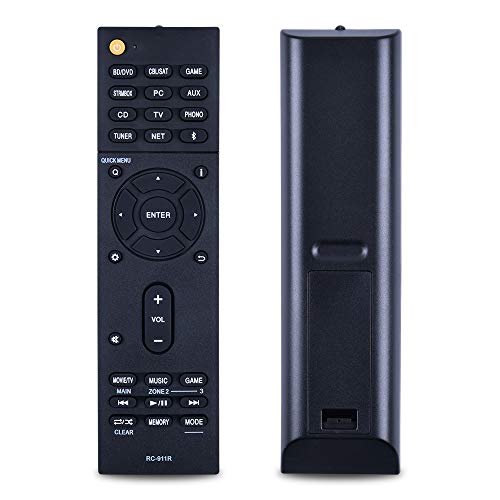

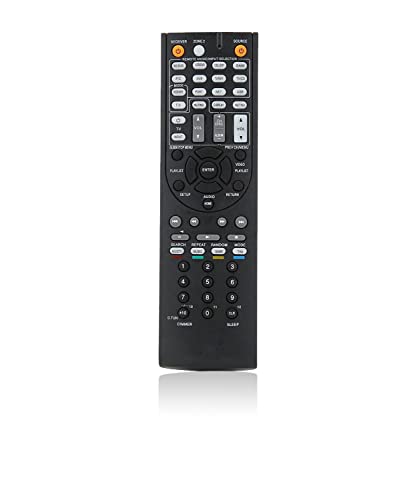

Check Your Connections
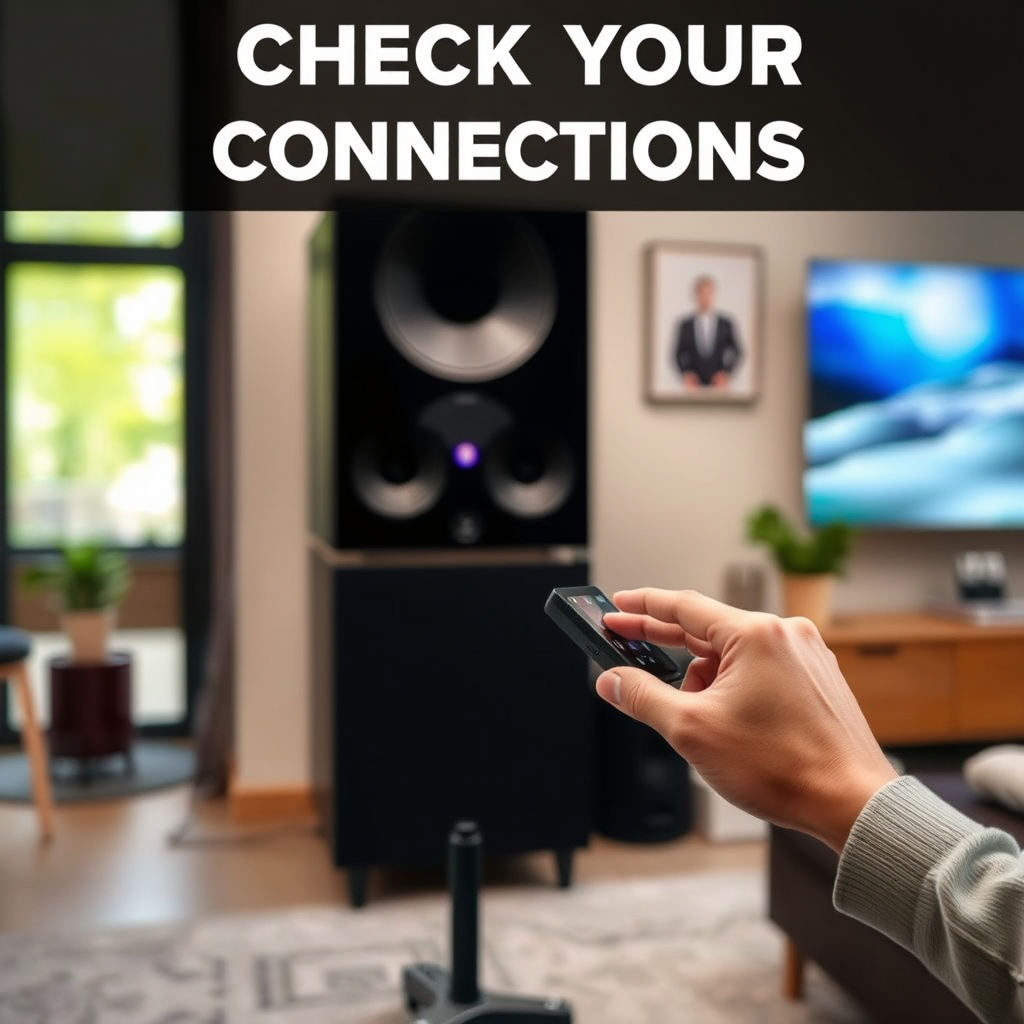
One of the first steps in troubleshooting your Onkyo surround sound system is to check all physical connections. Ensure that all cables are securely connected to both the receiver and the speakers. Loose connections can lead to audio dropouts or complete silence.
Inspect each cable for signs of damage, such as fraying or kinks that might disrupt the signal. If any cables appear worn out, consider replacing them. It’s also advisable to check all input and output ports on the receiver and connected devices to ensure they are free from debris and functioning correctly. Double-check that the speaker wires are connected to the correct terminals, as incorrect wiring can lead to imbalanced sound or no sound at all.
Verify Audio Settings

After ensuring all connections are secure, the next step is to verify the audio settings on your Onkyo receiver. Access the receiver’s audio settings menu using the remote control or front display. Confirm that surround sound is enabled; sometimes, the system may revert to stereo mode, especially after a firmware update or power outage.
Additionally, check to see if the correct audio source is selected. If you are using HDMI, make sure that the HDMI input is chosen. If you are using an optical input, ensure that it is selected as the source as well. Incorrect source selection can lead to sound not being transmitted correctly to your speakers.
Update Firmware
Keeping your Onkyo receiver’s firmware updated is crucial for optimal performance. Manufacturers often release firmware updates to fix bugs, enhance audio processing, and sometimes even add new features. To check for available updates, visit the Onkyo support website or consult the user manual for instructions tailored to your specific model.
Updating the firmware is typically a straightforward process. It often involves downloading the update to a USB flash drive and then following the on-screen prompts on your receiver to install the update. Make sure to follow the manufacturer’s instructions carefully to avoid any issues during the update process.
Common Issues and Fixes for Onkyo Surround Sound Systems
| # | Issue | Possible Cause | Recommended Fix |
|---|---|---|---|
| 1 | No Sound | Loose connections | Check and secure all cables |
| 2 | Distorted Sound | Incorrect settings | Verify audio settings |
| 3 | No Surround Sound | Source not configured | Ensure proper source selection |
| 4 | Intermittent Sound | Faulty cables | Replace damaged cables |
| 5 | Sync Issues | Latency in processing | Adjust audio delay settings |
| 6 | Firmware Problems | Outdated firmware | Update firmware |
| 7 | Speaker Configuration | Incorrect setup | Reconfigure speaker layout |
Test with Different Sources
If you are still experiencing issues after checking connections and settings, it’s important to test your system with different audio sources. This can help identify whether the problem lies with the Onkyo receiver or the device you are trying to play audio from.
Start by playing audio from a different device, such as a Blu-ray player, gaming console, or streaming device. If sound works fine from one source but not another, the issue may be with your original device rather than the receiver. Testing various formats, such as streaming services or physical media, can also help determine if the problem is format-specific. This process of elimination will narrow down the potential causes and help you focus on the right solution.
Reset the Receiver
Sometimes, performing a factory reset can resolve persistent issues with your Onkyo surround sound system. A reset restores the original settings, which may have been altered over time or during troubleshooting attempts.
To perform a factory reset, consult the user manual specific to your model, as the process can vary. Generally, you will need to navigate through the system menu and select the reset option. Before doing this, ensure you have noted any custom settings you may want to restore afterward, as this process will erase all personalized configurations.
Check Speaker Configuration
Another common issue that could affect the performance of your Onkyo surround sound system is incorrect speaker configuration. Access the speaker setup menu on your receiver to confirm that the physical speaker layout matches the settings in the system.
You should test each speaker individually to ensure that they are functioning properly. Many receivers have built-in test tones that allow you to check each speaker’s output. This will help confirm that all speakers are operational and correctly configured. Pay attention to any speakers that may not produce sound or sound out of balance, as this could indicate wiring issues or faulty speakers.
Common Speaker Configuration Issues
Seek Professional Help
If you have tried all the above troubleshooting steps and your Onkyo surround sound system is still not functioning correctly, it may be time to seek professional help. Contact Onkyo support for guidance, or consider consulting a professional technician specializing in audio systems. They can provide advanced troubleshooting or repairs that may be necessary.
Sometimes, issues can stem from internal components that require specialized tools and expertise to diagnose and fix. Don’t hesitate to reach out for help; it can save you time and prevent further damage to your system.
In conclusion, if your Onkyo surround sound system is not working, there are several effective approaches to troubleshoot and resolve the issues. Start by checking your connections and verifying audio settings. Updating firmware and testing with different sources can also uncover underlying problems. If all else fails, a factory reset may restore functionality. Don’t forget to confirm your speaker configuration and, when necessary, seek professional assistance. Through methodical troubleshooting, you can enjoy the immersive audio experience your Onkyo system is designed to deliver.
Frequently Asked Questions
What are the common reasons why my Onkyo surround sound is not working?
There are several reasons your Onkyo surround sound may not be functioning properly. Common issues include incorrect speaker connections, improper settings in the receiver menu, or outdated firmware. Additionally, make sure that your audio source is compatible and that the correct input is selected on your Onkyo receiver.
How can I troubleshoot my Onkyo surround sound system?
To troubleshoot your Onkyo surround sound system, start by checking all physical connections to ensure they are secure. Next, navigate to the receiver’s settings menu to confirm that the speaker configuration is set up correctly. If problems persist, consider performing a factory reset or updating the firmware to the latest version.
Why is there no sound coming from my Onkyo surround sound speakers?
No sound from your Onkyo surround sound speakers could be due to several factors, including muted audio settings, incorrect speaker placement, or faulty cables. Ensure that your system is not muted, check that the speakers are wired correctly, and test the cables for any damage. If all else fails, consult the user manual for additional troubleshooting steps.
What is the best way to connect my Onkyo surround sound system to my TV?
The best way to connect your Onkyo surround sound system to your TV is to use an HDMI cable with ARC (Audio Return Channel) support, if available. This connection simplifies your setup and allows for optimal audio quality. Alternatively, you can use optical or coaxial cables, but make sure to adjust the audio settings on both the TV and the receiver accordingly.
Which settings should I adjust if my Onkyo surround sound is not providing the expected audio experience?
If your Onkyo surround sound is not delivering the expected audio quality, check the speaker configuration settings to ensure they match your setup (e.g., number of speakers and placement). Additionally, adjust the sound modes based on the content you are watching or listening to, and consider adjusting the EQ settings for better sound clarity.
References
- Surround sound
https://en.wikipedia.org/wiki/Surround_sound - https://www.sciencedirect.com/topics/engineering/surround-sound
https://www.sciencedirect.com/topics/engineering/surround-sound - Google Scholar Google Scholar
https://scholar.google.com/scholar?q=Onkyo+surround+sound+troubleshooting - Google Scholar Google Scholar
https://scholar.google.com/scholar?q=fixes+for+surround+sound+issues - https://www.bbc.com/news/technology-51131975
https://www.bbc.com/news/technology-51131975 - https://www.nytimes.com/2020/06/15/technology/personaltech/home-theater.html
https://www.nytimes.com/2020/06/15/technology/personaltech/home-theater.html - https://www.theguardian.com/technology/2021/jan/18/home-theater-audio-set-up-guide
https://www.theguardian.com/technology/2021/jan/18/home-theater-audio-set-up-guide - https://www.pubmed.ncbi.nlm.nih.gov/
https://www.pubmed.ncbi.nlm.nih.gov/ - https://www.nature.com/articles/s41598-020-68527-4
https://www.nature.com/articles/s41598-020-68527-4 - https://www.mayoclinic.org/healthy-lifestyle/consumer-health/in-depth/home-theater-systems/art-20450566
https://www.mayoclinic.org/healthy-lifestyle/consumer-health/in-depth/home-theater-systems/art-20450566
