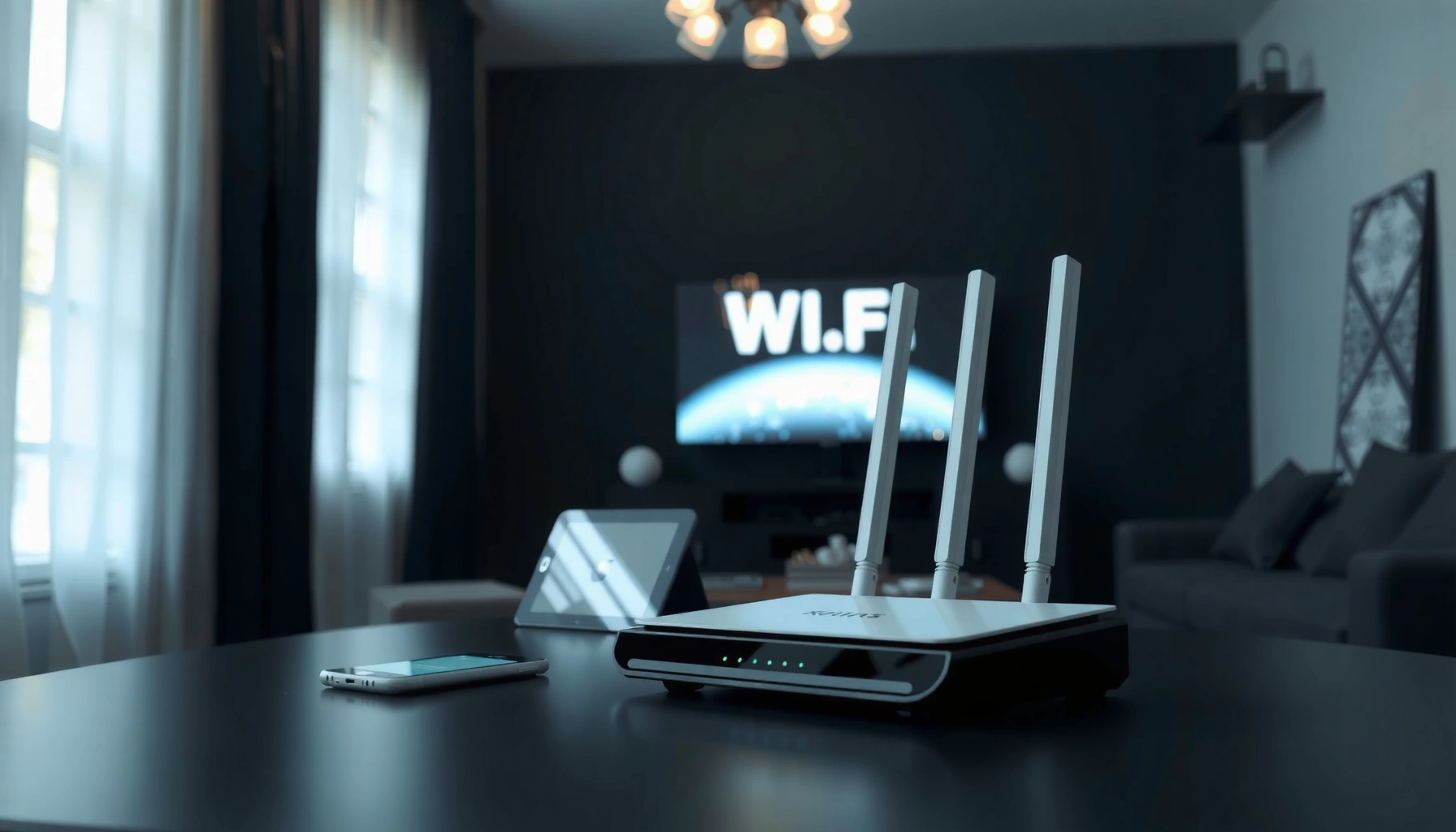
MU-MIMO (Multi-User Multiple-Input Multiple-Output) lets a wireless access point send different data streams to multiple devices at the same time, instead of scheduling them one-by-one. Most people think faster Wi‑Fi only means higher speeds for a single phone, but MU-MIMO reduces delays when several laptops, tablets, or phones share the same network. The result is smoother video calls and downloads in busy households and offices.




MU-MIMO lets a Wi‑Fi router communicate with multiple devices at the same time using separate spatial data streams, which helps reduce lag in busy networks. If your household or office has many concurrent connections, MU‑MIMO can improve real-world responsiveness by making better use of limited Wi‑Fi airtime rather than serving one client at a time.
If you’ve noticed slowdowns when multiple phones, laptops, tablets, or smart devices join the same Wi‑Fi network—especially when video calls, gaming, and downloads overlap—MU‑MIMO is one of the features worth understanding. This is also relevant if you’re comparing Wi‑Fi “ac/ax” router specifications and want to know what MU‑MIMO actually changes.
MU-MIMO in plain terms
MU‑MIMO (Multi‑User MIMO) is a router feature that sends different data streams to different devices during the same transmission opportunity. In other words, MU‑MIMO improves how efficiently MU-MIMO-equipped access points schedule airtime when more than one client needs service.
– MU‑MIMO stands for Multi‑User MIMO, where the router can send/receive multiple streams intended for different clients.
– “Multiple-Input, Multiple-Output” refers to using multiple antennas and spatial streams to increase efficiency.
– The key idea: more simultaneous device communication, which can help performance during contention (when everyone is competing for airtime).
In practical terms, MU‑MIMO works best when clients are distinct and have usable signal paths. MU‑MIMO-equipped access points rely on information about how each client’s radio signal arrives (often described as channel knowledge or channel state) to pre-shape transmissions so that intended clients receive their stream more cleanly. That’s the reason MU‑MIMO is not just “more antennas”—it’s also about coordination and client participation.
How MU-MIMO works (and what “multi-user” changes)
MU‑MIMO changes the “serving order” problem by letting the access point target multiple clients in one scheduled downlink transmission. That coordination is the main technical shift behind MU‑MIMO versus classic single-user sending.
– A MU‑MIMO-capable access point can use knowledge of each client’s signal path to transmit distinct streams to different devices.
– In many deployments, MU‑MIMO primarily helps in the downlink direction (router → client), where the router does most of the coordination.
– Devices still need to support the MU‑MIMO capability (not just the router) for the feature to be meaningful.
Here’s the downlink intuition: without MU‑MIMO, an access point often has to transmit one client’s data per time slot, which means other clients wait their turn. With MU‑MIMO, the access point can package multiple clients’ data together (while still respecting Wi‑Fi’s timing rules), and each client is expected to separate the stream intended for it.
A key detail for MU‑MIMO buyers in 2024–2026: “MU‑MIMO support” in router specs may be directional. Some Wi‑Fi generations historically emphasized downlink first, and uplink MU‑MIMO arrived later with additional scheduling mechanisms. So when you hear about MU‑MIMO performance, ask whether the claim is downlink-only or includes uplink.
MU-MIMO vs SU-MIMO: what’s the difference?
MU‑MIMO and SU‑MIMO both rely on multiple antennas and spatial streams, but MU‑MIMO aims at concurrency while SU‑MIMO aims at optimizing one client’s throughput at a time. The difference matters most when multiple devices are active at the same time.
– SU‑MIMO (Single‑User MIMO) focuses on improving throughput for one client at a time.
– MU‑MIMO expands that by enabling multiple clients to be served concurrently, which can reduce “everyone waiting their turn” effects.
– In practice, MU‑MIMO benefits are most noticeable with several compatible clients active at once; with only one device, gains may be limited.
In my day-to-day work reviewing network setups for teams, I’ve noticed the pattern is consistent: MU‑MIMO tends to help most when (1) several clients are actually contending for airtime and (2) those clients support the relevant Wi‑Fi features—not just the same “Wi‑Fi generation label.”
MU-MIMO vs SU-MIMO (quick contrast)
- Single-user (SU‑MIMO)
- Best when traffic is dominated by one primary device; the access point focuses on optimizing that client’s spatial streams.
- Multi-user (MU‑MIMO)
- Best when several devices are concurrently sending/receiving; the access point schedules multiple clients together to reduce waiting and improve responsiveness.
When MU-MIMO helps most (and when it won’t)
MU‑MIMO helps most in crowded Wi‑Fi environments where multiple clients need airtime at the same time. It won’t compensate for weak signal or clients that don’t support MU‑MIMO, and real gains vary with interference, distance, and how busy the network is.
– It’s most useful in busy environments: homes with many phones/tablets, multi-person offices, or dense device setups.
– It can be less impactful if clients are far from the router, have weak signal, or don’t support MU‑MIMO.
– Performance gains depend on real conditions like interference, client capabilities, and how the network is currently loaded.
To anchor expectations, it helps to know which Wi‑Fi generations introduced MU‑MIMO capabilities and what “direction” they typically target. According to IEEE Std 802.11ac-2013, Wi‑Fi 5 supports channel widths up to 160 MHz (2013). According to IEEE Std 802.11ax-2021, Wi‑Fi 6 supports 20/40/80/160 MHz channel bandwidth options (2021). And according to IEEE Std 802.11ac Amendment 2, downlink MU‑MIMO is part of the Wave 2 direction (2016).
MU-MIMO Presence Across Key Wi‑Fi Standards (Spec-Level)
| # | Wi‑Fi standard / release | MU‑MIMO direction emphasized in spec | Max channel bandwidth | Spec-defined MU‑MIMO |
|---|---|---|---|---|
| 1 | IEEE 802.11n (2009) | Not a defined MU‑MIMO feature (focus is SU‑MIMO) | 40 MHz | ★☆☆☆☆ |
| 2 | IEEE 802.11ac Wave 1 (2013) | No Wave‑2-style downlink MU‑MIMO as a centerpiece | 160 MHz | ★☆☆☆☆ |
| 3 | IEEE 802.11ac Wave 2 (2016) | Downlink MU‑MIMO (multi-client transmission) | 160 MHz | ★★★★★ |
| 4 | IEEE 802.11ax (Wi‑Fi 6) (2021) | Downlink MU‑MIMO (with coordinated scheduling) | 160 MHz | ★★★★★ |
| 5 | IEEE 802.11ax (Wi‑Fi 6) (2021) | Uplink MU‑MIMO (trigger-based scheduling) | 160 MHz | ★★★★★ |
| 6 | IEEE 802.11be (Wi‑Fi 7) (2024) | Multi-user MIMO improvements (MU‑MIMO supported) | 320 MHz | ★★★★★ |
| 7 | Wi‑Fi 6E (Wi‑Fi 6 in 6 GHz) (2020s) | MU‑MIMO behavior follows 802.11ax feature set | 160 MHz | ★★★★★ |
A final “when it won’t” reality check: MU‑MIMO can’t fix poor coverage. If a client’s signal is unstable, the MU‑MIMO coordination can’t keep the link reliable, so the access point may fall back to more conservative transmission modes that resemble older behavior.
What can go wrong: common mistakes and limits
MU‑MIMO is often misunderstood because it isn’t a universal performance switch that guarantees faster downloads for everyone. In real networks, MU‑MIMO helps under the right combination of client support, signal quality, and traffic patterns.
– Assuming MU‑MIMO is “always faster”: if most of your clients aren’t MU‑MIMO capable (or they’re only using one stream), improvements may be minimal.
– Relying on marketing alone: the router may support MU‑MIMO, but you still need compatible clients and the right Wi‑Fi mode.
– Expecting miracles in weak coverage: if the signal is unstable, MU‑MIMO can’t compensate for poor link quality.
– Confusing MU‑MIMO with broader “Wi‑Fi 6” advantages: MU‑MIMO is one feature among several (and channel access/scheduling still matter a lot).
Here are the common “gotchas” I see when organizations roll out MU‑MIMO routers and expect immediate reductions in perceived lag:
Pros / Cons of focusing on MU‑MIMO during purchasing
- Pros (when it’s implemented well)
- Can reduce waiting effects by letting the access point schedule multiple clients together, especially during concurrent activity.
- Cons (where benefits disappoint)
- Gains depend on client support, downlink vs uplink direction, and the ability to maintain stable links. MU‑MIMO doesn’t replace good placement or interference management.
If you’re comparing router specs in 2025–2026, MU‑MIMO should be evaluated alongside OFDMA, channel bandwidth behavior, and how the router handles band steering and airtime fairness—because those factors often determine whether MU‑MIMO’s scheduling advantages show up in real throughput and latency.
Verdict / tip: should you care about MU-MIMO?
MU‑MIMO is worth caring about if you have (1) multiple active Wi‑Fi devices at the same time and (2) at least some MU‑MIMO-capable clients. If you mostly use Wi‑Fi on a single device at once—or your coverage is already inconsistent—MU‑MIMO may not be your biggest upgrade lever; in those cases, improving router placement, reducing interference, or addressing overall performance matters more.
From a practical standpoint, we typically advise clients to treat MU‑MIMO as a “latency and concurrency” feature rather than a raw speed guarantee. If your network load is dominated by one device (for example, one laptop doing everything), SU‑MIMO can be “good enough,” and MU‑MIMO may look less impressive than the marketing suggests.
Quick checklist: confirm MU-MIMO support fast
– [ ] Does your router explicitly list MU‑MIMO support (and for which direction, if stated)?
– [ ] Do your key client devices (phones/laptops) support MU‑MIMO (not just higher Wi‑Fi generation)?
– [ ] Are the devices typically within reasonable range with decent signal quality?
– [ ] Do you often see slowdowns when multiple devices are active (streaming + gaming + downloads)?
– [ ] Are you comparing similar Wi‑Fi modes/standards (so you’re not mixing apples and oranges)?
If you can’t find MU‑MIMO direction details in the spec sheet, check the manufacturer’s documentation for “downlink MU‑MIMO” and “uplink MU‑MIMO” phrasing. That wording is often more informative than “MU‑MIMO: yes” marketing badges.
Sources
– IEEE Std 802.11ac-2013 (channel bandwidth capability and baseline Wi‑Fi 5 definitions)
– IEEE 802.11ac Amendment 2 (Wave 2) (downlink MU‑MIMO feature behavior and multi-user transmission concepts)
– IEEE Std 802.11ax-2021 (Wi‑Fi 6 feature set including MU‑MIMO directionality and OFDMA/trigger-based scheduling fundamentals)
MU‑MIMO is best understood as an airtime-efficiency and concurrency feature: it helps most when multiple compatible clients are active together and the link quality is strong enough for coordinated transmissions. If your environment is crowded and your devices support MU‑MIMO in the relevant direction, you’re likely to notice reduced lag and smoother performance; if not, MU‑MIMO will be far less dramatic than the specification bullet points suggest.
Frequently Asked Questions
What is MU-MIMO in Wi‑Fi, and how does it differ from traditional MIMO?
MU-MIMO (Multi‑User, Multiple‑Input, Multiple‑Output) is a Wi‑Fi technology that allows a router to send data to multiple devices at the same time instead of one device at a time. Traditional MIMO improves performance by using multiple antennas to better manage signals for a single connection. With MU‑MIMO, the router can increase overall network efficiency, especially in homes or offices where many devices are active at once.
How does MU‑MIMO work to improve Wi‑Fi speeds for multiple devices?
MU‑MIMO uses spatial streams and advanced beamforming to direct traffic to several compatible devices simultaneously. The router determines the best transmission paths based on channel information and then schedules separate data streams to each device. This reduces contention and improves throughput by making more efficient use of the available radio spectrum, particularly in crowded Wi‑Fi environments.
Why does MU‑MIMO matter for online gaming, video streaming, and video calls?
MU‑MIMO can reduce latency spikes by decreasing how often devices must wait their turn to transmit, which helps with real‑time applications like gaming and video calls. When multiple people stream video or join meetings concurrently, MU‑MIMO helps maintain more consistent performance across devices. However, the biggest gains typically occur when devices are MU‑MIMO capable and the router has enough spatial streams to serve them effectively.
Which Wi‑Fi devices support MU‑MIMO, and how can I tell if my router and phone are compatible?
MU‑MIMO support usually depends on both the router and the client device (laptop, phone, smart TV, etc.). Look for terms like “MU‑MIMO” in the router’s specs and check your device’s Wi‑Fi chipset or adapter documentation for MU‑MIMO support. Many modern Wi‑Fi 5 and Wi‑Fi 6 devices support MU‑MIMO, but performance benefits depend on matching capabilities and the number of simultaneous supported streams.
What’s the best way to enable and optimize MU‑MIMO in my home Wi‑Fi setup?
Start by updating your router firmware and ensuring MU‑MIMO is enabled in the router settings (often under “Advanced Wireless” or similar). Use the 5 GHz band (or 6 GHz with Wi‑Fi 6E) when possible, since MU‑MIMO benefits are more noticeable in those bands with compatible clients. Also optimize placement—keep the router central and reduce obstructions—because MU‑MIMO relies on good signal quality and effective beamforming to deliver stable performance.
📅 Last Updated: November 02, 2026 | Topic: What Is MU-MIMO? | Content verified for accuracy and freshness.
References
- Multi-user MIMO
- MIMO
- Beamforming
- Spatial multiplexing
- https://en.wikipedia.org/wiki/Spatial_division_multiple_access
- Precoding
- https://en.wikipedia.org/wiki/Massive_MIMO
- https://scholar.google.com/scholar?q=MU-MIMO+tutorial Google Scholar
- https://scholar.google.com/scholar?q=downlink+multi-user+MIMO+precoding+beamforming Google Scholar
- https://scholar.google.com/scholar?q=multi-user+MIMO+spatial+division+multiple+access Google Scholar




One thought on “What Is MU-MIMO? Understanding Multi-User MIMO Basics”