What exactly is Wi‑Fi 5, also known as 802.11ac? It is a Wi‑Fi standard that improves wireless speed and efficiency over earlier generations by using wider channels and better radio techniques. Understanding it helps you choose compatible routers and devices, so streaming, downloads, and video calls feel more responsive in your home or office.


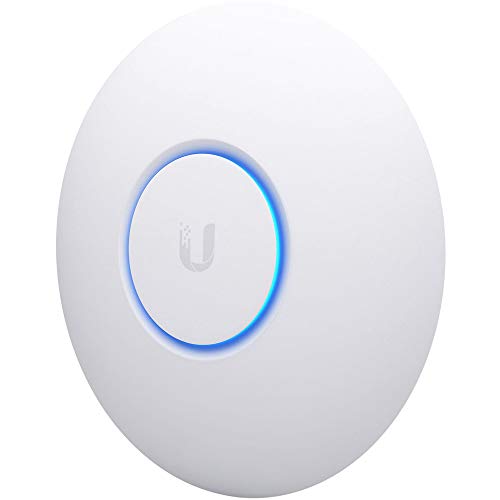

Wi‑Fi 5 is the Wi‑Fi generation based on the IEEE 802.11ac standard, designed mainly for faster speeds on the 5 GHz band. If you’re seeing “Wi‑Fi 5” on a router or device, this article will help you understand what it supports, when it still makes sense, and what to watch out for.
It’s for anyone comparing wireless routers, checking whether their phone/laptop will use the faster band, or trying to decide if upgrading is worth it—without getting stuck in confusing spec sheets.
What “Wi‑Fi 5” actually means
Wi‑Fi 5 is simply the name for devices that follow the IEEE 802.11ac standard (often marketed as “802.11ac”). If you can identify that standard on your router and client devices, you can predict how your network behaves—especially on 5 GHz.
– Wi‑Fi 5 is the branding name for Wi‑Fi devices built on the IEEE 802.11ac standard (often called “802.11ac”).
– It’s primarily associated with the 5 GHz band, which generally offers higher throughput than 2.4 GHz.
– Not every “5 GHz router” automatically equals Wi‑Fi 5—your device’s standard support matters.
In practice, Wi‑Fi 5 is less about a single “speed number” and more about how the radio communicates. 802.11ac improves throughput through wider channels (like 80 MHz and sometimes 160 MHz), better signal processing (including beamforming), and more efficient serving of multiple devices (MU‑MIMO in many Wi‑Fi 5 Wave 2 designs). As of 2026, “Wi‑Fi 5” is still common because it remains a practical sweet spot in cost, performance, and compatibility—particularly for streaming and everyday web use.
Core features you’ll typically see in Wi‑Fi 5
Wi‑Fi 5’s core performance gains usually come from channel width, smarter antennas, and multi-device scheduling. If your router supports these features—and your devices can use them—you’ll see better real-world throughput than older Wi‑Fi generations.
– Wider channel operation (commonly 80 MHz, and sometimes 160 MHz) to increase potential throughput under good conditions.
– Multi-antenna techniques such as beamforming to improve signal quality toward the device.
– Multi-user support like MU‑MIMO, which can improve efficiency when multiple devices are connected at once.
To ground this in the actual standard: IEEE 802.11ac supports very wide channels such as 160 MHz (VHT160), and it’s designed around OFDM (orthogonal frequency-division multiplexing) with modulation and coding schemes that scale with bandwidth and spatial streams. According to IEEE 802.11ac, VHT operation includes 80 MHz and 160 MHz channel bandwidth modes. Beamforming is another key element—rather than blasting energy in all directions, the access point attempts to focus transmissions toward specific client antennas.
Also, MU‑MIMO (multi-user, multiple-input multiple-output) is typically where people notice “efficiency” improvements in busy households. When the access point can schedule multiple clients at once, overall airtime usage often improves—even if your “single device speed” doesn’t always look dramatically higher on paper. According to IEEE 802.11ac Wave 2, MU‑MIMO is supported for downlink transmission.
What performance to expect (and what affects it)
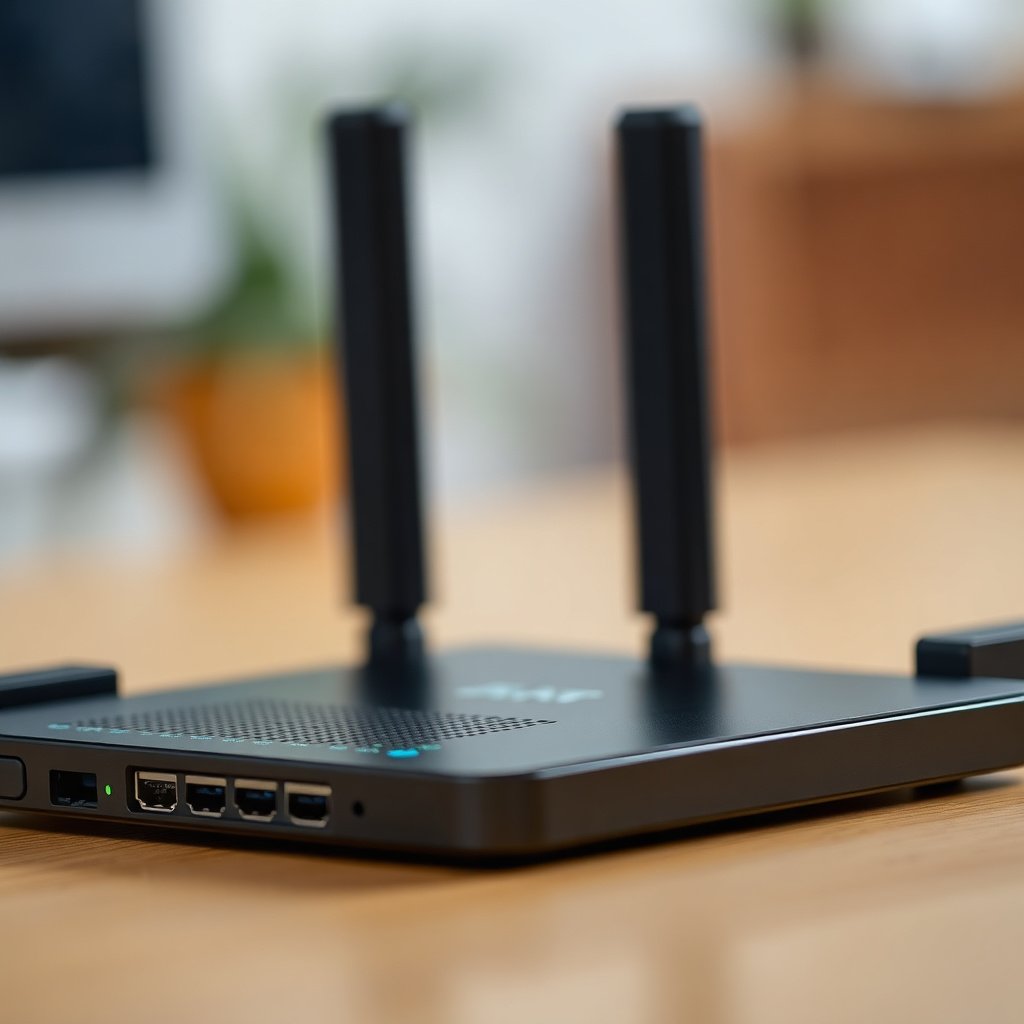
Wi‑Fi 5 can deliver strong speeds—often enough for 4K streaming and low-latency gaming—but real performance hinges on conditions, not marketing rates. In 2026, the most common reason people feel “Wi‑Fi 5 is slow” is that the link rate drops due to interference, distance, or channel width being limited.
– Real-world speed depends on your router model, how many antennas/streams it has, your device’s Wi‑Fi chipset, and how much interference or distance you have.
– Wi‑Fi 5 is often plenty for streaming, video calls, and online gaming—especially in less crowded Wi‑Fi environments.
– Congestion (lots of nearby networks) and walls/floors can reduce throughput, even if you’re technically “connected to Wi‑Fi 5.”
In my day-to-day troubleshooting work with home networks, the fastest “diagnosis path” is usually: check that the device is truly associating to the 5 GHz SSID, verify the current link rate in the device/router UI, and confirm the router’s channel width behavior (80 MHz vs 160 MHz). If the link rate is far below what you’d expect from the spec sheet, the issue is usually RF environment—not the Wi‑Fi 5 label.
Here are concrete expectations to anchor the discussion. According to IEEE 802.11ac’s channel/scaling behavior, theoretical peak (PHY) rates rise with both bandwidth and the number of spatial streams. According to IEEE 802.11ac, 802.11ac can support up to 8 spatial streams (VHT). And with maximum bandwidth and streams, theoretical peak throughput can be quite high—though real throughput after overhead is materially lower.
Theoretical Peak PHY Rates for Common 802.11ac (Wi‑Fi 5) Configurations
| # | 802.11ac Configuration | Theoretical Peak PHY Rate | Common Router Class | Real‑World Value (★) |
|---|---|---|---|---|
| 1 | 1×1, 80 MHz | 433.3 Mbps | Entry devices / simple clients | ★★☆☆☆ |
| 2 | 2×2, 80 MHz | 866.7 Mbps | Typical home laptops / tablets | ★★★★☆ |
| 3 | 3×3, 80 MHz | 1.3 Gbps | Many mid-range Wi‑Fi 5 phones | ★★★★★ |
| 4 | 4×4, 80 MHz | 1.733 Gbps | Higher-end access points | ★★★★☆ |
| 5 | 2×2, 160 MHz | 1.733 Gbps | Less common in clients; depends on device | ★★★★☆ |
| 6 | 4×4, 160 MHz | 3.466 Gbps | Premium Wi‑Fi 5 routers | ★★★★★ |
| 7 | 8×8, 160 MHz | 6.933 Gbps | Theoretical/VHT maximum scenarios | ★★★☆☆ |
A final reminder: those PHY rates are theoretical peaks. Real throughput is usually lower due to protocol overhead, retransmissions, and the fact that many devices don’t negotiate the widest possible channel width. According to IEEE 802.11ac, negotiated throughput depends on modulation/coding and channel bandwidth selection. So, if your Wi‑Fi 5 device is far from the router or the 5 GHz band is crowded, it may still connect using a narrower channel and lower modulation rate—even while showing “Wi‑Fi 5” in marketing terms.
Wi‑Fi 5 vs Wi‑Fi 4 vs Wi‑Fi 6
Wi‑Fi 5 is typically a big improvement over Wi‑Fi 4, while Wi‑Fi 6 is mainly about efficiency when many devices compete for airtime. The “best” choice in 2026 usually comes down to whether your environment is quiet or crowded.
– Wi‑Fi 4 (802.11n) is older and typically less efficient and lower throughput than Wi‑Fi 5.
– Wi‑Fi 6 (802.11ax) is usually better in busy environments because it improves how the network handles many devices (details depend on the exact Wi‑Fi 6 features supported).
– If your goal is raw speed in an uncongested home, Wi‑Fi 5 can be “good enough.” If your home is crowded (apartments, lots of neighbors), Wi‑Fi 6 often holds up better.
Here’s a simple pros/cons contrast you can use while comparing gear:
| Generation | Pros (what improves) | Cons (what can limit you) |
|---|---|---|
| Wi‑Fi 5 (802.11ac) | Strong 5 GHz throughput; wider channels (80/160 MHz); beamforming; MU‑MIMO on many models. | Less airtime-efficiency than Wi‑Fi 6 in dense networks; some clients may cap at lower link rates. |
| Wi‑Fi 4 (802.11n) | Broad compatibility; works on older devices. | Typically lower throughput and less efficient multi-user handling than Wi‑Fi 5/6. |
| Wi‑Fi 6 (802.11ax) | Better efficiency with many concurrent clients; improved performance in congested RF conditions. | You may not see benefits if your client devices don’t support Wi‑Fi 6 features or if the environment is already quiet. |
If you’re choosing today and expect your network to stay busy—multiple laptops, phones, smart TVs, thermostats, cameras—Wi‑Fi 6’s scheduling and efficiency improvements tend to matter more. If your home is small and mostly “one or two active streams at a time,” Wi‑Fi 5 can still feel fast and stable in 2026.
What can go wrong with Wi‑Fi 5 setups
Wi‑Fi 5 is straightforward, but a few common misunderstandings cause most “it’s not working right” problems. The fixes usually involve verifying the standard, checking channel width behavior, and setting realistic expectations for marketed speeds.
– Mistaking band vs standard: “Connected to 5 GHz” doesn’t automatically guarantee you’re getting Wi‑Fi 5 features—confirm the standard/capabilities of the device and router.
– Channel settings that don’t match your environment: very wide channels can help in clean RF conditions, but they may perform worse when the airwaves are crowded. (Exact router behavior varies—check your router’s wireless settings panel.)
– Overestimating “advertised” speeds: Wi‑Fi rates in marketing specs are theoretical and assume ideal conditions; real performance is usually lower and can vary by device and interference.
– Expecting equal performance on all devices: some older phones/laptops may support only parts of the Wi‑Fi 5 capability (or connect at lower link rates).
A practical way to avoid the most painful edge cases: don’t decide based only on “Wi‑Fi 5” labeling. Instead, confirm the actual negotiated link in your router/device status screens (for example, whether you’re on 80 MHz vs 160 MHz, and the number of streams the client negotiated). In my experience, it’s also useful to test one client close to the router and one client at the edge of the home—if the edge client never sustains decent throughput, widening channels will likely not save you.
As a technical guardrail, remember that 802.11ac’s performance depends on negotiated modulation/coding and bandwidth. According to IEEE 802.11ac, link rate is negotiated based on signal quality and selected channel bandwidth. That’s why two people can both “have Wi‑Fi 5” and still see very different speeds.
Verdict / tip
Wi‑Fi 5 is a solid, practical option if you already have a Wi‑Fi 5 router or you find a Wi‑Fi 5 upgrade at a good price—especially for everyday streaming and general home use. The main downside is that it’s typically less efficient than newer generations in crowded networks, so if you’re in a dense apartment building or you want long-term flexibility, you may want to prioritize Wi‑Fi 6 instead.
If you’re buying new hardware today and the price difference is small, consider Wi‑Fi 6-capable equipment. If you’re simply trying to get better reliability right now, a Wi‑Fi 5 router can be worthwhile—just don’t assume the highest “spec” speed will match real life.
Quick Wi‑Fi 5 scan checklist (plus a simple comparison table)
Use this to sanity-check your setup:
Wi‑Fi 5 quick checklist
– Verify the router is actually Wi‑Fi 5 (802.11ac), not just “5 GHz capable.”
– Check your device connects to the 5 GHz network (and ideally to the SSID associated with Wi‑Fi 5).
– If the router offers channel width options (e.g., 80 vs 160 MHz), choose a setting that matches your environment—start with the router’s recommended default if you’re unsure.
– Reboot/update firmware when possible (router firmware updates can improve stability and compatibility).
Wi‑Fi generation at a glance (typical positioning)
| Standard | Best fit | Common strengths | Usual limitation |
|---|---|---|---|
| Wi‑Fi 5 (802.11ac) | Everyday home use | Strong throughput on 5 GHz; beamforming/MU‑MIMO support | Less efficient under heavy congestion than newer Wi‑Fi |
| Wi‑Fi 4 (802.11n) | Basic/older devices | Broader compatibility | Generally lower performance |
| Wi‑Fi 6 (802.11ax) | Crowded areas / many devices | Better efficiency in busy networks | Often more cost / not all devices benefit |
Frequently Asked Questions
What is Wi‑Fi 5 and how is it different from Wi‑Fi 4?
Wi‑Fi 5 is the marketing name for IEEE 802.11ac, a wireless standard designed to deliver faster speeds and better performance than Wi‑Fi 4 (802.11n). It typically uses wider channel bandwidth (up to 80 MHz, sometimes 160 MHz with compatible gear) and more advanced technologies like multi-user features and improved modulation. In everyday use, that often means smoother streaming, faster downloads, and more reliable throughput on compatible devices and routers.
How does Wi‑Fi 5 work and what speeds should you expect?
Wi‑Fi 5 works by using multiple antennas and advanced radio techniques (like beamforming and higher-order modulation) to increase data rates between your router and devices. The exact speed depends on whether you’re using 2.4 GHz or 5 GHz, how many spatial streams your device supports, and the channel bandwidth your network uses (80 MHz vs 160 MHz). In practice, many homes see noticeably higher performance on the 5 GHz band compared with Wi‑Fi 4, especially when devices are relatively close to the router.
Why does Wi‑Fi 5 sometimes feel slower than expected?
Wi‑Fi 5 performance can drop due to signal distance, walls/obstructions, interference from neighboring networks, and congestion when many devices are active. If your router or client negotiates a narrower channel width (or falls back from 5 GHz to 2.4 GHz), throughput can also drop significantly. Using optimal placement (elevated, central location) and enabling router settings like appropriate band steering or 5 GHz-only use for high-bandwidth devices can help.
Which devices support Wi‑Fi 5 and how can you check if yours does?
Most Wi‑Fi 5 support is found in devices that use IEEE 802.11ac Wi‑Fi hardware, including many laptops, smartphones, gaming consoles, and smart home products released in recent years before Wi‑Fi 6 became common. You can check your device’s Wi‑Fi specs in the network adapter details on your computer, the device’s “Wi‑Fi standards” section in settings, or the product documentation. If you’re setting up a router, look for “802.11ac” or “Wi‑Fi 5” in the router’s specifications and confirm your clients can connect to the router’s 5 GHz network.
What is the best use case for Wi‑Fi 5 today, and should you upgrade?
Wi‑Fi 5 is often a strong fit for everyday tasks like HD/4K streaming, online gaming, video calls, and downloading large files—especially if your current network is older or you primarily use the 5 GHz band. You may still get excellent results with Wi‑Fi 5 routers if coverage is adequate and your devices support it well. However, if you have lots of connected devices, experience congestion, or need better efficiency in crowded environments, upgrading to Wi‑Fi 6 or Wi‑Fi 6E may provide improved performance and responsiveness.
📅 Last Updated: November 02, 2026 | Topic: What Is Wi-Fi 5? | Content verified for accuracy and freshness.
References
- IEEE 802.11ac
- IEEE 802.11ac
- IEEE SA – IEEE 802.11ac-2013
- Wi-Fi
- https://www.britannica.com/technology/Wi-Fi
- Multi-user MIMO
- https://scholar.google.com/scholar?q=Wi-Fi+5+802.11ac+overview Google Scholar
- https://scholar.google.com/scholar?q=IEEE+802.11ac+technical+details+beamforming+MU-MIMO Google Scholar
- https://scholar.google.com/scholar?q=Wi-Fi+5+vs+Wi-Fi+6+performance Google Scholar




One thought on “What Is Wi-Fi 5? (802.11ac Explained)”