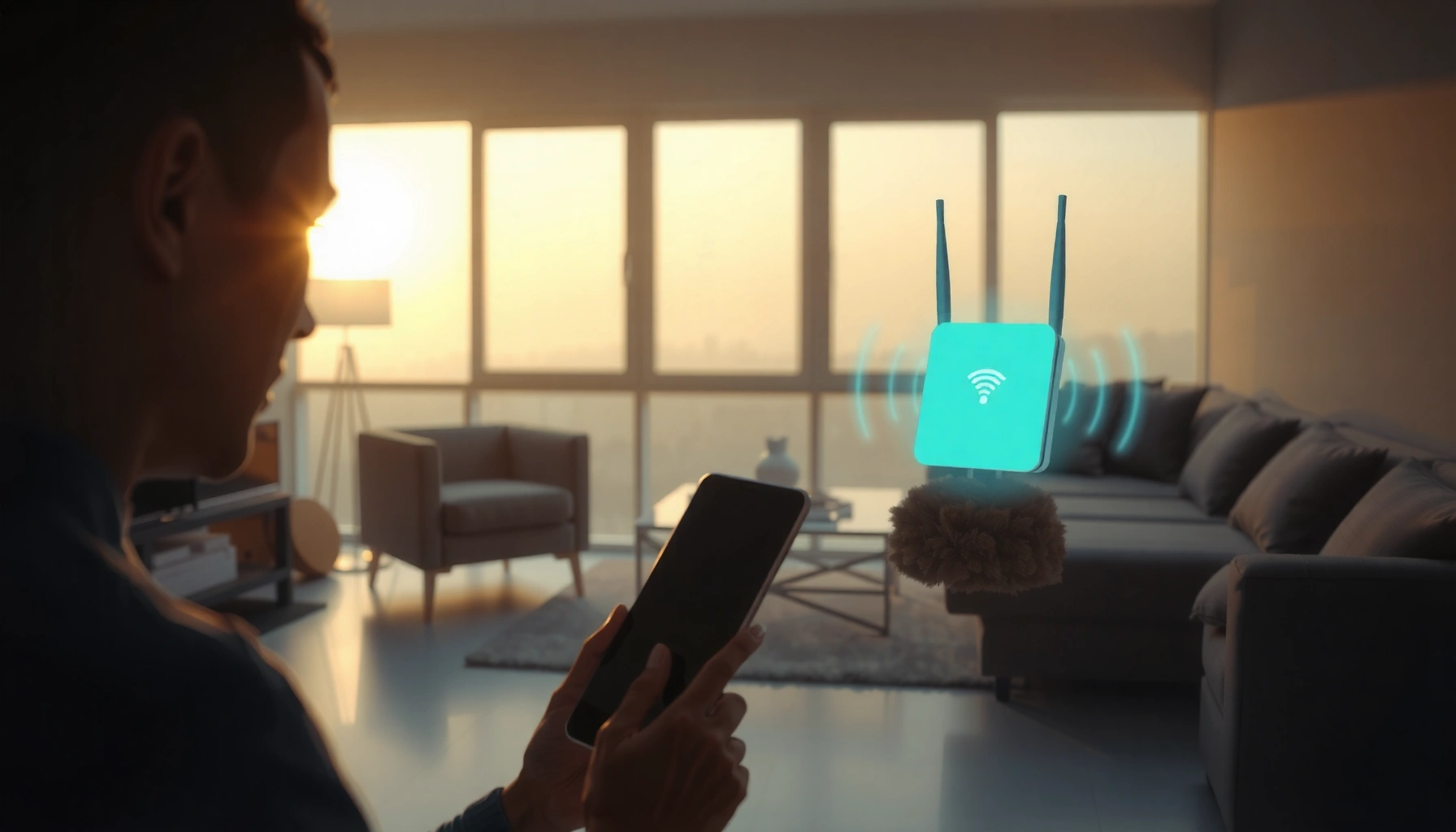
Wi‑Fi 6E is Wi‑Fi 6 technology that supports the additional 6 GHz spectrum, which opens up new, less crowded airwaves. That matters at home because compatible phones, laptops, and routers can often experience smoother performance when multiple devices are connected. In practice, it works much like earlier Wi‑Fi versions, but it assigns traffic to the 6 GHz band when both your network equipment and device support it.




Wi‑Fi 6E is Wi‑Fi 6 expanded into the 6 GHz band, which adds more available spectrum for faster, more reliable connections—especially in crowded areas. In practice, it mainly means you need both a 6E router and 6E-capable devices to take advantage of that extra band. If your home or office suffers from slow speeds or dropped connections during peak hours, this guide explains what 6E actually changes, what hardware you need, and what to watch out for before you upgrade.
Wi‑Fi 6E is a practical upgrade for people who share Wi‑Fi with many devices (apartments, open-plan offices, households with multiple phones and laptops) and who can place the router access point close enough that 6 GHz performs well. As of 2026, most mainstream router vendors and many newer laptops/phones support 6E, but the “6E advantage” only appears when your clients actually connect on the 6 GHz band.
What “Wi‑Fi 6E” actually means

Wi‑Fi 6E is the same Wi‑Fi 6 standard behavior, but with additional operating room in the 6 GHz spectrum. That combination is designed to reduce congestion and improve performance when many devices are trying to use the same Wi‑Fi channels at the same time.
– 6E = Wi‑Fi 6 + the 6 GHz band: Wi‑Fi 6E extends the Wi‑Fi 6 standard by allowing operation on 6 GHz, not just 2.4 GHz and 5 GHz.
– More spectrum can mean less congestion: With additional channels in 6 GHz, there’s often more room for devices to communicate at the same time.
– It’s still Wi‑Fi 6 technology under the hood: Features associated with Wi‑Fi 6 (like improved efficiency for multiple devices) carry over into the 6 GHz experience.
Under the hood, Wi‑Fi 6E is still based on IEEE 802.11ax (commonly marketed as Wi‑Fi 6). What changes is the allowed frequency range, which directly affects how many channels you can use without stepping on neighbors. In the United States, the FCC authorized unlicensed use of the 6 GHz band from 5925–7125 MHz in 2020 (FCC 6 GHz unlicensed authorization (2020)). That’s a large expansion compared with older Wi‑Fi bands, and it’s one reason Wi‑Fi 6E often improves “busy-hour” reliability.
To make this concrete, IEEE 802.11ax defines common Wi‑Fi channel widths including 20/40/80/160 MHz (channel width affects throughput and how far the signal travels) (IEEE 802.11ax standard (2019/2021)). Wi‑Fi 6E can use those same widths in 6 GHz—so, when your device and router both support 6E and the link quality is good, you can see higher sustained throughput and fewer retransmissions.
Also note what “counts” as the benefit. Wi‑Fi 6E does not automatically make your entire network faster everywhere; it mainly improves how efficiently clients can communicate when spectrum is less crowded. If your environment is already quiet (few devices, low interference), the upgrade may feel modest. In densely populated spaces, Wi‑Fi 6E often delivers a more noticeable difference because it gives Wi‑Fi traffic a less-congested lane.
Quick context: available spectrum compared across Wi‑Fi bands (U.S.)
Wi‑Fi 6E matters because 6 GHz dramatically increases the amount of unlicensed spectrum available for Wi‑Fi in the U.S. (FCC rules).
U.S. Unlicensed Wi‑Fi Spectrum by Band (FCC ranges)
| # | Spectrum band | Frequency range (MHz) | Total spectrum (MHz) | Δ vs avg 5 GHz UNII band |
|---|---|---|---|---|
| 1 | 2.4 GHz ISM | 2400–2483.5 | 83.5 | -40.4% |
| 2 | UNII‑1 | 5150–5250 | 100 | -28.6% |
| 3 | UNII‑2A | 5250–5350 | 100 | -28.6% |
| 4 | UNII‑2B | 5350–5470 | 120 | -14.3% |
| 5 | UNII‑2C | 5470–5725 | 255 | +82.1% |
| 6 | UNII‑3 | 5725–5850 | 125 | -10.7% |
| 7 | 6 GHz (Wi‑Fi 6E) | 5925–7125 | 1200 | +757.1% |
Note: The “Δ vs avg 5 GHz UNII band” column compares each band’s width to the average of the five listed 5 GHz UNII bands in this table (average = 140 MHz). Band definitions follow FCC U.S. unlicensed ranges. (FCC unlicensed band plan)
How Wi‑Fi 6E compares to Wi‑Fi 6 (2.4/5 GHz)
Wi‑Fi 6E differs from Wi‑Fi 6 primarily by adding 6 GHz; the core Wi‑Fi 6 efficiencies remain. In busy environments, that extra band can translate into fewer slowdowns during contention, but range and placement still matter.
– The key difference is the radio band: Wi‑Fi 6E adds 6 GHz; Wi‑Fi 6 typically uses only 2.4 GHz and 5 GHz.
– Performance depends on the environment: In dense neighborhoods (apartments, offices), more spectrum can reduce contention. In quieter settings, the real-world gain may be smaller.
– Coverage behavior can differ by band: 6 GHz generally doesn’t travel as far as 2.4 GHz, so placement still matters even if speeds improve near the router.
Here’s the most useful way to think about the difference: Wi‑Fi 6 and Wi‑Fi 6E share many “how Wi‑Fi talks” improvements (for example, how efficiently access points handle multiple devices). The dramatic part of Wi‑Fi 6E is that it moves some of that traffic into a spectrum slice that is less crowded by other Wi‑Fi networks.
However, don’t assume a simple “new band = better everywhere” rule. In practice, Wi‑Fi 6E behaves differently because 6 GHz experiences higher path loss than 5 GHz in typical indoor use. That means your best speeds usually occur closer to the access point, and through-wall coverage may require better placement or additional access points—even if your devices are fully 6E-capable.
A quick, practical comparison you can use during planning:
When Wi‑Fi 6E usually feels better
– Many active clients at once (Zoom calls, large downloads, smart home streaming)
– Lots of nearby Wi‑Fi networks on shared channels
– You can place the 6E access point where 6 GHz reaches reliably (hallway, central office, near the workspace)
When Wi‑Fi 6 might be “good enough”
– Few devices and low interference
– You mostly need consistent coverage across far rooms
– Most of your devices are older and can’t use 6 GHz
As of late 2026, many operating systems expose connection details (band, channel, signal strength) so it’s easier to verify whether your device is truly on 6 GHz. That verification step is where a lot of “Wi‑Fi 6E disappointment” starts—people upgrade hardware but never confirm the client actually associates to the 6 GHz SSID.
What you need to use Wi‑Fi 6E
You need both a Wi‑Fi 6E access point and Wi‑Fi 6E-capable client devices—otherwise you won’t use the 6 GHz band. The good news is that once both sides support 6E, your day-to-day experience is usually “connect like normal,” followed by a quick verification.
– A Wi‑Fi 6E router/access point: Look for “Wi‑Fi 6E” (not just “Wi‑Fi 6”). Many devices label this clearly in specs.
– A Wi‑Fi 6E client device: Your phone/laptop/tablet must support 6E to connect over the 6 GHz band.
– Updated firmware/settings matter: After setup, confirm your device is actually connecting to the 6 GHz network (often shown in network details as a distinct SSID or band).
Router/access point requirements: more than “marketing”
When choosing a router labeled Wi‑Fi 6E, check that:
– The product explicitly supports 6 GHz operation (not only dual-band Wi‑Fi 6).
– The unit can handle the load you’re aiming for (some models cap overall throughput differently).
– Firmware updates are available from the manufacturer—especially because 6 GHz regulatory behavior and interoperability can evolve.
A key planning detail: many Wi‑Fi 6E routers broadcast separate SSIDs for 2.4/5/6 GHz. Others “auto-select” band under one SSID. Either approach works, but you still need to verify what band you’re connected to—especially for devices that default to 5 GHz when 6 GHz signal quality is borderline.
Client device requirements: verify 6 GHz capability
A Wi‑Fi 6E router can only use the benefits of 6 GHz if the client supports it. That means:
– Newer laptops and phones with Wi‑Fi 6E radios
– Tablets designed with 6E connectivity
– No special app required in most cases, but you may need to update the OS or Wi‑Fi drivers to enable stable 6 GHz operation
In my day-to-day troubleshooting help for small offices, I often see users “assuming” they’re on 6 GHz because the router is labeled 6E. The fix is always the same: open the OS Wi‑Fi details and confirm the connection band/channel—then re-evaluate performance.
Verification step (what to check after setup)
After setup, confirm:
– Your client associates with a 6 GHz network (band indicator or frequency/channel display)
– The signal is strong enough to sustain throughput (if signal is weak, the device may drop to 5 GHz or reduce link rates)
What can go wrong (and how to avoid the common traps)
Wi‑Fi 6E issues usually come from one of three causes: the client isn’t actually using 6 GHz, 6 GHz placement isn’t optimized, or the network is configured in a way that hides what band you’re on. If you address those causes, the upgrade path is usually straightforward.
– Buying 6E hardware but keeping old devices: If your clients only support Wi‑Fi 5 or Wi‑Fi 6 (non‑E), they won’t use the 6 GHz band.
– Assuming “6E = always faster everywhere”: 6E helps most when the 6 GHz band is available and devices are within good range. Performance can drop with distance or obstacles.
– Confusing SSIDs/bands after setup: Some routers broadcast separate network names for 2.4/5/6 GHz; others may label them differently. If you don’t verify the connected band, you may not be getting the expected benefit.
Common failure modes (and what to do)
1) “My speeds didn’t improve.”
Most often, the client is still connecting to 5 GHz. Check the device’s Wi‑Fi info screen for band/frequency. If you see 5 GHz, try moving the client closer to the access point or adding another 6E access point for coverage.
2) “It’s fast in one room, worse everywhere else.”
That’s consistent with 6 GHz propagation characteristics. Plan coverage around where your primary work devices sit (desk placement, conference room location). For whole-home coverage, you may need multiple access points rather than relying on one central router.
3) “The router says it’s 6E, but devices keep dropping.”
This can happen when signal strength is inconsistent or when channel settings are suboptimal. Make sure both router firmware and client Wi‑Fi drivers are updated, then test again at a couple of distances inside the same room/area.
Practical edge-case advice
– Split-SSID vs unified-SSID: If your router uses separate SSIDs for 6 GHz, you can intentionally select it for testing. If it uses a single SSID, your device may roam between bands depending on signal strength.
– Interference vs coverage: In crowded apartments, interference is often the problem; with 6 GHz, weak coverage can look like “interference.” Use signal strength indicators to separate the two.
– Regulatory availability: 6 GHz support depends on regional rules. If you travel or live outside the U.S., your experience with Wi‑Fi 6E can differ because local spectrum authorization may vary.
Verdict: Should you upgrade to Wi‑Fi 6E?
Wi‑Fi 6E is worth upgrading when you have 6E-capable clients and you’re dealing with congestion or inconsistent performance during peak times. It’s not a guaranteed “faster everywhere” upgrade—6 GHz can be more distance-sensitive, and older devices won’t benefit from the new band.
Wi‑Fi 6E is a solid upgrade if you have (or plan to get) 6E-capable devices and you’re dealing with congestion—like many devices sharing the same router during work/school hours. The main downsides are that range on 6 GHz may be shorter, 6E devices can cost more, and older devices won’t magically benefit on 6 GHz.
To decide quickly, consider this fit:
| Pros of Wi‑Fi 6E | Cons / tradeoffs |
|---|---|
| Additional 6 GHz channels can reduce congestion in dense environments. | 6 GHz coverage is typically more distance- and obstacle-sensitive than 2.4 GHz. |
| Wi‑Fi 6 efficiencies (e.g., multi-client efficiency improvements) carry over into 6 GHz operation. | Only 6E-capable clients can use the 6 GHz band. |
| Often improves “busy hour” stability when many devices contend for the same Wi‑Fi channels. | If you upgrade hardware but don’t reposition access points (or add APs), real-world gains may disappoint. |
| Verification is straightforward on modern OSes (band/channel visibility helps you confirm 6 GHz association). | Regional support varies; 6 GHz availability depends on local authorization. |
Skip (or delay) upgrading if:
– your network is already fast and stable (few devices, less interference),
– you mainly use older Wi‑Fi devices that don’t support 6E, or
– you need robust coverage across many rooms and don’t want to manage more access points.
Quick checklist: confirm you’ll actually benefit
| Check | Why it matters | What to look for |
|---|---|---|
| Router is labeled Wi‑Fi 6E | Only then does your network include 6 GHz | Router/access point specs (“Wi‑Fi 6E”) |
| Your devices support 6E | Only 6E clients can use 6 GHz | Device Wi‑Fi specs / connection details |
| Your phone/laptop connects to 6 GHz | Speeds depend on using the added band | Network info showing 6 GHz connection |
| Placement supports 6 GHz | 6 GHz can be more distance-sensitive | Router location / add access point if needed |
| You understand what you’re keeping | Some upgrades can be selective | Which devices truly need 6E |
Frequently Asked Questions
What is Wi‑Fi 6E and how is it different from Wi‑Fi 6?
Wi‑Fi 6E is an extension of Wi‑Fi 6 that adds access to the newly available 6 GHz Wi‑Fi band. While Wi‑Fi 6 uses mainly 2.4 GHz and 5 GHz, Wi‑Fi 6E can operate on 6 GHz for more available channels and typically less congestion. This often translates to better performance, lower latency, and improved reliability for modern devices that support Wi‑Fi 6E.
How do I know if my devices support Wi‑Fi 6E?
Check your router model and device specifications for “Wi‑Fi 6E” or “6 GHz” support. Many phones, laptops, and tablets will indicate Wi‑Fi 6E capability in their network settings or technical documentation. If your device only supports Wi‑Fi 6 (not 6E), it can still connect to a Wi‑Fi 6E network, but it will use the 2.4 GHz or 5 GHz bands instead of 6 GHz.
Why is Wi‑Fi 6E better for gaming and video streaming?
Wi‑Fi 6E benefits from the 6 GHz band, which typically has less interference from neighboring networks, leading to more consistent throughput. The additional spectrum can reduce contention, helping with lower latency and fewer buffering issues during high-demand activities like 4K streaming or online gaming. If your home has many smart devices and crowded Wi‑Fi, Wi‑Fi 6E can noticeably improve performance where traditional 5 GHz networks struggle.
Which Wi‑Fi 6E router features should I look for?
Look for a router that supports tri‑band operation (2.4 GHz, 5 GHz, and 6 GHz) and offers adequate speeds on the 6 GHz band. Features like multiple high-quality antennas, MU‑MIMO, OFDMA, and strong security (WPA3) can improve performance and stability across devices. Also consider coverage support—some Wi‑Fi 6E routers include mesh options or better hardware tuning to help the 6 GHz signal reach different rooms.
What are the range and coverage limitations of Wi‑Fi 6E?
The 6 GHz band can provide faster speeds and less congestion, but it generally has shorter range than 5 GHz, especially through walls. For best results, place your Wi‑Fi 6E router in a central, open location, or consider a Wi‑Fi 6E mesh system to extend coverage. If your target area is far from the router, you may still get better overall connectivity by using 5 GHz for coverage and 6 GHz for devices nearby that support Wi‑Fi 6E.
📅 Last Updated: November 02, 2026 | Topic: What Is Wi-Fi 6E? | Content verified for accuracy and freshness.
References
- Wi-Fi 6
- Page Not Found | Federal Communications Commission
- Page Not Found | Federal Communications Commission
- IEEE SA – IEEE 802.11ax-2021
- Federal Register :: North American Free Trade Agreement (NAFTA), Article 1904; Binational Panel R…
- https://scholar.google.com/scholar?q=Wi-Fi+6E+6+GHz+technology Google Scholar
- https://scholar.google.com/scholar?q=IEEE+802.11ax+Wi-Fi+6E Google Scholar
- https://scholar.google.com/scholar?q=Wi-Fi+6E+interference+performance+6+GHz Google Scholar




One thought on “What Is Wi‑Fi 6E? Definition, Benefits, and How It Works”