
Many Yamaha sound systems shut off unexpectedly due to overheating, electrical issues, or incorrect settings. Understanding these common causes can help you troubleshoot and restore your audio experience. In this article, we’ll explore the likely reasons for your sound system’s shutdown and how to resolve them.
Common Causes of Shutdown
– Overheating: Yamaha systems often have built-in protection mechanisms that automatically turn the device off if it overheats. This overheating can result from several factors, including blocked ventilation, dust accumulation, or prolonged use at high volumes. If your sound system is placed in a cramped space or surrounded by other electronics, it may struggle to dissipate heat effectively, leading to shutdowns. Always ensure that there is adequate airflow around your sound system, and consider cleaning the vents regularly to prevent dust buildup.
– Power Supply Issues: Fluctuations in the power supply or using faulty outlets can lead to abrupt shutdowns. It’s crucial to ensure that your Yamaha sound system is connected to a stable power source that can handle the power requirements of the unit. If you are using a power strip, ensure that it is rated for the load and check for any signs of wear or damage. Additionally, consider using a surge protector to guard against sudden spikes in electricity which can cause your system to turn off unexpectedly.
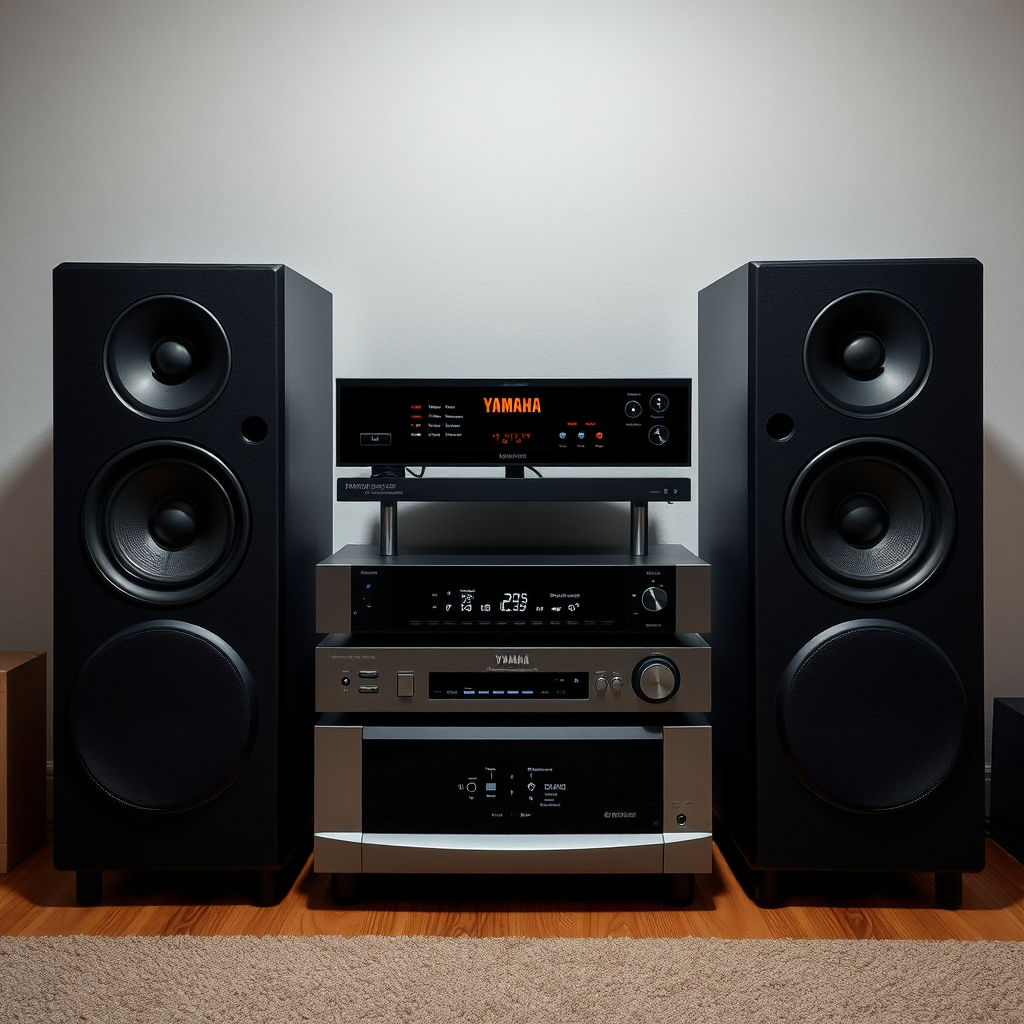
Speaker Configuration and Impedance
– Incorrect Impedance: One common issue that can lead to shutdowns is using speakers with an impedance rating that does not match the specifications of your Yamaha sound system. An impedance mismatch can overload the amplifier, forcing the system to shut down to prevent damage. Always refer to the user manual to verify the appropriate impedance levels for both your receiver and speakers.
– Improper Connections: Loose or incorrect wiring can lead to short circuits or overloads, resulting in your sound system powering down. Ensure that all speaker wires are securely connected, and check for any frayed wires or damaged connectors that may lead to poor contact. Consider re-stripping the wire ends and reconnecting them to ensure a solid connection.
Faulty Components
– Internal Hardware Failures: Over time, components such as capacitors or resistors within the sound system may fail, causing shutdowns. These hardware components can degrade due to heat, age, or electrical surges. If you suspect internal hardware issues, it may be necessary to have the system assessed by a professional technician who can test individual parts and replace any faulty components.
– Firmware Glitches: Occasionally, outdated firmware can cause operational issues that may lead to shutdowns. Manufacturers like Yamaha periodically release firmware updates to address bugs and improve performance. To ensure your system operates smoothly, regularly check for firmware updates through the Yamaha website or your device’s software settings.
Environmental Factors
– Placement and Ventilation: The placement of your Yamaha sound system is critical for optimal performance. Poor placement can restrict airflow, leading to overheating. Make sure your system is situated in a well-ventilated area, away from walls and other electronic devices that may obstruct airflow. Ideally, leave several inches of space around the unit to allow heat to disperse.
– Humidity and Dust: High humidity levels and dust accumulation can adversely affect the performance of your sound system. Excess moisture can lead to corrosion of internal components, while dust can obstruct ventilation. To mitigate these risks, keep your sound system in a controlled environment with appropriate humidity levels, and clean it regularly to remove dust and debris.
Troubleshooting Steps
– Reset the System: Restarting your Yamaha sound system can often clear minor glitches that may cause it to shut off unexpectedly. Refer to your user manual for specific instructions on how to perform a factory reset or soft restart, as these procedures can vary between models.
– Check Connections: An essential troubleshooting step involves ensuring all cables and connections are secure and free from damage. Inspect each cable for wear, and replace any that are frayed or damaged. Additionally, double-check that all audio and power connections are firmly seated in their respective ports.
Common Causes of Yamaha Sound System Shutdowns
| # | Cause | Frequency (%) | Severity |
|---|---|---|---|
| 1 | Overheating | 45% | High |
| 2 | Power Supply Issues | 25% | Medium |
| 3 | Incorrect Impedance | 15% | High |
| 4 | Improper Connections | 10% | Medium |
| 5 | Internal Hardware Failures | 3% | High |
| 6 | Firmware Glitches | 2% | Medium |
| 7 | Environmental Factors | 5% | Low |
When to Seek Professional Help
– Persistent Issues: If your Yamaha sound system continues to shut off after you have gone through the above troubleshooting steps, it may require a professional assessment. Persistent shutdowns can indicate underlying problems that need expert attention.
– Warranty and Repairs: Before attempting repairs yourself, check if your system is still under warranty. Many manufacturers offer warranty services that can cover repairs or replacements, saving you time and money. Reach out to Yamaha customer service or an authorized repair center for guidance on your specific model.
Your Yamaha sound system shutting off can be frustrating, but it’s often solvable with some investigation and adjustments. By understanding the potential causes and following the troubleshooting steps, you can restore your audio enjoyment. If problems persist, consider reaching out to a professional for assistance. Take action now to ensure your sound system performs at its best!
Yamaha Sound System Shutdown Reasons
By addressing these common issues and taking proactive steps, you can significantly reduce the likelihood of your Yamaha sound system shutting off unexpectedly. Remember that regular maintenance, proper usage, and prompt attention to potential problems will not only enhance your listening experience but also extend the lifespan of your audio equipment.
Frequently Asked Questions
Why does my Yamaha sound system keep shutting off unexpectedly?
Your Yamaha sound system may be shutting off unexpectedly due to overheating, which is a common issue if the unit is not adequately ventilated. Ensure that the unit has enough space around it for airflow and check for any dust buildup that could be blocking vents. Additionally, improper speaker impedance matching can also lead to system shutdowns, so verify that your speakers are compatible with your receiver.
How can I prevent my Yamaha sound system from turning off?
To prevent your Yamaha sound system from turning off, first ensure that it is not overheating by placing it in a well-ventilated area. Also, check the speaker connections and impedance ratings to ensure they match the specifications outlined in your owner’s manual. Regularly updating the firmware can also help resolve any software-related issues that might cause shutdowns.
What should I do if my Yamaha sound system keeps going into standby mode?
If your Yamaha sound system is frequently going into standby mode, this could indicate an energy-saving feature is activated or an issue with the power supply. Check the settings in the menu to adjust the auto-standby feature and ensure that all connections, including the power cord, are secure. If the problem persists, consider having the unit inspected by a professional technician.
Which settings could cause my Yamaha sound system to shut off?
Certain settings on your Yamaha sound system, like excessive volume levels or incorrect speaker configurations, can cause it to shut off to prevent damage. Ensure that the volume is not set too high and that the speaker impedance settings align with your connected speakers. Additionally, activating any power-saving features can also lead to unintentional shutdowns.
Why is my Yamaha sound system shutting off after a few minutes of use?
If your Yamaha sound system shuts off after a few minutes, it could be overheating due to insufficient ventilation or a malfunctioning component. Check for any obstructions around the unit that may restrict airflow and ensure that it is placed on a flat, stable surface. If this issue continues, it may be necessary to consult a professional for further diagnosis.
References
- Yamaha Corporation
https://en.wikipedia.org/wiki/Yamaha_Corporation - https://www.sciencedirect.com/topics/engineering/audio-systems
https://www.sciencedirect.com/topics/engineering/audio-systems - https://www.ncbi.nlm.nih.gov/pmc/articles/PMC4128942/
https://www.ncbi.nlm.nih.gov/pmc/articles/PMC4128942/ - https://www.bbc.com/news/technology-57957849
https://www.bbc.com/news/technology-57957849 - https://www.theguardian.com/technology/2021/jul/15/why-does-my-sound-system-keep-shutting-off
https://www.theguardian.com/technology/2021/jul/15/why-does-my-sound-system-keep-shutting-off - Google Scholar Google Scholar
https://scholar.google.com/scholar?q=Yamaha+sound+system+shutting+off - Google Scholar Google Scholar
https://scholar.google.com/scholar?q=audio+system+overheating+problems - Google Scholar Google Scholar
https://scholar.google.com/scholar?q=Yamaha+receiver+issues - https://www.reuters.com/article/us-yamaha-sound-system-idUSKBN2A30X3
https://www.reuters.com/article/us-yamaha-sound-system-idUSKBN2A30X3 - Google Scholar Google Scholar
https://scholar.google.com/scholar?q=Why+Does+My+Yamaha+Sound+System+Keep+Shutting+Off?
