
Setting up a whole-house intercom system using smart speakers is easier than you might think! By using devices like Amazon Echo or Google Nest, you can transform your home into a communication hub that allows you to talk effortlessly from room to room. This guide will walk you through the essential steps of selecting the right devices, configuring them, and optimizing your setup for the best performance, ensuring that you stay connected with everyone in your household.




Choosing the Right Smart Speakers

The first step to creating a seamless whole-house intercom system is selecting the right smart speakers. Start by assessing compatibility with your existing smart home ecosystem. If you already have Alexa devices, then opting for Amazon Echo speakers will make for a more cohesive integration. On the other hand, if you’re a Google Assistant fan, Google Nest speakers are your best bet.
Additionally, consider the speaker quality and range. For clear audio communication, you’ll want speakers that can fill your spaces with sound. Models like the Amazon Echo Studio or Nest Audio provide excellent audio quality, making conversations more pleasant. It’s also important to think about the size of your home; larger homes may require more speakers placed strategically in different rooms to ensure everyone can hear and be heard without issue.
Setting Up Your Smart Speakers
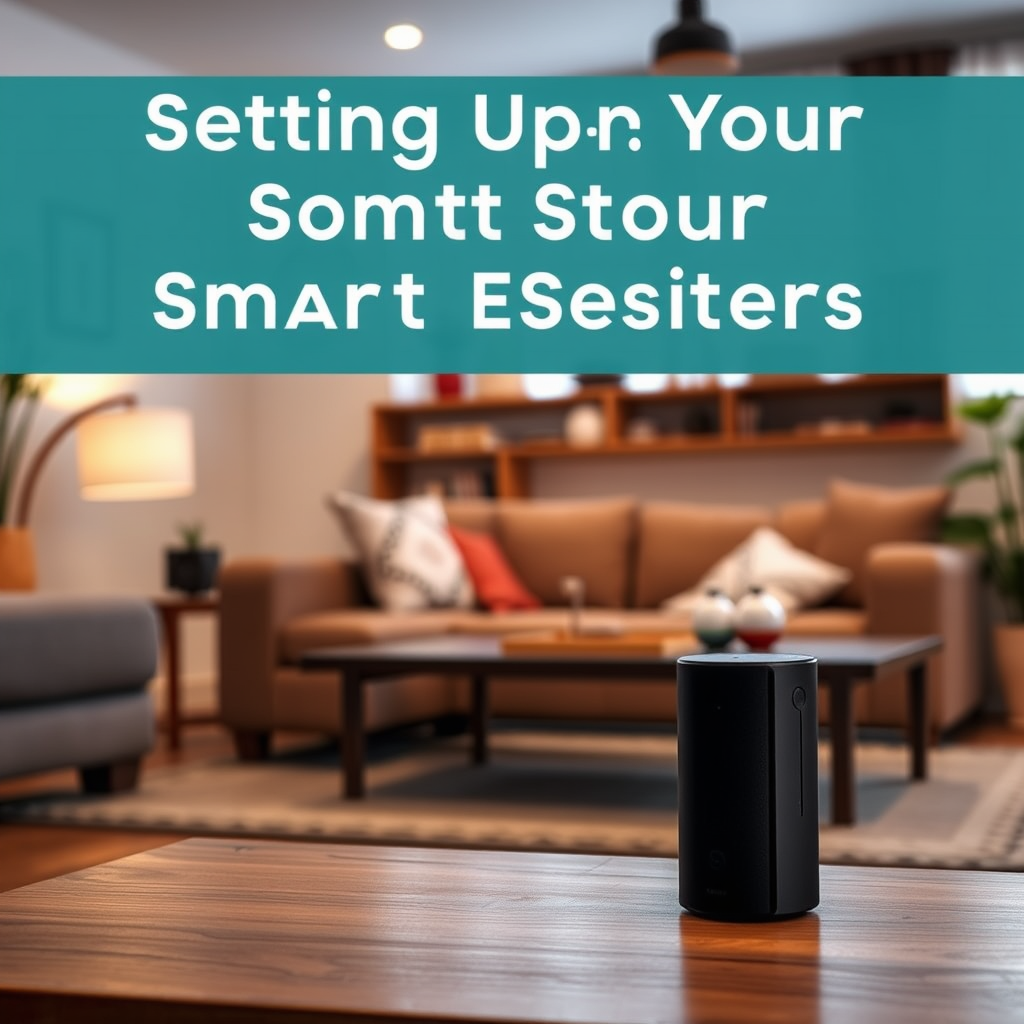
Once you’ve chosen your smart speakers, it’s time to set them up. Follow the manufacturer’s instructions for initial setup, which typically involves plugging them in and connecting them to your home Wi-Fi network. Using the respective app—Amazon Alexa for Echo devices or Google Home for Nest devices—will guide you through the process smoothly.
After connecting, it’s helpful to name each speaker based on its location. For instance, label them “Kitchen,” “Living Room,” and “Bedroom.” This way, when you want to communicate, you can easily specify which room you’re addressing, making your commands clear and efficient.
Configuring Intercom Features
With your speakers set up and named, the next step is to configure the intercom features. On the Alexa app, you can enable the “Drop In” feature, which allows you to connect instantly with any Echo device in your home. For Google Nest users, the “Broadcast” feature lets you send messages to all devices at once.
Learning effective voice commands is essential for smooth communication. For example, you can say “Alexa, drop in on the Kitchen” to connect with that speaker directly. For Google, you might say “Hey Google, broadcast dinner is ready!” This functionality allows for quick and easy communication, whether you’re in another room or outside.
Enhancing Your Intercom System
Now that you have the basics set up, consider exploring additional features that can enhance your intercom system. For instance, you can create routines in the Alexa or Google Home app to automate certain announcements. Imagine saying “Alexa, start my morning routine,” and having your speakers announce the weather, news updates, and remind you of appointments—all before you even leave the bedroom!
Moreover, integrating other smart home devices can further enrich your setup. You might consider adding smart cameras or lights that can be controlled via voice commands or create alerts for specific activities. For example, linking your smart doorbell to your intercom system means you can announce when someone is at the door, making your home smarter and more responsive.
Troubleshooting Common Issues
Even the best systems can sometimes hit a snag. One common issue might be connectivity problems. If you notice that your speakers aren’t responding, check your Wi-Fi connection; make sure the speakers are within range of your router. Restarting your router can also help resolve temporary glitches.
Audio clarity is another issue to keep in mind. If voices sound muffled, try repositioning the speakers. They should be placed in open areas rather than tucked into corners or behind furniture. Ensuring that your speakers are located in suitable spots can vastly improve sound quality and responsiveness.
Maintaining Your Whole-House System
To keep your intercom system running smoothly, regular maintenance is key. Make it a habit to check for firmware updates for your smart speakers. These updates often bring new features and security enhancements, helping your devices perform optimally.
Additionally, periodically review your speaker placement. As you rearrange furniture or change rooms, ensure that your speakers are still positioned where they can effectively communicate with each other and maintain a strong Wi-Fi signal. This simple check can save you from future headaches.
Summarizing the steps to set up a whole-house intercom system with smart speakers shows just how easy it can be to enhance communication in your home. By choosing the right devices, configuring them properly, and utilizing their features, you’ll create an efficient intercom system that meets your family’s needs. Ready to get started? Follow these steps, and enjoy seamless communication throughout your home!
Frequently Asked Questions
What smart speakers are best for setting up a whole-house intercom system?
The best smart speakers for a whole-house intercom system include options like Amazon Echo, Google Nest Hub, and Apple HomePod. These devices offer excellent voice recognition, multi-room audio capabilities, and seamless integration with smart home ecosystems. When choosing, consider factors like sound quality, compatibility with your existing smart home devices, and the services you prefer.
How do I connect multiple smart speakers to create a whole-house intercom system?
To connect multiple smart speakers for a whole-house intercom system, start by ensuring all devices are on the same Wi-Fi network. For Amazon Echo devices, use the Alexa app to set up “Drop In” and create groups for intercom functionality. For Google Nest devices, enable “Broadcast” in the Google Home app to send voice messages across your home. Follow the respective app’s instructions to manage settings and permissions effectively.
Why should I use smart speakers instead of a traditional intercom system?
Using smart speakers for a whole-house intercom system offers several advantages over traditional intercoms, such as lower installation costs, greater flexibility, and multi-functionality. Smart speakers not only serve as intercoms but also provide access to music, news, and smart home controls. Additionally, updates and features can be added through software, ensuring your system stays current.
Which smart speaker brand offers the most reliable intercom features?
Amazon Echo devices are often regarded as the most reliable for intercom features due to their robust “Drop In” functionality, which allows instant communication between devices. Google Nest speakers also offer effective broadcasting capabilities, but the user experience may vary based on device model. Ultimately, the best choice depends on your existing ecosystem and personal preferences for voice assistant technology.
What are some common issues I might encounter when setting up a whole-house intercom system with smart speakers?
Common issues when setting up a whole-house intercom system with smart speakers include connectivity problems, voice recognition errors, and latency in message delivery. To troubleshoot, ensure your Wi-Fi signal is strong throughout your home and consider using Wi-Fi extenders if needed. Additionally, check for software updates for your smart speakers and adjust microphone settings to enhance voice recognition accuracy.
References
- Intercom
- https://www.wired.com/story/smart-home-intercoms/
- https://www.cnet.com/home/smart-home/how-to-set-up-a-smart-home-intercom-system/
- https://www.techhive.com/article/3284429/how-to-set-up-a-smart-home-intercom.html
- https://www.howtogeek.com/726323/how-to-use-your-smart-speaker-as-an-intercom/
- https://www.digitaltrends.com/home/the-best-smart-home-intercoms/
- https://www.nytimes.com/wirecutter/blog/smart-home-intercoms/




2 thoughts on “How to Set Up a Whole-House Intercom System with Smart Speakers”