
Yes, you can control your sound system with your smartwatch! As smart technology continues to advance, integrating your audio experience with wearable devices has become not only feasible but also incredibly convenient. Many modern sound systems are designed to work seamlessly with smartwatches, allowing you to enjoy a hands-free, user-friendly way to manage your music right from your wrist. In this article, we will explore how to achieve this connection, the tools you’ll need, and tips to enhance your overall experience.




Understanding Smartwatch Compatibility
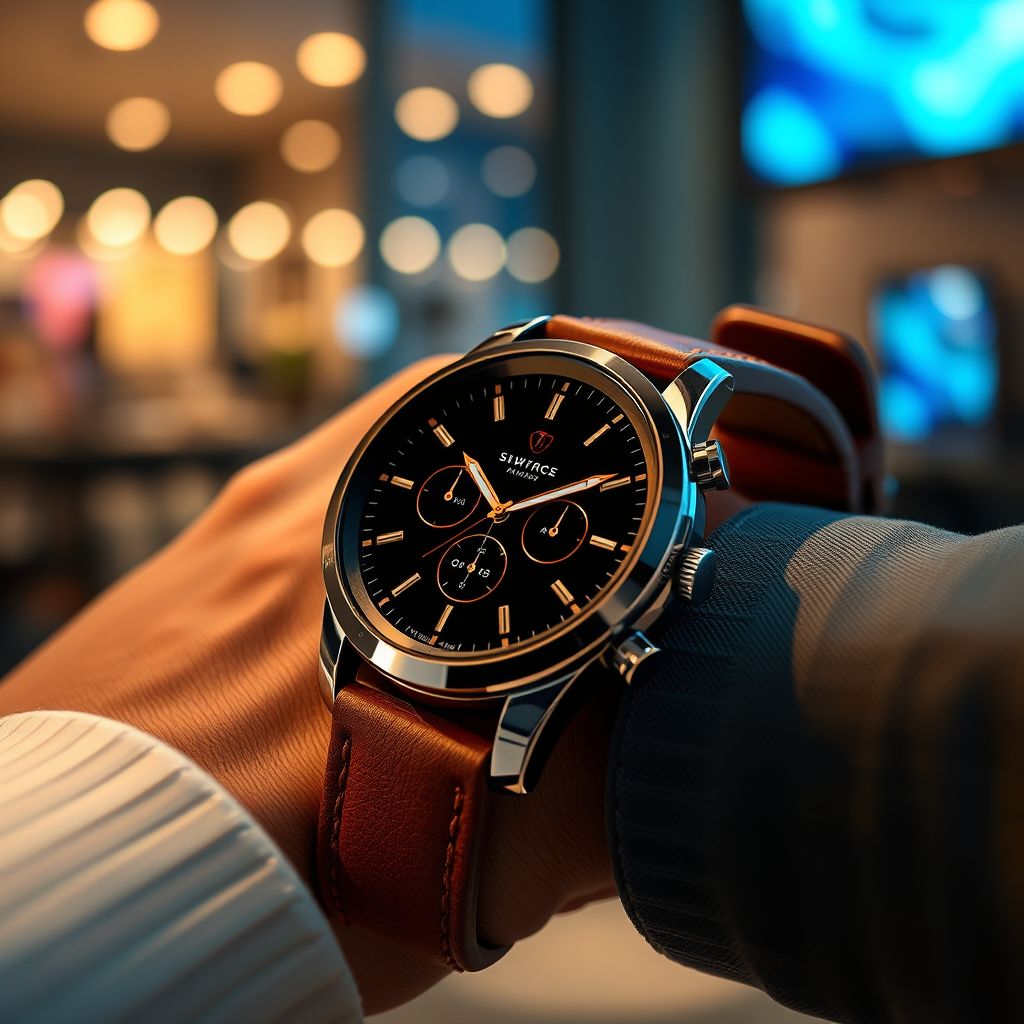
To start, it’s essential to understand the compatibility aspects of smartwatches with your sound system. Most smartwatches today support Bluetooth connectivity, which is crucial for linking to various sound systems. This means you can usually connect your smartwatch to Bluetooth-enabled speakers, soundbars, and home theater systems without any hassle. However, to ensure a smooth experience, check if your sound system has a dedicated app that works with your smartwatch. Many brands, like Sonos and Bose, offer apps that provide additional features and facilitate easy control over your audio settings.
Furthermore, some sound systems may operate over Wi-Fi instead of Bluetooth, which can enhance audio quality and reduce lag. In these cases, make sure your smartwatch is compatible with the Wi-Fi network used by your sound system. By confirming these compatibility details, you can avoid the frustration of trying to connect devices that don’t work well together.
Popular Smartwatch Models for Sound Control

When it comes to controlling your sound system via smartwatch, not all models are created equal. The Apple Watch, Samsung Galaxy Watch, and Fitbit are among the most commonly used smartwatches for this purpose. Each of these models boasts unique features that enhance audio control.
For instance, the Apple Watch allows you to manage your music directly through the Apple Music app or other compatible streaming services. You can play, pause, skip tracks, and even adjust the volume without having to reach for your phone. The Samsung Galaxy Watch offers a similar experience, with additional features like customizable controls that let you tailor your music management to your preferences. On the other hand, Fitbit devices, while more focused on health tracking, still provide basic music control features, making them a great option for fitness enthusiasts who want to enjoy music while working out.
Understanding the specific capabilities of these smartwatches can help you choose the right one for your needs and ensure a more enjoyable audio experience.
Required Apps and Software
To fully utilize your smartwatch for sound control, you’ll need to familiarize yourself with the necessary apps and software. Most sound systems require specific applications to enable smartwatch control. For example, if you’re using a Sonos system, you’ll need to download the Sonos app on both your smartphone and smartwatch for seamless integration. Once connected, you’ll have access to a range of features, including the ability to switch between different speakers and adjust the volume from your wrist.
Additionally, there are third-party apps available that can enhance compatibility across different devices. Apps like Spotify or Pandora often have smartwatch versions that allow for easy control of your playlists and music selection. These apps not only provide a user-friendly interface but also allow you to control your listening experience without needing to pull out your phone constantly.
Setting Up Your Smartwatch with Your Sound System
Setting up your smartwatch to control your sound system may seem daunting, but it’s generally a straightforward process. Start by following the manufacturer’s instructions for pairing your devices. Typically, you’ll need to enable Bluetooth on both your smartwatch and sound system and initiate pairing from either device.
If your sound system operates over Wi-Fi, ensure that both devices are connected to the same network. This is particularly important for systems that utilize smart home features, as it can affect connectivity and performance. Once paired, take some time to explore the app on your smartwatch to familiarize yourself with the different controls and settings available.
To maximize your experience, consider organizing your playlists or favorite stations within the app. This way, you can quickly access your preferred music without navigating through multiple menus.
Limitations and Considerations
While controlling your sound system via smartwatch is convenient, there are some limitations and considerations to keep in mind. Not all smartwatches provide the same level of functionality, and some may have limited options for controlling sound systems. For example, while you might be able to skip songs, you may not have access to equalizer settings or other advanced features that would typically be available on your smartphone.
Battery life is another important factor. Streaming music or using Bluetooth connections can drain your smartwatch’s battery more quickly, especially during long listening sessions. To avoid interruptions in your audio experience, keep an eye on your device’s battery levels, and consider charging it regularly or using battery-saving modes if available.
Additionally, connectivity issues can sometimes arise, particularly in areas with poor signal strength or interference. Ensure that your devices are within range of each other and that there are no obstructions that might hinder the Bluetooth or Wi-Fi connection.
Tips for Maximizing Your Experience
To get the most out of controlling your sound system with your smartwatch, here are a few tips to consider. First, customize your smartwatch settings to prioritize sound control features for easier access. This can make it simpler to navigate through your music without cumbersome menu searches.
Regularly updating both your smartwatch and sound system software is also crucial. Manufacturers often release updates that enhance compatibility and improve performance. By keeping your devices up-to-date, you can avoid potential issues and enjoy a smoother user experience.
Finally, consider creating playlists or selecting favorite songs in advance so that you can access them quickly. This will enhance your listening sessions, especially if you’re on the go or hosting a gathering.
Your ability to control a sound system with your smartwatch hinges on compatibility and the right setup. As technology continues to advance, using your smartwatch as a remote control can significantly enhance your audio experience. If you’re interested, check out your device’s capabilities today and discover just how easy it is to manage your sound system from your wrist!
Frequently Asked Questions
What smartwatches are compatible with sound system control?
Many popular smartwatches, including the Apple Watch, Samsung Galaxy Watch, and Fitbit Versa, offer compatibility with various sound systems. To control your sound system with your smartwatch, ensure that both devices are connected via Bluetooth or are on the same Wi-Fi network. Additionally, check for specific apps provided by your sound system’s manufacturer that facilitate control through smartwatches, enhancing the user experience.
How can I connect my smartwatch to my sound system?
To connect your smartwatch to your sound system, first, ensure that both devices are powered on and within range. For Bluetooth-enabled systems, go to the Bluetooth settings on your smartwatch, search for devices, and select your sound system from the list. For Wi-Fi-enabled systems, make sure both devices are connected to the same network and use the appropriate app on your smartwatch to establish a connection.
Why would I want to control my sound system with my smartwatch?
Controlling your sound system with your smartwatch offers convenience and seamless integration into your daily routine. It allows you to adjust volume, change tracks, and even switch playlists without needing to reach for your phone or remote control. This hands-free operation is especially useful during activities like cooking, exercising, or entertaining guests, enhancing your overall experience.
What features can I control on my sound system using my smartwatch?
Using your smartwatch to control your sound system typically allows you to manage several features, including play/pause, skip tracks, adjust volume, and switch between audio sources. Some advanced smartwatches may also provide access to equalizer settings, playlist management, and integration with streaming services, making it easier to curate your listening experience directly from your wrist.
Which apps are best for controlling my sound system from my smartwatch?
The best apps for controlling your sound system from your smartwatch depend on the brand of your sound system. Popular options include Spotify, Apple Music, Sonos, and Google Play Music, each offering smartwatch compatibility. These apps not only allow you to control playback but also provide access to your playlists and favorite songs, making them ideal for a comprehensive music control experience.
References
- Smartwatch
- https://www.wired.com/story/how-to-control-your-home-audio-with-your-smartwatch/
- https://www.cnet.com/tech/mobile/how-to-use-your-smartwatch-to-control-your-music/
- https://www.theverge.com/2020/9/29/21491610/smartwatch-music-control-features-apple-watch-android
- https://www.techradar.com/news/how-to-use-your-smartwatch-to-control-your-home-audio