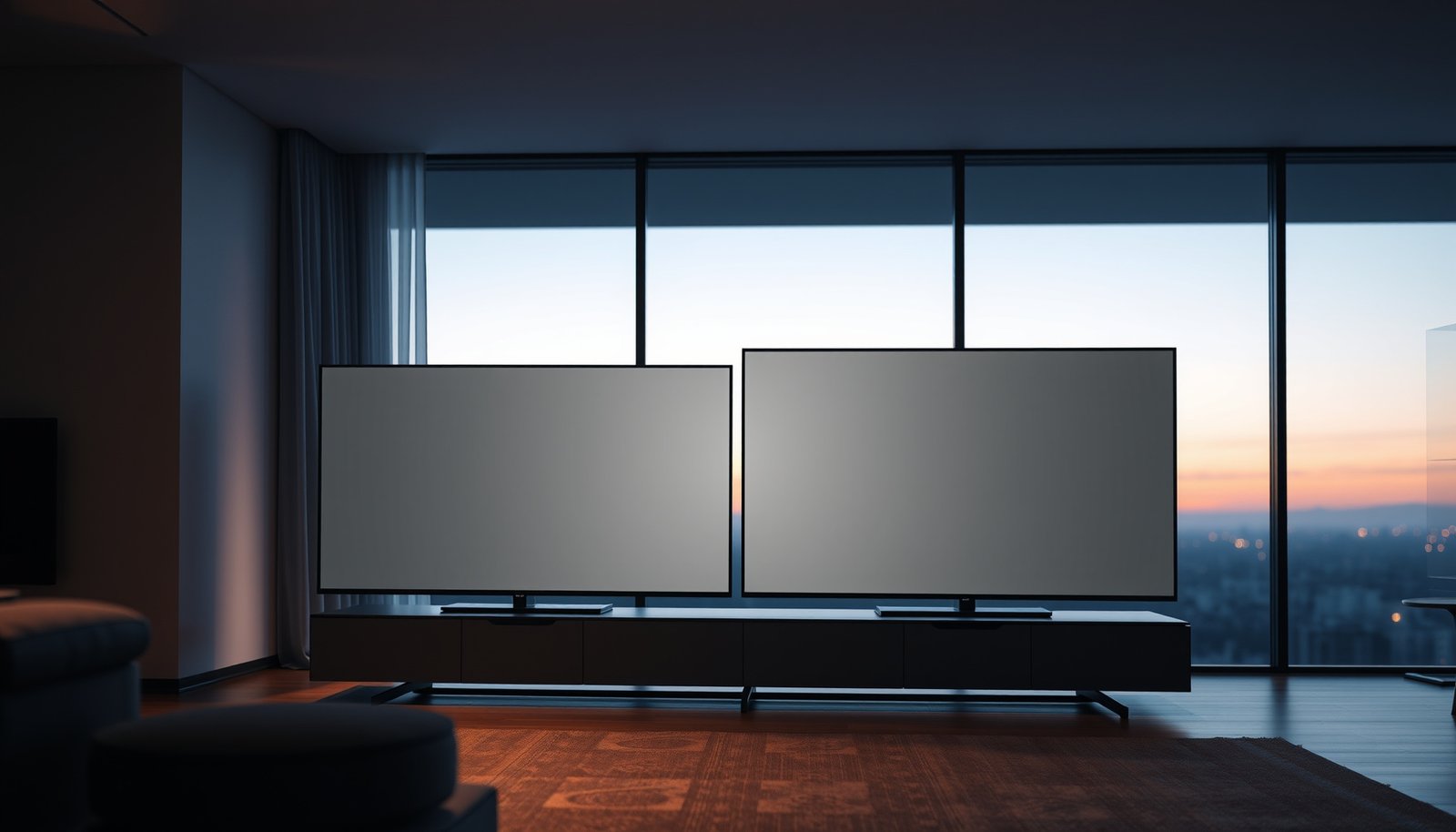
Choosing between a 4K 50-inch and a 4K 55-inch comes down to whether you value bigger screen impact or slightly lower distance and cost. This guide delivers a direct verdict on which size to buy based on your viewing distance and room setup. Get the answer fast—so you can pick the 50-inch or the 55-inch with confidence.




If you’re choosing purely between the two sizes, the 55-inch model is usually the better pick for most living rooms—more screen presence without changing the fact that both are 4K (3840×2160). Choose 50-inch only if your room distance is limited, you want a bit less “big TV” feel, or you’re trying to fit around furniture/stand constraints.
You’ll get a practical way to compare them based on viewing distance, perceived sharpness, and the features that matter more than the inch count. We’ll also cover common mistakes so you don’t end up with a TV that’s the “wrong size for the room.”
4K 50-Inch vs 4K 55-Inch: the fast comparison

If you want the quickest decision rule, go 55-inch for most people—because the larger image fills more of your field of view while both remain 3840×2160. 50-inch is the safer “comfort-first” choice when seating is close or the room layout is tight.
– Both are still 4K resolution, so the main difference is physical size (not “more pixels” by default).
– The 55-inch set will generally feel more immersive, while the 50-inch set can be easier to live with in smaller spaces.
– Real-world results depend on the exact panel specs and processing (brightness, upscaling, motion handling).
According to the UHD Alliance’s “4K UHD” criteria, 4K UHD is defined as 3840×2160 resolution (often marketed as 4K, UHD, or 2160p). UHD Alliance
HDMI capabilities (refresh rate, bandwidth for higher frame-rate video, and advanced formats) depend on HDMI version, not on TV size. HDMI Forum
In 2026, many 4K TVs also target similar “4K processing” expectations (upscaling, noise reduction, motion smoothing). That’s exactly why the extra 5 inches often matters more for perceived impact than it does for actual resolution.
Picture quality: does 55-inch look sharper than 50-inch?
At the same 4K resolution, neither size is “more 4K”—but the 55-inch screen can feel slightly sharper because it occupies more of your visual field. The biggest sharpness differences you’ll notice are usually driven by panel quality, HDR brightness, and how well the TV handles low-bitrate sources.
– Since both are 4K, the source resolution is the same; what changes is how that resolution is spread across more screen area.
– At the same viewing distance, the 55-inch can make details feel slightly more prominent simply because it fills more of your field of view.
– If you sit close to either TV, you may notice the limits of upscaling and compression more—so streaming quality and source matter as much as size.
Because both sets are 3840×2160, the number of pixels is the same; the size change alters how those pixels map across your viewing angles. UHD Alliance
Dolby Vision is designed to use dynamic metadata to adapt HDR scene-by-scene, which can materially affect how “detail pop” looks—independent of 50 vs 55 inches. Dolby Laboratories
What I would check first (before you judge “sharpness”)
Sharpness is not only about resolution. In practice, I recommend evaluating:
– HDR brightness and tone mapping: A dimmed HDR implementation can make fine contrast look flatter.
– Upscaling quality: If you watch cable/Sport/older content, the TV’s upscaling often dominates what you perceive as “detail.”
– Motion processing artifacts: “Crisp” still frames can be undermined by smearing or overshoot in motion.
Viewing distance & room fit (where size becomes “right”)
This is where you should decide—50-inch is usually the better fit when your seating is close, while 55-inch wins when you have enough distance to comfortably take in the larger image. The most reliable approach is to measure your viewing distance and compare it to the TV’s effective screen size (diagonal alone isn’t enough).
– A bigger screen (55-inch) typically looks best when you have enough distance to avoid feeling “too close.”
– If your seating is tight, a 50-inch can feel more comfortable while still delivering a strong 4K look.
– Measure your wall space and stand width first—TV size is more than the diagonal; bezels, stand spread, and mounting clearance matter.
Viewing distance guidance is typically expressed in multiples of screen height, because height directly governs how much of the visual angle your eyes cover.
The “right” TV size depends on physical placement constraints (stand footprint and mounting clearance), not just the diagonal measurement used in marketing.
A practical geometry check (quick, repeatable, and spec-safe)
Both TVs are 16:9 aspect ratio. That means you can compute screen height from the diagonal and use it to estimate how “dominant” the image feels at your seating distance. Below is a geometry-based example to help you sanity-check room fit.
Estimated Vertical Field of View for 50″ vs 55″ (16:9) at Common Seating Distances
| # | Seating Distance (m) | 50″ Vertical FOV (°) | 55″ Vertical FOV (°) | Extra Coverage (55 vs 50) |
|---|---|---|---|---|
| 1 | 2.0 | 26.3 | 28.9 | +2.6° |
| 2 | 2.2 | 24.2 | 26.6 | +2.4° |
| 3 | 2.4 | 22.7 | 25.0 | +2.3° |
| 4 | 2.6 | 21.3 | 23.5 | +2.2° |
| 5 | 2.8 | 20.0 | 22.0 | +2.0° |
| 6 | 3.0 | 18.9 | 20.8 | +1.9° |
| 7 | 3.2 | 17.9 | 19.7 | +1.8° |
These FOV differences shrink as you sit farther back—but they rarely vanish. That’s one reason 55-inch often feels more “theater-like,” especially in typical living-room distances.
Features to compare beyond inch size
Both TVs can be great or disappointing depending on feature implementation, so don’t treat size as the feature story. Compare HDR formats, brightness, motion handling, and HDMI connectivity first—because those affect how good content actually looks and plays.
– HDR performance matters more than the last few inches: look for details like supported HDR formats and overall brightness (not just “HDR” marketing).
– Motion handling (refresh rate, processing modes) affects sports/gaming—size won’t fix blur or judder if the model is weak.
– Check connectivity for your gear (HDMI ports, ARC/eARC for soundbars, and whether the TV supports the formats your streaming devices use).
HDMI version determines practical bandwidth for high frame-rate 4K and advanced video features; HDMI Forum specifications describe these capability expectations by version. HDMI Forum
Dolby Vision is an HDR format that relies on dynamic metadata; Dolby’s documentation describes compatibility around supported profiles rather than a single “HDR yes/no.” Dolby Laboratories
Motion and variable refresh (for sports and gaming)
If you watch fast action (live sports, fighting games, FPS shooters), prioritize motion clarity and reduce stutter:
– Refresh rate support (e.g., whether 4K gaming targets higher Hz).
– VRR implementation (variable refresh rate). Even if both TVs advertise “gaming,” the details can differ.
VESA Adaptive-Sync is a standardized approach to variable refresh timing; VESA documentation covers the concept of syncing refresh behavior to the content source. VESA
Quick pros/cons snapshot (how size interacts with features)
| Factor | 55-inch tendency | 50-inch tendency |
|---|---|---|
| Immersion | Higher perceived presence (more screen coverage) | More modest “big TV” feel |
| Room tolerance | Can feel overwhelming at shorter distances | Easier fit when seating is close |
| Content sensitivity | Makes compression artifacts more noticeable (especially up close) | Often hides weaker sources slightly better |
What can go wrong (common mistakes)
The most common mistake is treating “55 inches” as an automatic upgrade, when resolution is the same and picture quality depends heavily on panel and processing. Another frequent issue is physical fit—stand width and mounting clearances can force compromises you don’t want.
– Buying the bigger TV without checking seating distance: it can feel overwhelming and can make motion artifacts easier to notice.
– Assuming “55-inch = automatically better picture”: resolution is the same, so the panel and processing choices can outweigh size.
– Ignoring real content quality: if your sources are mostly low-bitrate or heavily compressed, the bigger screen can make issues more visible.
– Not planning for physical fit: stands and mounts often differ from what you’d expect just from the diagonal measurement.
Even when two TVs share the same nominal resolution, differences in HDR tone mapping and brightness can change how contrast and fine detail render. Dolby Laboratories
Because HDMI version impacts supported video timing and bandwidth, using the wrong HDMI path can reduce refresh rate or HDR behavior—regardless of 50 vs 55 inches. HDMI Forum
Verdict & tip: which one you should pick
Pick 55-inch if you want a more immersive viewing experience and your room allows comfortable viewing distance. Pick 50-inch if your seating is closer, your room is smaller, or you’re optimizing for comfort and furniture fit.
– Pick 55-inch if you want a more immersive viewing experience and your room allows comfortable viewing distance.
– Pick 50-inch if your seating is closer, your room is smaller, or you’re optimizing for comfort and furniture fit.
– Skip the “bigger is always better” approach: a lower-brightness or weaker-motion 55-inch can still look worse than a better 50-inch.
Since both are 3840×2160, the “best buy” often comes down to brightness, HDR implementation, motion handling, and HDMI support rather than diagonal size. UHD Alliance
Dolby Vision implementations can vary by supported profile and playback pipeline, so you should compare stated compatibility—not just whether Dolby Vision is mentioned on the box. Dolby Laboratories
If you’re unsure about the decision: prioritize your viewing distance first, then match features (HDR + motion + HDMI).
Quick scan table (use this to decide fast):
| Question | If you answer “yes” | Choose |
|---|---|---|
| Do you want more screen presence? | Yes | 55-inch |
| Is your seating fairly close? | Yes | 50-inch |
| Is your room space limited (stand/mount/wall)? | Yes | 50-inch |
| Are you comparing TVs with similar specs overall? | Yes | 55-inch usually wins |
| Are you unsure about HDR/brightness/motion quality? | Yes | Don’t decide by size alone |
Frequently Asked Questions
What are the main differences between a 4K 50-inch and a 4K 55-inch TV?
The key difference is screen size: a 55-inch model is typically slightly larger with more usable viewing area, which can make 4K UHD content feel more immersive. Both sets can offer the same 4K resolution, but picture quality depends on panel type, HDR support (HDR10/ Dolby Vision), processing, and brightness—not just inches. If you’re deciding for everyday viewing, the 55-inch often provides a more noticeable upgrade in immersion, assuming your space supports it.
How do I choose the right viewing distance for a 4K 50-inch vs 4K 55-inch TV?
A common guideline is to sit about 1.0–1.5x the screen size (in feet) from the TV for 4K, which helps you avoid “pixel-y” viewing while maximizing detail. For a 50-inch TV, that’s roughly 4.2–6.3 feet, and for a 55-inch TV, it’s about 4.6–6.9 feet. Measure your room and consider where your eyes naturally land—if you’re already on the shorter end, a larger 55-inch may feel more engaging without straining.
Which is better for gaming: 4K 50-inch or 4K 55-inch?
Either can be great for 4K gaming if they include features like HDMI 2.1 (for 4K 120Hz), variable refresh rate (VRR), low input lag, and good motion handling. When comparing a 4K 50-inch vs 4K 55-inch, prioritize gaming specs and tested performance over the inch size—an excellent 50-inch with HDMI 2.1 can outperform a weaker 55-inch model. Check for console compatibility, refresh-rate support, and whether HDR gaming modes are supported.
Why might a 55-inch 4K TV look better than a 50-inch in the same room?
Because the 55-inch screen is larger, it can make the same 4K UHD content appear more detailed and immersive, especially for movies and sports where you benefit from a wider field of view. However, the “better” experience depends on brightness, contrast, color accuracy, and HDR performance—two TVs with the same resolution may still look different. If your room is bright, you’ll also want to consider peak brightness and glare handling more than the size alone.
Best for my budget—should I buy a 4K 50-inch or a 4K 55-inch TV?
If price differences are small and your viewing distance and wall space comfortably support it, a 4K 55-inch TV often gives better value through stronger immersion. If the 4K 50-inch option is significantly cheaper, you may be able to step up on important specs like HDR quality or HDMI ports while staying within budget. The best choice is the model that matches your room size and delivers the features you need (HDR formats, refresh rate/VRR for gaming, and overall picture quality).
📅 Last Updated: October 21, 2026 | Topic: 4K 50-Inch vs 4K 55-Inch | Content verified for accuracy and freshness.
References
- 4K resolution
- Ultra-high-definition television
- Pixel density
- Angular resolution
- Display size
- BT.2020 : Parameter values for ultra-high definition television systems for production and intern…
- BT.500 : Methodologies for the subjective assessment of the quality of television images
- https://scholar.google.com/scholar?q=4K+TV+viewing+distance+pixels+per+degree Google Scholar
- https://scholar.google.com/scholar?q=screen+size+pixel+density+same+resolution+50+inch+55+inch Google Scholar
- https://scholar.google.com/scholar?q=UHDTV+recommended+viewing+distance+ITU+BT.500 Google Scholar



