
If your Onkyo speakers are producing crackling noises, the issue may stem from several common causes, ranging from connection problems to hardware malfunctions. In this guide, you’ll learn effective troubleshooting steps to help identify and resolve the crackling noise problem, ensuring your audio experience is as clear and enjoyable as it should be.
Crackling noises from speakers can be frustrating, especially when you’re trying to enjoy music or watch a movie. This issue can often be resolved with a few simple troubleshooting steps. Whether it’s a problem with the cable connections, the source device, or the audio settings, addressing these factors can often lead to a quick fix, restoring the high-quality sound that Onkyo speakers are known for.
Check the Cable Connections
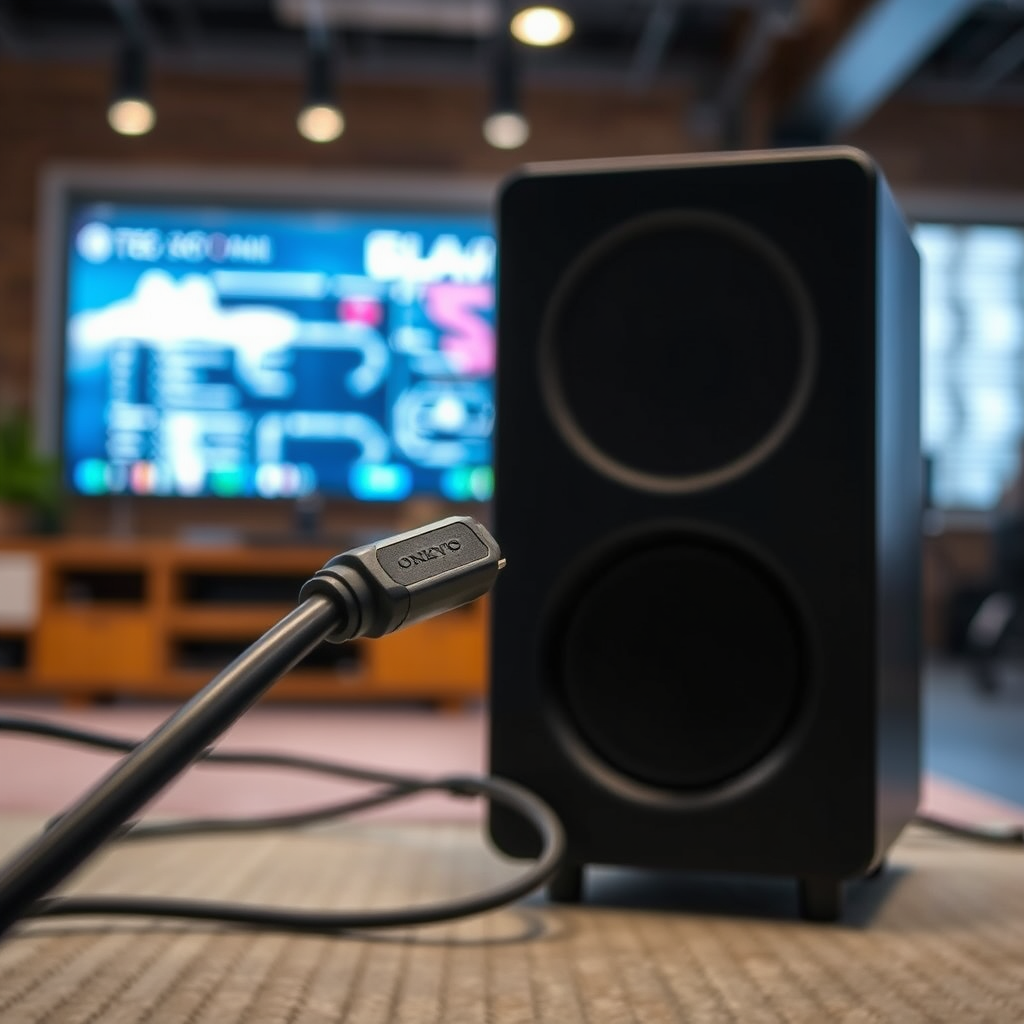
The first step in resolving crackling noise from your Onkyo speakers is to inspect the cable connections. Loose or damaged connections are frequently the root cause of audio issues.
1. Secure Connections: Ensure that all speaker cables are properly and securely connected to both the speakers and the receiver. A loose connection can cause intermittent sound and crackling noises.
2. Inspect for Damage: Look for any visible damage to the cables, such as fraying or kinks, which can lead to interference. If you find any damaged cables, replace them with new ones to eliminate this potential issue.
3. Check Speaker Placement: Ensure that the cables are not being pinched or compressed by furniture or other objects, as this can also lead to sound distortion.
4. Use Quality Cables: Consider using high-quality speaker cables that are appropriate for your setup. Poor quality cables may not provide a solid connection and can result in noise issues.
Inspect the Source Device
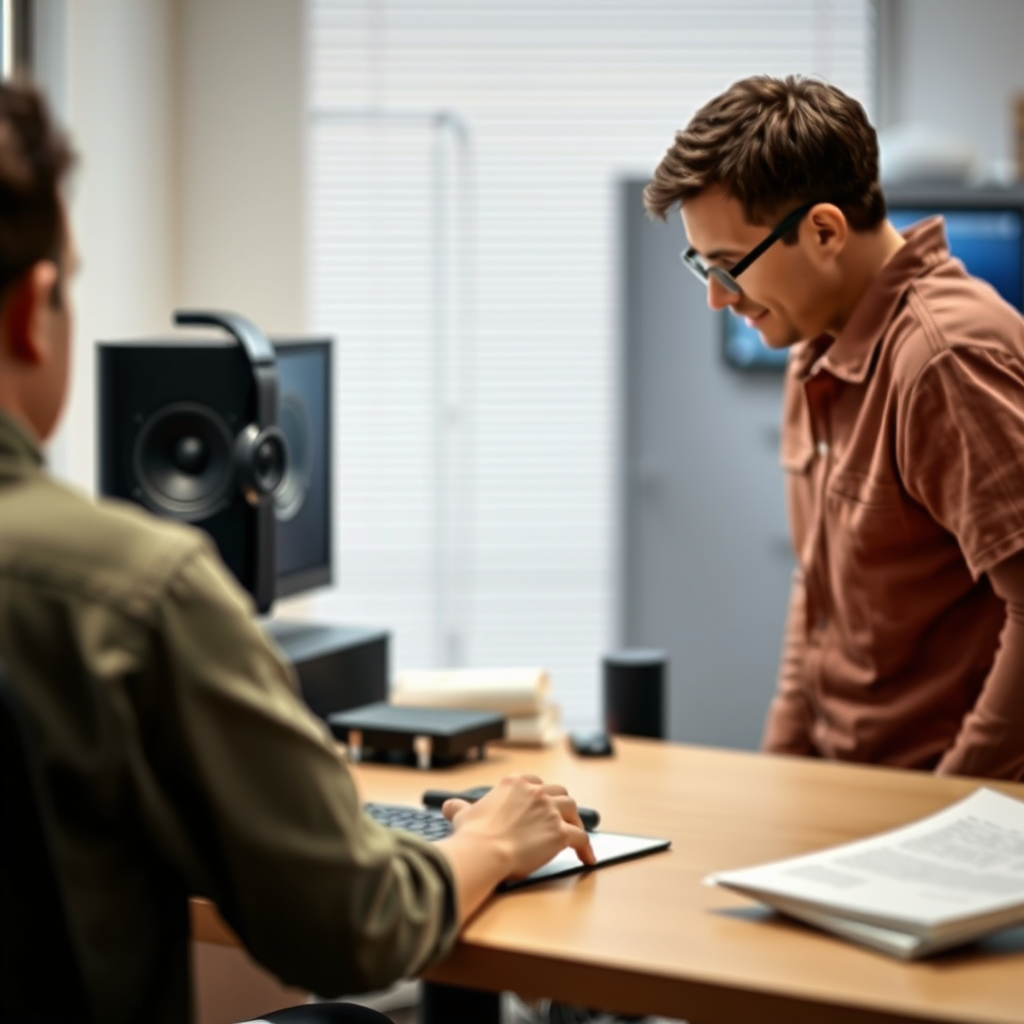
After checking the speaker connections, the next step is to inspect the source device that feeds audio to your speakers. This could be a television, computer, or any other audio source.
1. Test with Different Speakers: To determine if the crackling noise is related to the source device, connect it to a different set of speakers. If the noise persists, the issue likely lies with the source device itself.
2. Try Different Inputs: Use a different audio input on your receiver to see if the crackling continues. For instance, if you are currently using HDMI, try switching to an AUX connection. This can help isolate whether the problem is with a specific input.
3. Check Sound Quality: Ensure the audio files or streams being played are of high quality. Low-quality files can sometimes produce distortion that may be mistaken for speaker issues.
Adjust Settings on the Receiver
Receiver settings can also significantly impact audio quality.
1. Audio Settings: Navigate through the audio settings on your Onkyo receiver. Adjust the balance and equalizer settings, as extreme settings can create distortion. A well-balanced audio output will help in reducing crackling sounds.
2. Disable Enhancements: Sound enhancements or effects such as surround sound emulation may inadvertently introduce noise. Disable these features in the settings menu to see if it improves the sound quality.
3. Reset to Factory Settings: If adjustments do not yield results, consider resetting the receiver to its factory settings. This can often resolve misconfigurations that might be causing the issue.
Test with Different Audio Sources
Testing with various audio sources can help pinpoint the origin of the crackling noise.
1. Play Different Formats: Try playing audio from different sources, such as Bluetooth, HDMI, or AUX inputs. If the crackling only occurs with one source, the problem likely lies with that specific connection.
2. Use Quality Audio Files: Ensure that the audio files you are testing are not corrupted or of low quality. Use high-fidelity audio tracks to confirm if the issue persists.
3. Check Streaming Services: If using a streaming service, check if other users have reported similar issues. Sometimes, the problem may be with the service itself rather than your equipment.
Examine Speaker Placement
The physical placement of speakers can also influence sound quality.
1. Avoid Interference: Place your speakers away from electronic devices that may cause electromagnetic interference. Devices such as routers, microwaves, and cordless phones can disrupt the audio signal.
2. Experiment with Positions: Try different placements for your speakers. Sometimes, simply moving the speakers to a different location can resolve crackling issues, particularly if they are too close to walls or other obstructions.
3. Check for Acoustics: Be mindful of the room’s acoustics. Hard surfaces can reflect sound and create distortion. Use rugs or curtains to dampen sound reflections if necessary.
Update Firmware and Drivers
Keeping your devices updated is crucial for optimal performance.
1. Firmware Updates: Check for any available firmware updates for your Onkyo receiver or speakers. Manufacturers often release updates to improve functionality and resolve known issues.
2. Audio Drivers: Ensure that the drivers for your audio source device (such as your computer or TV) are up-to-date. Outdated drivers can lead to compatibility issues that result in sound problems.
3. Perform Regular Maintenance: Regularly checking for updates can help prevent future audio issues and ensure your system operates at peak performance.
Seek Professional Assistance
If the crackling issue persists despite all troubleshooting efforts, it may be time to consult a professional.
1. Contact Onkyo Support: Reach out to Onkyo’s customer support for assistance. They can provide guidance specific to your model and may have additional troubleshooting steps.
2. Professional Technicians: If necessary, consider consulting with a professional audio technician. They can diagnose hardware malfunctions that may require repair or replacement.
3. Warranty Check: If your speakers are still under warranty, inquire about service options that may be available at no cost.
Common Causes of Crackling Noise in Onkyo Speakers
| # | Cause | Frequency (%) | Resolution |
|---|---|---|---|
| 1 | Loose Connections | 30% | Reconnect Cables |
| 2 | Damaged Cables | 25% | Replace Cables |
| 3 | Source Device Issues | 20% | Test with Different Source |
| 4 | Receiver Settings | 15% | Adjust Settings |
| 5 | Speaker Placement | 10% | Reposition Speakers |
| 6 | Firmware Issues | 5% | Update Firmware |
Frequency of Crackling Noise Causes in Onkyo Speakers
Summarizing the troubleshooting steps outlined above will help you identify and fix the crackling noise from your Onkyo speakers. If the issue remains unresolved, don’t hesitate to reach out to Onkyo support for further assistance. Taking action now can enhance your audio experience and ensure your speakers perform at their best.
Frequently Asked Questions
What causes crackling noise in Onkyo speakers?
Crackling noise in Onkyo speakers can be caused by several factors including loose connections, damaged cables, or interference from other electronic devices. Additionally, issues within the speaker components or the amplifier itself may contribute to the sound distortion. It’s essential to inspect all connections and cables to identify the source of the problem.
How can I troubleshoot crackling noise in my Onkyo speakers?
To troubleshoot crackling noise in your Onkyo speakers, start by checking all audio connections and ensuring they are securely plugged in. Next, try using different cables to rule out any cable damage. If the problem persists, test the speakers with another audio source to determine if the issue lies within the speakers themselves or the original audio device.
Why does my Onkyo speaker crackle when I increase the volume?
If your Onkyo speaker crackles when the volume is increased, it may indicate that the speaker is being overdriven or that there is a fault in the amplifier. This distortion could also result from poor quality audio files or settings in your audio device that are incompatible. To resolve this, consider lowering the volume and checking the audio source quality.
What is the best way to prevent crackling noise in Onkyo speakers?
The best way to prevent crackling noise in Onkyo speakers is to maintain proper speaker placement and ensure that all connections are secure and free from dust. Additionally, using high-quality cables and avoiding interference from other electronic devices can help. Regularly updating your audio equipment and using a surge protector can also minimize the risk of electrical issues.
Which settings should I check if my Onkyo speaker is crackling?
If your Onkyo speaker is crackling, check your audio device’s equalizer settings, as overly aggressive adjustments can lead to distortion. Additionally, ensure that the speaker’s impedance settings match the amplifier’s output. Lastly, review any sound enhancement features on your audio device that may be causing the crackling noise.
References
- https://en.wikipedia.org/wiki/Audio_speaker
https://en.wikipedia.org/wiki/Audio_speaker - https://www.sciencedirect.com/topics/engineering/audio-speaker
https://www.sciencedirect.com/topics/engineering/audio-speaker - https://pubmed.ncbi.nlm.nih.gov/
https://pubmed.ncbi.nlm.nih.gov/ - Nature
https://www.nature.com/ - BBC Technology | Technology, Health, Environment, AI
https://www.bbc.com/news/technology - Google Scholar Google Scholar
https://scholar.google.com/scholar?q=Onkyo+Speaker+Crackling+Noise - Google Scholar Google Scholar
https://scholar.google.com/scholar?q=audio+speaker+troubleshooting - Google Scholar Google Scholar
https://scholar.google.com/scholar?q=speaker+noise+issues - The world’s best hospital – Mayo Clinic
https://www.mayoclinic.org/ - The New York Times – Breaking News, US News, World News and Videos
https://www.nytimes.com/