
Setting up wireless audio for multi-room streaming is a straightforward process that enhances your listening experience throughout your home. By choosing the right equipment and following a few simple steps, you can enjoy high-quality sound in every room. This guide will walk you through selecting the best devices, connecting them effectively, and optimizing your setup for peak performance, ensuring you can enjoy your favorite music and audio content seamlessly throughout your living space.
Choosing the Right Wireless Audio System
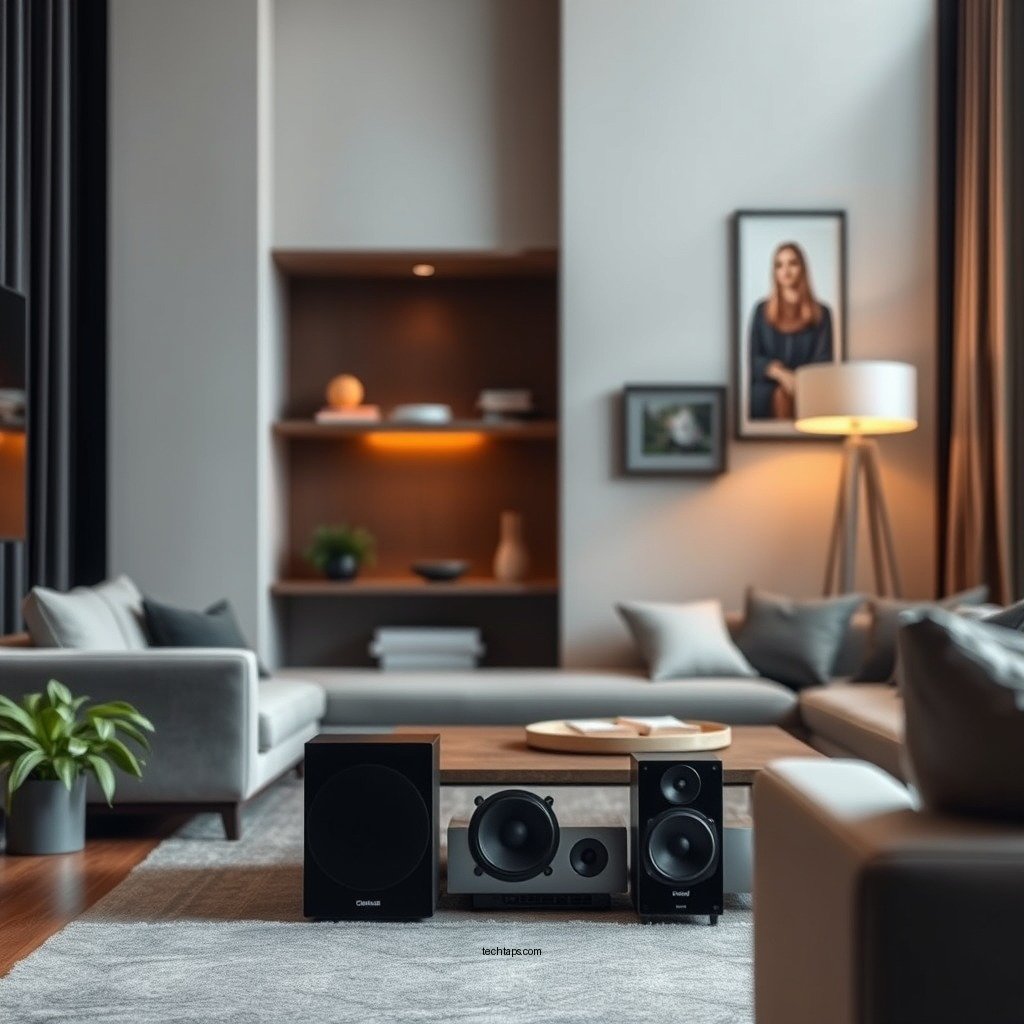
The first step in setting up a robust multi-room audio system is selecting the right wireless audio system. Several brands specialize in this technology, with Sonos and Bose often leading the market due to their superior sound quality, ease of use, and extensive compatibility with various streaming services. Other notable brands include Amazon Echo and Google Nest, which offer integrated smart home capabilities alongside their audio features.
When choosing your wireless audio system, consider compatibility with your existing devices. For instance, if you primarily use Spotify or Apple Music, ensure that the system supports these services. Additionally, check whether the system integrates well with your home automation setup, as many users prefer a unified smart home experience. The right system will not only deliver high-quality audio but also allow for seamless control across different devices.
Setting Up Your Wireless Speakers
Once you have selected your wireless audio system, the next step is setting up your wireless speakers. Start by following the manufacturer’s instructions, which usually involve plugging in the speakers and connecting them to your home Wi-Fi network. Most systems will have a dedicated app that guides you through this process, often requiring you to scan for the devices and connect them accordingly.
Strategic placement of your wireless speakers is crucial for optimal sound distribution. For instance, place speakers in corners or elevated areas to enhance bass response and overall sound clarity. Consider the layout of your rooms; placing speakers at equal distances will help maintain audio balance throughout your home. Additionally, avoid physical obstructions, such as furniture, which may interfere with the sound waves.
Configuring Your Streaming Service
After setting up your speakers, the next step is configuring your music streaming services. Most wireless audio systems allow users to link their preferred services directly through the system’s app. For example, with Sonos, you can easily integrate Spotify, Apple Music, and more, enabling you to access your playlists and favorite tracks.
To enhance your listening experience, create playlists that suit different moods or times of day. Furthermore, many systems allow you to group speakers together for synchronized playback, so you can enjoy the same song across multiple rooms or different tracks in various spaces, depending on your preference. This functionality is particularly useful for hosting gatherings or simply enjoying music throughout the day as you move from room to room.
Top Wireless Audio Systems for Multi-Room Streaming (2024)
| # | System | Number of Rooms | Streaming Services | Ease of Setup |
|---|---|---|---|---|
| 1 | Sonos | Unlimited | Spotify, Apple Music, Amazon Music | ★ ★ ★ ★ ★ |
| 2 | Bose | Up to 12 | Amazon Music, Pandora, Spotify | ★ ★ ★ ★ |
| 3 | Amazon Echo | Multiple | Spotify, Apple Music, TuneIn | ★ ★ ★ ★ |
| 4 | Google Nest | Multiple | Spotify, YouTube Music | ★ ★ ★ ★ |
| 5 | Yamaha MusicCast | Up to 32 | Spotify, Pandora | ★ ★ ★ ★ ★ |
| 6 | Apple HomePod | Multiple | Apple Music, Spotify | ★ ★ ★ |
| 7 | Denon HEOS | Up to 32 | Spotify, Tidal | ★ ★ ★ ★ |
Using Apps for Control
Managing your multi-room audio system is facilitated through dedicated applications. After downloading the corresponding app for your audio system, you will have access to a variety of features that enhance your control over playback and settings. Most apps provide an intuitive interface that allows you to adjust volume levels, switch between tracks, and control different speakers individually or as a group.
Additionally, many applications offer advanced features, such as equalization settings, which allow you to customize the sound profile to better suit your environment. For instance, you may wish to boost bass frequencies in a larger room or adjust treble settings in a smaller, more enclosed space. Apps also provide access to firmware updates, ensuring your system always has the latest features and improvements.
Troubleshooting Common Issues
While setting up and enjoying your wireless audio system is generally straightforward, you may encounter some common issues. Connectivity problems with your Wi-Fi network can arise, often due to interference from other electronic devices or an unstable internet connection. If you experience such issues, try moving your router closer to your speakers or consider using a Wi-Fi extender to improve coverage in larger homes.
Audio lag or syncing problems between rooms can also be a concern, especially when using multiple speakers for live events or synchronized playback. Most systems have built-in options to adjust latency settings or sync multiple speakers, helping to ensure that audio playback is perfectly timed, regardless of where you are in your home.
Enhancing Your Audio Experience
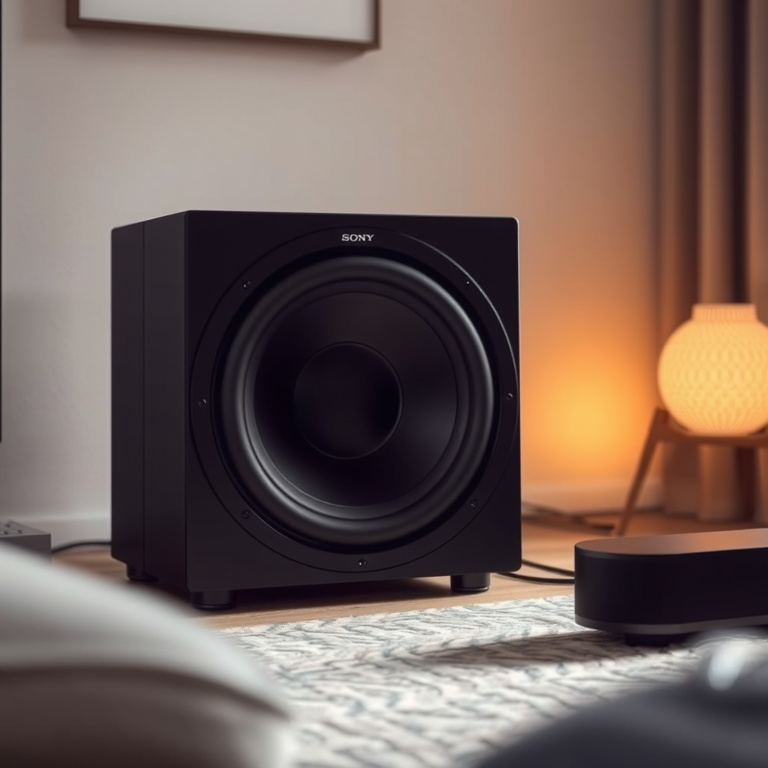
To take your multi-room audio setup to the next level, consider investing in additional accessories like subwoofers or soundbars. Subwoofers can significantly enhance bass response, creating a more immersive listening experience, particularly for movies or music genres that rely heavily on low frequencies. Soundbars can also improve dialogue clarity and overall sound quality for television shows and films.
Experimenting with different configurations can help you find the optimal sound profile that suits your preferences. This might include adjusting speaker placement, utilizing different audio sources, or even integrating home theater systems with your existing setup for a more comprehensive audio experience.
Setting up wireless audio for multi-room streaming can transform your home into a seamless sound experience. With the right equipment and setup, you’ll maximize your enjoyment of music and entertainment. Start your project today and enjoy your favorite tunes in every corner of your home!
Frequently Asked Questions
What do I need to set up wireless audio for multi-room streaming?
To set up wireless audio for multi-room streaming, you’ll need a reliable Wi-Fi network, compatible wireless speakers or audio systems, and a streaming device or app that supports multi-room functionality. Popular options include Sonos, Google Nest Audio, and Amazon Echo, which allow you to control your music across different rooms seamlessly.
How do I connect multiple speakers for multi-room audio streaming?
To connect multiple speakers for multi-room audio streaming, start by ensuring all speakers are on the same Wi-Fi network. Use the manufacturer’s app to follow the setup instructions, which typically involve selecting the speakers, grouping them in the app, and assigning them to different rooms for synchronized playback or independent control.
Why is my wireless audio not syncing between rooms?
If your wireless audio is not syncing between rooms, it may be due to Wi-Fi connectivity issues or interference from other devices. Ensure your router is positioned centrally and not obstructed, and check for any firmware updates for your audio devices that could improve performance. Additionally, consider using a mesh Wi-Fi system for better coverage.
What is the best wireless audio system for multi-room streaming?
The best wireless audio system for multi-room streaming depends on your budget and specific needs. Systems like Sonos offer excellent sound quality and user-friendly app integration, while alternatives like Bose and Amazon Echo provide versatile options with built-in voice assistants. Research each system’s features and compatibility with your existing devices to make an informed choice.
Which streaming services work best with multi-room audio setups?
Most major streaming services, including Spotify, Apple Music, and Amazon Music, work well with multi-room audio setups. Services like Sonos and Google Cast provide native support for these platforms, allowing seamless integration and control across multiple speakers. Always check the specific audio system’s compatibility with your preferred streaming service for optimal performance.
References
- Streaming media
https://en.wikipedia.org/wiki/Audio_streaming - https://www.sciencedirect.com/topics/computer-science/multi-room-audio
https://www.sciencedirect.com/topics/computer-science/multi-room-audio - https://www.bbc.com/future/article/20200721-how-to-set-up-a-smart-home-audio-system
https://www.bbc.com/future/article/20200721-how-to-set-up-a-smart-home-audio-system - https://www.nature.com/articles/s41598-021-88340-0
https://www.nature.com/articles/s41598-021-88340-0 - Google Scholar Google Scholar
https://scholar.google.com/scholar?q=Wireless+Audio+for+Multi-Room+Streaming - Google Scholar Google Scholar
https://scholar.google.com/scholar?q=Setting+Up+Wireless+Audio+Systems - https://www.reuters.com/article/us-tech-audio-idUSKCN1VE0C4
https://www.reuters.com/article/us-tech-audio-idUSKCN1VE0C4 - https://www.cdc.gov/niosh/topics/noise/default.html
https://www.cdc.gov/niosh/topics/noise/default.html - https://www.pubmed.ncbi.nlm.nih.gov/26981256/
https://www.pubmed.ncbi.nlm.nih.gov/26981256/ - https://www.britannica.com/technology/audio-system
https://www.britannica.com/technology/audio-system