
Setting up a wireless surround sound system can significantly elevate your home entertainment experience, making movie nights and music sessions truly immersive. To achieve this, you’ll need to start with the right equipment, carefully position your speakers, and ensure everything is connected seamlessly. This guide will walk you through each step to help you create the ultimate surround sound setup that not only fits your space but also meets your audio preferences.
Understanding the Components
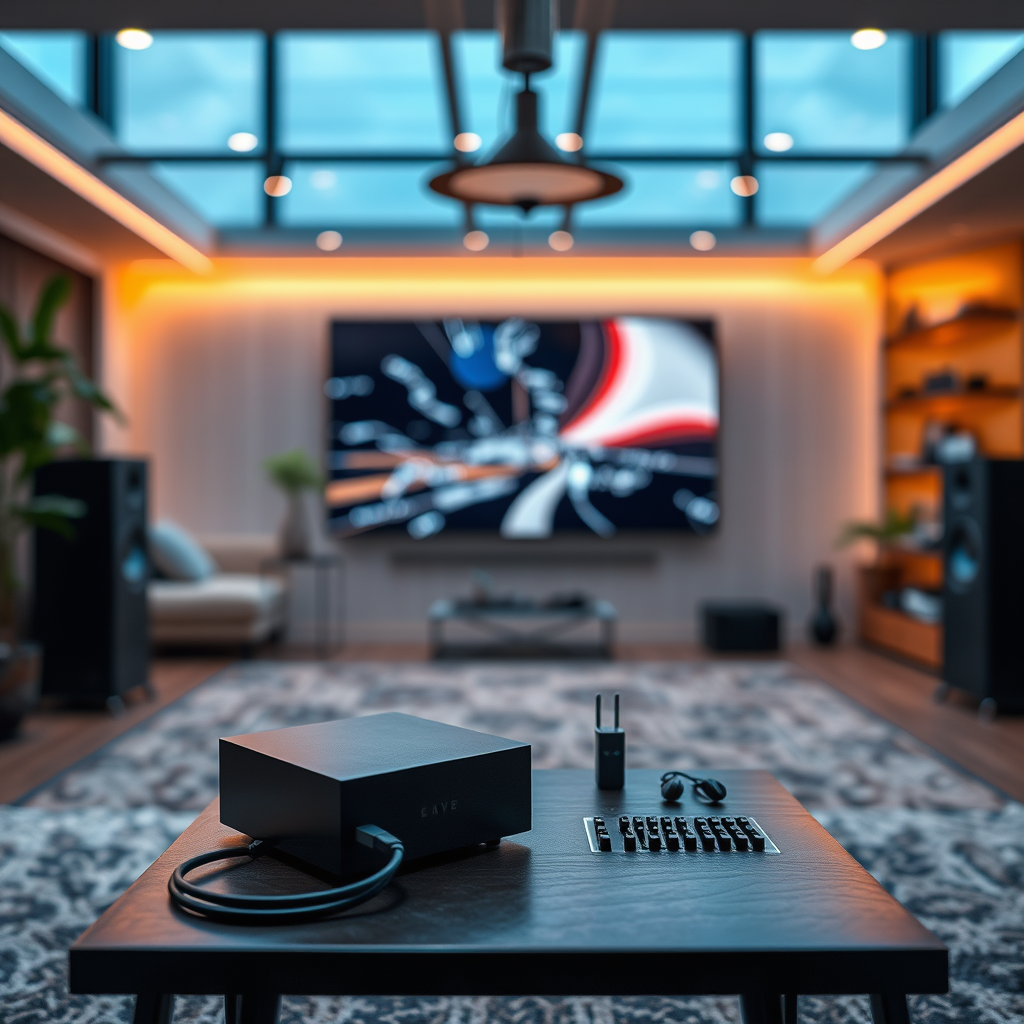
– Receiver: The heart of your wireless surround sound system is the receiver. When selecting one, ensure it is compatible with your speakers and other devices. Look for features like Dolby Atmos support and enough channels to accommodate your desired speaker setup. Brands like Denon, Yamaha, and Onkyo offer excellent options for various budgets. A good receiver will facilitate the seamless integration of all your audio sources, whether they’re from a Blu-ray player, gaming console, or streaming service.

– Speakers: Choosing quality surround sound speakers is vital for an optimal audio experience. You can go for traditional bookshelf speakers, floor-standing options, or even soundbars with satellite speakers. Brands like Klipsch, Bose, and Sonos are well-regarded for their performance and design. Consider your room size when selecting speakers; larger spaces may benefit from floor-standing models, while smaller areas might thrive with compact bookshelf speakers. Don’t forget to think about the subwoofer—this component adds depth to your sound, making action movies come alive with booming bass.
Choosing the Right Location
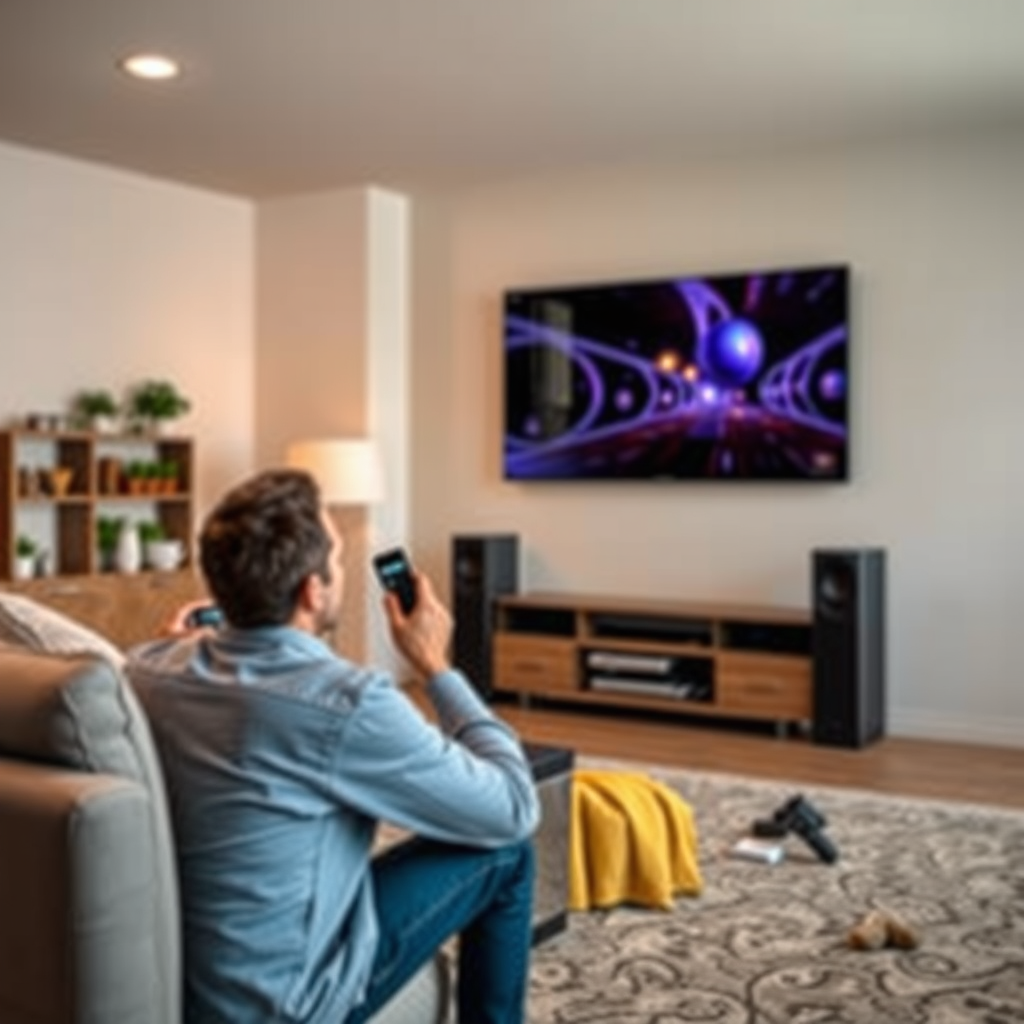
– Room Size: Every room is different, and understanding your room’s dimensions will help you determine the best speaker placement for optimal sound. If your space is large, you might need a more powerful setup to fill the room properly. For smaller spaces, a compact system might suffice. Measure your room and consider factors such as layout and furniture placement to avoid any obstructions that could hinder sound quality.
– Speaker Positioning: Proper speaker positioning is crucial for a fantastic surround sound experience. Place your front speakers at ear level when seated. This positioning ensures you receive the best sound clarity and balance. Surround speakers should ideally be placed slightly above ear level, around 1-2 feet higher, creating an enveloping sound field. Experiment with angles as well; for instance, angling your speakers inward can help direct sound towards your listening area, enhancing the overall experience.
Connecting Your Devices
– Wireless Protocols: Familiarizing yourself with wireless protocols is essential to ensure your devices work seamlessly together. Most systems use Bluetooth or Wi-Fi connectivity, but proprietary wireless connections, like Sonos’ own system, can offer superior performance. Check the specifications of your receiver and speakers to confirm compatibility with your preferred wireless technology. For example, if you plan to stream music from your phone, ensure that your receiver supports Bluetooth for easy pairing.
– Settings Configuration: Once you’ve connected your devices, it’s time to configure the settings. Follow the manufacturer’s instructions carefully, as each system may have unique steps. Most receivers will guide you through an initial setup process on-screen. Be sure to adjust the audio settings based on your preferences—this might include tweaking bass and treble levels or enabling features like night mode for quieter listening.
Calibrating Your System
– Automatic Calibration Tools: Many modern receivers come equipped with automatic calibration tools, such as Audyssey or YPAO. These systems use a microphone to analyze your room’s acoustics and adjust speaker settings accordingly. Running this calibration process is a great way to ensure your system is optimized for the specific characteristics of your space.
– Manual Adjustments: After automatic calibration, you might still want to make manual tweaks. Consider the distance of each speaker from your listening position and adjust the levels accordingly. If you notice the audio feels off—perhaps one speaker seems too loud or too quiet—fine-tune these levels using the receiver’s interface. Personalizing your setup based on your listening style and room acoustics can make a world of difference in the sound quality.
Troubleshooting Common Issues
– Connectivity Problems: If you encounter connectivity issues, start by checking for interference from other devices. Ensure your router is functioning correctly and that your wireless signal is strong. Moving your devices closer together can sometimes resolve connection problems. If you’re using Wi-Fi, consider switching to a less congested 5GHz band if your router supports it.
– Audio Quality: Poor audio quality can detract from your experience. If you notice echo, distortion, or other anomalies, reassess your speaker placements. Sometimes simply adjusting the angle or distance of a speaker can eliminate these issues. Additionally, check your receiver settings; ensuring you have the correct audio format selected can also alleviate quality problems.
Enhancing Your Experience
– Streaming Services: To maximize sound quality from streaming services, dive into the audio settings of your apps. Many platforms, such as Netflix or Spotify, offer options to enhance audio output quality. For instance, enabling surround sound features or high-definition audio streams can significantly elevate your listening experience.
– Additional Features: Consider integrating smart home devices for added convenience. Voice assistants like Amazon Alexa or Google Assistant can help you control your audio system hands-free. Imagine relaxing on your couch and simply saying, “Play my movie playlist,” while your surround sound system springs to life.
Setting up a wireless surround sound system doesn’t have to be daunting. By following these steps, you can create an audio setup that transforms your home entertainment experience, making it more immersive and enjoyable. Remember that experimentation is key—play around with speaker placements and settings to find what works best for your specific space. With patience and a bit of tweaking, you’ll soon be enjoying the incredible surround sound that makes every movie and musical note come alive. Happy listening!
Frequently Asked Questions
What components do I need to set up a wireless surround sound system?
To set up a wireless surround sound system, you typically need a compatible AV receiver, wireless speakers, a subwoofer, and a source device (like a Blu-ray player, streaming device, or gaming console). Make sure your AV receiver supports wireless connections, such as Wi-Fi or Bluetooth, and that your speakers are designed for wireless use. Additionally, an HDMI cable may be necessary to connect your source device to the receiver.
How do I connect my wireless surround sound speakers to my AV receiver?
To connect your wireless surround sound speakers to your AV receiver, first ensure that both devices are powered on and within range of each other. Access the setup menu on your AV receiver and look for the wireless speaker setup option. Follow the on-screen prompts to pair your speakers, which usually involves pressing a pairing button on the speakers and selecting them in the receiver’s menu. Ensure your receiver is updated with the latest firmware for optimal compatibility.
Why is my wireless surround sound system experiencing lag or delay?
Lag or delay in a wireless surround sound system often occurs due to network interference, a weak Wi-Fi signal, or outdated firmware. To minimize lag, ensure that your router is positioned away from other electronic devices that may cause interference and that your speakers are within a strong Wi-Fi range. Additionally, check for software updates for both your AV receiver and speakers to improve performance and reduce latency.
What is the best placement for wireless surround sound speakers in a room?
The best placement for wireless surround sound speakers is to position the front speakers (left, center, right) at ear level when seated, ideally equidistant from the listening position. Surround speakers should be placed slightly above ear level and to the sides or behind the listener, while the subwoofer can be positioned in a corner or along a wall to enhance bass response. Experimenting with speaker placement can significantly improve sound quality and create an immersive audio experience.
Which features should I look for when buying a wireless surround sound system?
When buying a wireless surround sound system, key features to consider include audio formats supported (like Dolby Atmos or DTS:X), connectivity options (Wi-Fi, Bluetooth, or proprietary wireless), and ease of setup. Look for systems with automatic calibration technology, which can optimize sound based on your room’s acoustics, and ensure the system has low latency for seamless audio-visual synchronization. Reading user reviews and exploring brand reputation can also help you choose a reliable system.
References
- Surround sound
- https://www.cnet.com/how-to/how-to-set-up-a-surround-sound-system/
- https://www.techhive.com/article/3042665/how-to-set-up-a-wireless-surround-sound-system.html
- https://www.digitaltrends.com/home-theater/how-to-set-up-a-surround-sound-system/
- https://www.lifewire.com/how-to-set-up-a-surround-sound-system-1846597
- https://www.pcworld.com/article/245437/how_to_set_up_a_surround_sound_system.html
- https://www.tomsguide.com/how-to/how-to-set-up-a-surround-sound-system