
To convert vinyl records to digital audio, you need the right equipment and software to ensure high-quality sound. This process typically involves using a turntable, an audio interface, and audio editing software. By following this step-by-step guide, you will learn about the essential steps and tools required for a successful vinyl-to-digital conversion, enabling you to preserve your cherished music collection in a modern format.
Understanding the Required Equipment
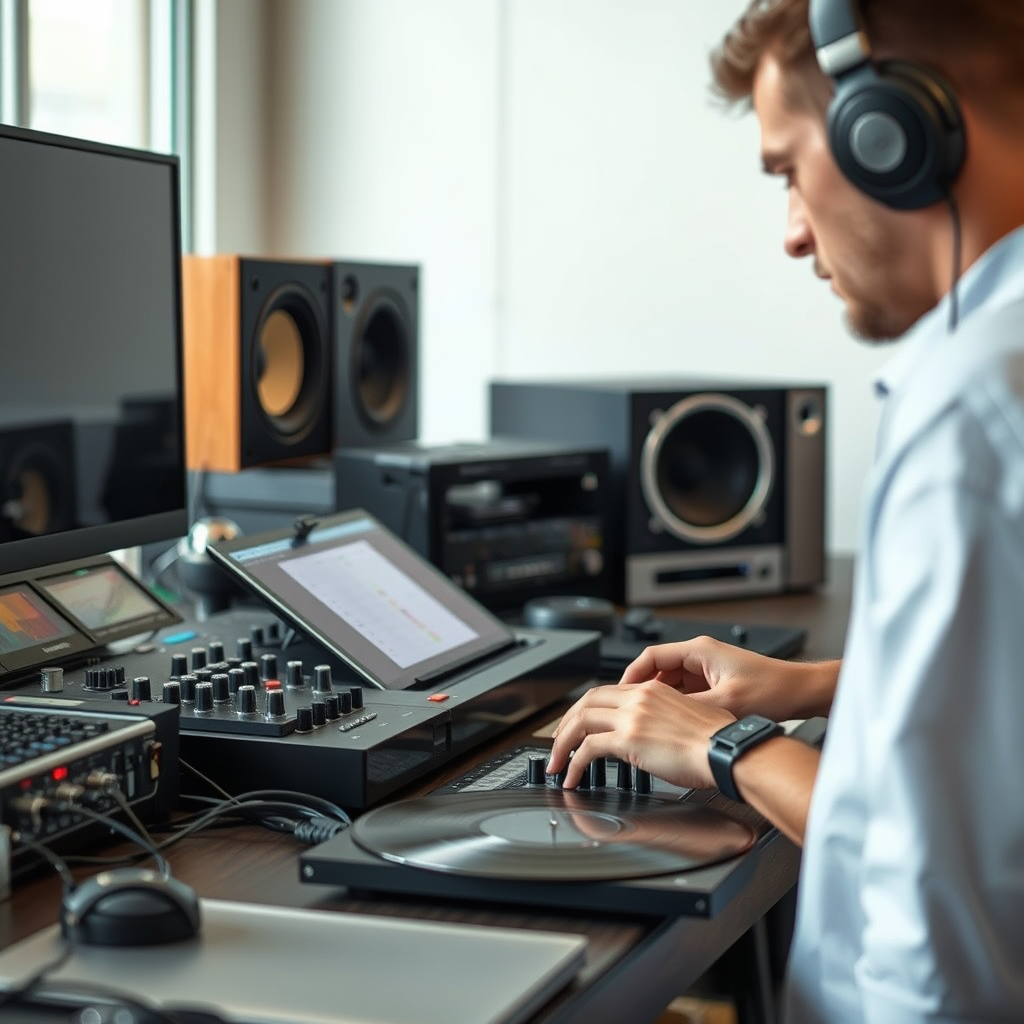
The first step in converting vinyl records to digital audio is selecting the appropriate equipment. The quality of your conversion heavily relies on the devices you use.
– Turntable: A high-quality turntable is crucial for optimal sound quality. Look for a turntable with a good cartridge, as this component significantly affects the audio output. Brands like Audio-Technica and Pro-Ject offer excellent models for audiophiles. Additionally, consider whether you want a manual or automatic turntable; the former provides more control, while the latter offers convenience.
– Audio Interface: An audio interface is essential for connecting your turntable to your computer, allowing for sound capture. Devices like the Focusrite Scarlett 2i2 or the Behringer UMC22 are popular choices. Ensure the interface supports the necessary sample rates and bit depths for high-fidelity audio, typically 24-bit/96kHz or higher.
Setting Up Your Workspace
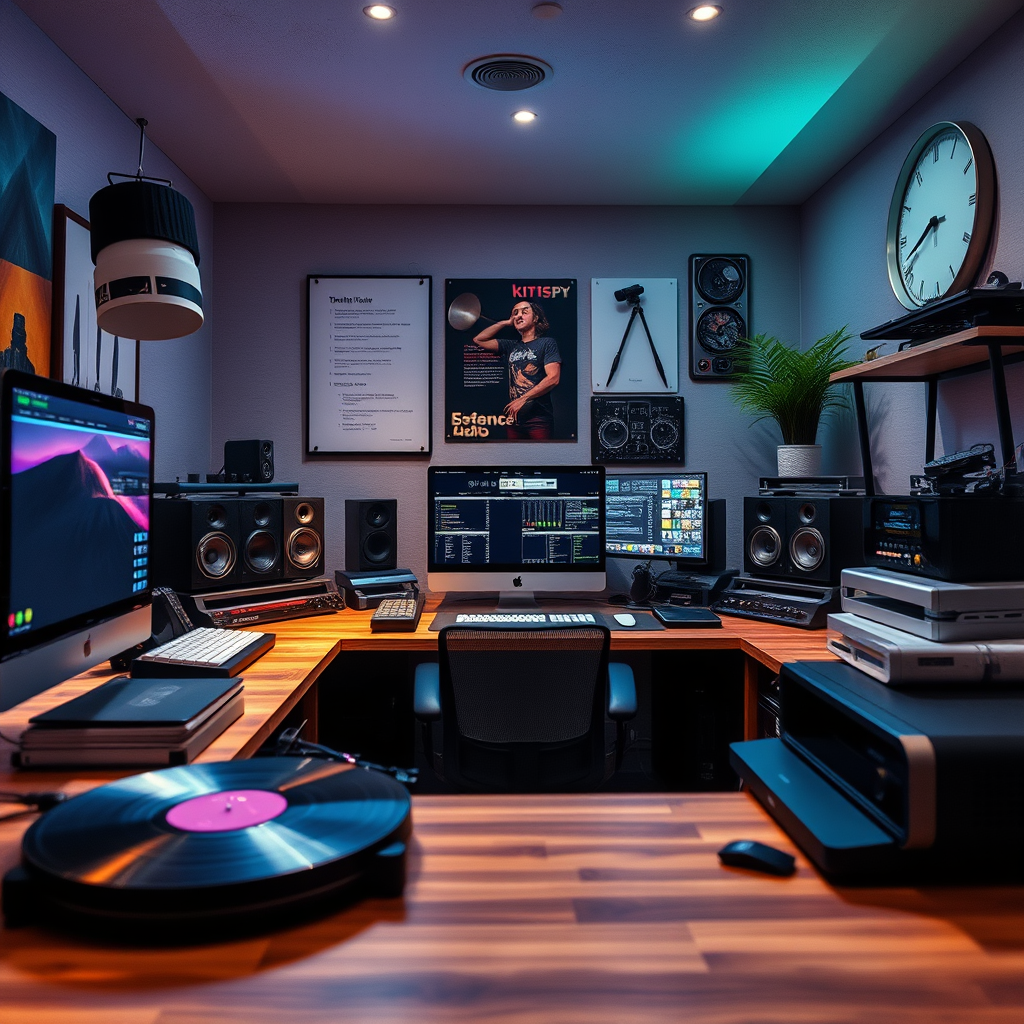
Creating an optimal workspace is vital for achieving the best audio quality during the conversion process.
– Clean Environment: Dust and static can harm both your vinyl records and the quality of the digital audio. Clean your workspace regularly and consider using an anti-static brush on your records before playback.
– Proper Cables: Use high-quality cables to connect your turntable to the audio interface. Invest in shielded cables to minimize interference and ensure a clean signal. RCA cables are commonly used for this purpose, but make sure they are of good quality to avoid signal loss.
Recording the Audio
Once your equipment is set up, it’s time to start recording the audio.
– Software Selection: Choose audio recording software that fits your needs. Audacity is a free and user-friendly option, while GarageBand is excellent for Mac users. Both programs allow for multi-track recording and editing, providing versatility in your workflow.
– Recording Settings: Set the software to the appropriate sample rate and bit depth for high fidelity. A common setting is 44.1kHz at 16-bit, which is CD quality, but for audiophiles, consider 96kHz at 24-bit to capture more detail.
Top 7 Audio Interfaces for Vinyl-to-Digital Conversion (2024)
| # | Model | Channels | Sample Rate | Price |
|---|---|---|---|---|
| 1 | Focusrite Scarlett 2i2 | 2 | 192kHz | $179 |
| 2 | Behringer UMC22 | 2 | 48kHz | $49 |
| 3 | M-Audio M-Track 2×2 | 2 | 192kHz | $99 |
| 4 | PreSonus AudioBox USB | 2 | 96kHz | $99 |
| 5 | Native Instruments Komplete Audio 6 | 6 | 192kHz | $199 |
| 6 | IK Multimedia iRig Pro I/O | 1 | 96kHz | $199 |
| 7 | Zoom U-24 | 2 | 96kHz | $129 |
Editing the Audio
After recording, the next step is to refine the audio to enhance playback quality.
– Noise Reduction: Vinyl records often contain unwanted noise, such as clicks and pops. Utilize the noise reduction features in your audio editing software to eliminate these imperfections. Audacity, for instance, offers a “Noise Reduction” tool that can significantly improve playback clarity.
– Track Splitting: If you recorded an entire album, you will want to split the audio into individual tracks for easier access. Most audio editing software allows you to mark and separate tracks easily, enabling you to save each song individually.
Converting the Files
Once you’ve edited your audio, it’s time to convert the files into a digital format.
– File Format: Choose the right digital format based on your needs. WAV files are uncompressed and provide the best quality, while MP3 files are compressed and take up less space. If you plan to listen on various devices, consider using the MP3 format for its compatibility.
– Metadata Tagging: Add metadata such as artist name, album title, and track numbers to your digital files. This information helps organize your digital library and improves usability on media players and streaming platforms.
Backing Up Your Digital Files
Protecting your digital audio files is essential to avoid loss due to hardware failure or accidental deletion.
– Storage Options: Utilize external hard drives or cloud storage solutions like Google Drive or Dropbox for safe backup. A combination of both methods is recommended for redundancy.
– Organizing Files: Create a structured folder system on your storage devices. Consider organizing by artist, genre, or year to facilitate easy access to your recordings. This organization will save you time and frustration when searching for specific tracks.
Enjoying Your Digital Collection
Finally, it’s time to enjoy your newly digitized music collection.
– Playback Devices: Transfer your digital files to devices like smartphones, tablets, or MP3 players for easy listening. Most devices support various audio formats, so ensure compatibility before transferring.
– Sharing Options: Consider sharing your recordings with friends or on online platforms like SoundCloud, but be mindful of copyright laws. Always respect the rights of the original artists when distributing their music.
Converting your vinyl records to digital audio can revitalize your music experience while preserving your beloved collection. By following these steps, you can successfully digitize your records and enjoy them in a modern format. Start gathering your equipment today and breathe new life into your vinyl!
Frequently Asked Questions
What equipment do I need to convert vinyl records to digital audio?
To convert vinyl records to digital audio, you’ll need a few essential pieces of equipment: a turntable, an audio interface or a USB turntable, and a computer with audio editing software. Additionally, invest in a good set of speakers or headphones for monitoring the quality during the conversion process.
How can I ensure the best sound quality when converting vinyl to digital?
To achieve the best sound quality when converting vinyl to digital, start with a high-quality turntable and stylus, as these components significantly impact audio clarity. Clean your records before playback, use lossless audio formats like WAV or FLAC for the digital files, and make sure to set appropriate levels in your audio software to avoid distortion.
Why should I convert my vinyl records to digital audio?
Converting vinyl records to digital audio allows you to preserve and enjoy your music in a more accessible format, enabling playback on various devices like smartphones and computers. Digital files can also be easily backed up, shared, and organized, ensuring your music collection lasts longer and is less subject to wear and tear compared to physical records.
What software is best for converting vinyl records to digital?
Some of the best software for converting vinyl records to digital audio includes Audacity, GarageBand, and Adobe Audition. Audacity is particularly popular for its free accessibility and robust features, while GarageBand is great for Mac users looking for an intuitive interface. Choose software that fits your technical comfort level and provides the audio editing tools you need.
Which format should I save my digital audio files in after conversion?
After converting your vinyl records to digital audio, it’s best to save your files in lossless formats like WAV or FLAC to maintain the highest sound quality. However, if file size is a concern, you can also consider using high-bitrate MP3 or AAC formats, which provide a good balance between audio quality and storage efficiency.
References
- https://www.wikihow.com/Convert-Vinyl-Records-to-Digital-Format
https://www.wikihow.com/Convert-Vinyl-Records-to-Digital-Format - https://www.bbc.com/news/magazine-25917624
https://www.bbc.com/news/magazine-25917624 - https://www.researchgate.net/publication/326322679_Converting_Vinyl_Records_to_Digital_Audio
https://www.researchgate.net/publication/326322679_Converting_Vinyl_Records_to_Digital_Audio - https://www.sciencedirect.com/topics/engineering/vinyl-record
https://www.sciencedirect.com/topics/engineering/vinyl-record - Google Scholar Google Scholar
https://scholar.google.com/scholar?q=Convert+Vinyl+Records+to+Digital+Audio - Google Scholar Google Scholar
https://scholar.google.com/scholar?q=Digitizing+Vinyl+Records - Google Scholar Google Scholar
https://scholar.google.com/scholar?q=Audio+Conversion+from+Vinyl - Google Scholar Google Scholar
https://scholar.google.com/scholar?q=How+to+Convert+Vinyl+Records+to+Digital+Audio - How to Convert Vinyl Records to Digital Audio – Search results
https://en.wikipedia.org/wiki/Special:Search?search=How+to+Convert+Vinyl+Records+to+Digital+Audio - https://www.ncbi.nlm.nih.gov/search/research-articles/?term=How+to+Convert+Vinyl+Records+to+Digital+Audio
https://www.ncbi.nlm.nih.gov/search/research-articles/?term=How+to+Convert+Vinyl+Records+to+Digital+Audio