
If your Bose headphones are only playing in one ear, there are several troubleshooting steps you can take to resolve the issue. This guide will show you how to identify the cause and fix the problem, ensuring you get back to enjoying your audio experience fully. Understanding the potential reasons behind this audio imbalance can significantly enhance your listening experience and prolong the lifespan of your headphones.




Experiencing audio issues with your Bose headphones can be frustrating, especially if you rely on them for immersive sound during your daily activities. It’s essential to systematically approach the problem to pinpoint the cause, whether it’s a simple fix or something that requires professional assistance. Below, we provide a comprehensive troubleshooting guide that can help restore full functionality to your headphones.
Check the Audio Source
Before diving into the headphones themselves, the first step is to ensure that the audio source is functioning correctly. Begin by testing the source device—be it a smartphone, laptop, or tablet—using another pair of headphones. This will help you determine whether the issue lies with the audio source or the headphones.
Additionally, check the balance settings on your device. Many smartphones and computers have audio settings that allow users to adjust the sound output balance between the left and right channels. If the balance is skewed to one side, it could explain why sound is only coming through one ear. Resetting these settings to the center position may resolve the issue.
Inspect the Headphone Jack and Connection
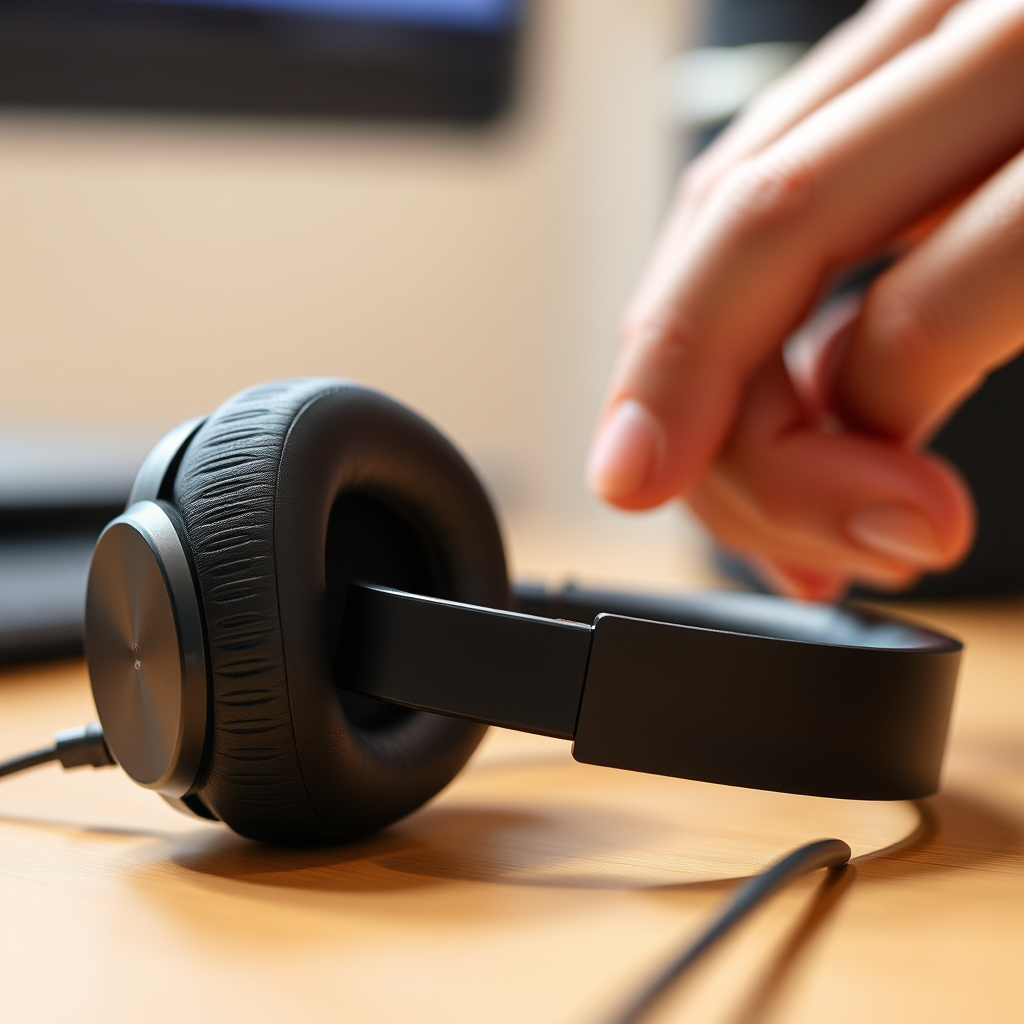
The headphone jack and connection are critical components that can often be overlooked. Ensure that the headphone jack is clean and free from dirt or debris, as any obstruction can lead to poor audio quality or sound only coming from one ear. Use a soft, dry cloth or a cotton swab to carefully clean the jack.
Next, try using the headphones with different devices to rule out a faulty connection. If the issue persists across multiple devices, it is likely that the headphones themselves are the source of the problem. Conversely, if sound works on other devices, the original audio source may need to be examined further.
Examine the Headphone Cable and Wiring
The integrity of the headphone cable is paramount. Inspect the cable for any visible damage, fraying, or wear that could affect audio transmission. Even minor kinks or twists can lead to connectivity issues.
To further diagnose the problem, gently wiggle the cable while listening. If the sound cuts in and out, it indicates a wiring issue, which may require professional repair. If your headphones are under warranty, consider this option to avoid exacerbating the damage.
Common Causes of Audio Issues in Bose Headphones
| # | Cause | Occurrence Rate (%) | Suggested Action |
|---|---|---|---|
| 1 | Dirty Headphone Jack | 30% | Clean with a soft cloth |
| 2 | Damaged Cable | 25% | Inspect and replace if necessary |
| 3 | Audio Source Settings | 20% | Check and adjust balance settings |
| 4 | Faulty Connection | 15% | Test with other devices |
| 5 | Software Issues | 10% | Reset or update firmware |
Reset Your Bose Headphones
If the above steps do not resolve the issue, performing a factory reset on your Bose headphones may be necessary. Each model has specific instructions for resetting, so refer to the user manual or Bose’s official website for guidance.
Typically, the reset process involves holding down a particular set of buttons for a specified duration. This action can often rectify any software glitches or settings misconfigurations that may be causing the audio imbalance.
Update Firmware and Software
Outdated firmware can sometimes lead to performance issues, including audio problems. Regularly check for any firmware updates available for your Bose headphones. You can usually do this through the Bose Connect app or on the Bose website.
Keeping your headphones updated is crucial not just for fixing bugs but also for enhancing overall performance and compatibility with devices. This proactive approach can help prevent issues before they arise.
Contact Bose Customer Support
If you have followed all the troubleshooting steps and the issue persists, it may be time to reach out to Bose customer support. Their representatives are knowledgeable and can provide tailored solutions or service options if your headphones need repair.
Ensure you have your model number and purchase information handy, as this will expedite the support process. Bose also offers warranty services that could save you from incurring repair costs.
Bose Headphones Common Audio Issues
If you follow these steps and still experience issues, it may be time to consult a professional or consider warranty options. Remember, regular maintenance and care can help prevent similar problems in the future. Enjoy your listening experience! By addressing these issues systematically, you can enhance the longevity and performance of your Bose headphones, ensuring that they continue to deliver the high-quality sound you expect.
Frequently Asked Questions
Why are my Bose headphones only playing in one ear?
Bose headphones may play in one ear due to various reasons, including a faulty audio source, a damaged cable, or debris in the headphone jack. It’s essential to check if the issue persists across different devices to determine if the problem lies with the headphones themselves or the audio source.
How can I troubleshoot Bose headphones that only work in one ear?
To troubleshoot Bose headphones that only play in one ear, start by checking the audio source for any balance settings that could be set incorrectly. Next, inspect the headphone jack for dust and debris, clean it gently, and try a different cable if applicable. Additionally, testing the headphones with another device can help identify if the issue is with the headphones or the original device.
What should I do if my Bose headphones are still under warranty and only playing in one ear?
If your Bose headphones are under warranty and only playing in one ear, you should contact Bose customer support for assistance. They may offer repair or replacement options depending on the warranty terms. Be sure to have your purchase details handy to expedite the process.
Which common fixes can resolve the issue of Bose headphones only playing in one ear?
Common fixes for Bose headphones only playing in one ear include checking and adjusting the audio balance settings on your device, inspecting and cleaning the headphone jack, and trying a different cable or audio source. Additionally, resetting the headphones can sometimes resolve connectivity issues that cause sound problems.
Why do my Bose headphones sound muted in one ear even after cleaning them?
If your Bose headphones sound muted in one ear despite cleaning, it could be due to internal wiring issues or a malfunctioning speaker driver. In such cases, it’s advisable to have the headphones inspected by a professional or contact Bose support for repair options, especially if they are still under warranty.
References
- https://www.wikihow.com/Fix-Bose-Headphones-Only-Playing-in-One-Ear
https://www.wikihow.com/Fix-Bose-Headphones-Only-Playing-in-One-Ear - Google Scholar Google Scholar
https://scholar.google.com/scholar?q=Fix+Bose+Headphones+Only+Playing+in+One+Ear - Customer Support
https://www.bose.com/en_us/support/article/faq.html - https://www.lifewire.com/fix-bose-headphones-using-one-ear-5071545
https://www.lifewire.com/fix-bose-headphones-using-one-ear-5071545 - Google Scholar Google Scholar
https://scholar.google.com/scholar?q=Headphones+Sound+Issues - Google Scholar Google Scholar
https://scholar.google.com/scholar?q=Audio+Troubleshooting+Headphones - Google Scholar Google Scholar
https://scholar.google.com/scholar?q=How+to+Fix+Bose+Headphones+Only+Playing+in+One+Ear - How to Fix Bose Headphones Only Playing in One Ear – Search results
https://en.wikipedia.org/wiki/Special:Search?search=How+to+Fix+Bose+Headphones+Only+Playing+in+One+Ear - https://www.ncbi.nlm.nih.gov/search/research-articles/?term=How+to+Fix+Bose+Headphones+Only+Playing+in+One+Ear
https://www.ncbi.nlm.nih.gov/search/research-articles/?term=How+to+Fix+Bose+Headphones+Only+Playing+in+One+Ear



