
To optimize your audio system for Dolby Atmos surround sound, start by ensuring you have the right equipment and proper setup. This involves selecting compatible speakers, placing them correctly in your space, and configuring your audio settings to take full advantage of Dolby Atmos technology. A well-optimized audio system can transform your home theater experience, immersing you in rich, three-dimensional sound that brings movies, music, and games to life. In this article, we’ll guide you through the essential steps to enhance your audio experience.
Selecting the Right Equipment
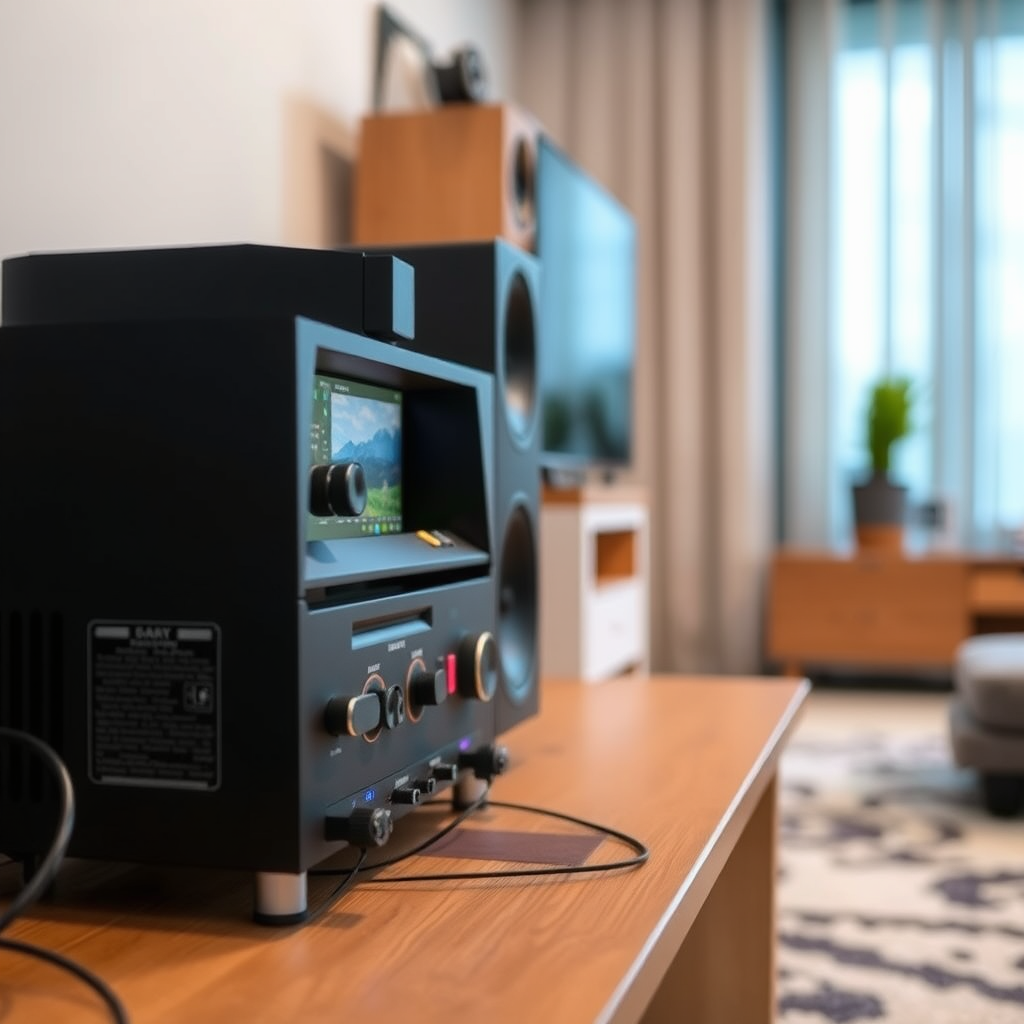
The first step in optimizing your audio system for Dolby Atmos is to choose the right equipment. A Dolby Atmos-capable AV receiver is essential, as it processes sound in a way that allows for the height channels integral to the technology. Look for receivers from reputable brands that specifically list Dolby Atmos support, such as Denon, Yamaha, or Onkyo.
Next, consider investing in compatible speakers. While traditional surround sound systems use five or seven speakers positioned around the room, Dolby Atmos introduces the concept of height. This can be achieved through either up-firing speakers designed to bounce sound off the ceiling or dedicated overhead speakers. Brands like Klipsch, SVS, and Polk Audio offer excellent options for both types. Ensure that your speaker setup includes a subwoofer for deep bass, which is crucial for an immersive sound experience.
Speaker Placement Techniques
Correct speaker placement is vital for achieving the full effect of Dolby Atmos. Your main speakers should be positioned at ear level when seated, usually around 36 to 42 inches off the ground. This height ensures the sound is directed towards the listener’s ears, improving clarity and presence.
For overhead or upward-firing speakers, the placement can vary based on your room’s configuration. If using up-firing speakers, place them on top of your front left and right speakers, angled towards the ceiling. If you opt for overhead speakers, they should be installed directly above the seating area, ideally forming a 30-degree angle with the listening position. It’s essential to create an equilateral triangle with your main speakers and the listening position to enhance the soundstage.
Calibration and Configuration
After setting up your equipment and speakers, calibration ensures that your system delivers the best possible audio. Many modern AV receivers come with automatic calibration tools that use a microphone to measure sound levels and speaker distances. This feature adjusts settings to provide a balanced sound profile tailored to your room’s acoustics.
However, manual adjustments can further refine your audio experience. Check the distances set in your receiver’s configuration menu to ensure they match the actual distances from your speakers to your listening position. Adjust speaker levels to create a balanced sound mix, and consider fine-tuning crossover settings to ensure that the frequencies are properly distributed between speakers and the subwoofer for optimal clarity.
Top Dolby Atmos Capable AV Receivers (2024)
| # | Model | Channels | Price | User Rating |
|---|---|---|---|---|
| 1 | Denon AVR-X3700H | 9.2 | $1,199 | ★★★★☆ |
| 2 | Yamaha RX-A2080 | 9.2 | $1,699 | ★★★☆☆ |
| 3 | Onkyo TX-NR696 | 7.2 | $799 | ★★★★☆ |
| 4 | Sony STR-DN1080 | 7.2 | $599 | ★★★★☆ |
| 5 | Marantz SR6015 | 9.2 | $1,599 | ★★★★★ |
| 6 | NAD T 758 V3 | 7.1 | $1,199 | ★★★☆☆ |
| 7 | Pioneer VSX-LX504 | 9.2 | $1,299 | ★★★★☆ |
Content Selection for Testing
To truly evaluate your Dolby Atmos setup, it’s essential to test it with quality content designed for this technology. Start with demo tracks specifically created for Dolby Atmos. These tracks showcase the capabilities of the system, allowing you to experience how sound moves around you in space. Dolby provides a range of demo content that can often be accessed through their official website or on platforms like YouTube.
Additionally, explore streaming services that offer Dolby Atmos content, such as Netflix, Amazon Prime Video, and Apple TV+. Look for films and shows marked with the Dolby Atmos logo, as this indicates that the content has been mixed specifically for this audio format. Testing your system with a variety of genres—from action-packed blockbusters to atmospheric dramas—will help you ascertain the range and quality of sound your setup can produce.
Common Troubleshooting Tips
Even with the best equipment and setup, issues may arise. Here are some troubleshooting tips to help you resolve common problems:
1. Check HDMI Connections: Ensure that all HDMI cables are securely connected and that they support HDMI 2.0 or higher, which is necessary for Dolby Atmos. Use high-speed HDMI cables for optimal performance.
2. Verify Audio Settings: Double-check the audio settings on both your AV receiver and the source device (like a Blu-ray player or streaming box). Sometimes, settings may revert to default or require specific configurations to enable Dolby Atmos.
3. Speaker Configuration: If sound is not coming from certain channels, revisit your speaker setup and the configuration settings in your receiver. Ensure that all speakers are properly configured and recognized by the receiver.
4. Firmware Updates: Regularly check for firmware updates for your AV receiver and other devices. Firmware updates can bring new features and improve overall performance, including better Dolby Atmos integration.
Enhancing Your Listening Environment
The acoustics of your room play a crucial role in the effectiveness of your Dolby Atmos setup. Reducing ambient noise is vital for an immersive experience. Consider acoustic treatments such as sound-absorbing panels or carpets, which can minimize reflections and echoes.
Additionally, experiment with your room layout and speaker positioning to find the best soundstage. Moving furniture, adjusting speaker angles, or even repositioning your seating can dramatically affect how sound is perceived. Aim for a balanced sound throughout the room, ensuring that all listeners can enjoy a similar audio experience.
Optimal Speaker Placement for Dolby Atmos
Ongoing Maintenance and Updates
To maintain the performance of your audio system, regular upkeep is key. Periodically check for firmware updates for your AV receiver and other components. Manufacturers often release updates that enhance compatibility, introduce new features, or improve existing functionalities, including sound processing for Dolby Atmos.
Additionally, keep an eye on the latest content available in Dolby Atmos. New films, shows, and music releases are continually being produced, providing fresh opportunities to experience your audio system’s capabilities. Staying informed about these updates will ensure that you are always maximizing your investment in your home audio setup.
By following these steps, you can significantly improve your audio system’s performance for Dolby Atmos surround sound. Whether you’re setting up your home theater or upgrading an existing system, these tips will help you achieve a more immersive audio experience. Don’t hesitate to experiment and adjust as needed to find what works best for your space. Engaging with this technology can truly transform how you enjoy entertainment at home.
Frequently Asked Questions
What equipment do I need to optimize my audio system for Dolby Atmos surround sound?
To optimize your audio system for Dolby Atmos, you need a compatible AV receiver that supports Atmos, speakers configured for surround sound, and a source device that can output Atmos content, such as a Blu-ray player or streaming device. Additionally, consider investing in upward-firing speakers or ceiling-mounted speakers to enhance the overhead audio experience that Atmos provides.
How do I properly set up my speakers for Dolby Atmos?
For optimal Dolby Atmos performance, arrange your speakers in a 5.1.2 or 7.1.4 configuration, where the last number indicates the number of overhead speakers. Place your main speakers at ear level, with the upward-firing speakers positioned at an angle to reflect sound off the ceiling, ensuring a balanced surround sound experience. Use calibration tools included with most AV receivers to fine-tune the speaker placement and levels.
Why is room acoustics important for Dolby Atmos optimization?
Room acoustics play a crucial role in optimizing your Dolby Atmos setup because sound waves can reflect off walls, ceilings, and furniture, affecting audio clarity and immersion. To enhance your experience, consider using acoustic panels, rugs, and curtains that absorb sound, and ensure that your speaker placement minimizes obstructions. A well-treated room can significantly improve the overall surround sound effect.
What are the best settings for my AV receiver to enhance Dolby Atmos sound?
The best settings for your AV receiver when optimizing for Dolby Atmos include enabling the Atmos mode, adjusting the speaker distances for accurate timing, and calibrating the speaker levels for balanced sound. Additionally, explore the audio processing settings, such as using the “Direct” mode for less interference with the sound signal, and don’t forget to set the crossover frequency appropriately to blend your subwoofer with the main speakers effectively.
Which content sources are recommended for experiencing Dolby Atmos surround sound?
To experience the full capabilities of Dolby Atmos surround sound, look for content from Blu-ray discs, streaming services like Netflix, Amazon Prime Video, and Disney+, which offer a selection of Atmos-enabled films and shows. Additionally, music streaming platforms such as Tidal and Apple Music provide Dolby Atmos tracks, allowing you to enjoy immersive audio experiences across various media types.
References
- Dolby Atmos
https://en.wikipedia.org/wiki/Dolby_Atmos - https://www.sciencedirect.com/topics/engineering/dolby-atmos
https://www.sciencedirect.com/topics/engineering/dolby-atmos - https://www.bbc.com/news/technology-45042369
https://www.bbc.com/news/technology-45042369 - https://www.nytimes.com/2020/01/03/technology/dolby-atmos-sound.html
https://www.nytimes.com/2020/01/03/technology/dolby-atmos-sound.html - Google Scholar Google Scholar
https://scholar.google.com/scholar?q=How+to+Optimize+Your+Audio+System+for+Dolby+Atmos+Surround+Sound - Google Scholar Google Scholar
https://scholar.google.com/scholar?q=Dolby+Atmos+audio+optimization - https://www.reuters.com/article/us-tech-dolby-atmos-future-idUSKBN1YW2I0
https://www.reuters.com/article/us-tech-dolby-atmos-future-idUSKBN1YW2I0 - https://www.theguardian.com/technology/2021/mar/18/dolby-atmos-sound-technology-movies-music
https://www.theguardian.com/technology/2021/mar/18/dolby-atmos-sound-technology-movies-music - https://www.mayoclinic.org/healthy-lifestyle/consumer-health/in-depth/audio-systems/art-20457866
https://www.mayoclinic.org/healthy-lifestyle/consumer-health/in-depth/audio-systems/art-20457866 - How to Optimize Your Audio System for Dolby Atmos Surround Sound – Search results
https://en.wikipedia.org/wiki/Special:Search?search=How+to+Optimize+Your+Audio+System+for+Dolby+Atmos+Surround+Sound