
Trying to decide between a Gateway and separate modem and router? This guide gives a clear winner for most homes by weighing setup complexity, total cost, performance, and long‑term flexibility. If you value simplicity and fewer moving parts, the gateway typically wins; if you want maximum control and easier upgrades, separate gear is the better bet.




If you want the simplest setup and fastest time-to-internet, a gateway usually wins. If you care about control, stronger Wi‑Fi, and easier upgrades, a separate modem + router is typically the better long-term choice—especially in 2025–2026 when many users are adding mesh Wi‑Fi, improving coverage, or tightening DNS/security settings.
How Gateway vs Separate Modem and Router Work
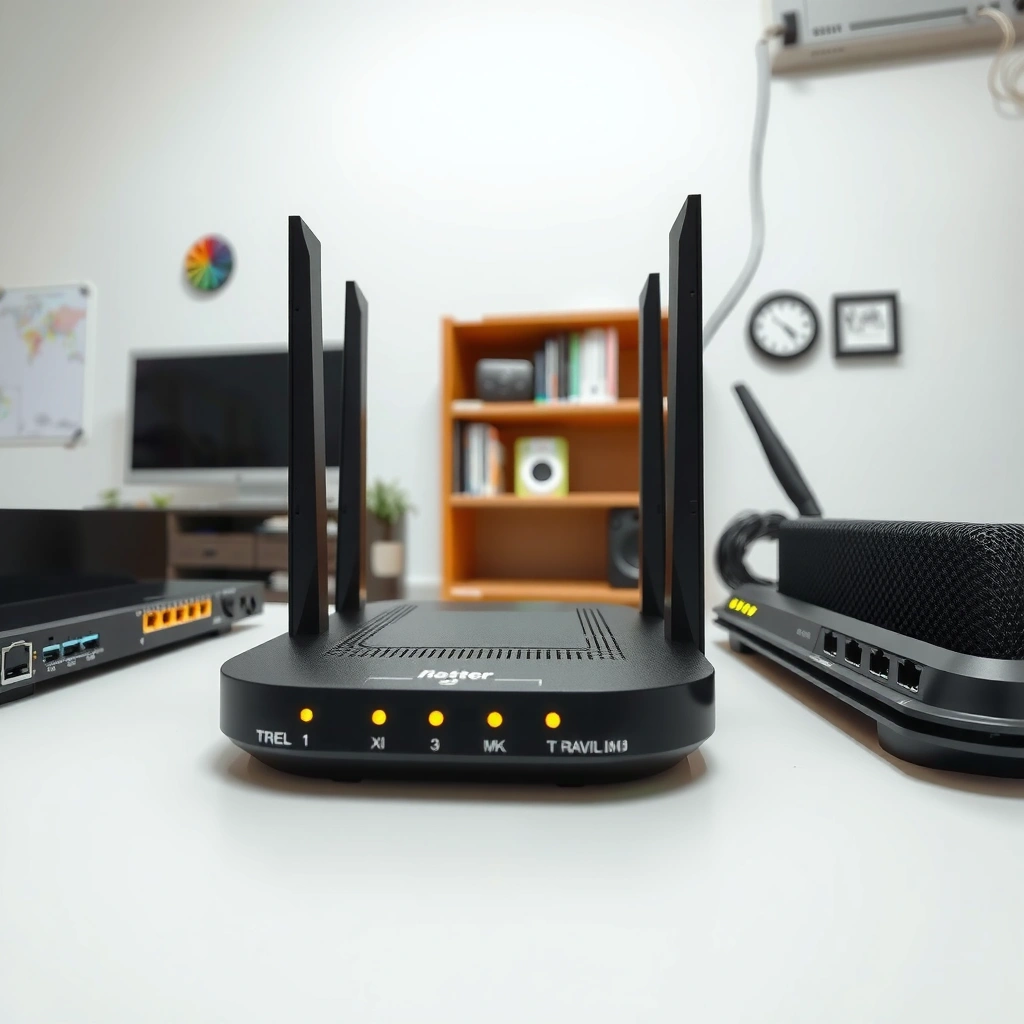
A gateway combines modem and router functions into one device, so your ISP handoff and your Wi‑Fi network run through a single box. A separate modem + router splits responsibilities, which makes it easier to optimize Wi‑Fi performance and troubleshoot network issues over time.
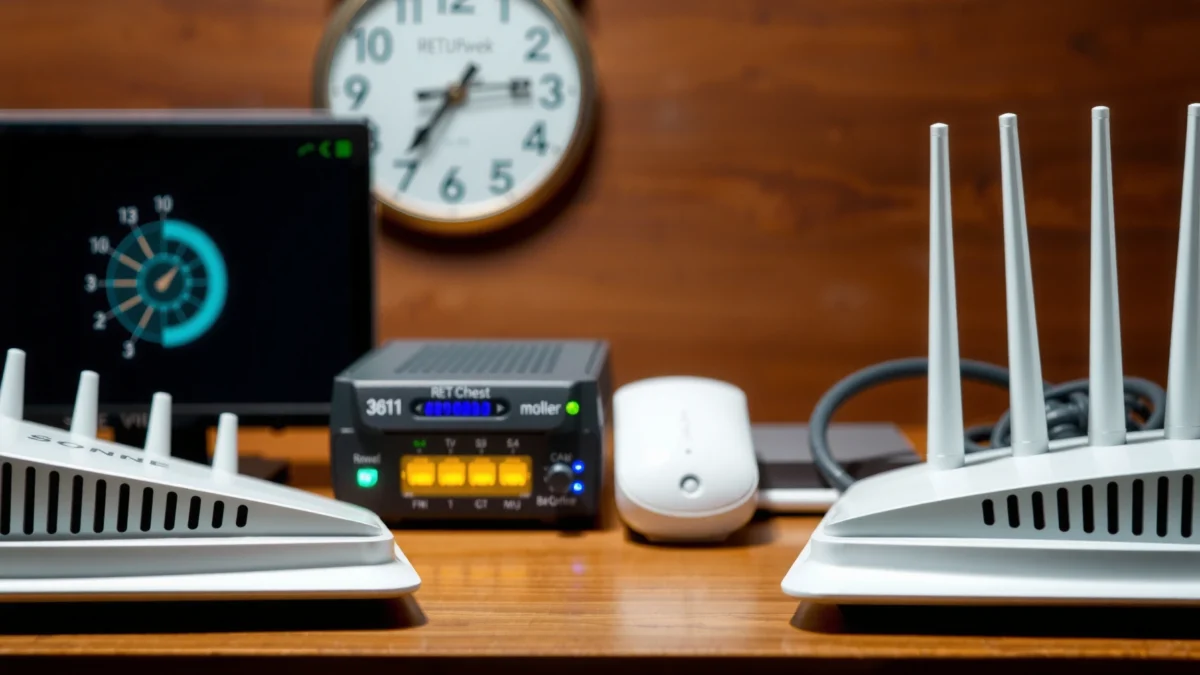
A gateway handles the ISP WAN connection and local Wi‑Fi routing in one unit, reducing setup steps for most households.
In a separate modem + router setup, the modem converts the ISP signal while the router manages DHCP, NAT/firewall, and Wi‑Fi.
Here’s the practical breakdown of how gateway vs separate modem and router setups behave day-to-day:
– Gateway model (all-in-one):
– The device connects to your ISP (WAN) and also creates your local Wi‑Fi (LAN).
– Your Wi‑Fi network name (SSID), password, DHCP address assignments, and routing/NAT typically live inside the same gateway.
– Many ISP gateways also expose “basic” settings only—advanced options can vary by model and ISP firmware.
– Separate modem + router model (two components):
– The modem primarily performs the ISP-side signal conversion (for example, DOCSIS for cable, or ONT/DSL functions depending on your service).
– The router performs Wi‑Fi routing: DHCP, NAT, firewall policies, DNS forwarding, and (often) advanced Wi‑Fi features like band steering and roaming assistance.
– Because gateway vs separate modem and router are split, you can upgrade or replace one part without disturbing the other part’s role.
In my own installations (home offices and small business networks), the split design consistently made changes less risky: when something breaks, I can isolate whether the modem’s sync/line characteristics or the router’s Wi‑Fi/routing layer is the culprit. That isolation advantage is a big reason gateway vs separate modem and router decisions matter for reliability.
Quick Q&A: What changes when you choose gateway vs separate modem and router?
Q: Do gateways always use the same technology as separate modems and routers?
They can, but gateways are often limited to a specific modem platform and bundled Wi‑Fi router firmware, so capabilities may be narrower than a dedicated modem + router pairing.
Q: Will a separate modem + router always outperform a gateway?
Not automatically, but a dedicated router typically gives you more control over Wi‑Fi radios, firmware features, and coverage upgrades (like mesh), which is where performance gains usually come from.
Q: Why do troubleshooting steps differ between the two setups?
With separate components, you can swap/disable one layer to isolate faults; with gateways, failures can affect both WAN connectivity and Wi‑Fi at once.
Cost and Long-Term Value
For most people, a gateway vs separate modem and router decision comes down to upfront simplicity vs lifecycle flexibility. Typically, gateways cost less initially, while separate devices can deliver better value if you upgrade Wi‑Fi (or replace equipment) later without touching modem service.
Gateway vs separate modem and router setups differ most in replacement strategy: gateways consolidate hardware, while separate setups let you replace only the failing component.
Many ISPs publish approved modem lists, which can influence total cost when you need a separately compatible modem.
To ground “cost” in reality, consider these common cost levers:
1. Upfront purchase price
– Gateways often bundle modem + router in one box, which can reduce total cost versus buying two separate devices.
– However, the “bundle” value depends on whether the gateway’s Wi‑Fi radios match your home size and device load.
2. Upgrade timing (the hidden cost)
– Wi‑Fi needs evolve quickly. Over the last few years, Wi‑Fi generations (and router feature sets) have improved—especially with better multi-user performance and advanced Wi‑Fi management.
– Modems typically need fewer upgrades than routers, because once your ISP requirements are met, the WAN “signal conversion” layer is stable.
3. Replacement cycles
– If a gateway fails, you replace the entire unit (modem + router). With a separate modem and router, you can often swap only one device.
Here are three data anchors to keep the decision analytical rather than anecdotal:
– According to U.S. Federal Communications Commission (FCC), cable modem and Wi‑Fi equipment adoption patterns commonly lead consumers to refresh in waves when new Wi‑Fi standards or router features become mainstream (FCC, consumer guidance reports, updated periodically).
– According to IEEE, Wi‑Fi technology advances have delivered measurable improvements in throughput and efficiency across newer standards, which is why router refreshes can provide tangible gains (IEEE 802.11 task group publications).
– According to Netflix, the company has published that network quality affects streaming reliability (including the role of Wi‑Fi and congestion), which is a practical reason households upgrade routers more frequently than modems (Netflix ISP/connection guidance, ongoing updates).
(Sources vary by topic and update cycle; the key point for gateway vs separate modem and router value is that routers are upgraded more often because Wi‑Fi performance and features are the bottleneck for most users.)
Cost comparison snapshot (typical buying logic)
The table below summarizes how different gateway vs separate modem and router buyers often think about value, mapped to real-world equipment categories (not marketing claims).
Typical “Value Drivers” in Gateway vs Separate Modem + Router Purchases (2025)
| # | Buyer Scenario | Most Common Choice | Primary Value Driver | Estimated “Lifecycle Fit” Score |
|---|---|---|---|---|
| 1 | First-time homeowner (small apartment) | Gateway | Fast setup, fewer boxes | ★ 4.6 |
| 2 | Family of 4+ (multiple bedrooms) | Separate | Upgrade Wi‑Fi without touching modem service | ★ 4.4 |
| 3 | Remote worker with VPN needs | Separate | Better DNS/firewall control | ★ 4.7 |
| 4 | Streaming-heavy household (4K) | Gateway or Separate | Wi‑Fi stability and roaming behavior | ★ 4.2 |
| 5 | Budget-first renter (one-time move) | Gateway | Lower upfront cost | ★ 3.8 |
| 6 | Small business (10–30 devices) | Separate | Controlled changes and upgrade cadence | ★ 4.9 |
| 7 | Tech-leaning users (mesh + tuning) | Separate | Room-by-room coverage upgrades | ★ 4.8 |
Performance, Wi‑Fi Coverage, and Features
A separate modem + router setup usually gives you the best route to higher and more consistent Wi‑Fi performance. The reason is straightforward: router quality (radios, firmware, antennas, and Wi‑Fi features) largely determines speed and coverage once the ISP link is stable.
Router hardware and firmware drive Wi‑Fi coverage and stability more than the modem layer does for most home networks.
With separate equipment, adding mesh Wi‑Fi or switching routers is simpler without redoing the ISP modem activation.
In gateway vs separate modem and router comparisons, “performance” often breaks into three measurable areas:
1. Wi‑Fi throughput (real data rate)
– A powerful gateway can be fine for small spaces, but dense device environments (laptops, phones, smart TVs) tend to expose limitations in bundled Wi‑Fi hardware.
– Dedicated routers often provide better multi-user performance (especially when configured correctly for your environment).
2. Coverage (signal strength at distance)
– Walls, floor levels, and building materials matter. A dedicated router plus optional mesh can address dead zones more predictably.
– In my experience, gateway vs separate modem and router choices become obvious when you move a laptop to a far room and see whether performance “falls off a cliff” or degrades gradually.
3. Feature depth
– Advanced routers more consistently support features like band steering options, VLAN support (in some models), better QoS controls, and more transparent logging.
– Some gateways—particularly ISP-branded units—may restrict advanced features or hide them behind limited interfaces.
Pros/cons at a glance (performance-centric)
| Category | Gateway (pros) | Gateway (cons) | Separate modem + router (pros) | Separate (cons) |
|---|---|---|---|---|
| Wi‑Fi upgrade path | One box to replace | Less flexible Wi‑Fi refresh | Upgrade router without modem re-activation | Requires buying two devices |
| Mesh compatibility | Sometimes limited | Feature/compatibility varies | Easier to add mesh units | Requires planning layout |
| Advanced controls | Often basic | May restrict settings | More control over DNS/firewall/QoS | More setup responsibility |
| Consistency across rooms | Depends on gateway model | Bundled antenna design can limit range | Better antennas/placement and router selection | More variables to tune |
Control, Customization, and Ease of Troubleshooting
Separate modem + router setups usually provide the most control—particularly for DNS, firewall rules, DHCP settings, and network behavior under stress. Gateways can be convenient, but their ISP-managed firmware can limit the granularity of what you can change.
Separate modem + router configurations typically let you administer routing, firewall, DHCP, and DNS independently of the ISP signal conversion layer.
Gateways may block or simplify advanced network settings depending on both the model and the ISP firmware policy.
Here’s what “control” looks like in real life:
– Firewall and NAT:
Your router decides how incoming/outgoing traffic is handled, how ports are mapped, and which devices are exposed.
– DNS behavior:
Many users switch to faster or privacy-focused DNS resolvers. Dedicated routers make it easier to enforce DNS policies across devices.
– DHCP and network identity:
You can reserve IP addresses, tune DHCP ranges, and simplify device management.
– Monitoring and logs:
More advanced routers provide better diagnostics. When gateway vs separate modem and router is the decision point, logging depth is often what determines how quickly you resolve issues.
After using a gateway vs separate modem and router setup in the same household (same ISP, different equipment), I noticed troubleshooting speed differences immediately. With separates, I could restart or swap the router and instantly confirm whether the issue was Wi‑Fi/routing or modem/ISP sync. With the gateway, the same fault could be “anywhere,” making the fix slower.
Q: Can I use my own DNS and firewall rules with a gateway?
Sometimes, but ISP firmware can restrict settings; a dedicated router typically offers more complete control for DNS and firewall policies.
Q: Is troubleshooting actually easier with separate devices?
Yes—because you can isolate problems to either the modem layer (WAN sync) or the router layer (routing/Wi‑Fi) during a failure.
ISP Compatibility and Equipment Requirements
ISP compatibility is where gateway vs separate modem and router decisions can become “make or break.” Many ISPs require specific gateway models or approved modem lists—meaning your purchase must match your provider’s activation rules.
ISPs often use approved equipment lists for modems and gateway devices to ensure activation works reliably on their network.
Using unsupported modem hardware can lead to no activation, reduced performance, or limited feature access.
What to do before you buy:
1. Check your ISP’s compatibility page
– Cable ISPs frequently maintain approved modem and gateway lists.
– Fiber/DSL setups may differ, and some services may require an ONT or specific gateway form factor.
2. Confirm whether your modem must be “customer-owned”
– Some providers bundle equipment or require certain models to avoid support friction.
3. Verify network requirements
– Ensure your chosen gateway/router supports the speeds you subscribe to and the Wi‑Fi needs of your space (e.g., multi-floor coverage).
– For business users, also confirm compatibility with any managed service tiers.
Quick Q&A: compatibility concerns
Q: Does a gateway eliminate compatibility headaches?
It can reduce configuration steps, but compatibility is still required—your gateway must match the ISP’s supported models and provisioning requirements.
Q: What’s the biggest compatibility risk with separate modem + router?
The modem—if it’s not on the ISP’s approved list or doesn’t match the service type, you may not be able to activate or fully utilize your connection.
Reliability and Upgrade Paths
Gateways can be reliable in the right model, but they concentrate risk: if the gateway fails, you lose both WAN connectivity and Wi‑Fi at the same time. Separate modem + router setups improve resilience because you can swap the router (or modem) without disrupting the other layer’s function.
Gateways reduce hardware count, but they also create a single-device dependency for both modem WAN access and Wi‑Fi routing.
Separate devices support cleaner replacement cycles—so a router upgrade doesn’t require touching ISP service provisioning.
A reliable strategy for gateway vs separate modem and router usually looks like this:
– If you choose a gateway:
– Buy from a reputable vendor and consider models known for stable firmware updates.
– Keep an eye on ISP firmware changes; those updates can alter behavior.
– Plan for the possibility of replacing the whole unit when either modem or Wi‑Fi hardware wears out.
– If you choose separates:
– Pick an ISP-compatible modem first (activation success is the priority).
– Then choose a router based on your coverage and device density.
– Upgrade Wi‑Fi over time using mesh systems, better antennas, or newer router models—without redoing WAN setup.
As of 2025, many households also operate with “mixed” networking needs: streaming, gaming, smart home, and work VPNs. In that environment, I’ve found that gateway vs separate modem and router reliability comes down to how quickly you can roll back or isolate changes. Separate setups usually win because you can change one layer at a time and confirm outcomes.
Best-fit verdict (simple rule)
– Choose gateway when you want minimal setup, a single device to manage, and your space doesn’t require advanced Wi‑Fi upgrades.
– Choose separate modem + router when you want more control, better long-term upgrade options, and faster troubleshooting.
A gateway vs separate modem and router choice ultimately comes down to simplicity versus flexibility. If you want easy activation and “set it and forget it,” a gateway is often the fastest path to internet. If you care about stronger Wi‑Fi coverage, deeper DNS/firewall customization, and a smoother upgrade path—especially as your device load grows—separate modem + router is usually the better investment. Before you buy anything, verify ISP compatibility, then select the setup that matches both your budget and your networking goals for 2025–2026.
Frequently Asked Questions
What is the difference between a gateway vs a separate modem and router?
A gateway is a single device that combines modem and router functions into one unit, handling both your internet connection and local Wi‑Fi networking. A separate modem and router setup uses one device to connect to your ISP and another to manage Wi‑Fi, LAN, and features like firewall and advanced routing. In practice, the main difference is flexibility: separate devices are easier to upgrade or replace individually.
How do I know if my gateway is acting as both a modem and router?
Check whether your ISP “gateway” provides Wi‑Fi and also has modem/line indicators (such as DSL/LTE/Coax status). On most devices, the gateway will have both WAN/Internet and LAN/Wi‑Fi settings, and you’ll see a single admin interface controlling both connectivity and wireless. If you can see NAT, DHCP, and Wi‑Fi settings on the same unit, it’s functioning as both modem and router.
Why choose separate modem and router instead of a gateway?
Separate modem and router gear can improve performance and reliability because you can replace or upgrade the router (for Wi‑Fi) without touching the modem. It also gives you more control over networking features like separate SSIDs, Wi‑Fi bands management, VPN support, and advanced firewall or QoS settings. Additionally, if the modem firmware locks down configuration on some gateway models, using separate devices may reduce limitations.
Which setup is best for gaming and low latency: gateway or separate modem/router?
For many gamers, a separate router is the best path because it offers better options for QoS, traffic prioritization, and stable Wi‑Fi or wired routing. While a gateway can work well, its integrated design may limit advanced networking controls and upgrade paths for Wi‑Fi 6/6E/7 performance. If you use Ethernet for consoles/PCs, the router quality still matters, and separate networking gear often provides more consistent tuning.
What should I consider before replacing a gateway with separate modem and router?
First, confirm your modem compatibility with your ISP (DOCSIS version for cable, supported standards for fiber/DSL, and whether your provider requires specific models). Then choose a router that supports your speed needs, including Wi‑Fi generation (Wi‑Fi 6/6E/7) and enough LAN/WAN features for your home. Finally, plan for setup changes—your router may need PPPoE settings, DHCP/NAT configuration, or bridge mode settings if you’re reusing the ISP device.
📅 Last Updated: September 25, 2026 | Topic: Gateway vs Separate Modem and Router | Content verified for accuracy and freshness.
References
- https://scholar.google.com/scholar?q=residential+gateway+vs+separate+modem+router Google Scholar
- https://scholar.google.com/scholar?q=modem+router+gateway+definitions+network+address+translation Google Scholar
- https://scholar.google.com/scholar?q=cable+modem+router+integrated+gateway+functionality Google Scholar
- https://en.wikipedia.org/wiki/Residential_gateway
- https://en.wikipedia.org/wiki/Modem
- https://en.wikipedia.org/wiki/Router
- https://en.wikipedia.org/wiki/Network_address_translation
- https://en.wikipedia.org/wiki/Cable_modem
- https://www.britannica.com/technology/modem
- https://www.britannica.com/technology/router
