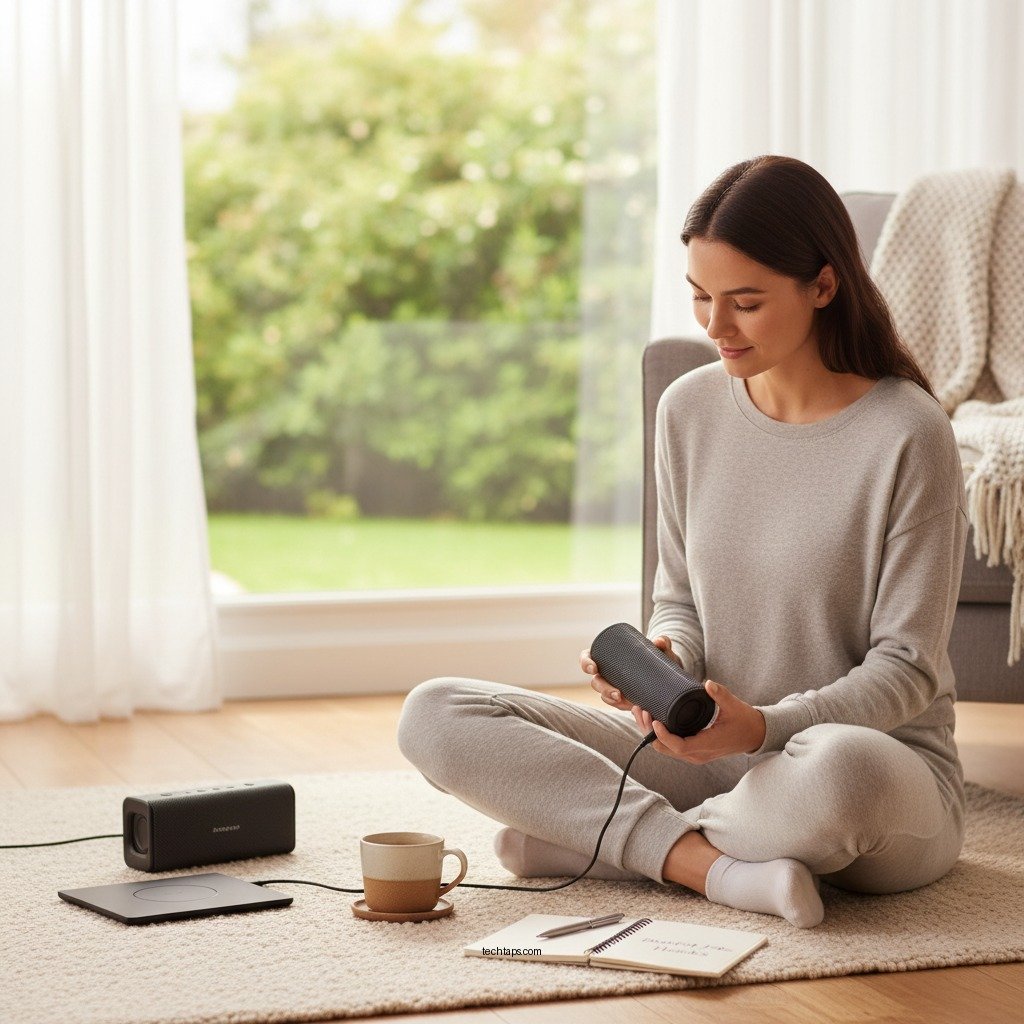
To extend the battery life of your portable Bluetooth speakers, you should optimize settings, manage volume levels, and maintain the battery health. By implementing these strategies, you can significantly enhance the longevity of your speaker’s battery while improving your overall listening experience. This article will delve into practical tips and techniques that will help you get the most out of your Bluetooth speakers.




Optimize Bluetooth Connectivity
One of the fundamental ways to conserve battery life on your portable Bluetooth speakers is to optimize Bluetooth connectivity. Keeping your audio source, such as a smartphone or tablet, close to the speaker reduces the power needed to maintain a stable connection. Bluetooth technology consumes more energy as the distance between devices increases, leading to more significant battery drain.
Additionally, it’s a good practice to turn off Bluetooth on other devices when they are not in use. This prevents your speaker from searching for potential connections, which can deplete its battery. When your speaker is only connected to the intended device, it can function more efficiently, thus extending its operational time.
Control Volume Levels
Managing volume levels is another effective strategy for prolonging battery life. Operating your Bluetooth speaker at moderate volume levels significantly decreases battery drain. Sound reproduction at high volumes requires more power, which can quickly diminish the battery reserve.
Moreover, if your listening environment allows for it, try to avoid using maximum volume settings. Not only does this require more energy, but it can also affect sound quality, leading to distortion. Instead, find a comfortable listening level that allows for an enjoyable experience without straining the battery.
Adjust Equalizer Settings
Adjusting the equalizer settings on your Bluetooth speaker can also impact its battery life. Many speakers come with built-in equalizer presets that can enhance sound quality. However, some settings may require more power to achieve specific sound profiles.
Using a balanced equalizer setting often minimizes battery usage, allowing for a richer sound while conserving energy. Consider experimenting with different presets to find a sound profile that satisfies your auditory preferences without excessively draining the battery.
Battery Life Comparison of Popular Portable Bluetooth Speakers (2024)
| # | Speaker Model | Battery Life (hrs) | Charging Time (hrs) | Sound Quality Rating |
|---|---|---|---|---|
| 1 | JBL Charge 5 | 20 | 4.5 | ★★★★☆ |
| 2 | Bose SoundLink Revolve+ | 17 | 3.5 | ★★★★★ |
| 3 | Anker Soundcore 2 | 24 | 5 | ★★★★☆ |
| 4 | Ultimate Ears BOOM 3 | 15 | 2.5 | ★★★☆☆ |
| 5 | Sony SRS-XB33 | 30 | 4 | ★★★★☆ |
| 6 | Marshall Emberton | 20 | 3 | ★★★★☆ |
| 7 | Bang & Olufsen Beosound A1 | 18 | 2 | ★★★★★ |
Update Firmware Regularly
Regularly updating the firmware of your Bluetooth speaker is another crucial step in maintaining battery efficiency. Manufacturers often release firmware updates that enhance performance, address bugs, and improve battery management systems. Keeping your speaker’s firmware up to date ensures that you benefit from the latest optimizations and features.
To check for updates, refer to the manufacturer’s guidelines, which are typically available on their website or through the associated mobile application. Following the recommended procedures for updating will help you avoid potential issues and ensure optimal performance for your speaker.
Store Your Speaker Properly
Proper storage of your Bluetooth speaker is essential for preserving battery health. When not in use, keep the speaker in a cool, dry place. Extreme temperatures can lead to battery deterioration, reducing its overall lifespan.If you plan to store your speaker for an extended period, it’s advisable to charge the battery to about 50%. This level helps maintain battery health without risking over-discharge, which can damage lithium-ion batteries. Regularly check on the stored speaker and recharge it to the recommended level every few months to ensure it remains operational when you need it.
Use Power-Saving Modes
Many modern Bluetooth speakers come equipped with power-saving modes designed to help extend battery life. Activating these features can significantly reduce energy consumption when the speaker is not in active use. Power-saving modes often lower the speaker’s performance temporarily, allowing you to enjoy extended listening time without sacrificing sound quality during active use.
Additionally, remember to turn off the speaker when it is not in use. This simple action can prevent unnecessary battery drain, allowing you to maximize the time between charges.
Maintain Battery Health
Maintaining the health of your Bluetooth speaker’s battery is crucial for its longevity and performance. One key practice is to avoid fully discharging the battery regularly. Lithium-ion batteries, commonly used in Bluetooth speakers, can suffer from a phenomenon known as “deep discharge,” which can lead to irreversible capacity loss.
Instead, aim to charge your speaker frequently. Keeping the battery level between 20% and 80% is ideal for maintaining optimal battery health. While it may be tempting to leave the speaker plugged in continuously, this practice can lead to overcharging, which may also harm battery performance over time.
In conclusion, extending the battery life of your portable Bluetooth speakers involves a combination of optimizing settings, managing volume levels, and ensuring proper maintenance. By following these practical tips, you can enhance both the longevity and performance of your speakers, ensuring a reliable audio experience whenever you need it. Start implementing these strategies today to enjoy extended playtime and improve your overall listening experience!
Frequently Asked Questions
What are the best practices to extend the battery life of my portable Bluetooth speakers?
To maximize the battery life of your portable Bluetooth speakers, keep the volume at moderate levels, as higher volumes consume more power. Additionally, turn off the speaker when not in use, and avoid exposing it to extreme temperatures, which can negatively impact battery performance.
How can I optimize my Bluetooth speaker settings for longer battery life?
To optimize your Bluetooth speaker settings for extended battery life, disable features like LED lights and voice assistants when they’re not needed. Also, consider using a lower audio quality setting if your speaker supports it, as this can reduce power consumption during playback.
Why does my Bluetooth speaker battery drain quickly, and how can I prevent this?
A Bluetooth speaker battery may drain quickly due to factors like high volume levels, constant pairing with devices, or outdated firmware. To prevent this, regularly update your speaker’s firmware, limit the number of paired devices, and use battery-saving modes if available.
Which charging practices help maintain the battery health of portable Bluetooth speakers?
To maintain the battery health of your portable Bluetooth speakers, avoid letting the battery completely drain before charging, as this can shorten its lifespan. Instead, aim to charge the battery when it drops to about 20%, and use the manufacturer’s recommended charger to ensure optimal charging conditions.
What is the impact of using my Bluetooth speaker outdoors on its battery life?
Using your Bluetooth speaker outdoors can impact battery life due to factors like environmental noise, which may prompt you to increase the volume, and exposure to sunlight, which can heat the battery. To counteract this, keep the speaker in shaded areas and maintain a moderate volume to preserve battery longevity.
References
- Electric battery
https://en.wikipedia.org/wiki/Battery_life - https://www.sciencedirect.com/topics/engineering/battery-life
https://www.sciencedirect.com/topics/engineering/battery-life - https://www.nature.com/articles/s41598-021-95569-1
https://www.nature.com/articles/s41598-021-95569-1 - https://pubmed.ncbi.nlm.nih.gov/29075145/
https://pubmed.ncbi.nlm.nih.gov/29075145/ - https://www.bbc.com/future/article/20210505-how-to-make-your-battery-last-longer
https://www.bbc.com/future/article/20210505-how-to-make-your-battery-last-longer - https://www.who.int/news-room/fact-sheets/detail/battery-safety
https://www.who.int/news-room/fact-sheets/detail/battery-safety - https://www.ncbi.nlm.nih.gov/pmc/articles/PMC7916454/
https://www.ncbi.nlm.nih.gov/pmc/articles/PMC7916454/ - Google Scholar Google Scholar
https://scholar.google.com/scholar?q=extend+battery+life+bluetooth+speakers - Google Scholar Google Scholar
https://scholar.google.com/scholar?q=battery+life+improvement+techniques - Google Scholar Google Scholar
https://scholar.google.com/scholar?q=Bluetooth+speaker+power+management



