
Installing wireless ceiling speakers can transform your home into an audio paradise without cluttering your living space with visible equipment. This guide will walk you through the step-by-step process of installing these speakers, ensuring an immersive sound experience. By following this comprehensive approach, you can achieve seamless installation, optimal speaker placement, and set up tips that will maximize sound quality.



Choosing the Right Wireless Ceiling Speakers
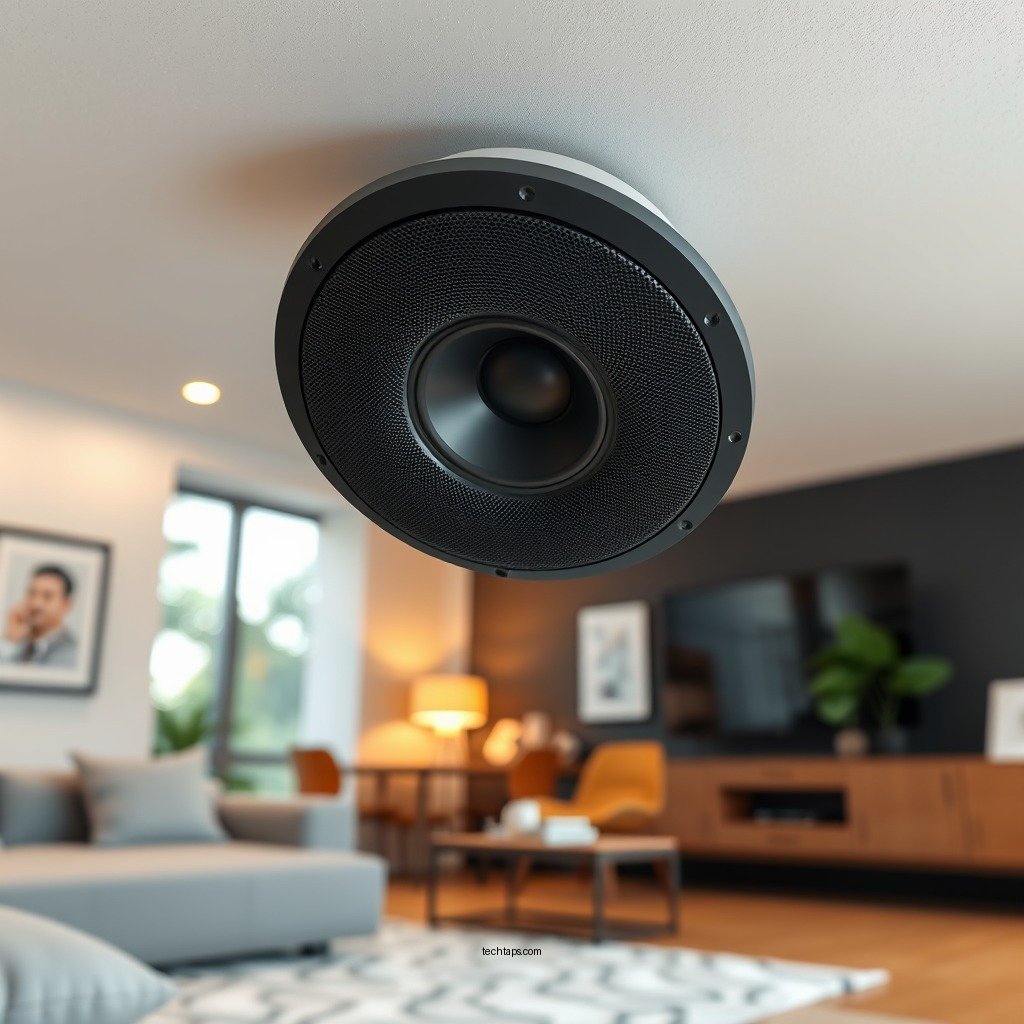
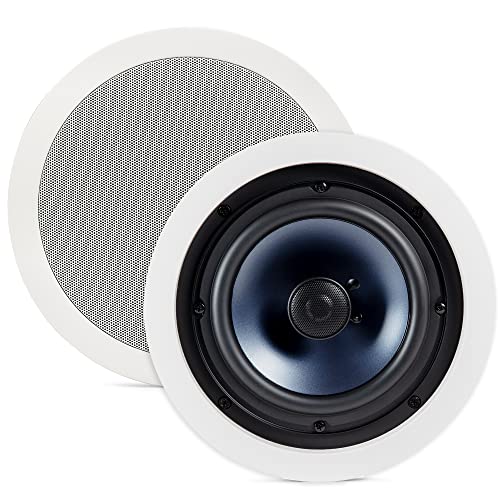
Selecting the right wireless ceiling speakers is crucial for achieving an exceptional audio experience. Start by researching top models that excel in sound quality, range, and compatibility with your existing audio system. Brands like Sonos, Bose, and Klipsch are renowned for their high-performance audio solutions.
When evaluating speakers, consider their power output, which typically ranges from 20 to 100 watts. A higher wattage usually translates to better sound quality and volume. Additionally, pay close attention to the frequency response, which should ideally cover a range from 20 Hz to 20 kHz for a full audio experience. Lastly, check if the speakers support smart home integration, allowing you to control them via voice commands or through mobile apps.
Gathering Necessary Tools and Equipment
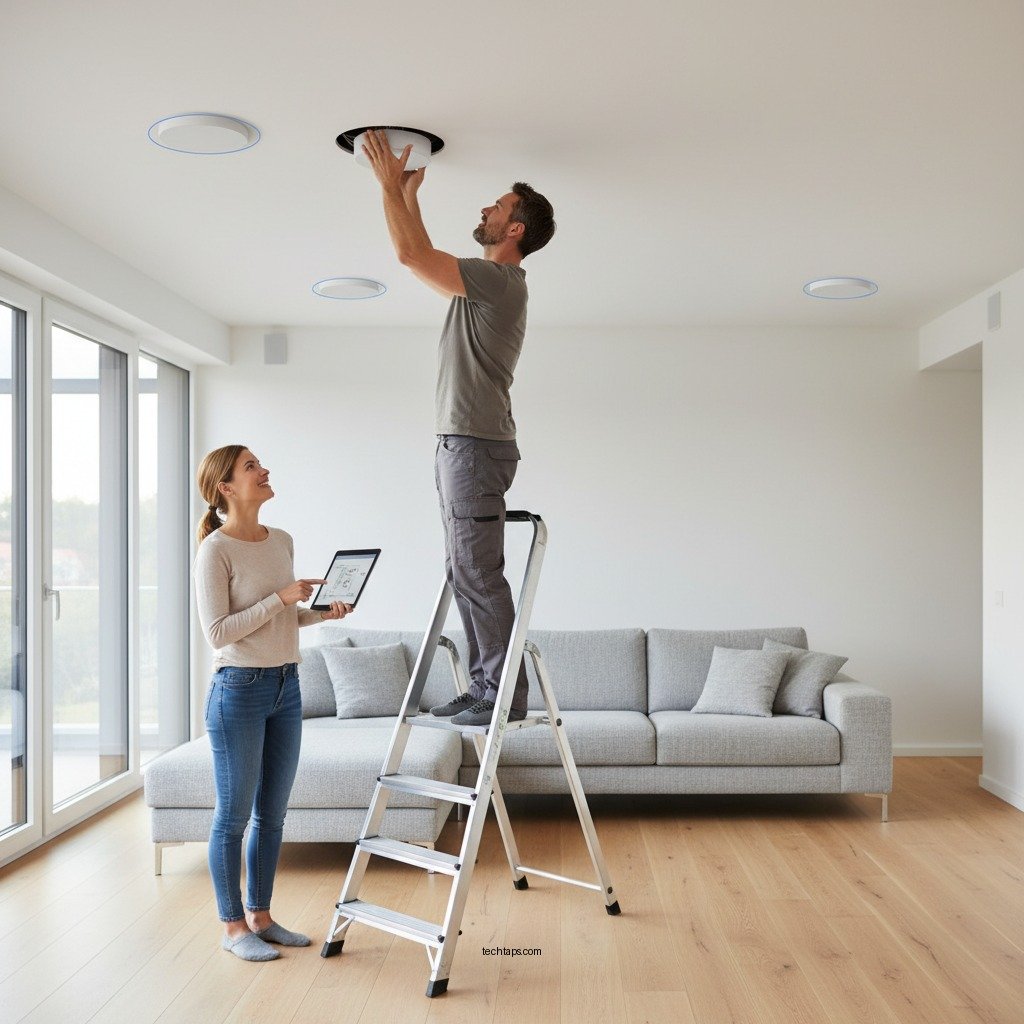
Before diving into the installation process, gather all necessary tools and equipment. Here’s a list of essential tools you’ll need:
– Stud finder: To locate ceiling joists and avoid drilling into them.
– Drill: A power drill will make creating holes for the speakers efficient.
– Wire stripper: If you’re using any wiring, a wire stripper will help you prepare your cables.
– Level: To ensure your speakers are installed straight.
– Measuring tape: For accurate placement and distance measurements.
Additionally, ensure you have the following components ready:
– Wireless ceiling speakers: Choose your selected models.
– Wireless transmitter: This will connect your audio source to the speakers.
– Mounting hardware: Usually included with the speakers, but check to confirm.
Planning Speaker Placement
Effective speaker placement is key to achieving balanced sound distribution throughout your room. Start by identifying optimal locations in the ceiling where the speakers can deliver an even sound experience.
For a standard room, a good guideline is to place speakers roughly 6 to 8 feet apart, and at least 2 feet away from walls. Use measurements and listening tests to determine the best audio experience from multiple seating areas. Remember, the goal is to create a sweet spot where sound is equally enjoyable, regardless of where someone is sitting.
To help visualize placement, consider the following table that outlines speaker placement strategies based on room dimensions:
Optimal Speaker Placement Strategies
| # | Room Size | Speaker Distance | Ideal Height | Notes |
|---|---|---|---|---|
| 1 | Small (up to 150 sq ft) | 6 ft apart | 8 ft height | Good for intimate spaces |
| 2 | Medium (150-300 sq ft) | 8 ft apart | 9 ft height | Ideal for living rooms |
| 3 | Large (300+ sq ft) | 10 ft apart | 10 ft height | Best for larger spaces |
Installing the Wireless Speakers
Once you’ve selected the right speakers and planned the placement, it’s time to install them. Follow these steps for a successful installation:
1. Locate Joists: Use the stud finder to locate ceiling joists and mark their positions. This will help you avoid drilling into them.
2. Cut Holes: Using your drill and a drywall saw, cut holes in the ceiling where you’ve marked for the speakers. Make sure the holes are the correct size for the speakers you’re installing.
3. Secure the Speakers: Insert the speakers into the holes and secure them according to the manufacturer’s instructions. Most wireless speakers come with mounting hardware for this purpose.
4. Connect the Wireless Transmitter: Plug the wireless transmitter into your audio source, such as a receiver or smart device. Follow the manufacturer’s instructions for setting up the connection.
5. Power the Speakers: Ensure that the speakers are powered correctly, either through batteries or a power outlet.
6. Test the Installation: Before finalizing, play some audio through the speakers to verify they are working properly.
Configuring Your Audio Settings
Once the installation is complete, configuring your audio settings is essential for optimal sound quality. Begin by adjusting the volume levels on your receiver or smart device.
Take advantage of features such as equalization settings available on your audio device to enhance sound clarity. It’s advisable to test the speakers by playing a variety of audio types—music, dialogue, and sound effects—to ensure balance across different frequencies.
Fine-tune the audio settings based on your personal preferences and the acoustics of your room. For example, if the room has a lot of hard surfaces, you may want to reduce treble to avoid harshness.
Troubleshooting Common Issues
Even the best installations can encounter issues. Here are some common challenges and their solutions:
– Connectivity Problems: If the speakers are not connecting to the transmitter, ensure that they are powered on and within the recommended range. Check for any potential interference from other wireless devices.
– Uneven Sound Distribution: If some areas of the room receive poor sound quality, adjust the speaker placement or check if the speakers are correctly calibrated.
– Static or Distortion: This can be caused by interference or low battery levels. Ensure that the speakers are charged or plugged in, and consider moving the transmitter closer to the speakers.
Maintaining Your Ceiling Speakers
Regular maintenance is critical for ensuring the longevity and performance of your ceiling speakers. Here are some tips:
– Cleaning: Dust the speakers gently with a soft, dry cloth. Avoid using any cleaning solutions that could damage the speaker finish.
– Software Updates: If your speakers have a software component, check for updates regularly. Manufacturers often release updates that improve performance and fix bugs.
– Connectivity Checks: Periodically check the wireless connectivity to ensure the speakers are functioning properly. This can prevent issues from arising unexpectedly.
By following these steps, you can create a seamless and invisible sound experience in your home. Whether you are an audio enthusiast or simply looking to enhance your living space, this guide will help you achieve an impressive setup. Ready to elevate your audio experience? Gather your tools and start your installation today!
Frequently Asked Questions
What tools do I need to install wireless ceiling speakers?
To install wireless ceiling speakers, you will need a stud finder, a drill with appropriate bits, a wire stripper, and possibly a level for precise alignment. Additionally, having a measuring tape will help you position the speakers accurately for optimal sound distribution.
How do I determine the best location for my wireless ceiling speakers?
The best location for wireless ceiling speakers is typically in the center of the room, away from walls and obstructions, to ensure even sound coverage. Use a measuring tape to find the right height and consider the layout of furniture to avoid sound interference, aiming for a distance of at least two to three feet from walls for optimal acoustics.
Why should I choose wireless ceiling speakers over traditional wired options?
Wireless ceiling speakers provide a clean and clutter-free aesthetic, eliminating the need for visible wires and complex installations. They also allow for flexibility in placement and can easily be integrated with smart home systems, making them ideal for creating an invisible sound experience without compromising on sound quality.
What are the best wireless ceiling speakers for home use?
Some of the best wireless ceiling speakers for home use include brands like Sonos, Polk Audio, and Klipsch, known for their high sound quality and compatibility with various audio systems. Look for features such as Wi-Fi or Bluetooth connectivity, power handling, and a sleek design that complements your home decor for an optimal audio experience.
Which installation methods are recommended for wireless ceiling speakers?
Recommended installation methods for wireless ceiling speakers include using a simple cut-out template to ensure the right hole size and securing the speaker with mounting brackets provided by the manufacturer. Additionally, following the manufacturer’s instructions for connecting to your wireless network is crucial, as this will help you achieve the best sound quality and performance from your speakers.
References
- https://en.wikipedia.org/wiki/Speaker_(audio
https://en.wikipedia.org/wiki/Speaker_(audio - Google Scholar Google Scholar
https://scholar.google.com/scholar?q=wireless+ceiling+speakers+installation - https://www.nature.com/articles/s41598-021-90043-5
https://www.nature.com/articles/s41598-021-90043-5 - https://pubmed.ncbi.nlm.nih.gov/32434257/
https://pubmed.ncbi.nlm.nih.gov/32434257/ - https://www.sciencedirect.com/topics/engineering/speaker-design
https://www.sciencedirect.com/topics/engineering/speaker-design - Google Scholar Google Scholar
https://scholar.google.com/scholar?q=invisible+sound+experience - https://www.bbc.com/future/article/20201026-how-sound-can-change-your-perception-of-space
https://www.bbc.com/future/article/20201026-how-sound-can-change-your-perception-of-space - https://www.theguardian.com/technology/2020/nov/02/how-ceiling-speakers-can-help-you-create-a-modern-home
https://www.theguardian.com/technology/2020/nov/02/how-ceiling-speakers-can-help-you-create-a-modern-home - https://www.cdc.gov/niosh/topics/noise/default.html
https://www.cdc.gov/niosh/topics/noise/default.html - https://www.mayoclinic.org/healthy-lifestyle/adult-health/in-depth/noise-induced-hearing-loss/art-20045596
https://www.mayoclinic.org/healthy-lifestyle/adult-health/in-depth/noise-induced-hearing-loss/art-20045596
