
To keep your AV receiver from overheating, ensure it has proper ventilation, regularly clean its components, and monitor its usage. Overheating can significantly impact the performance and longevity of your AV receiver, leading to potential damage and costly repairs. This article will guide you through essential tips and preventative measures to maintain your device’s performance and longevity.



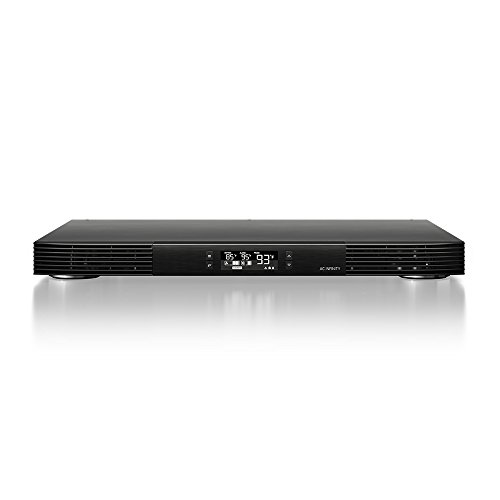
Importance of Proper Ventilation
Proper ventilation is crucial for the optimal functioning of your AV receiver. These devices generate heat during operation, and without adequate airflow, they can quickly overheat. Here are key steps to ensure your AV receiver is well-ventilated:
– Placement: Position your AV receiver in a spacious, open area. Avoid placing it against walls or in enclosed spaces, as these can restrict airflow. Ideally, a shelf or rack that allows for at least a few inches of space on all sides will promote adequate heat dissipation.
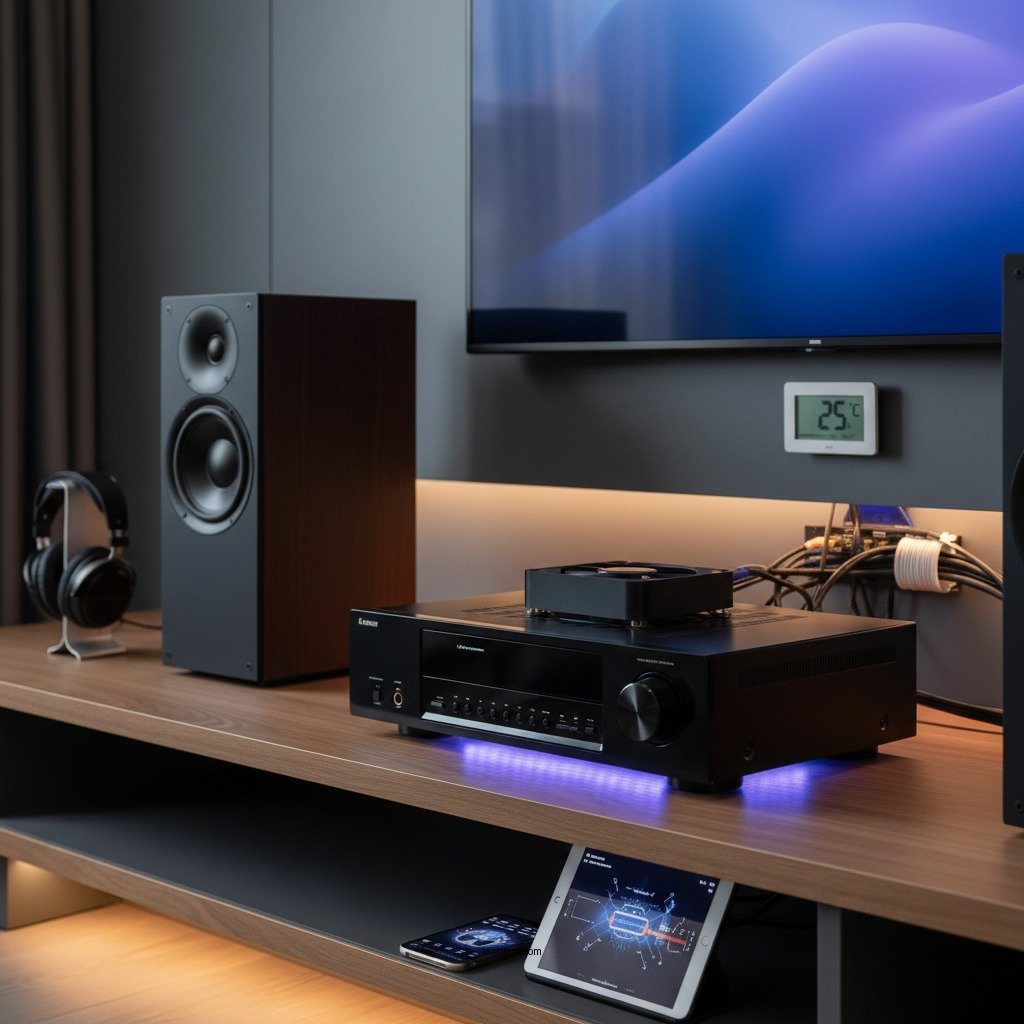
– Cooling Solutions: Consider using cooling fans or specialized racks designed for electronic devices. These cooling accessories can significantly enhance airflow around your AV receiver, reducing the risk of overheating. Models with built-in fans can actively draw heat away from the components, maintaining a stable operating temperature.
Implementing these ventilation strategies helps prevent overheating, ensuring your AV receiver operates efficiently and prolongs its lifespan.
Regular Cleaning and Maintenance
Regular cleaning and maintenance are vital to keeping your AV receiver functional and preventing overheating. Dust accumulation inside and outside the device can obstruct airflow and cause components to heat up. Here are some practical maintenance tips:
– Dusting: Use a soft, lint-free cloth to wipe down the exterior of your AV receiver regularly. For the interior, compressed air can be a helpful tool to blow out dust from crevices and vents. Avoid using liquids that may damage electronic components.
– Vents and Ports: Check the vents and ports for dust blockage. Dust can easily accumulate in these areas, impeding airflow. A quick inspection every few months and cleaning as needed can prevent many overheating issues.
Regular cleaning not only helps maintain performance but also enhances the device’s aesthetic appeal, making it more enjoyable to use.
Monitoring Usage and Environment
Monitoring how you use your AV receiver and the environment it operates in can significantly reduce the risk of overheating. Here are some important considerations:
– Volume Levels: Avoid prolonged usage at high volume levels. High output can cause the receiver to generate excessive heat. If you notice the receiver getting particularly warm, consider lowering the volume or taking breaks between long viewing or listening sessions.
– Climate Control: Keep your AV receiver in a climate-controlled room. Extreme temperatures can affect performance. Ideally, the room should remain in a moderate temperature range, and humidity levels should be controlled to prevent moisture damage.
Being mindful of usage patterns and the environment can go a long way in protecting your AV receiver from overheating.
Best AV Receivers by Heat Management Features (2024)
| # | Model | Cooling Mechanism | Max Output (W) | Heat Rating |
|---|---|---|---|---|
| 1 | Denon AVR-X6700H | Active Cooling | 125 | ★★★★☆ |
| 2 | Yamaha RX-A3080 | Passive Cooling | 115 | ★★★★☆ |
| 3 | Sony STR-ZA810ES | Active Cooling | 120 | ★★★★☆ |
| 4 | Marantz SR8015 | Passive Cooling | 140 | ★★★★★ |
| 5 | Onkyo TX-RZ840 | Active Cooling | 135 | ★★★★☆ |
| 6 | Pioneer VSX-LX504 | Passive Cooling | 110 | ★★★★☆ |
| 7 | NAD T 758 V3 | Active Cooling | 145 | ★★★★★ |
Using External Cooling Solutions
For those who want to go the extra mile in protecting their AV receivers, external cooling solutions can be a worthwhile investment. Here are some effective options:
– Cooling Pads and Fans: External cooling pads or fans can help reduce the temperature of your AV receiver. These devices are designed to provide additional airflow and can be especially useful during long viewing sessions or when the receiver is heavily utilized.
– Thermal Paste: If you are comfortable with hardware maintenance, consider applying thermal paste on the heat sink of your AV receiver. This can improve heat dissipation and ensure that heat is effectively transferred away from critical components.
Utilizing these external cooling solutions can significantly reduce the risk of overheating and can enhance the overall performance of your AV receiver.
Signs of Overheating and How to Respond
Recognizing the signs of overheating early can save your AV receiver from significant damage. Here are some common warning signs and appropriate responses:
– Automatic Shutdown: Many modern AV receivers are designed to automatically shut down when they reach critical temperatures. If this occurs, immediately turn off the device and allow it to cool down before attempting to power it back on.
– Excessive Heat: If your receiver feels unusually hot to the touch, it may be overheating. Check for adequate ventilation and ensure that the device is not placed in direct sunlight or near other heat-producing electronics.
– Unusual Noises: Listen for strange sounds, such as buzzing or grinding, which may indicate fan issues or other internal problems. If you hear these sounds, it is advisable to turn off the device and consult a professional.
By being vigilant about these signs, you can take immediate action to prevent damage and maintain the integrity of your AV receiver.
Best Practices for Long-Term Care
To ensure the longevity and optimal performance of your AV receiver, consider implementing these best practices:
– Regular Check-Ups: Schedule regular check-ups for your AV receiver, especially if it’s used frequently. This may involve professional cleaning or inspections to ensure all components are functioning correctly.
– Follow Manufacturer Guidelines: Adhere to the manufacturer’s guidelines for optimal performance and maintenance routines. Each model may have specific recommendations regarding cleaning, usage, and environmental conditions.
– Keep Firmware Updated: Regularly check for firmware updates from the manufacturer. These updates can improve performance, fix bugs, and sometimes enhance heat management capabilities.
By integrating these best practices into your routine, you can maintain your AV receiver’s health and performance for years to come.
Maintaining and protecting your AV receiver from overheating is essential for its longevity and performance. By following these tips—ensuring proper ventilation, regular cleaning, monitoring usage, using cooling solutions, being aware of overheating signs, and adhering to best practices—you can help your AV receiver perform at its best for years to come. Take action today to implement these strategies and enjoy uninterrupted entertainment!
Frequently Asked Questions
What are the signs that my AV receiver is overheating?
Common signs of an overheating AV receiver include excessive heat emanating from the unit, automatic shut-offs, or distorted audio output. Additionally, if the receiver frequently enters protection mode, it may indicate overheating issues that need to be addressed to ensure proper functioning.
How can I ensure proper ventilation for my AV receiver?
To ensure proper ventilation for your AV receiver, place it in a well-ventilated area, away from other electronic devices that generate heat. It’s crucial to keep at least a few inches of space around the unit, particularly on the sides and top, to allow for effective airflow and heat dissipation.
Why is it important to clean my AV receiver regularly?
Regular cleaning of your AV receiver is important because dust and debris can accumulate inside the unit, obstructing airflow and leading to overheating. By maintaining a clean receiver, you can enhance its performance and longevity, allowing it to operate efficiently without the risk of heat-related issues.
What are the best practices for using an AV receiver to prevent overheating?
Best practices for using an AV receiver to prevent overheating include ensuring that it is located in a cool, dry environment and not stacking it with other devices. Additionally, limit the volume levels to avoid excessive strain on the unit and consider using a cooling fan if your receiver tends to run hot during extended use.
Which accessories can help protect my AV receiver from overheating?
Accessories that can help protect your AV receiver from overheating include cooling pads or fans designed for electronics, which enhance airflow around the unit. Additionally, using an AV rack with built-in ventilation or purchasing a receiver with thermal protection features can also help maintain optimal operating temperatures.
References
- Broadcast radio receiver
https://en.wikipedia.org/wiki/Audio_receiver - https://www.sciencedirect.com/topics/engineering/audio-receiver
https://www.sciencedirect.com/topics/engineering/audio-receiver - https://www.britannica.com/technology/audio-receiver
https://www.britannica.com/technology/audio-receiver - https://www.nature.com/articles/s41598-020-65834-0
https://www.nature.com/articles/s41598-020-65834-0 - https://www.pubmed.ncbi.nlm.nih.gov/31954014/
https://www.pubmed.ncbi.nlm.nih.gov/31954014/ - https://www.aps.org/units/edus/newsletters/spring2019/receiver.cfm
https://www.aps.org/units/edus/newsletters/spring2019/receiver.cfm - About Childhood Lead Poisoning Prevention | Childhood Lead Poisoning Prevention | CDC
https://www.cdc.gov/nceh/lead/ - Google Scholar Google Scholar
https://scholar.google.com/scholar?q=AV+Receiver+Overheating+Prevention - Google Scholar Google Scholar
https://scholar.google.com/scholar?q=how+to+protect+AV+receiver - Google Scholar Google Scholar
https://scholar.google.com/scholar?q=AV+Receiver+Heat+Management
