
If your Pioneer soundbar isn’t turning on, it could be due to several common issues, such as power supply problems, remote control issues, or connection errors. Understanding these potential reasons is crucial for troubleshooting effectively. In this article, we’ll explore these common issues in detail and provide practical solutions to help you get your soundbar up and running again.
Power Supply Check
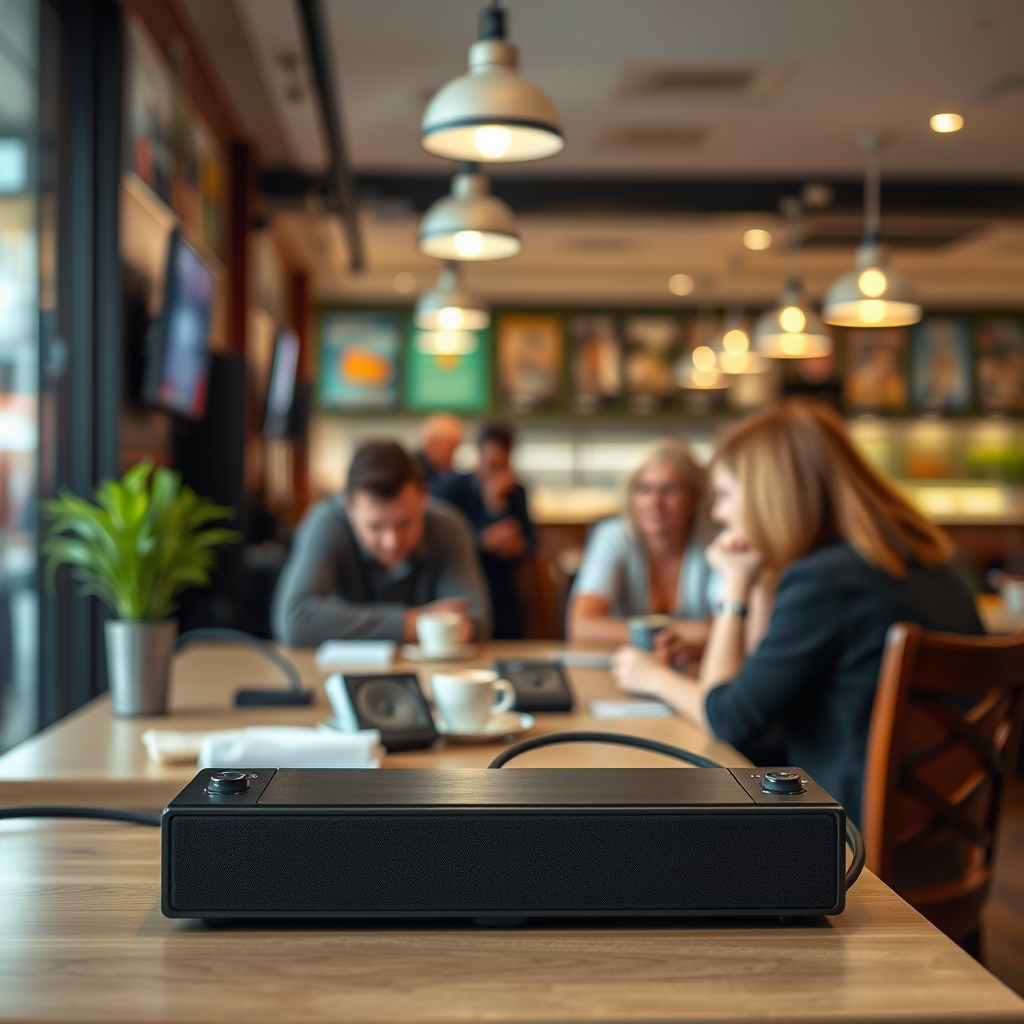
One of the primary reasons your Pioneer soundbar may not be turning on is related to the power supply. To diagnose this issue, start by ensuring that the soundbar is securely plugged into a functioning power outlet. It’s advisable to test the outlet by plugging in another device to confirm that it is working properly.
Next, inspect the power cable for any visible damage or wear. Look for frayed wires, bent connectors, or any signs of stress that might indicate it is not delivering power to the soundbar. If you find any issues with the power cable, replacing it might be necessary. Additionally, check for loose connections; ensure that both ends of the cable are firmly connected to the soundbar and the power outlet.

Remote Control Issues

Another common factor that can prevent your soundbar from turning on is related to the remote control. Start by verifying that the remote control has working batteries installed. Weak or dead batteries can lead to intermittent signals or complete failure to operate the soundbar. If you suspect the batteries may be an issue, replace them with new ones to see if this resolves the problem.
Moreover, ensure that there are no obstructions between the remote and the soundbar’s sensor. Items such as furniture, decorative pieces, or other electronic devices can block the infrared signal. Try using the remote from different angles or distances to determine if the signal is being disrupted.
HDMI CEC Settings
If you are using HDMI cables to connect your soundbar to your television or other devices, it is essential to check the HDMI-CEC (Consumer Electronics Control) settings. HDMI-CEC allows devices to communicate and control each other, which can sometimes interfere with the soundbar’s ability to turn on.
Confirm that HDMI-CEC is enabled on both your soundbar and the connected devices. This setting is usually located in the audio or device settings menus and may be labeled differently depending on the manufacturer. If the settings are correctly configured and the soundbar still does not turn on, try using a different HDMI cable or port to rule out any connection issues.
Firmware Updates
Keeping your soundbar’s firmware up to date is crucial for optimal performance, including startup functionality. Check if there are any available firmware updates for your Pioneer soundbar by visiting the manufacturer’s website or accessing the settings menu on the soundbar, if possible.
Follow the manufacturer’s instructions on how to perform the update safely. Typically, firmware updates can resolve bugs and improve system stability, which could potentially solve the issue of your soundbar not turning on.
Overheating Problems
Overheating can also be a factor that prevents your soundbar from powering on. This is particularly relevant if the soundbar has been in use for a prolonged period, or if it is placed in a location with inadequate ventilation. Ensure that the soundbar is positioned in a well-ventilated area, away from other electronic devices that produce heat.
If your soundbar feels hot to the touch, turn it off immediately and allow it to cool down before attempting to power it on again. Continuous use while overheating can cause internal damage, so monitoring its temperature is essential.
Factory Reset
If all other troubleshooting steps have failed, consider performing a factory reset on your soundbar. This process can resolve persistent issues by restoring the soundbar to its original settings. However, be aware that this will erase all settings and preferences, so it should be a last resort.
To perform a factory reset, refer to the user manual for specific instructions tailored to your model. Typically, this involves pressing a sequence of buttons or accessing the settings menu.
Customer Support Options
If none of the above steps work, it may be time to reach out to Pioneer’s customer support for assistance. They can provide additional troubleshooting steps and determine if your soundbar requires repairs or replacement.
Be sure to have the model number and purchase information handy, as this will expedite the support process. Additionally, check for warranty information; if your soundbar is still under warranty, you may be eligible for free repairs or replacement through authorized service centers.
Common Issues with Pioneer Soundbars and Solutions
| # | Issue | Possible Cause | Solution |
|---|---|---|---|
| 1 | Not Powering On | Power supply issues | Check power outlet and cable |
| 2 | Remote Control Not Working | Weak batteries or obstruction | Replace batteries and check line of sight |
| 3 | HDMI Issues | HDMI-CEC settings | Check and enable HDMI-CEC |
| 4 | Firmware Issues | Outdated firmware | Update firmware per instructions |
| 5 | Overheating | Poor ventilation | Ensure proper ventilation |
| 6 | Factory Reset Needed | Persistent issues | Perform a factory reset |
| 7 | Need for Support | Unresolved issues | Contact customer support |
Frequency of Common Issues with Pioneer Soundbars
In conclusion, troubleshooting a Pioneer soundbar that won’t turn on involves examining various factors, including power supply, remote control functionality, HDMI settings, firmware updates, and potential overheating issues. By systematically going through these aspects, you can often identify and resolve the problem. If all else fails, do not hesitate to reach out to customer support for further assistance. Taking these proactive measures not only enhances your soundbar experience but also extends its longevity.
Frequently Asked Questions
Why is my Pioneer soundbar not turning on?
If your Pioneer soundbar is not turning on, it could be due to several reasons. First, ensure that it is properly plugged into a working power outlet and check for any blown fuses. Additionally, verify that the power cable is securely connected to both the soundbar and the outlet.
How can I troubleshoot my Pioneer soundbar if it won’t power on?
To troubleshoot your Pioneer soundbar, start by unplugging it from the power source for a few minutes before plugging it back in. Check the remote control batteries to ensure they are functional and try using the power button on the soundbar itself. If the issue persists, consider performing a factory reset by following the instructions in the user manual.
What should I do if my Pioneer soundbar has power but no sound?
If your Pioneer soundbar powers on but produces no sound, first check the audio input source settings on both the soundbar and your connected devices. Make sure that the soundbar is set to the correct input mode, and verify that the volume is turned up. Additionally, inspect the connections for any loose cables or damaged ports.
Why does my Pioneer soundbar turn off after a few minutes of use?
Your Pioneer soundbar may turn off after a few minutes due to an auto power-off feature designed to save energy when no audio signals are detected. Check the settings in the soundbar’s menu to adjust or disable this feature. Also, ensure that all connected devices are functioning correctly and sending a continuous audio signal.
Which troubleshooting steps are best for a Pioneer soundbar that won’t respond to the remote?
If your Pioneer soundbar is unresponsive to the remote, start by replacing the remote batteries and ensuring they are installed correctly. Check for any obstructions between the remote and the soundbar’s sensor. If the remote still doesn’t work, try using the buttons on the soundbar directly to rule out a remote issue. If all else fails, consult the user manual for any specific troubleshooting steps.
References
- Home cinema
https://en.wikipedia.org/wiki/Home_theater_system - https://www.pioneer-audiovisual.com/home/support
https://www.pioneer-audiovisual.com/home/support - https://www.lifewire.com/how-to-fix-an-unresponsive-soundbar-5078576
https://www.lifewire.com/how-to-fix-an-unresponsive-soundbar-5078576 - https://support.pioneerelectronics.com/faq/faq_guide_speaker.html
https://support.pioneerelectronics.com/faq/faq_guide_speaker.html - https://www.crutchfield.com/S-9gH6PZ7P1uJ/learn/soundbar-not-turning-on.html
https://www.crutchfield.com/S-9gH6PZ7P1uJ/learn/soundbar-not-turning-on.html - Google Scholar Google Scholar
https://scholar.google.com/scholar?q=Pioneer+Soundbar+troubleshooting - Google Scholar Google Scholar
https://scholar.google.com/scholar?q=Soundbar+not+turning+on+solutions - Google Scholar Google Scholar
https://scholar.google.com/scholar?q=Home+theater+system+troubleshooting - Google Scholar Google Scholar
https://scholar.google.com/scholar?q=Why+Is+My+Pioneer+Soundbar+Not+Turning+On? - Why Is My Pioneer Soundbar Not Turning On? – Search results
https://en.wikipedia.org/wiki/Special:Search?search=Why+Is+My+Pioneer+Soundbar+Not+Turning+On?
