
Upgrading your AV receiver for Dolby Atmos and DTS:X support is essential for experiencing immersive audio in your home theater. These advanced audio formats offer a three-dimensional sound experience that makes movie watching and music listening more engaging. This guide will walk you through the necessary steps to select the right receiver model, ensure compatibility with your existing equipment, and successfully set up your system for optimal performance.


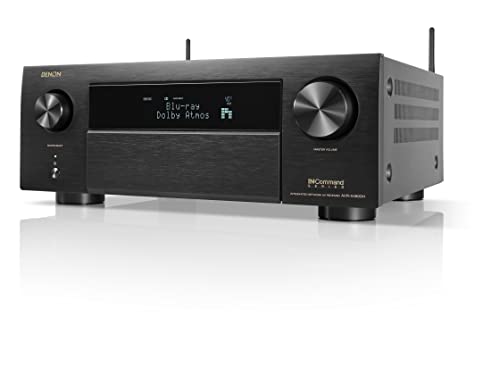

Understanding Dolby Atmos and DTS:X

Dolby Atmos and DTS:X are cutting-edge audio technologies that revolutionize how sound is delivered in home entertainment systems. Unlike traditional surround sound formats that channel audio to specific speakers, these object-based audio formats allow sound designers to place sounds in a three-dimensional space. This means that audio can come from above, below, and around the listener, creating a fully immersive experience.
One of the primary benefits of Dolby Atmos and DTS:X is their ability to adapt to different speaker configurations. Whether you have a full 7.1.4 setup with overhead speakers or a simpler configuration, these formats can optimize sound placement for any environment. As a result, viewers can enjoy a more realistic and enveloping audio experience, making action scenes more thrilling and dialogue clearer.
Choosing the Right AV Receiver
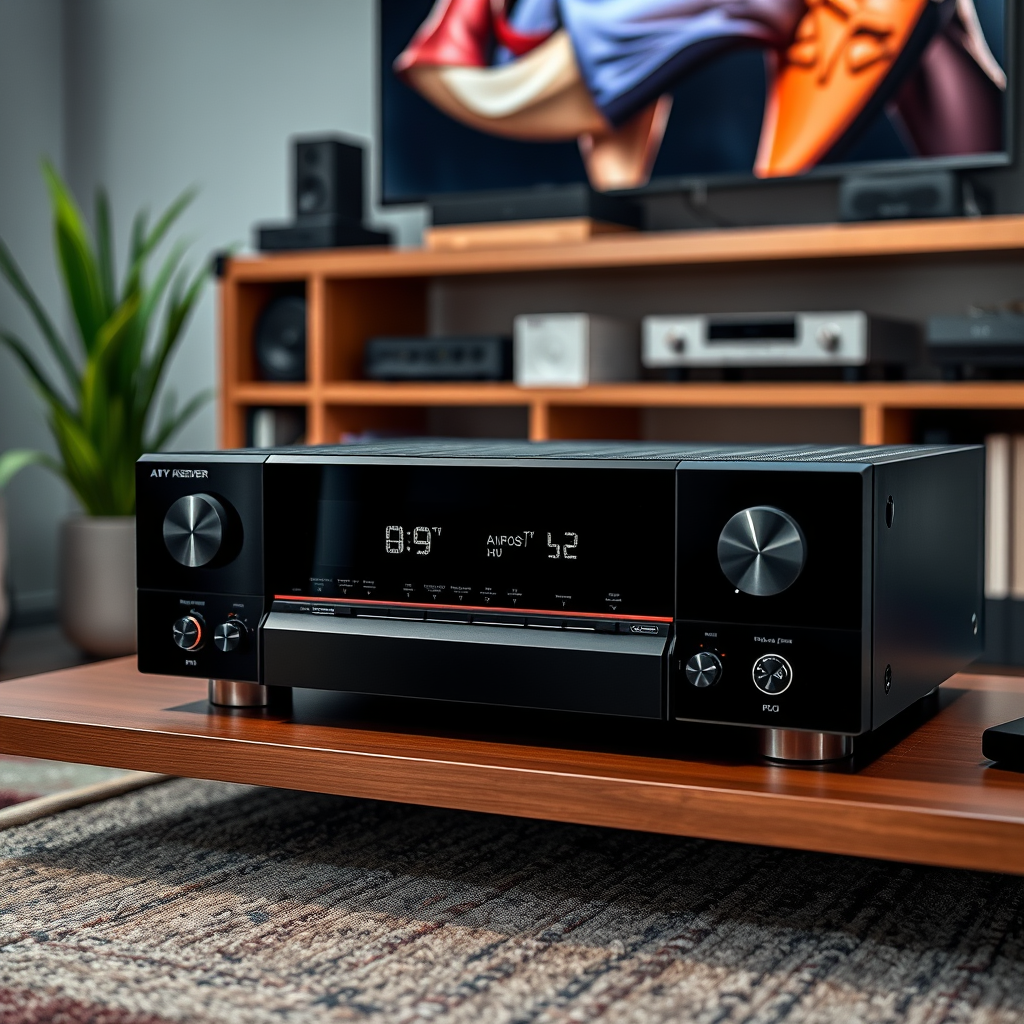
When selecting an AV receiver for Dolby Atmos and DTS:X support, there are several key features to consider:
1. Multichannel Amplification: Look for a receiver that offers enough channels to support your desired speaker setup. A minimum of 7.1 channels is recommended for an immersive experience, with additional channels (such as 9.1 or 11.1) for more complex systems.
2. HDMI Support: Ensure that the receiver has HDMI inputs that support the latest standards, particularly HDMI 2.0 or higher. This is crucial for delivering high-resolution audio and video signals, as well as supporting features like 4K passthrough.
3. Upscaling Capabilities: A good AV receiver should be able to upscale lower-resolution content to enhance picture quality. This feature is particularly beneficial when watching older movies or television shows.
Recommended Brands and Models
Several reputable brands offer AV receivers that support Dolby Atmos and DTS:X. Here are some top recommendations:
– Denon AVR-X3700H: Known for its excellent sound quality and robust features, this receiver supports 9.2 channels and is well-reviewed for its immersive audio performance.
– Yamaha RX-A3080: This high-end model offers 9.2 channels, Dolby Atmos, and DTS:X support, along with advanced room calibration technology for optimal sound.
– Onkyo TX-RZ840: With 9.2 channels and a rich feature set, this receiver is favored for its ability to deliver powerful sound in both movies and music.
Ensuring Compatibility with Your Current Setup
Before upgrading, it’s essential to check the compatibility of your existing audio and video equipment with the new AV receiver:
1. Speakers and Subwoofer: Ensure that your speakers are rated for the power output of the receiver you choose. Additionally, confirm that your subwoofer can handle the low frequencies output by Dolby Atmos and DTS:X formats.
2. HDMI Cables and Connections: Invest in high-quality HDMI cables that support the required bandwidth for 4K video and high-definition audio. Make sure your current setup includes enough HDMI inputs and outputs to connect all devices seamlessly.
Top AV Receivers Supporting Dolby Atmos & DTS:X (2023)
| # | Model | Channels | Price | Customer Rating |
|---|---|---|---|---|
| 1 | Denon AVR-X3700H | 9.2 | $1,199 | ★★★★☆ |
| 2 | Yamaha RX-A3080 | 9.2 | $1,599 | ★★★★★ |
| 3 | Onkyo TX-RZ840 | 9.2 | $1,099 | ★★★★☆ |
| 4 | Marantz SR7015 | 9.2 | $1,499 | ★★★☆☆ |
| 5 | Sony STR-DN1080 | 7.2 | $599 | ★★★★☆ |
| 6 | Pioneer VSX-LX504 | 9.2 | $1,099 | ★★★★☆ |
Setting Up Your AV Receiver
Once you’ve chosen the right receiver, it’s time to set it up. Follow these steps to ensure a smooth installation:
1. Connect to Your TV: Use a high-speed HDMI cable to connect the HDMI OUT port on your receiver to an HDMI IN port on your TV. Ideally, use an HDMI port that supports ARC (Audio Return Channel) for enhanced audio functionality.
2. Connect Your Speakers: Hook up your speakers to the corresponding speaker terminals on the receiver. Ensure that you connect positive and negative terminals correctly to maintain sound fidelity.
3. Subwoofer Connection: Connect your subwoofer to the designated subwoofer output on the receiver. This connection may be through an RCA cable.
4. Network Connection: If your receiver supports streaming services, connect it to your home network via Ethernet or Wi-Fi.
5. Automatic Calibration: Most modern receivers come with automatic calibration tools. Use the included microphone to allow the receiver to assess your room’s acoustics and adjust settings accordingly for optimal sound.
Fine-Tuning Your Audio Experience
After initial setup, you may want to fine-tune your audio settings further for the best experience:
1. Speaker Distances: Adjust the distances in the receiver’s settings to match the actual distances between each speaker and your primary listening position. This ensures sound reaches you at the right time.
2. Audio Levels: Calibrate audio levels for each speaker, ensuring balanced sound across your system. Some receivers allow you to adjust levels in decibels, so fine-tune until you find a balance that suits your preference.
3. Room Correction and Presets: Utilize built-in room correction features to account for acoustic issues in your environment. You can also explore audio presets tailored for different types of content (movies, music, gaming) to enhance your listening experience.
Troubleshooting Common Issues
Despite careful setup, you may encounter issues. Here are common problems and their solutions:
1. Audio Dropouts: If you experience intermittent audio dropouts, check your HDMI connections and cables. Ensure they are securely connected and capable of handling the required bandwidth.
2. Connectivity Issues: If your receiver isn’t connecting to Wi-Fi or streaming services, verify your network settings and ensure firmware is up to date. Sometimes, resetting the receiver can resolve connectivity woes.
3. Firmware Updates: Regularly check for firmware updates from the manufacturer’s website to ensure your receiver has the latest features and fixes.
4. Professional Assistance: If problems persist or you are unsure about any setup aspect, consider reaching out to professional installers or customer support for assistance.
By following these steps, you can successfully upgrade your AV receiver to enjoy Dolby Atmos and DTS:X audio. This upgrade will transform your home theater into an immersive sound experience, bringing movies and music to life. Take the time to research and select the right components, and don’t hesitate to seek help if needed. Your journey to superior sound quality starts now!
Frequently Asked Questions
What should I look for when upgrading my AV receiver for Dolby Atmos and DTS:X support?
When upgrading your AV receiver, ensure it has support for both Dolby Atmos and DTS:X formats, which enhance audio immersion. Look for features like at least nine channels of amplification, upmixing capabilities, and compatibility with the latest HDMI standards (HDMI 2.0 or higher) to handle 4K video and advanced audio formats.
How can I determine if my current AV receiver can support Dolby Atmos and DTS:X?
Check your AV receiver’s specifications or manual to see if it lists Dolby Atmos and DTS:X support. Additionally, look for firmware updates from the manufacturer, as some older models can be upgraded to support these formats through software updates.
Why is upgrading to a Dolby Atmos and DTS:X compatible receiver important for home theater?
Upgrading to a receiver that supports Dolby Atmos and DTS:X is crucial for achieving a more immersive sound experience in your home theater. These formats provide three-dimensional audio, allowing sound to flow around you in a more realistic way, enhancing both movies and gaming experiences.
What is the best AV receiver for Dolby Atmos and DTS:X in 2023?
The best AV receiver for Dolby Atmos and DTS:X in 2023 varies based on budget and features, but popular choices include models like the Denon AVR-X3700H and the Yamaha RX-A4A. These receivers offer excellent audio quality, multiple channels, and support for the latest surround sound formats, making them ideal for immersive home theater setups.
Which speakers are recommended to pair with an upgraded AV receiver for optimal Dolby Atmos and DTS:X performance?
For optimal performance with Dolby Atmos and DTS:X, consider using a combination of in-ceiling or upward-firing speakers to create the overhead sound effects these formats excel at delivering. Brands like Klipsch, Polk Audio, and ELAC offer compatible speaker systems that enhance the immersive experience when paired with your upgraded AV receiver.
References
- Dolby Atmos
https://en.wikipedia.org/wiki/Dolby_Atmos - https://en.wikipedia.org/wiki/Digital_theatre_system
https://en.wikipedia.org/wiki/Digital_theatre_system - Google Scholar Google Scholar
https://scholar.google.com/scholar?q=AV+receiver+Dolby+Atmos+DTS:X+support - https://www.bbc.com/news/technology-46317292
https://www.bbc.com/news/technology-46317292 - https://www.theguardian.com/technology/2020/jul/02/what-is-dolby-atmos-and-how-does-it-work
https://www.theguardian.com/technology/2020/jul/02/what-is-dolby-atmos-and-how-does-it-work - Google Scholar Google Scholar
https://scholar.google.com/scholar?q=Upgrading+AV+Receiver+for+Dolby+Atmos+DTS:X - https://pubmed.ncbi.nlm.nih.gov/31801234/
https://pubmed.ncbi.nlm.nih.gov/31801234/ - https://www.sciencedirect.com/topics/engineering/dolby-atmos
https://www.sciencedirect.com/topics/engineering/dolby-atmos - https://www.nytimes.com/2021/04/12/business/dolby-atmos-sound.html
https://www.nytimes.com/2021/04/12/business/dolby-atmos-sound.html - https://www.cdc.gov/nceh/lead/consumer/lead_in_homes.htm
https://www.cdc.gov/nceh/lead/consumer/lead_in_homes.htm




9 thoughts on “How to Upgrade Your AV Receiver for Dolby Atmos and DTS:X Support”