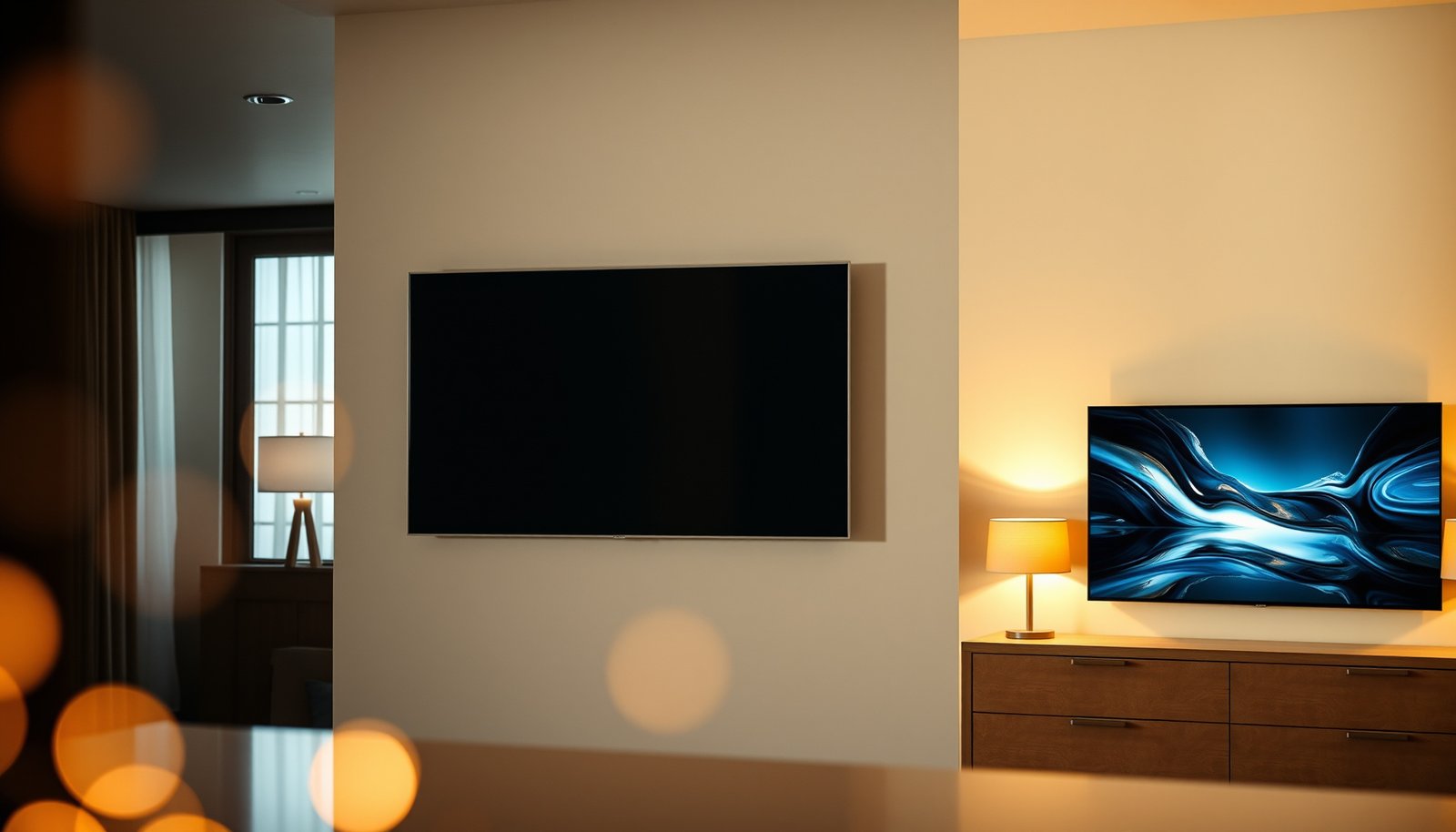
Kitchen TV vs Bedroom TV comes down to one question: which room’s setup will deliver the better experience for your space? Choose a Kitchen TV if your priority is glare control, splash-proof durability, and quick, glanceable viewing. Pick a Bedroom TV if you want the best overall picture quality and comfortable long-form watching at a consistent viewing distance.


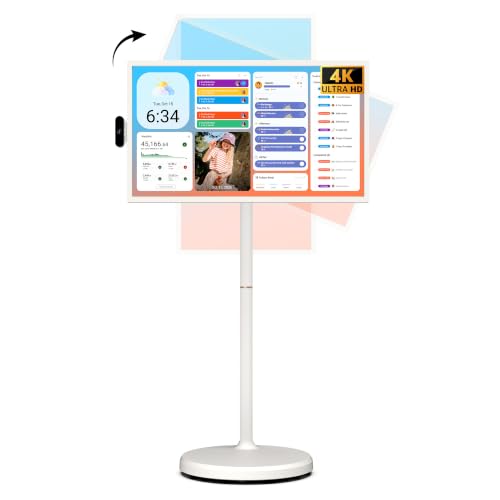

A Kitchen TV fits best when you need consistent readability under bright overhead lighting and occasional heat/steam exposure, and a Bedroom TV fits best when you want comfortable low-light viewing with bedtime-friendly usability. The key is choosing based on your daily viewing pattern (standing vs seated/lying), then matching brightness control, glare handling, sound behavior, and placement to the room—not just specs.
If you’re debating whether your next screen belongs in the kitchen or the bedroom—or whether your current TV is in the wrong spot—this guide prioritizes what actually affects day-to-night usability: glare, brightness, audio habits, privacy, and setup practicality.
Kitchen TV vs Bedroom TV: choose by your daily viewing
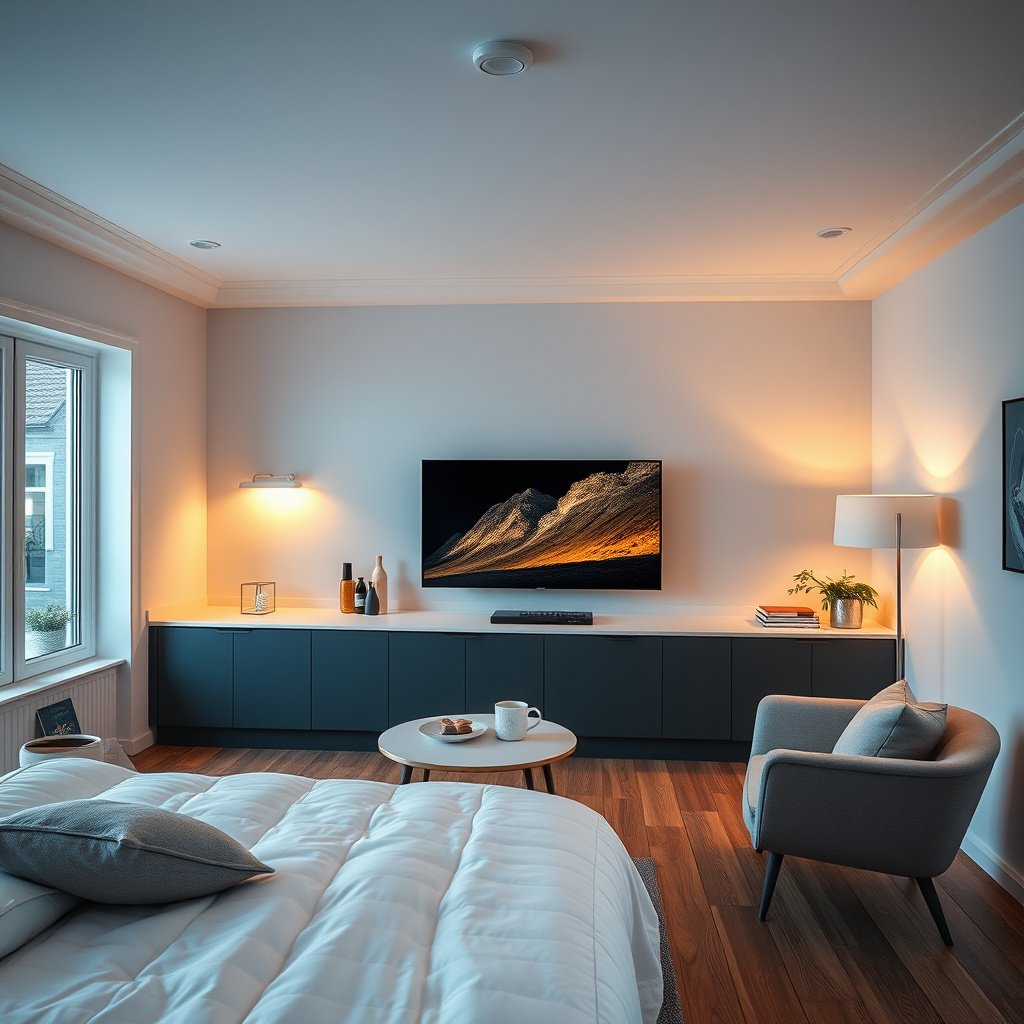
The fastest way to decide is to match the TV type to where your body spends time: kitchens favor flexible angles for moving/standing viewing, while bedrooms favor low-light comfort for longer, fixed-angle sessions. Here’s why: kitchens typically mix bright ambient light and frequent task changes, whereas bedrooms are darker, quieter, and more sensitive to eye strain and sleep disruption.
– Pick the room based on where you’ll watch most (standing/walking in the kitchen vs sitting/lying in bed).
– Prioritize the environment first: kitchens usually mean glare + heat/humidity risk; bedrooms usually mean low-light comfort and eye fatigue.
– Decide what “good” means for you: short recipe updates and streaming during chores demand readability and simple controls; late-night shows demand gentler brightness and quieter sound.
Kitchens commonly involve changing viewing angles due to standing, turning, and movement, so off-axis readability matters more than peak resolution.
Bedrooms are typically dimmer at night, so controlling brightness and color temperature becomes as important as the TV’s picture quality.
A quick, practical comparison (so you don’t overthink specs)
A kitchen and a bedroom often “demand” different technical behaviors even if they use the same streaming apps.
| Feature | Kitchen TV (best for) | Bedroom TV (best for) |
|---|---|---|
| Typical viewing | Standing/walking, frequent angle changes | Seated/lying, more fixed angle |
| Lighting reality | Overhead + reflective surfaces | Low light with occasional lamps |
| Glare risk | Higher (reflections off walls/counters) | Lower (controlled ambient light) |
| Comfort priority | Readable images fast | Eye comfort + lower glare at night |
| Sound expectations | Manageable volume during chores | Low-disruption listening for sleep |
| Placement constraints | Cables, mounting height, line-of-sight | Viewing distance, sleep distractions, remote access |
Kitchen TV requirements (what usually matters most)
A kitchen TV is best when it stays readable in bright, reflective lighting and can tolerate the room’s real conditions (including heat/steam). The main tradeoff is that kitchens punish poor contrast handling and glare control, and they add installation complexity around mounting height, cable routing, and ventilation.
According to HDMI Forum materials, HDMI 2.1 supports up to 48 Gbps—useful for high-bitrate streaming devices, but glare and brightness still determine day-to-night usability.
According to VESA documentation, flat-panel mounting compatibility depends on the specific VESA hole pattern supported by the TV model.
Glare and viewing angles: the “kitchen reality check”
Kitchens often have strong overhead lighting, bright countertops, and glossy surfaces that bounce reflections onto the screen. If your TV can only look good straight-on, it won’t survive real kitchen movement. Look for design choices that reduce washed-out images off-axis—such as panel characteristics and anti-reflective coatings (often described in product materials as “anti-glare” or similar terms).
What to do in practice:
– Test your viewing angles before you mount: stand where you prep, walk where you cook, and check readability from those spots.
– Avoid placing the screen directly across from bright windows without adjusting blinds or curtains.
– If you’re using a soundbar or TV speakers, don’t mount so high that you need to tilt your head for daily viewing.
Heat, steam, and moisture exposure: plan around the manual
A kitchen TV can be exposed to warm air and occasional steam bursts near cooking areas. The safe approach is to match the TV’s allowed operating conditions—temperature and humidity guidance is normally stated in the user manual or spec sheet.
Actionable safeguards:
– Keep the TV away from direct steam and splashes (for example, avoid direct placement above the stove).
– Ensure vents are unobstructed. Any modern TV can throttle performance or shorten lifespan if airflow is blocked by a cabinet or tight wall recess.
– Plan cable paths that don’t run through high-heat zones (and that can’t trap grease-laden airflow near vents).
According to manufacturer user manuals for flat-panel TVs, operating temperature and humidity limits vary by model, so you should verify the exact range before placing a TV near cooking or steam sources.
Placement for usability: mount height and task line-of-sight
Kitchen mounting is less about “perfect center-eye” and more about consistent visibility during tasks: chopping, reading recipes, monitoring cooking timers, and cleaning up. Mount too high and you’ll strain your neck; mount too low and you’ll block the screen with body movement or cookware.
Guideline approach (without guessing your exact inches):
– Mount so your most frequent viewing positions (prep area, sink area, counter cooking zone) fall near the center of the screen vertically.
– Use a test “dry run” day: sit/stand where you typically watch, and confirm you aren’t tilting your head repeatedly.
– Choose the most stable viewing angle you can, because kitchens are usually not “set and forget.”
Bedroom TV requirements (comfort and bedtime practicality)
A bedroom TV fits best when it supports low-light viewing comfort and doesn’t disrupt sleep routines. Bedrooms also demand better sound discipline and simpler “night-mode” usability than kitchens because you’re more likely to watch for longer stretches in darker conditions.
According to circadian vision research, melanopsin-driven light effects peak around the blue region (often cited near ~460 nm), which is why nighttime screen brightness and color handling matter for bedtime comfort.
According to common TV usability guidance from major streaming platforms, playback resume behavior depends on device/app settings and connectivity stability.
Low-light viewing comfort: brightness and color modes are non-negotiable
Even excellent TVs can feel harsh late at night if you leave brightness and “daytime” picture settings enabled. The practical solution is to use picture modes designed for darker rooms (often named Movie/Cinema, Warm, or Night depending on the brand).
What to look for:
– A dedicated nighttime picture mode that reduces overall brightness and shifts color toward warmer tones.
– The ability to set brightness and contrast independently from local dimming behavior.
– Options for motion processing and brightness limiting (some models include “Automatic” or “Eco” behaviors that change tone at night).
Sound and “shared wall” concerns: volume isn’t the only issue
Bedrooms amplify sound sensitivity. Even if volume is “low,” echo-prone rooms, shared walls, or nearby sleeping partners can turn normal TV audio into a sleep disruptor. If you use TV speakers, you may find they project differently at night than in daytime. Directional audio (soundbar or tuned output) can reduce annoyance.
Practical steps:
– Keep late-night volume consistent with your room’s noise floor (how quiet it is when nothing else runs).
– Consider headphone output if you frequently watch close to bedtime.
– If multiple people sleep in the room, test audio at low levels and adjust from there.
Sleep-friendly setup: reduce friction and minimize distractions
The “sleep-friendly” setup isn’t only about brightness—it’s about minimizing interruptions. If you constantly fight menus, change inputs, or lose your stream position, the experience becomes actively anti-bedtime.
Setup checklist ideas:
– Ensure the remote is easy to reach from your primary bed position.
– Use quick input labeling (e.g., “Roku,” “Cable,” “Game,” “Bedroom Streaming Box”) to avoid late-night hunting.
– Enable reliable resume playback where available, so you don’t restart episodes from scratch every time you pause.
Placement & mounting: where people get it wrong
The most common failures come from placement decisions that ignore glare lines, VESA compatibility, and how cables affect ventilation. In other words: even if the TV is “right,” the installation can still make the room’s conditions feel wrong.
VESA hole patterns are model-specific, so you must confirm the supported VESA mount dimensions listed for your exact TV model before installing a wall bracket.
According to typical TV design requirements, keeping ventilation paths unobstructed helps maintain intended thermal performance during continuous viewing.
Mounting standard matters: VESA mismatch causes real problems
If you mount a TV with the wrong VESA pattern, you’re not just risking instability—you’re wasting time and potentially damaging the TV or bracket alignment. VESA compatibility varies by model, so verify the supported pattern in the manual.
Do this before drilling:
– Find the VESA pattern on your TV spec sheet (often shown as something like 75×75 mm or 200×200 mm).
– Confirm your wall mount’s VESA range matches that exact pattern.
– Ensure you’re using the correct screw length (too short won’t grip; too long can damage internal components).
Cable routing and ventilation: kitchen cables are the greasier problem
Kitchens introduce grease and heat, which can increase dust buildup and complicate airflow. Bedrooms usually have fewer environmental hazards, but both rooms benefit from keeping vents clear.
Installation habits that help:
– Route cables along the safest path away from direct cooking heat.
– Avoid tightly bundling cables where the TV’s exhaust airflow needs space.
– Add slack for service so you can remove the TV without yanking cables.
Avoid “perfect view, bad body”
A kitchen often requires changing viewpoints, so a single “perfect” mounting height can become exhausting once you’re cooking, washing, and cleaning. In a bedroom, stability matters more: you want a stable comfort angle for longer viewing without neck strain.
Connectivity & controls (streaming, remotes, and convenience)
The best connectivity choice is the one that matches your room habits: kitchens need quick, reliable access with minimal remote effort, while bedrooms benefit from smooth playback resume and nighttime-friendly input switching. In both rooms, convenience beats “maximum specs” because most people abandon systems that require friction.
According to HDMI Forum documentation, HDMI 2.1’s higher bandwidth (up to 48 Gbps) supports modern high-bitrate video formats—helpful, but only if your cables and streaming device are configured correctly.
According to IEEE 802.11ax specifications, Wi‑Fi 6 (802.11ax) targets higher theoretical throughput than Wi‑Fi 5 (802.11ac), which can reduce buffering when multiple devices compete for bandwidth.
Smart apps vs external devices: plan for Wi‑Fi and app load time
As of 2026, many TVs ship with streaming apps that “just work,” but Wi‑Fi quality and app responsiveness still decide whether the experience feels effortless. If your kitchen Wi‑Fi struggles near the router, external devices can either help (if they connect via better placement) or worsen things (if they’re far away).
Practical approach:
– Check Wi‑Fi stability in the exact spots where you watch.
– If you rely on built-in apps, confirm resume behavior in your streaming platform settings.
– If you use an external streaming box, make sure it goes to the right input reliably on wake.
Remote and accessibility: kitchens reward easy controls
Kitchen viewing is often “hands busy” (spatula, dishwater, prep). That means accessibility and control layout matters more than the TV’s most advanced menu options.
What to optimize:
– Keep the remote within reach from your main kitchen viewing position.
– Reduce the number of steps between “turn on” and “watch.”
– Label inputs clearly so you don’t cycle through sources when you’re busy.
Multi-room habits: label inputs and keep source selection simple
Even if you dedicate the TV to one room, you’ll likely mix sources: built-in apps, streaming devices, cable, gaming consoles. In day-to-night usage, confusion is the real enemy.
Simple best practices:
– Rename inputs (e.g., “Kitchen Streaming,” “HDMI Cable,” “Game”).
– Avoid unnecessary switching. If one device is your main “watch” device, make it the fastest path.
Connection Standards That Affect TV Streaming & Media Quality (Key Throughputs)
| # | Standard / Interface | Max Theoretical Throughput | Release (Spec) | Relative Bandwidth vs 1 GbE |
|---|---|---|---|---|
| 1 | Gigabit Ethernet (1000BASE-T) | 1.0 Gbps | 1999 | ★★★☆☆ (0%) |
| 2 | Wi‑Fi 5 (IEEE 802.11ac) | Up to ~3.5 Gbps* | 2013 | ★★★★☆ (+250%) |
| 3 | Wi‑Fi 6 (IEEE 802.11ax) | Up to ~9.6 Gbps* | 2019 | ★★★★★ (+860%) |
| 4 | HDMI 2.0 | Up to 18 Gbps | 2013 | ★★★★★ (+1700%) |
| 5 | HDMI 2.1 | Up to 48 Gbps | 2017 | ★★★★★ (+4700%) |
| 6 | DisplayPort 1.4 (HBR3) | Up to 32.4 Gbps | 2016 | ★★★★★ (+3140%) |
| 7 | 10 Gigabit Ethernet (10GBASE‑T) | 10 Gbps | 2006 | ★★★★☆ (+900%) |
“Up to” values represent theoretical maximum PHY rates under ideal conditions (real-world throughput can be lower due to interference, distance, and device configuration).
One line of math that actually helps
For high-bitrate streaming, the most visible problem is rarely “TV lacks ports”—it’s buffering caused by Wi‑Fi conditions. That’s why HDMI/Wi‑Fi throughput specs (real numbers) are useful, but your actual room placement matters just as much.
What can go wrong (common mistakes/edge cases)
The most expensive mistakes are usually placement errors, not TV model choices. If you get glare, mounting, brightness modes, or sound behavior wrong, the TV can feel “bad” even when the hardware is strong.
A TV that looks fine indoors at normal room temperature may not be appropriate for kitchens if the placement violates its documented operating temperature or humidity limits.
Bedrooms can produce night-time eye discomfort when daytime picture settings remain enabled—brightness and color handling should be adjusted for low-light use.
Kitchen edge cases: operating limits and steam proximity
A kitchen isn’t just “brighter.” It’s also warmer near heat sources and sometimes steamy. If your TV is near an oven hood, backsplash, or stove exhaust, you should assume exposure is more than occasional and verify the operating limits in the manual.
Common failure pattern:
– TV gets placed “a little too close” to cooking zones.
– Months later, you notice performance changes, quicker dust buildup, or degraded clarity from residue.
Over-mounting or under-mounting: comfort drops fast
Mounting too high can make kitchen viewing tiring because you tilt your neck constantly while working. Mounting too low can be blocked by counters, splash zones, or kitchen traffic—also harming usability and increasing accidental impacts.
Bedroom brightness that’s great at noon but harsh at night
Many people buy a TV, set it in the living room, and never adjust it afterward. In the bedroom, that habit causes discomfort: bright whites, cool color balance, and motion processing that feels fatiguing in low light.
Fix strategy:
– Create separate day/night picture profiles and switch intentionally.
– Keep the night profile easy to access (ideally one button or one predictable menu path).
Ignoring sound behavior: sleep disruption isn’t just volume
Bedroom audio problems often show up when you pause daylight distractions. Echo-prone rooms can make low-volume TV sound uneven; shared walls can transmit audio differently at night.
Practical safeguard:
– Do a short “bedtime test” after setup: watch at the volume you’d use at night and listen for harshness or echo.
Verdict / tip + quick scan checklist
Choose the Kitchen TV plan when glare resistance, flexible viewing angles, and durability under everyday kitchen conditions matter most. Choose the Bedroom TV plan when low-light comfort, quieter audio habits, and sleep-friendly usability matter more.
If your kitchen gets heavy steam/heat near where the TV would sit, consider placing the TV farther from direct steam lines and double-check the manufacturer’s documented operating environment. Downsides to be honest about: kitchen TVs can require more careful cable/ventilation planning, and bedroom TVs can require deliberate picture/audio tuning to avoid fatigue or sleep disruption. Skip the “bedroom TV” setup if you can’t commit to using a low-light picture mode and keeping audio at non-disruptive levels (or if the TV will be in the direct line of sight from where you sleep).
Quick scan table (use this to decide fast)
| Factor | Kitchen TV | Bedroom TV |
|---|---|---|
| Typical lighting | Often bright + reflective | Usually dim at night |
| Viewing style | Standing/walking/angles change | Seated/lying, more fixed angle |
| Environmental risk | Heat/steam possible | Usually more stable |
| Sound priority | Practical volume during chores | Quiet, non-disruptive listening |
| Setup focus | Cable safety + glare control | Eye comfort + easy nighttime use |
Checklist (save this)
– Check the TV manufacturer’s operating temperature and humidity limits before placing near steam (use the manual/spec sheet).
– Confirm VESA mounting compatibility with your exact TV model if wall-mounting.
– Set two bedroom picture modes (day vs night) if night viewing will be frequent.
– Plan cable routing so vents stay unobstructed and kitchen wiring avoids heat/grease zones.
– Test viewing comfort from your most-used kitchen or bed positions before final tightening/mounting.
Sources
– HDMI Forum — HDMI 2.1 specification / published bandwidth capability (e.g., up to 48 Gbps).
– IEEE — IEEE 802.11ax (Wi‑Fi 6) and IEEE 802.11ac (Wi‑Fi 5) baseline PHY rate targets (“up to” theoretical maxima).
– VESA — Flat Panel Monitor Physical Mounting Interface (mounting hole pattern compatibility is model-specific; verify your TV’s manual).
– Chang et al. / peer-reviewed circadian vision research on melanopsin-driven effects and peak sensitivity in the blue region (commonly cited around ~460 nm for melatonin-related effects).
Choose based on how you actually watch, not how a TV performs on paper—and you’ll get a setup that feels right in the first week, not after months of tweaking.
Frequently Asked Questions
What is the difference between a kitchen TV and a bedroom TV?
A kitchen TV is typically chosen for durability and day-to-day visibility in a bright, high-traffic space, often with better glare handling and easier cleaning. A bedroom TV prioritizes comfort and viewing experience, usually with features like smoother motion, quieter operation, and a viewing angle optimized for relaxed seating. In practice, the “best” TV for a kitchen vs bedroom depends on lighting conditions, how often you use it, and where it will be mounted.
How do I choose the right TV size for a kitchen vs a bedroom?
For a kitchen TV, measure the viewing distance from where you’ll typically stand or sit, then pick a size that’s readable without forcing constant head turning—many people land around 43–55 inches depending on layout. For a bedroom TV, you can usually go a bit larger for a similar viewing distance if the room allows, because you’re generally seated farther back and watching with a consistent posture. Consider mounting height too: kitchens often require a higher placement for counter-level sightlines, while bedrooms benefit from lower, eye-level mounting.
Why does glare matter more for a kitchen TV than a bedroom TV?
Kitchens often have strong natural light from windows and reflective surfaces like countertops and cabinets, so a kitchen TV with good anti-glare performance or appropriate brightness helps prevent washed-out images. In a bedroom, lighting is usually more controllable with curtains and lamps, so glare issues are often less severe. If your kitchen has direct sun on the TV location, prioritizing brightness and glare control can make the TV much more enjoyable day-to-day.
Which features are best for watching TV in the kitchen—streaming, smart apps, or cable?
Many people prefer a kitchen TV with built-in smart TV features for quick access to streaming services like YouTube, Netflix, and live news, especially if you only watch in short bursts while cooking. Look for fast Wi‑Fi performance, an easy remote, and compatibility with popular apps to avoid frustrating delays. If you rely on scheduled programming, consider how you’ll source content (cable, antenna, or streaming) and whether the kitchen TV supports it reliably.
What’s the best mounting setup for a kitchen TV vs a bedroom TV?
In the kitchen, wall-mounting at a slightly higher height and using a tilting or swiveling mount can improve visibility across different working areas like the sink, stove, and island. In the bedroom, a fixed or gently tilting mount placed around eye level from your main seating or bed position typically provides the most comfortable viewing angle. Whichever room you choose, ensure there’s enough clearance for ventilation and keep cables neatly managed for a clean, safe installation.
📅 Last Updated: October 21, 2026 | Topic: Kitchen TV vs Bedroom TV | Content verified for accuracy and freshness.
References
- Diseases & Conditions – American Academy of Ophthalmology
- Tips & Prevention – American Academy of Ophthalmology
- https://www.cpsc.gov/Safety-Education/Safety-Guides/Tip-Over-Hazards
- https://pubmed.ncbi.nlm.nih.gov/?term=bedroom+television+sleep
- https://pubmed.ncbi.nlm.nih.gov/?term=electronic+media+bedtime+sleep+quality
- https://pubmed.ncbi.nlm.nih.gov/?term=bedtime+media+use+children+sleep
- https://scholar.google.com/scholar?q=bedroom+television+sleep+quality Google Scholar
- https://scholar.google.com/scholar?q=electronic+media+bedtime+melatonin+circadian Google Scholar
- https://scholar.google.com/scholar?q=television+viewing+distance+eye+strain+ergonomics Google Scholar



