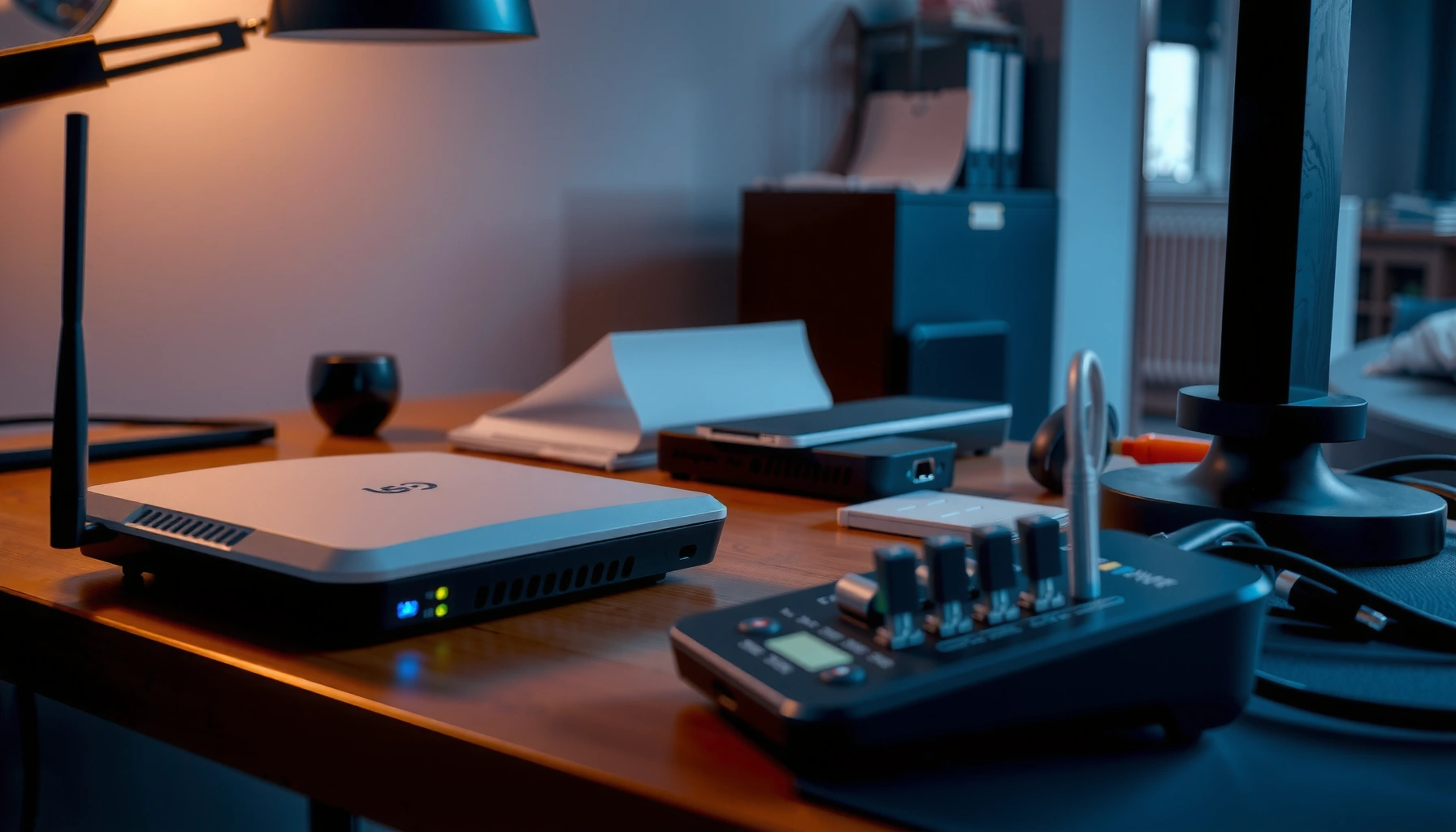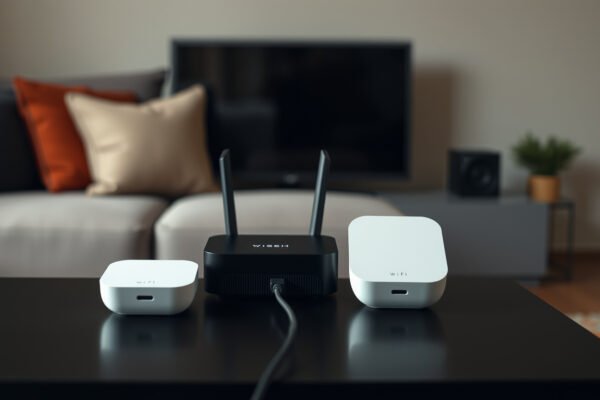
Diagram illustrating Mesh Wi-Fi setup with Double NAT configuration for home networks

Mesh Wi-Fi With Double NAT

Mesh Wi-Fi with double NAT can handle everyday browsing, but it can complicate online gaming, port forwarding, and remote access. Access point mode is the clear choice if your existing router must stay in control; bridging the upstream router wins if you want the mesh system’s routing features. Here’s how to choose the right setup—and…

Read Full News
A person adjusting a projector screen to resolve size problems for optimal viewing experience.

How to Fix Common Projector Screen Size Problems

If your projector screen size looks wrong—too small, too big, or stretched—this guide tells you the fastest fixes to get the correct image size every time. You’ll learn exactly how to correct common projector screen size problems using the right throw distance, zoom/keystone settings, aspect ratio, and screen-to-lens alignment. Follow the steps and you’ll stop…

Read Full News
Illustration of Mesh Wi-Fi system operating in bridge mode for enhanced connectivity.

Mesh Wi-Fi With Bridge Mode

Mesh Wi-Fi with bridge mode is the better choice when you want wider wireless coverage while keeping your existing router in control. If you want the mesh system to manage your network instead, bridging your ISP gateway is usually the better setup. This guide answers which device to bridge, how to avoid double NAT, and…

Read Full News