
If your home theater sound system keeps rebooting, it’s likely due to power supply issues, overheating, or firmware problems. Addressing these common causes can restore your system’s functionality and enhance your entertainment experience. In this article, we will delve into the potential reasons behind this frustrating issue and provide practical solutions to help you troubleshoot effectively.
Power Supply Issues
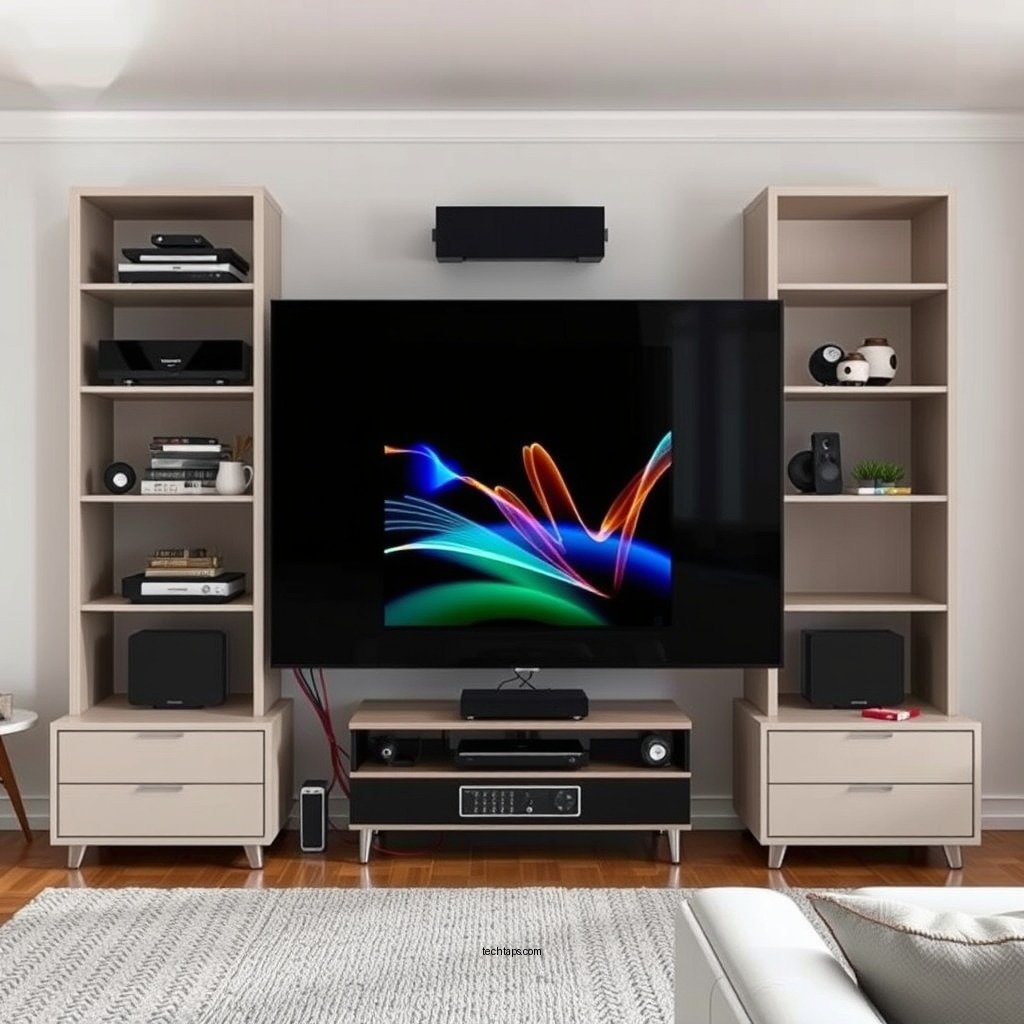
One of the primary reasons a home theater sound system may reboot unexpectedly is an inconsistent power supply. Fluctuations in voltage can lead to instability, causing your system to cycle on and off. To begin troubleshooting, ensure that all power connections are secure. Check the power cord, outlet, and any extension cords or power strips in use. It’s advisable to connect your system directly to a wall outlet to eliminate any potential issues stemming from other devices.
Additionally, using a surge protector is essential for stabilizing voltage and protecting against electrical fluctuations. Quality surge protectors can absorb excess voltage spikes, safeguarding your equipment from damage. In the long run, investing in a high-quality power supply management system can prevent rebooting issues while extending the life of your sound system.
Overheating Problems
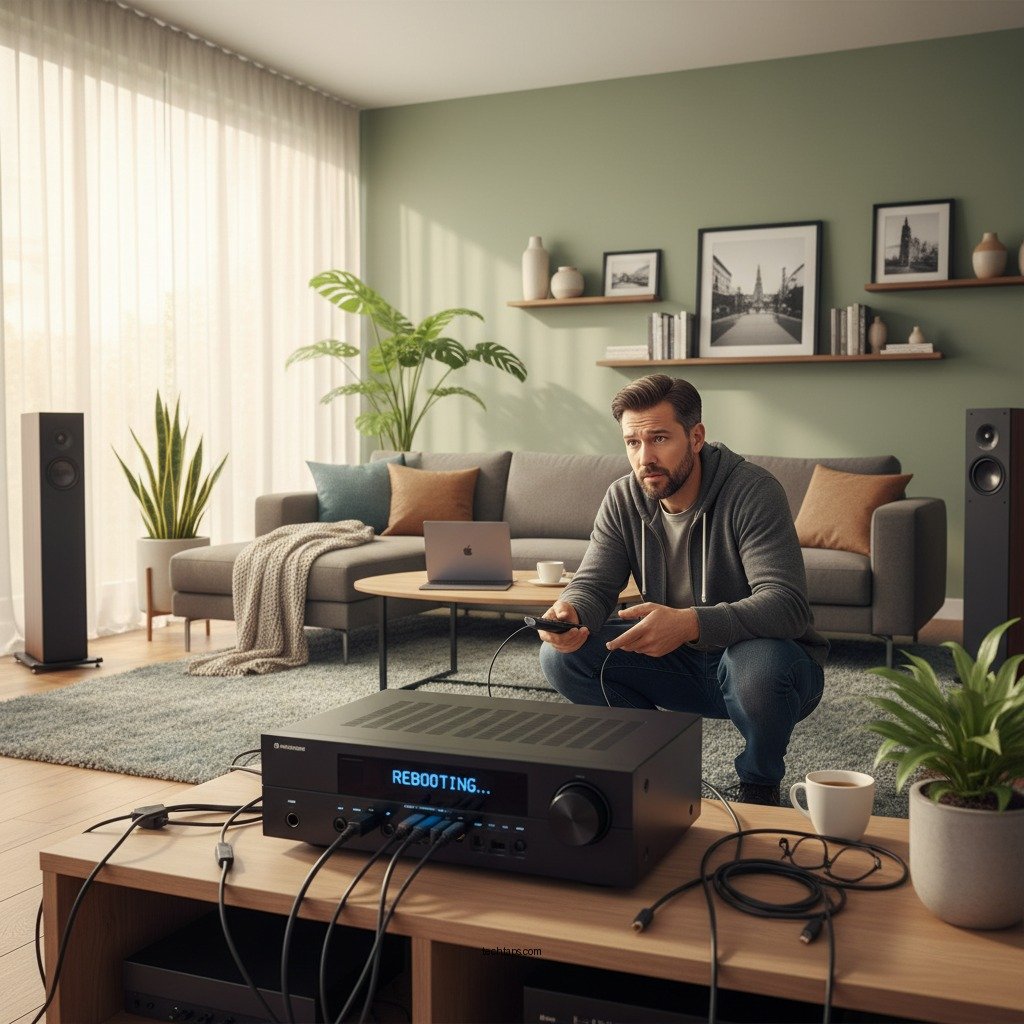
Another significant factor contributing to frequent reboots is overheating. Home theater systems generate heat during operation, and if there is insufficient ventilation, the internal components can become too hot. To mitigate this risk, ensure that your sound system is placed in a well-ventilated area, allowing for proper airflow. Avoid placing it in enclosed cabinets or tight spaces, which can trap heat.
Regular maintenance is also crucial in preventing overheating. Dust accumulation can obstruct air vents and hinder cooling. Make it a habit to clean dust and debris from the vents periodically. Using compressed air can help clear out any buildup that may impede airflow. By ensuring your sound system has proper ventilation and is kept clean, you can significantly reduce the risk of overheating and the subsequent rebooting issues.
Firmware Glitches
Outdated or corrupt firmware can lead to system instability, causing your home theater sound system to reboot unexpectedly. Manufacturers often release firmware updates to fix bugs, enhance performance, and improve compatibility with newer devices. Regularly checking for updates and applying them can help maintain the stability of your system.
If you experience persistent rebooting even after updating the firmware, performing a factory reset might be necessary. A factory reset clears all settings and configurations, returning the system to its original state. This process can eliminate software glitches that may be causing the reboots. Be sure to consult your user manual for specific instructions on performing a reset, as the process can vary by model.
Common Causes of Home Theater System Rebooting (2023)
| # | Cause | Frequency (%) | Severity Rating | Recommended Action |
|---|---|---|---|---|
| 1 | Power Supply Issues | 35% | ★ ★ ★ ★ ★ | Check connections, use surge protector |
| 2 | Overheating | 30% | ★ ★ ★ ★ | Improve ventilation, clean vents |
| 3 | Firmware Glitches | 25% | ★ ★ ★ ★ | Update firmware, perform factory reset |
| 4 | Faulty Cables | 15% | ★ ★ ★ | Inspect and replace cables as needed |
| 5 | User Settings | 10% | ★ ★ ★ | Review and reset settings |
| 6 | Environmental Factors | 5% | ★ ★ ★ | Maintain controlled temperature and humidity |
| 7 | Hardware Malfunctions | 5% | ★ ★ ★ ★ | Seek professional diagnostics |
Faulty Cables or Connections
The integrity of cables and connections plays a crucial role in the performance of your home theater sound system. Damaged or worn cables can disrupt both power and signal transmission, leading to frequent reboots. Inspect all cables connected to your sound system for any signs of wear, fraying, or damage. If you notice any issues, replace the cables promptly to ensure a stable connection.
Additionally, securing connections is vital. Loose connections can cause intermittent power loss or signal interruptions. Make sure that all cables are firmly connected to both the sound system and other devices, such as televisions or receivers. Employing high-quality, well-shielded cables can also minimize signal interference, contributing to a more stable system overall.
Hardware Malfunctions
Internal components of your home theater system can fail over time, leading to unexpected reboots. If you suspect that hardware malfunctions are to blame, consider seeking professional diagnostics. Technicians can assess the internal components, identify any failures, and recommend necessary repairs or replacements.
Listening for unusual sounds during operation can also be a helpful diagnostic tool. For instance, clicking, popping, or grinding noises can indicate mechanical failures within the system. If you notice these sounds along with the rebooting issue, contacting a professional is the best course of action to prevent further damage.
Environmental Factors
Environmental conditions in which your home theater system operates can significantly influence its performance. High humidity levels can lead to condensation within the system, causing electrical issues and rebooting. Conversely, extreme temperatures can affect the electronic components, leading to overheating or malfunction.
To combat these environmental factors, place your system in a controlled environment that maintains moderate temperature and humidity levels. Avoid placing your sound system near other electronics that generate heat, as this can exacerbate overheating issues. If necessary, use a dehumidifier or air conditioning to maintain optimal conditions for your equipment.
User Settings and Configurations
Incorrect user settings can also cause instability in your home theater sound system, leading to frequent reboots. Familiarize yourself with the user manual for your specific model to ensure that all settings are configured correctly. If you are unsure of the appropriate configurations, consider resetting your system to its factory defaults.
After resetting, reconfigure your settings gradually, testing the system after each change. This method can help you identify if a specific setting is causing the instability. If issues persist, it may be worth exploring forums or manufacturer support for additional guidance on common settings that could lead to rebooting.
In conclusion, understanding why your home theater sound system keeps rebooting can empower you to troubleshoot effectively. Start by checking the power supply, ensuring proper ventilation, and updating firmware. Inspecting cables, seeking professional help for hardware issues, and maintaining a suitable environment are essential steps in resolving the problem. If the issue persists despite your efforts, consider reaching out to a professional for further assistance. Take action now to ensure uninterrupted entertainment experiences and enjoy the full potential of your home theater system!
Frequently Asked Questions
Why does my home theater sound system keep rebooting unexpectedly?
Your home theater sound system may keep rebooting due to various reasons, including power supply issues, overheating, or faulty firmware. Ensure that the power source is stable and that the system is not placed in a confined space, which could cause overheating. Additionally, check for any firmware updates that could resolve bugs causing the reboots.
How can I fix my home theater system that keeps rebooting?
To fix a home theater system that keeps rebooting, first, check all connections to ensure they are secure and undamaged. Next, try resetting the device to factory settings and updating the firmware if available. If the problem persists, consider contacting customer support for further assistance or potential repairs.
What causes a home theater receiver to reboot continuously?
Continuous rebooting of a home theater receiver can be caused by electrical surges, short circuits, or damaged internal components. It can also result from incompatible devices connected to the system. Inspect the wiring and connections, and consider testing the receiver with minimal components to isolate the issue.
Which settings could lead to my home theater sound system rebooting?
Specific settings such as automatic updates, network settings, or audio calibration settings could cause your home theater sound system to reboot. It’s essential to review your system settings and disable any unnecessary automatic features that could trigger a reboot. Also, ensure that your system is compatible with connected devices to avoid conflicts.
What should I do if my home theater system keeps rebooting after a power outage?
If your home theater system keeps rebooting after a power outage, start by unplugging the system for a few minutes to reset it completely. After plugging it back in, check the power supply and surge protector to ensure they are functioning properly. If the issue continues, examine the settings and consider performing a factory reset to resolve any corrupted configurations caused by the outage.
References
- Home cinema
https://en.wikipedia.org/wiki/Home_theater - https://pubmed.ncbi.nlm.nih.gov/
https://pubmed.ncbi.nlm.nih.gov/ - Google Scholar Google Scholar
https://scholar.google.com/scholar?q=Home+Theater+Sound+System+Reboot - https://www.sciencedirect.com/
https://www.sciencedirect.com/ - BBC Technology | Technology, Health, Environment, AI
https://www.bbc.com/news/technology - The New York Times – Breaking News, US News, World News and Videos
https://www.nytimes.com/ - Google Scholar Google Scholar
https://scholar.google.com/scholar?q=Home+Theater+Sound+System+Issues - Technology news, features and analysis from Guardian US | The Guardian
https://www.theguardian.com/technology - https://www.reuters.com/technology/
https://www.reuters.com/technology/ - https://www.britannica.com/technology/sound-system
https://www.britannica.com/technology/sound-system
