


To resolve audio system problems following power outages or surges, start by checking connections and resetting devices. Ensuring your audio equipment is functioning properly is essential to restoring sound quality. Power disturbances can lead to various issues, from minor glitches to significant malfunctions, which can affect your listening experience. This article will guide you through troubleshooting steps, repair tips, and preventive measures to keep your audio system in top condition.
Inspect Power Connections
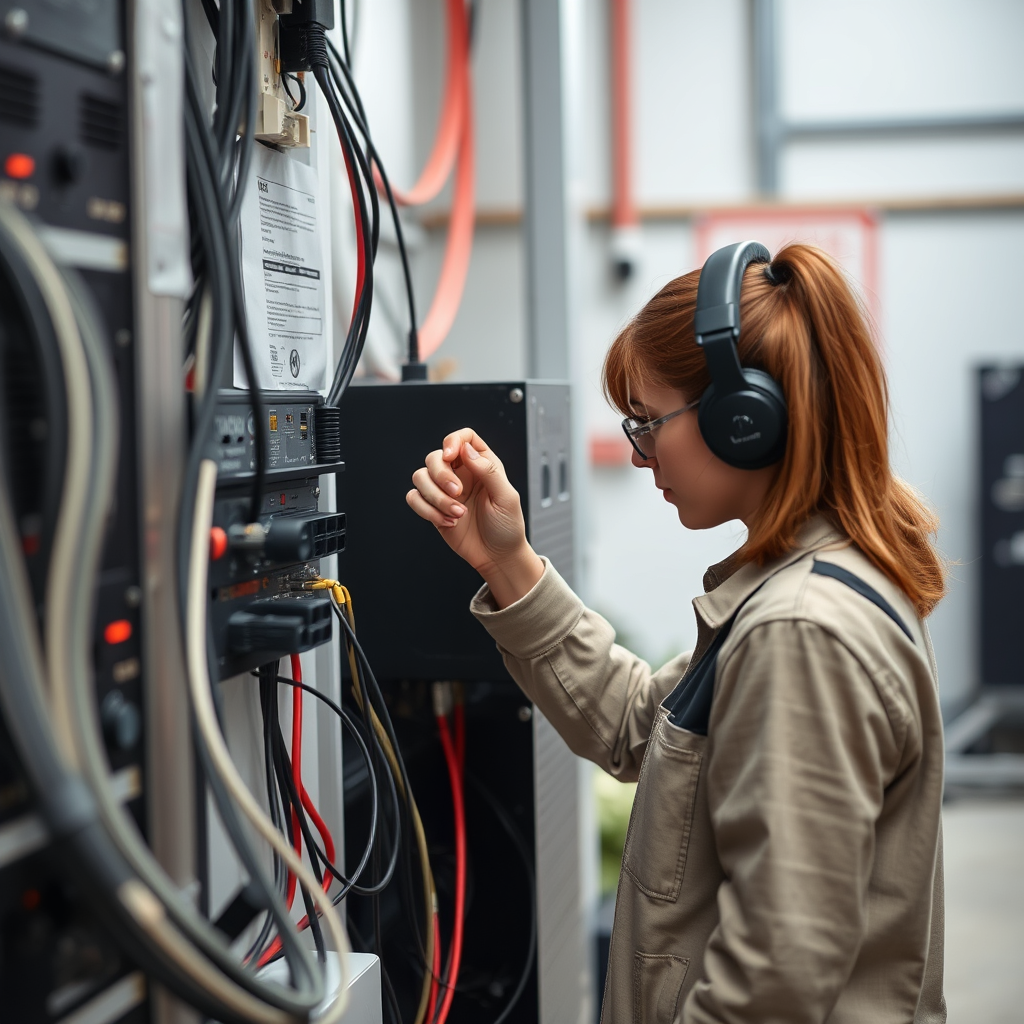
One of the first steps in addressing audio system issues after a power outage or surge is to inspect all power connections. Begin by checking all power cables and ensuring they are securely plugged into their respective outlets. Look for any signs of wear or damage, particularly on power strips and surge protectors, which are critical in safeguarding your audio equipment from electrical disturbances.
Inspect the following:
– Power Cables: Ensure that there are no frays, cuts, or exposed wires. If you find any damage, replace the cable immediately.
– Power Strips and Surge Protectors: Verify that these devices are functioning correctly. Some surge protectors have indicator lights that show whether they are still operational. If the light is off, it may indicate that the device has been compromised and should be replaced.
– Wall Outlets: Check the outlets themselves for any signs of damage or wear. If you notice any burning or discoloration, it’s best to consult an electrician.
Taking the time to thoroughly inspect power connections can prevent further damage and ensure a successful troubleshooting process.
Resetting Your Audio Equipment
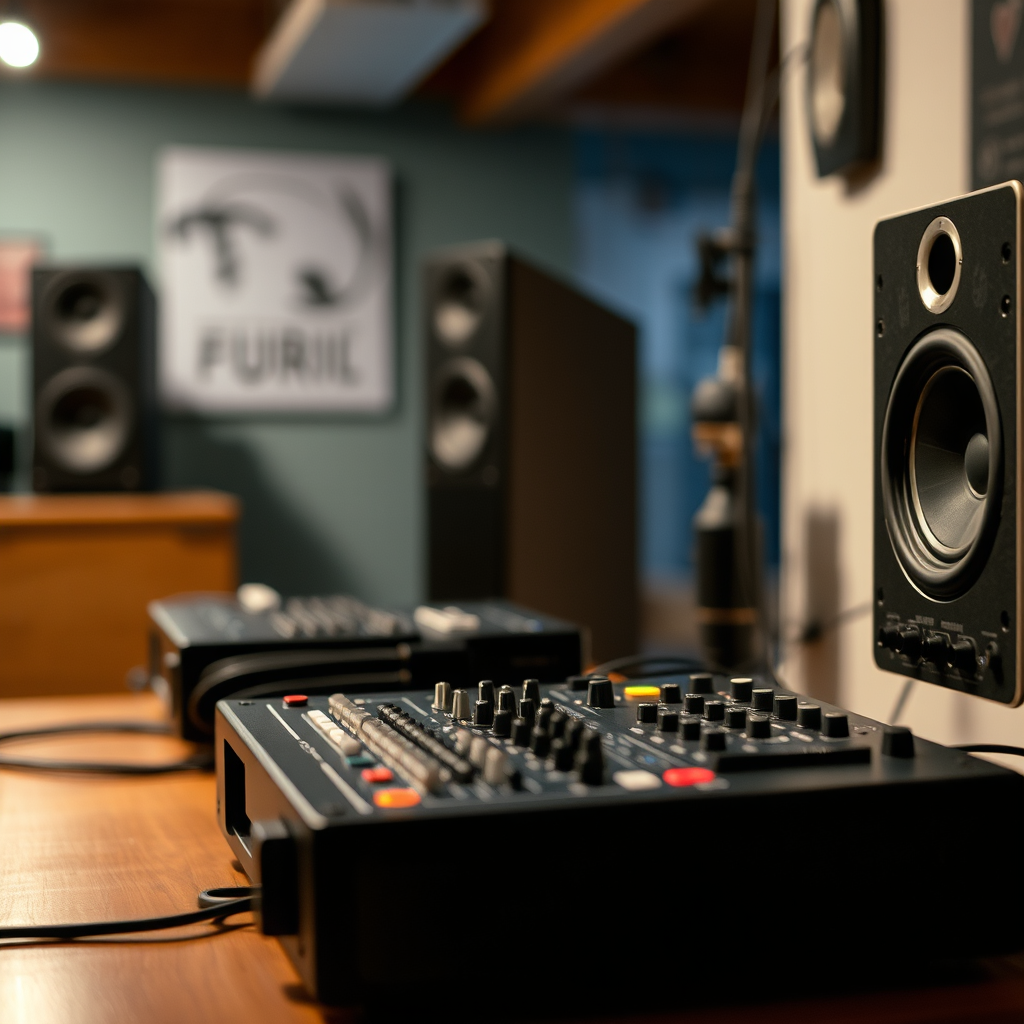
Resetting your audio equipment can often resolve many issues caused by power interruptions. A hard reset helps clear any temporary glitches that may have resulted from a sudden power loss.
Follow these steps for resetting your devices:
– Unplug Devices: Disconnect your audio devices from the power source and leave them unplugged for at least five minutes. This duration allows any residual power to drain and can help reset internal components.
– Consult the User Manual: Different devices have unique reset procedures. Refer to the user manual for specific instructions tailored to your audio system model. Some may require pressing and holding specific buttons during power-up.
Once you have completed the reset, plug the devices back in and check if the audio issues persist. This simple step can often restore functionality.
Assessing Audio Settings
After resetting your equipment, it’s essential to assess the audio settings, as power fluctuations can affect configuration parameters.
Here are key points to examine:
– Volume Levels: Make sure that the volume is set at an audible level. Sometimes, devices may revert to muted settings after a power interruption.
– Audio Input Source: If you use multiple audio devices (like Bluetooth speakers, gaming consoles, or streaming devices), ensure that the correct input source is selected. For instance, if you are trying to play audio from a TV, make sure the audio output is set to the TV speakers or the desired external speakers.
– Sound Modes and Equalizer Settings: Check if any sound modes or equalizer settings have been altered. Sometimes, devices may reset to factory settings, which can diminish audio quality.
By verifying these settings, you can ensure that your audio system is configured correctly for optimal performance.
Checking for Software Updates
Software updates play a crucial role in maintaining the functionality of your audio system. Manufacturers frequently release firmware updates to address bugs, enhance performance, and improve compatibility with other devices.
Consider the following steps:
– Check for Updates: Visit the manufacturer’s website or access the settings menu of your audio equipment to check for any available firmware updates. Most modern devices will have a feature that allows you to check for updates directly.
– Install Updates Promptly: When updates are available, install them as they can resolve compatibility issues that may arise after power disturbances. Keeping your system up to date will help maintain smooth operation and prevent future problems.
Regularly checking for updates is an essential part of audio system maintenance that shouldn’t be overlooked.
Testing Speakers and Components
If audio issues persist despite the previous steps, it is time to test individual components of your audio system. Isolating each part can help identify which component may be malfunctioning.
Follow these guidelines for effective testing:
– Test Each Speaker Individually: Disconnect and connect each speaker one at a time. Play audio through each speaker to determine if any are not functioning correctly. This step can help identify faulty speakers that may need repair or replacement.
– Use Alternative Audio Sources: To further isolate the problem, connect your audio system to a different audio source, such as a smartphone or tablet, and see if the issue persists. If the audio works with an alternative source, the problem may lie within the original audio source.
By systematically testing each component, you can pinpoint the source of the audio problem and take appropriate action.
Common Audio System Issues Post-Power Surge
| # | Issue | Frequency (%) | Severity |
|---|---|---|---|
| 1 | No Sound | 40% | High |
| 2 | Distorted Sound | 25% | Medium |
| 3 | Intermittent Sound | 20% | High |
| 4 | Device Not Recognized | 10% | Low |
| 5 | Audio Sync Issues | 15% | Medium |
| 6 | Static Noise | 5% | High |
| 7 | Other Issues | 5% | Medium |
Preventive Measures for the Future
Preventing audio system issues from occurring again after power disturbances is key to maintaining the longevity and performance of your equipment. Implementing proactive measures can significantly reduce the likelihood of future problems.
Here are some recommendations:
– Invest in High-Quality Surge Protectors: A reliable surge protector can shield your audio system from sudden electrical spikes. Look for models that offer multiple outlets and have a built-in indicator to showcase their operational status.
– Regular Maintenance Schedule: Just like any other piece of technology, your audio system benefits from routine checks. Schedule periodic assessments of your equipment to ensure everything is functioning correctly and to catch potential issues before they escalate.
– Consider Uninterruptible Power Supplies (UPS): For high-end audio systems, a UPS can provide backup power during outages, protecting against data loss and equipment damage.
Taking these preventive measures will not only enhance the performance of your audio system but also prolong its lifespan.
Preventive Measures Effectiveness
When to Seek Professional Help
While many audio system issues can be resolved through the troubleshooting steps outlined above, there are circumstances when seeking professional assistance is necessary. Recognizing these situations can save time and prevent further damage.
Consider contacting a professional if:
– Complex Repairs Are Needed: If internal components have failed or if there is physical damage to the equipment that you cannot address, a technician’s expertise will be required for repairs.
– Consistent Issues Persist: If your audio problems continue despite following troubleshooting steps, it may indicate a deeper issue that requires diagnostic tools and expertise to identify.
– Warranty Concerns: If your equipment is still under warranty, attempting self-repairs can void that warranty. It’s advisable to reach out to the manufacturer or an authorized service provider for assistance.
Knowing when to call in professionals can save you from unnecessary headaches and ensure that your audio system is restored to optimal working conditions.
By following these steps, you can effectively troubleshoot and fix audio system problems that arise after power outages or surges. Regular maintenance and preventive measures will help you avoid future issues, ensuring your audio experience remains uninterrupted. Take action today and check your audio system to keep the sound flowing smoothly.
Frequently Asked Questions
What are common audio system problems that occur after a power outage or surge?
Common audio system problems after a power outage or surge include distorted sound, complete loss of audio, and malfunctioning components such as amplifiers and receivers. These issues often arise due to damage to internal circuits or settings being reset, which can affect the overall performance of your audio system.
How can I troubleshoot my audio system after a power surge?
To troubleshoot your audio system after a power surge, first, check all connections and ensure that the system is plugged in correctly. Next, reset your audio system by unplugging it for a few minutes and then plugging it back in. If problems persist, consult the user manual for specific reset procedures or perform a factory reset if necessary.
Why does my audio system make a humming noise after a power outage?
A humming noise from your audio system after a power outage is often caused by grounding issues or interference from other electronic devices. This can happen if the power surge has affected the grounding of your audio equipment. Checking the grounding connections and relocating nearby devices can help resolve this issue.
What is the best way to protect my audio system from power surges?
The best way to protect your audio system from power surges is to use a quality surge protector or an uninterruptible power supply (UPS). These devices help absorb excess voltage during surges, preventing potential damage to your audio equipment. Additionally, unplugging your system during severe weather can provide extra protection.
Which signs indicate that my audio system has been damaged due to a power outage?
Signs that your audio system has been damaged due to a power outage include persistent distortion in sound, unresponsive controls, and unusual error messages on the display. If you notice any of these symptoms, it is advisable to inspect the system closely and seek professional help if necessary to avoid further damage.
References
- Power surge
https://en.wikipedia.org/wiki/Power_surge - https://www.nist.gov/news-events/news/2018/04/what-power-surge-and-how-can-you-protect-your-devices
https://www.nist.gov/news-events/news/2018/04/what-power-surge-and-how-can-you-protect-your-devices - https://www.sciencedirect.com/science/article/pii/S1369701213000699
https://www.sciencedirect.com/science/article/pii/S1369701213000699 - https://www.nytimes.com/2021/02/18/business/power-outages-texas.html
https://www.nytimes.com/2021/02/18/business/power-outages-texas.html - https://www.hindawi.com/journals/mpe/2020/8841975/
https://www.hindawi.com/journals/mpe/2020/8841975/ - https://www.bbc.com/news/technology-59060005
https://www.bbc.com/news/technology-59060005 - https://www.cdc.gov/nceh/lead/prevention.html
https://www.cdc.gov/nceh/lead/prevention.html - Google Scholar Google Scholar
https://scholar.google.com/scholar?q=Fixing+Audio+System+Problems+After+Power+Outages+or+Surges - Google Scholar Google Scholar
https://scholar.google.com/scholar?q=audio+system+problems+power+surges - Google Scholar Google Scholar
https://scholar.google.com/scholar?q=power+surge+audio+equipment+repair


