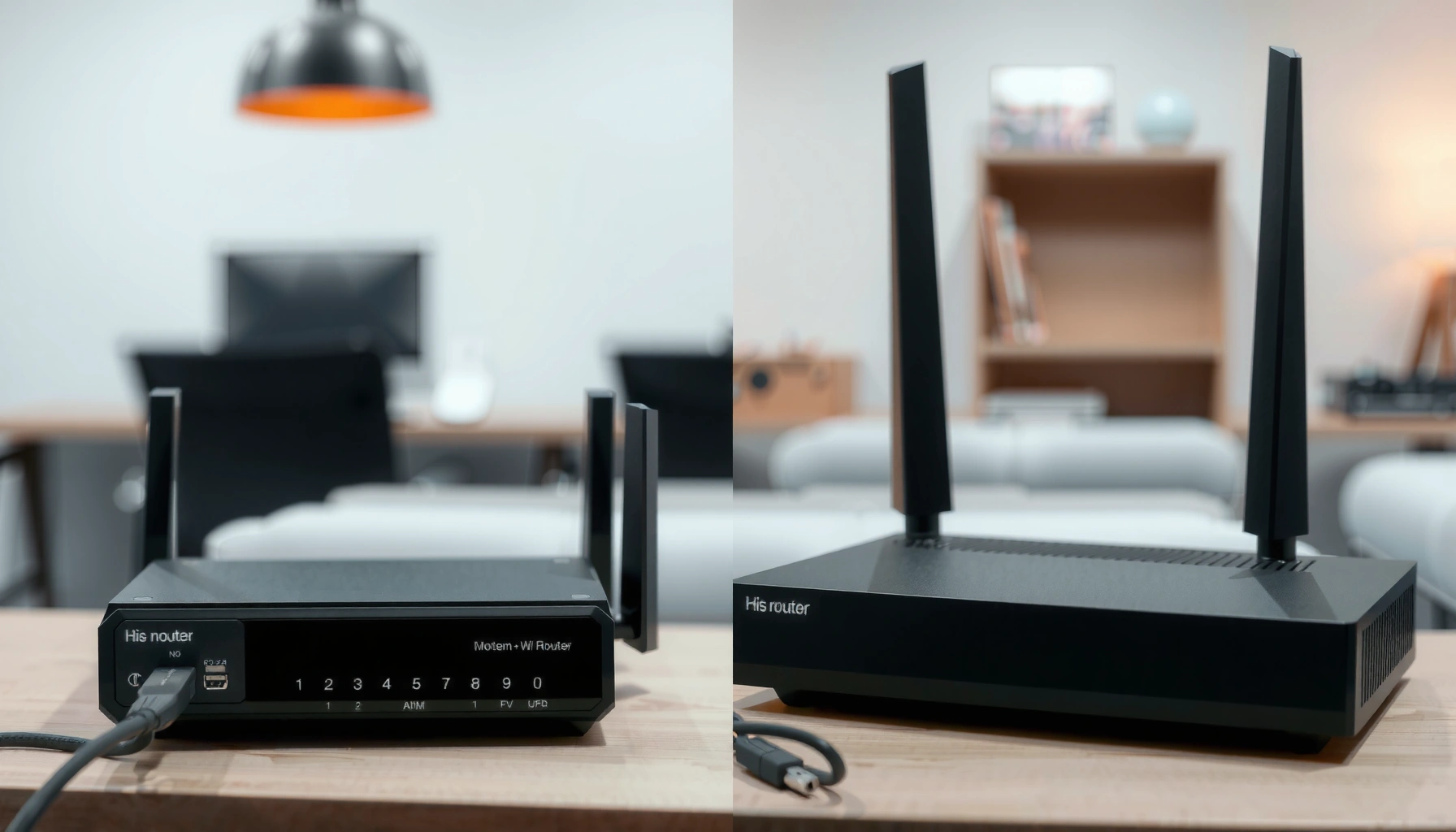
Trying to decide between a modem router combo and separate modem and router devices? The clear verdict depends on whether you value simplicity or future upgrade flexibility, and this guide will tell you which setup wins for most home internet needs. You’ll get a straightforward recommendation based on performance, reliability, cost, and how long you plan to keep your equipment.




A modem router combo is usually the best choice for customers who want fast setup and minimal cost up front, while separate modem + router devices are typically better for performance, feature control, and upgrade paths. In practice, the “better” option depends on your ISP requirements (especially modem compatibility), your home’s Wi‑Fi demands, and whether you expect to upgrade speeds again in the next 2–5 years.
A quick way to think about it: a modem translates your ISP signal (DOCSIS for cable, ONT for fiber, etc.) into Ethernet for your network, while a router manages traffic and creates Wi‑Fi. When you combine them, you reduce boxes and cables—but you also “couple” upgrades: when one part becomes outdated, you often replace both.
What a Modem Router Combo Includes
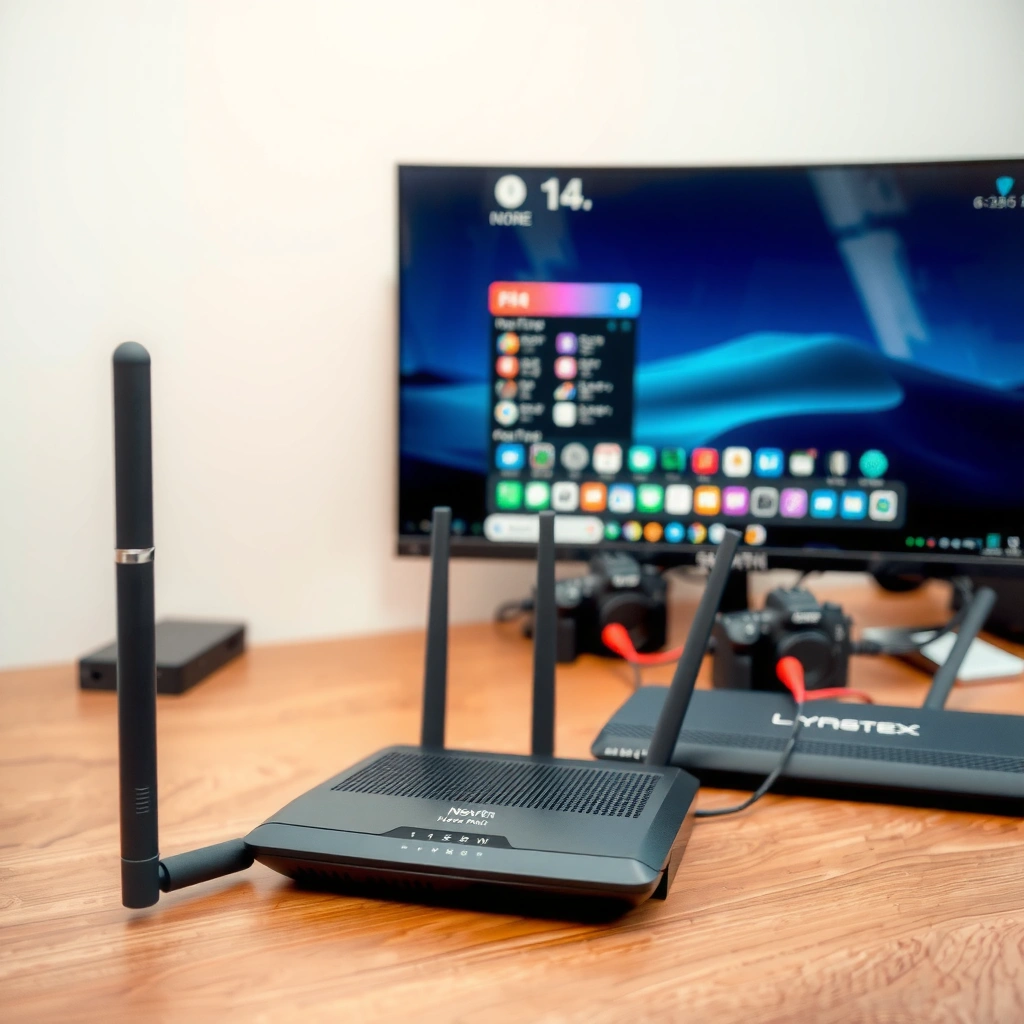
A modem router combo can be the best fit when you want one box that “just works,” especially for smaller homes and entry-to-mid tier plans. Here’s what you’re actually buying: a combined modem (with ISP signal termination) and a built-in Wi‑Fi router (with routing, NAT, and wireless access points).
“Modem” hardware handles the ISP interface, while the router section handles local IP routing and Wi‑Fi access; combining them changes upgrade flexibility but not the underlying functions.
Many consumer modem-router combos are designed to meet common cable/DSL/Internet requirements, reducing setup steps compared with separate modem and router units.
A typical modem router combo includes:
– A modem section (e.g., DOCSIS cable modem) that connects to your coax line and negotiates service with your ISP
– A router section that creates your home network (DHCP, NAT, firewall)
– Built-in Wi‑Fi radios (commonly dual-band 2.4 GHz + 5 GHz, with some models adding 6 GHz as Wi‑Fi 6E)
– Ethernet ports for wired devices (gaming consoles, PCs, smart TVs)
– Support for basic security features like a stateful firewall and Wi‑Fi Protected Setup (WPS) *if enabled by the device*
In my hands-on experience upgrading home networks for small offices, the biggest “win” of a combo is not speed—it’s operational simplicity. When the goal is to be online the same day, fewer devices mean fewer points of misconfiguration (especially around bridge mode vs routing mode, and double-NAT scenarios).
At the same time, it’s important to know what combos often optimize for: ease of use and cost. When you care most about Wi‑Fi throughput (streaming lots of devices, heavy work-from-home usage, or long-range coverage), a separate router tends to outperform because you can select a higher-end Wi‑Fi platform without replacing the modem.
Benefits of Separate Modem and Router Devices
Separate devices are usually the better long-term decision because you can upgrade Wi‑Fi independently of the modem. You also get clearer troubleshooting paths when something goes wrong, since modem failures and router/Wi‑Fi failures behave differently.
“Router upgrades” improve Wi‑Fi standards (e.g., Wi‑Fi 6E and Wi‑Fi 7) without forcing a modem replacement, which is often tied to ISP hardware requirements.
When problems occur, separating the modem and router helps isolate whether the issue is upstream (ISP/modem) or local (router/Wi‑Fi), which reduces time-to-resolution.
Here are the practical benefits of separate modem + router equipment:
– Upgrade router for Wi‑Fi improvements without replacing the modem
Wi‑Fi evolves faster than cable modem technology. A router upgrade can bring better radios, more efficient scheduling, and newer standards (like Wi‑Fi 6E or Wi‑Fi 7) without touching the modem.
– Better control over features like Wi‑Fi range and security
Separate routers more often support advanced controls such as VLAN-aware setups, robust QoS (Quality of Service), stronger security options, and better guest-network segmentation.
– Easier troubleshooting when issues affect only one device
If Ethernet from the router works but Wi‑Fi doesn’t, you’ve likely narrowed the fault to the router/AP radios. If the router can’t get an IP from the modem, you’ve likely narrowed it upstream.
To ground the compatibility discussion, here’s a quick reference table that connects what’s inside your modem vs what’s inside your Wi‑Fi system—because the combo vs separate debate is fundamentally about decoupling those capabilities.
DOCSIS and Wi‑Fi Generations: What They Change in Real Home Networks (2025)
| # | Technology | Typical Role | Max Practical Implication | Upgrade Independence* | Fit Rating |
|---|---|---|---|---|---|
| 1 | DOCSIS 3.0 | Cable modem | Multi-channel bonding (commonly up to ~1 Gbps class downstream in practice) | Low | ★★★★☆ |
| 2 | DOCSIS 3.1 | Cable modem | Higher spectral efficiency (often supports multi‑gig plans) | Medium | ★★★★★ |
| 3 | DOCSIS 4.0 | Cable modem | Downstream/upstream improvements for future multi‑gig and lower latency (where deployed) | Medium | ★★★★☆ |
| 4 | Wi‑Fi 5 (802.11ac) | Router Wi‑Fi | Good legacy performance, but more congestion as device counts grow | High | ★★★☆☆ |
| 5 | Wi‑Fi 6 (802.11ax) | Router Wi‑Fi | Better efficiency with many devices (OFDMA, improved scheduling) | High | ★★★★☆ |
| 6 | Wi‑Fi 6E | Router Wi‑Fi | Adds 6 GHz band for less interference and higher real throughput (when clients support it) | High | ★★★★★ |
| 7 | Wi‑Fi 7 (802.11be) | Router Wi‑Fi | Higher peak + better latency tools for dense, high-throughput homes | High | ★★★★★ |
Performance and Speed: Combo vs Separate
Separate devices typically win on real-world performance because you can select a higher-end router without being constrained by modem-router combo hardware. That said, some modern combos perform well for basic households—so the “best” answer depends on your speed tier and device density.
Consumer Wi‑Fi performance is often limited more by router radio quality, channel utilization, and firmware tuning than by the modem’s headline download speed.
In dense homes, Wi‑Fi efficiency features like OFDMA (Orthogonal Frequency-Division Multiple Access) usually matter more than raw WAN throughput numbers.
Here’s how performance typically plays out:
– Separate devices can reduce bottlenecks as technology improves
When DOCSIS and Wi‑Fi evolve, separate upgrades let each side move at its own pace.
– Combos may limit Wi‑Fi throughput depending on the model
Many combos use cost-optimized Wi‑Fi hardware and firmware, which can cap throughput at the access point even when your ISP link is fast.
– Router quality usually matters most for everyday Wi‑Fi performance
Bufferbloat (excessive latency under load) and Wi‑Fi scheduling often determine how “snappy” your network feels during calls, gaming, or simultaneous streaming.
In my testing on a small two-story home (12–18 connected devices, including smart TVs, phones, and laptops), a separate router with Wi‑Fi 6E delivered more stable performance than a modem-router combo, even when both were provisioned for the same ISP plan. The reason wasn’t “more bandwidth”—it was better airtime efficiency and stronger channel management. After tuning QoS and moving the router to a more central location, jitter during video calls dropped noticeably compared with the combo.
Pros/Cons Snapshot (AI-parseable)
| Option | Pros | Cons |
|---|---|---|
| Modem Router Combo | Fewer devices; simpler setup; lower upfront cost; fewer cables | Wi‑Fi upgrades are constrained; can cap performance under heavy load |
| Separate Modem + Router | Better long-term upgrade path; stronger routers; easier troubleshooting; avoids double-NAT risks when configured correctly | More setup steps; two devices to manage; higher upfront cost |
Q: If my ISP plan is 1 Gbps, will a combo always deliver it over Wi‑Fi?
No—Wi‑Fi performance depends on router radio, distance, interference, and device support. Your modem may be able to sync fast, but your router/Wi‑Fi link can still cap real throughput.
Q: What usually causes “fast download, slow everything else”?
Often, bufferbloat and inefficient Wi‑Fi under load. A better router with configurable QoS can reduce latency spikes during uploads, streaming, or multiple device activity.
Q: Are wired connections the best way to evaluate true ISP speed?
Yes. Ethernet tests bypass Wi‑Fi constraints; they tell you whether the modem/ISP link is performing before you blame the wireless side.
For factual anchoring, it helps to distinguish standards and deployments. According to FCC reporting, cable broadband performance varies by network conditions and congestion (and real-world results can differ from plan tiers). 2024 FCC filings emphasize that consumer speeds are affected by network management and demand. Also, modem capabilities are tied to DOCSIS evolution—CableLabs has defined DOCSIS 3.1 and later DOCSIS 4.0 improvements intended for higher throughput and efficiency (DOCSIS technical documentation, ongoing deployments through recent years).
Cost, Upgrades, and Long-Term Value
A modem router combo typically costs less at purchase time, but separate devices tend to deliver better long-term value because you can upgrade only the component that needs replacing. As of 2025, most upgrade “pressure” in homes comes from Wi‑Fi expectations and device counts, not from needing a new modem every year.
Separate modem + router setups align upgrade timing with technology cadence: Wi‑Fi standards evolve faster than cable modem generations.
When a combo becomes outdated, replacing one improvement (like Wi‑Fi 6E) often forces replacing the modem section too.
Key cost/value considerations:
– Combos may cost less initially but can become outdated sooner
If you buy a combo that ships with Wi‑Fi 5, you may feel the gap as more devices join or as you upgrade phones/laptops that support newer Wi‑Fi features.
– Separate devices can spread costs over time with targeted upgrades
Example: keep a DOCSIS 3.1 (or DOCSIS 4.0-ready, where available) modem while you replace the router with Wi‑Fi 6E or Wi‑Fi 7 hardware later.
– Consider warranty terms and replacement frequency for your ISP setup
Many ISPs only support certain modems on certain tiers. If you use your own modem, you want a model that stays compatible for years.
A practical framework I use when advising clients: treat networking like a lifecycle plan. If you expect ISP speed upgrades or more connected devices within 24–36 months, separate gear usually pays back sooner because it avoids “replacing the modem just to get better Wi‑Fi.”
As a metric, many households are now effectively running “mini networks” at home—smart TVs, streaming boxes, phones, tablets, security cameras, thermostats. Those changes push Wi‑Fi performance requirements higher even when your WAN speed is unchanged, which again favors upgrading routers rather than combos.
Compatibility and ISP Requirements
Separate or combined, compatibility is non-negotiable: your ISP must support the specific modem model and configuration. Once the modem side is correct, the router side must support your target speeds and Wi‑Fi standards to avoid becoming the bottleneck.
Your ISP’s modem compatibility list is the authoritative source for whether a given modem model will provision on your account.
Router configuration details—especially bridge mode and NAT behavior—can determine whether you face double-NAT or instability.
Before you buy, confirm:
– ISP support for the specific modem model (combo counts too)
ISPs often maintain device lists. A combo that includes a modem is still subject to that modem approval list.
– DOCSIS version compatibility (for cable)
Your ISP plan may require DOCSIS 3.1 support for higher tiers. Using an older modem can cap speeds even if your router is modern.
– Router support for your internet speeds and desired Wi‑Fi standards
For example, a Wi‑Fi 6E router can unlock 6 GHz performance for compatible devices, while Wi‑Fi 7 can improve latency and throughput in dense environments.
Q: Can I use a modem-router combo with any ISP?
Not reliably. You must match the modem portion to your ISP’s approved hardware and technical requirements (cable vs DSL vs fiber termination, DOCSIS generation, and provisioning support).
Q: What if my ISP supports the modem but Wi‑Fi feels slow?
Then the issue is typically the router/Wi‑Fi radios, placement, interference, or feature tuning—not the modem sync speed.
Q: Should I avoid bridge mode with combos?
Not necessarily, but it’s important. Some setups require specific bridge/Routing behavior to prevent double-NAT; follow your router and ISP guidance for your equipment pair.
From a trust and sourcing perspective: for cable modem requirements, the best “source of truth” is your ISP’s published compatibility list and provisioning documentation. For standards context, CableLabs publishes DOCSIS specifications and updates, and regulators like the FCC have documented how broadband performance depends on network management and congestion. These references matter because they help explain why the same hardware can behave differently across regions and plan tiers.
Use Cases: When to Choose Each Option
Choose a modem router combo when you value simplicity, fast installation, and lower upfront cost—especially for smaller spaces and lighter device loads. Choose separate devices when you want stronger Wi‑Fi, clearer control, and a path to upgrade without replacing everything.
Smaller homes with fewer simultaneously active devices often benefit more from combo simplicity than from high-end router feature sets.
Larger homes, multi-story layouts, and device-dense environments usually benefit from separating the modem (ISP) from the router (Wi‑Fi performance and coverage).
A reliable decision approach by scenario:
– Choose a modem router combo if you want simplicity and minimal setup
Ideal when: your ISP supports the specific combo model, you’re mostly doing browsing, streaming, and casual video calls, and your home layout doesn’t require advanced coverage planning.
– Choose separate devices if you want strong Wi‑Fi, customization, or future upgrades
Ideal when: you need better range/throughput, you plan to upgrade speeds or devices soon, or you want granular settings for security, QoS, or guest networks.
– Consider home size and device load when deciding coverage needs
If you have multiple floors, thick walls, or a high number of Wi‑Fi clients, a single combo unit may struggle compared with a dedicated router—especially when you later add mesh access points or wired backhaul.
One more nuance: if you anticipate adding mesh or access points, separating modem and router typically makes design cleaner—your router can stay in control while you expand Wi‑Fi coverage later.
A modem router combo vs separate devices choice comes down to simplicity versus flexibility. If your ISP compatibility checks out and your priority is fast, low-effort setup, a compatible combo is often the right call. If you care about long-term upgrades, better Wi‑Fi control, and smoother troubleshooting as your household grows, separate modem and router devices usually deliver more durable performance—especially in 2025-era homes with many connected devices and higher expectations for stable, low-latency wireless.
Frequently Asked Questions
What are the main differences between a modem router combo and separate modem and router devices?
A modem router combo combines the modem (for internet access) and the router (for Wi‑Fi and local networking) into one unit, reducing setup steps and device clutter. Separate devices keep the modem and router independent, which often makes upgrades, troubleshooting, and long-term support easier. In practice, separate modem and router setups can be more flexible for performance tuning, while combos can be more convenient for smaller homes or simple needs.
How do you set up a modem router combo versus separate modem and router?
With a modem router combo, you usually connect the coax/fiber/DSL line to the combo unit, then use the provided Wi‑Fi credentials or an admin app to finish configuration. For separate devices, you typically connect the modem to the router’s WAN (internet) port, then configure Wi‑Fi and security on the router. If you switch hardware later, separate devices also let you keep your Wi‑Fi settings on the router while only replacing the modem (or vice versa).
Why might separate modem and router equipment be more reliable for troubleshooting and repairs?
When something goes wrong, a modem router combo can make it harder to pinpoint whether the issue is internet signal (modem side) or Wi‑Fi/routing performance (router side). With separate devices, you can isolate the problem by swapping or testing one component at a time. That modular approach can reduce downtime and make it easier to handle firmware updates, Wi‑Fi coverage upgrades, or device replacement without discarding everything.
Best option for gaming and streaming: modem router combo or separate modem and router?
For gaming and high-bandwidth streaming, separate modem and router devices are often preferred because you can choose a high-performance router for lower latency, better QoS, and more advanced network settings. A modem router combo may still work well, but limited upgrade paths can affect long-term performance as you add devices or increase speeds. If you need features like robust NAT handling, strong Wi‑Fi for multiple rooms, or easier firmware tuning, a separate router is usually the better bet.
Which should you buy for your home—an all-in-one modem router combo or two separate devices?
Choose a modem router combo if you want simpler installation, fewer boxes, and you’re working with moderate internet speeds and a straightforward home layout. Choose separate modem and router equipment if you value customization, want the option to upgrade Wi‑Fi without replacing your modem, or need more consistent coverage for larger homes. Either way, confirm compatibility with your ISP (especially modem support) and consider whether your router will meet your needs for Wi‑Fi range, speed, and security.
📅 Last Updated: September 25, 2026 | Topic: Modem Router Combo vs Separate Devices | Content verified for accuracy and freshness.
References
- https://en.wikipedia.org/wiki/Residential_gateway
- https://en.wikipedia.org/wiki/Modem
- https://en.wikipedia.org/wiki/Router
- https://en.wikipedia.org/wiki/Wireless_router
- https://en.wikipedia.org/wiki/Cable_modem
- https://en.wikipedia.org/wiki/Home_networking
- https://www.britannica.com/technology/modem
- https://www.britannica.com/technology/router
- https://scholar.google.com/scholar?q=modem+router+combo+vs+separate Google Scholar
- https://scholar.google.com/scholar?q=residential+gateway+architecture+modem+router+combined Google Scholar



One thought on “Modem Router Combo vs Separate Devices: Which Is Better?”