
Improving the surround sound on your Yamaha home theater can significantly elevate your viewing and listening experience. By adjusting settings, optimizing speaker placement, and utilizing advanced features, you can achieve immersive audio that brings movies and music to life. This guide will walk you through essential steps to enhance your surround sound system effectively.
Understanding Your Yamaha Home Theater System
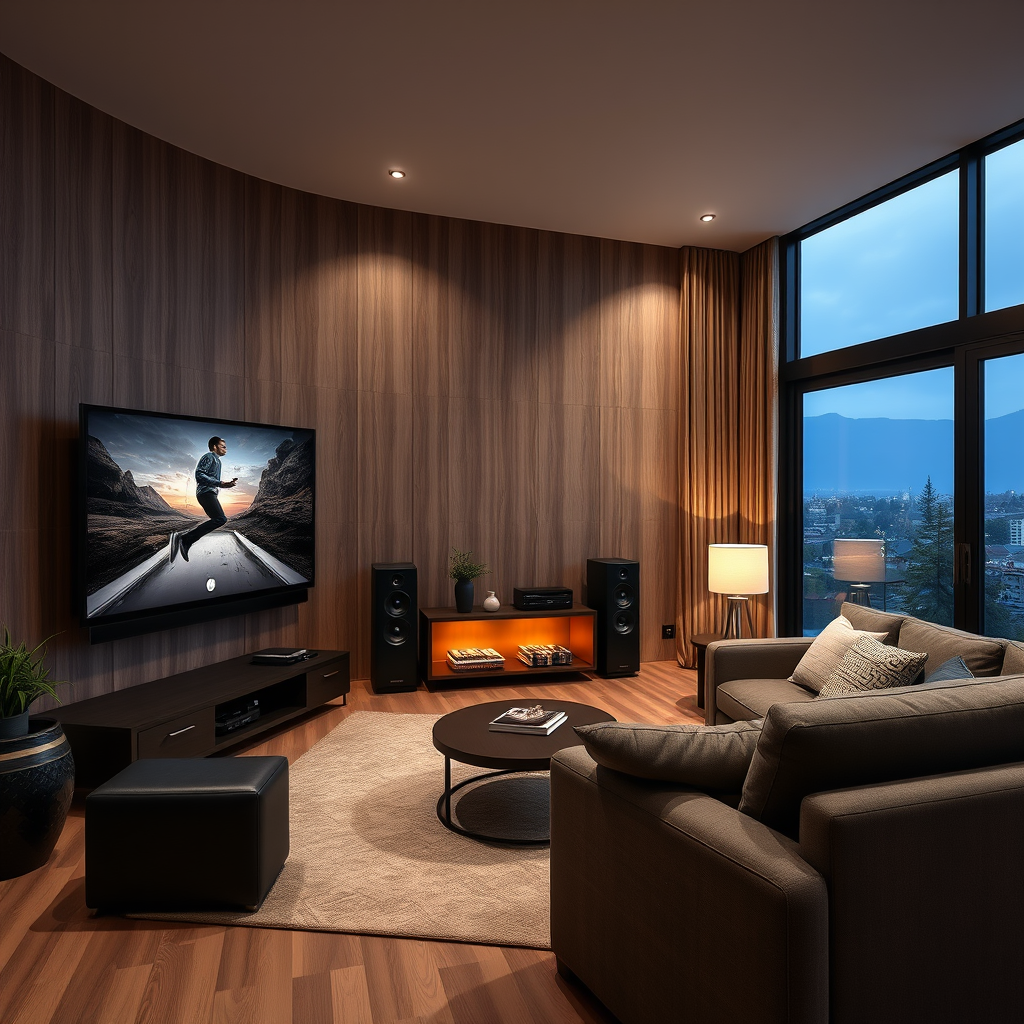
To maximize the performance of your Yamaha home theater system, it’s crucial to understand its specific model and capabilities. Yamaha offers a range of receivers, each equipped with unique features and specifications. Familiarizing yourself with your model’s manual will help you exploit its full potential.
Moreover, Yamaha home theater systems support various audio formats, including the popular Dolby Atmos and DTS (Digital Theater Systems). Dolby Atmos provides a three-dimensional sound experience, allowing sounds to move freely around you, while DTS offers high-definition audio for a superior listening experience. Knowing which formats your system supports can guide your content selection for optimal sound reproduction.
Speaker Placement and Setup
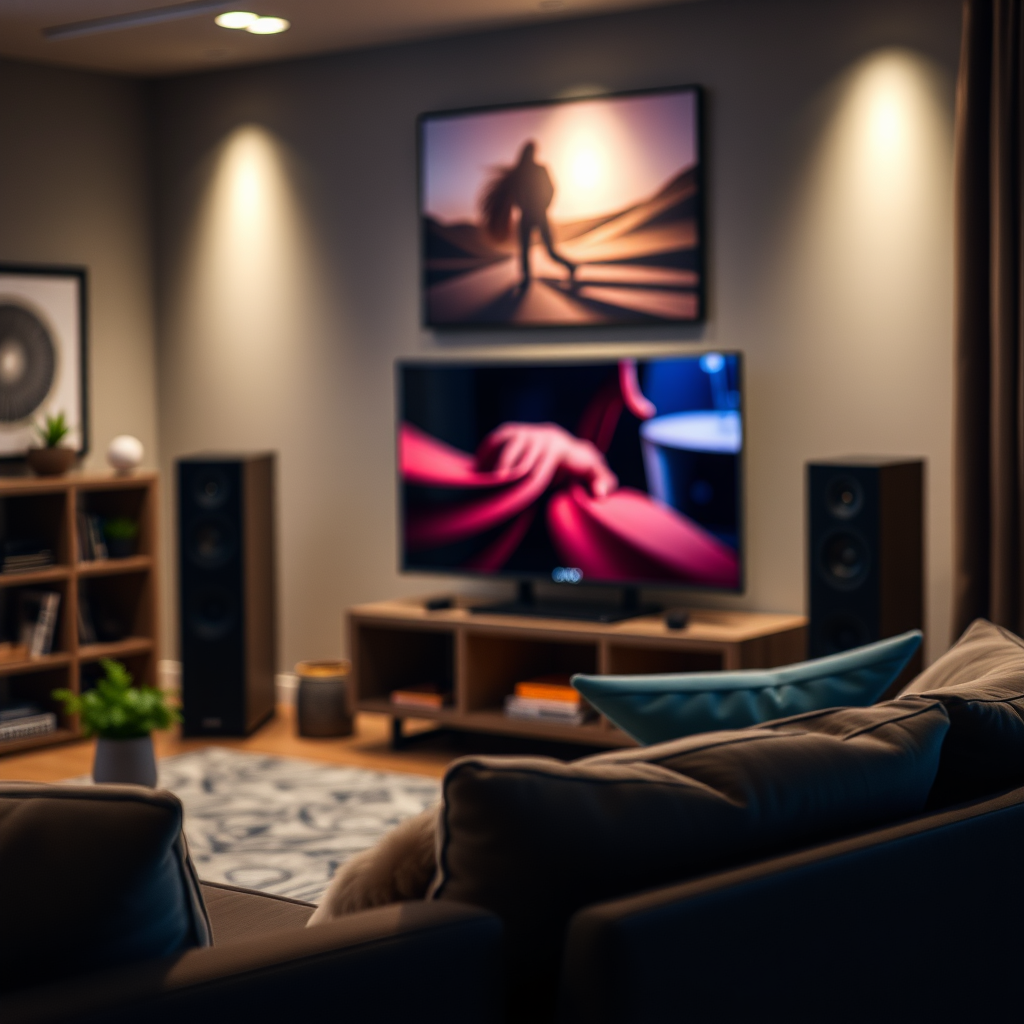
To enhance the soundstage, ensure the distances and angles between the speakers are optimal. The general recommendation is to place the rear speakers at 110 to 120 degrees from the listening position. This arrangement helps achieve a more immersive experience, making sound effects feel more realistic and engaging.
Adjusting Audio Settings
Accessing your Yamaha receiver’s on-screen menu allows for fine-tuning of audio settings. The menu typically provides options to adjust bass, treble, and balance, which can significantly impact audio quality. Begin by experimenting with equalizer presets to find a setting that complements your room acoustics.
For more tailored adjustments, consider manually setting frequency levels. Listening to various audio content while adjusting these settings can help you identify preferences that suit your taste. Don’t hesitate to toggle features like Dynamic Range Control, which compresses the sound levels for better clarity during quiet scenes.
Yamaha Home Theater Models Comparison (2023)
| # | Model | Channels | Audio Formats | Price |
|---|---|---|---|---|
| 1 | Yamaha RX-V6A | 7.2 | Dolby Atmos, DTS:X | $799 |
| 2 | Yamaha RX-V4A | 5.1 | Dolby Atmos, DTS | $599 |
| 3 | Yamaha AVENTAGE RX-A2A | 7.2 | Dolby Atmos, DTS:X | $1,199 |
| 4 | Yamaha RX-S602 | 5.1 | Dolby True HD, DTS-HD | $499 |
| 5 | Yamaha MusicCast RX-A3080 | 9.2 | Dolby Atmos, DTS:X | $2,199 |
| 6 | Yamaha RX-V685 | 7.2 | Dolby Atmos, DTS | $749 |
| 7 | Yamaha RX-V485 | 5.1 | Dolby True HD, DTS-HD | $399 |
Utilizing Room Calibration Features
Yamaha home theater systems come equipped with an advanced feature called YPAO (Yamaha Parametric Room Acoustic Optimizer). This automatic calibration system analyzes your room’s acoustics using a microphone to adjust settings for optimal sound distribution. By running the YPAO setup, your system will automatically adjust speaker levels, distance, and crossover frequencies to suit your environment.
While YPAO provides a solid baseline, you may want to adjust the results to better fit your personal preferences. For example, if you prefer a stronger bass response, you can manually tweak the settings after the calibration process. This flexibility allows you to customize your listening experience further.
Connecting Additional Audio Sources
To fully enjoy your Yamaha home theater system, explore the various options for connecting external devices. This could include Blu-ray players, gaming consoles, or streaming devices. Most Yamaha models come with multiple HDMI ports, which support high-definition audio formats such as Dolby Atmos and DTS:X.
Before connecting, ensure compatibility with your audio formats to guarantee optimal performance. Additionally, consider investing in high-quality cables to minimize signal loss, which can degrade sound quality. When connecting devices, always refer to the specific model’s manual for detailed instructions, as connection methods may vary.
Regular Maintenance and Updates
Regular maintenance is essential for ensuring your Yamaha home theater system operates at its best. Keeping the firmware updated is crucial; manufacturers often release updates that enhance functionality, fix bugs, and introduce new features. Check periodically for these updates on the Yamaha website or through your receiver’s settings menu.
Furthermore, regularly inspect and tidy up cable connections. Loose or damaged cables can lead to signal loss or poor audio quality. By ensuring all connections are secure and cables are in good condition, you can maintain optimal performance and longevity for your home theater system.
Enhancing Audio with Additional Equipment
For those seeking an even richer audio experience, consider adding additional equipment to your setup. One popular enhancement is the inclusion of a dedicated subwoofer. A quality subwoofer can dramatically improve bass response, providing a more profound audio experience for movies and music alike.
Additionally, upgrading your speakers can lead to a more robust sound system. Look for speakers that complement your current setup and match your listening preferences. Brands like Klipsch, Polk Audio, and Definitive Technology offer high-quality options that can significantly enhance the overall audio experience.
Yamaha Surround Sound Features Comparison
By focusing on these key areas, you can significantly improve your Yamaha home theater’s surround sound. Implement the suggested adjustments and enjoy a more immersive audio experience that transforms your home entertainment. If you have further questions or need assistance, feel free to reach out to audio professionals or consult Yamaha’s support resources.
Frequently Asked Questions
How can I calibrate my Yamaha home theater system for optimal surround sound?
To calibrate your Yamaha home theater system, use the built-in YPAO (Yamaha Parametric Acoustic Optimizer) feature. Place the microphone at your listening position and run the calibration process, which will automatically adjust speaker levels, distances, and EQ settings to create a balanced sound environment tailored to your room.
What are the best speaker placement options for Yamaha surround sound systems?
For optimal surround sound, place the front speakers at ear level, slightly angled towards the listening area. The center channel should be directly above or below your TV, while surround speakers should be positioned slightly above ear level and to the sides or slightly behind the listening area for an immersive experience.
Why is my Yamaha home theater not delivering true surround sound?
If your Yamaha home theater isn’t delivering true surround sound, it may be due to incorrect speaker connections, improper settings, or the source material not supporting surround sound formats. Check your speaker wire connections, ensure the sound settings are configured for surround sound, and confirm that your source (like a Blu-ray player) is outputting in a compatible surround sound format.
Which audio formats should I use for the best surround sound experience on my Yamaha system?
For the best surround sound experience, use lossless audio formats such as Dolby TrueHD or DTS-HD Master Audio when available. These formats provide high-quality audio that fully utilizes your Yamaha home theater system’s capabilities, delivering an immersive cinematic experience.
How can I enhance bass performance in my Yamaha surround sound setup?
To enhance bass performance, adjust the subwoofer settings in your Yamaha receiver, including crossover frequency and phase settings. Additionally, experiment with the placement of your subwoofer; corner placement often results in better bass response, while ensuring that the subwoofer is calibrated correctly through the YPAO setup can also improve overall performance.
References
- Surround sound
https://en.wikipedia.org/wiki/Surround_sound - https://www.crutchfield.com/S-2FJjQO8Dg0I/learn/how-to-set-up-your-home-theater.html
https://www.crutchfield.com/S-2FJjQO8Dg0I/learn/how-to-set-up-your-home-theater.html - Google Scholar Google Scholar
https://scholar.google.com/scholar?q=improve+surround+sound+Yamaha+home+theater - Google Scholar Google Scholar
https://scholar.google.com/scholar?q=Yamaha+home+theater+surround+sound+optimization - Google Scholar Google Scholar
https://scholar.google.com/scholar?q=home+theater+sound+quality+improvement - Google Scholar Google Scholar
https://scholar.google.com/scholar?q=How+to+Improve+Surround+Sound+on+a+Yamaha+Home+Theater - How to Improve Surround Sound on a Yamaha Home Theater – Search results
https://en.wikipedia.org/wiki/Special:Search?search=How+to+Improve+Surround+Sound+on+a+Yamaha+Home+Theater - https://www.ncbi.nlm.nih.gov/search/research-articles/?term=How+to+Improve+Surround+Sound+on+a+Yamaha+Home+Theater
https://www.ncbi.nlm.nih.gov/search/research-articles/?term=How+to+Improve+Surround+Sound+on+a+Yamaha+Home+Theater