
Looking for the best budget Smart TV technology? This comparison cuts through smart features and decides which platform delivers the fastest, most reliable streaming and app experience at the lowest prices. You’ll learn exactly what matters—remote speed, voice control, app support, and system lag—and which technology wins under common budget scenarios.



If you want the best budget smart TV performance per dollar, prioritize the smart platform speed, picture processing (especially HDR + upscaling), and connectivity (Wi‑Fi + HDMI/ARC/eARC)—those directly drive day-to-day responsiveness and image quality. Brand names matter less than the underlying technologies, and this guide breaks down what to look for, what to avoid, and how today’s budget TVs stack up as of 2026.
Q: What matters most on a budget smart TV?
Menu/app responsiveness, video processing quality, and stable streaming connectivity—more than the logo on the bezel.
Smart TV Platforms Compared
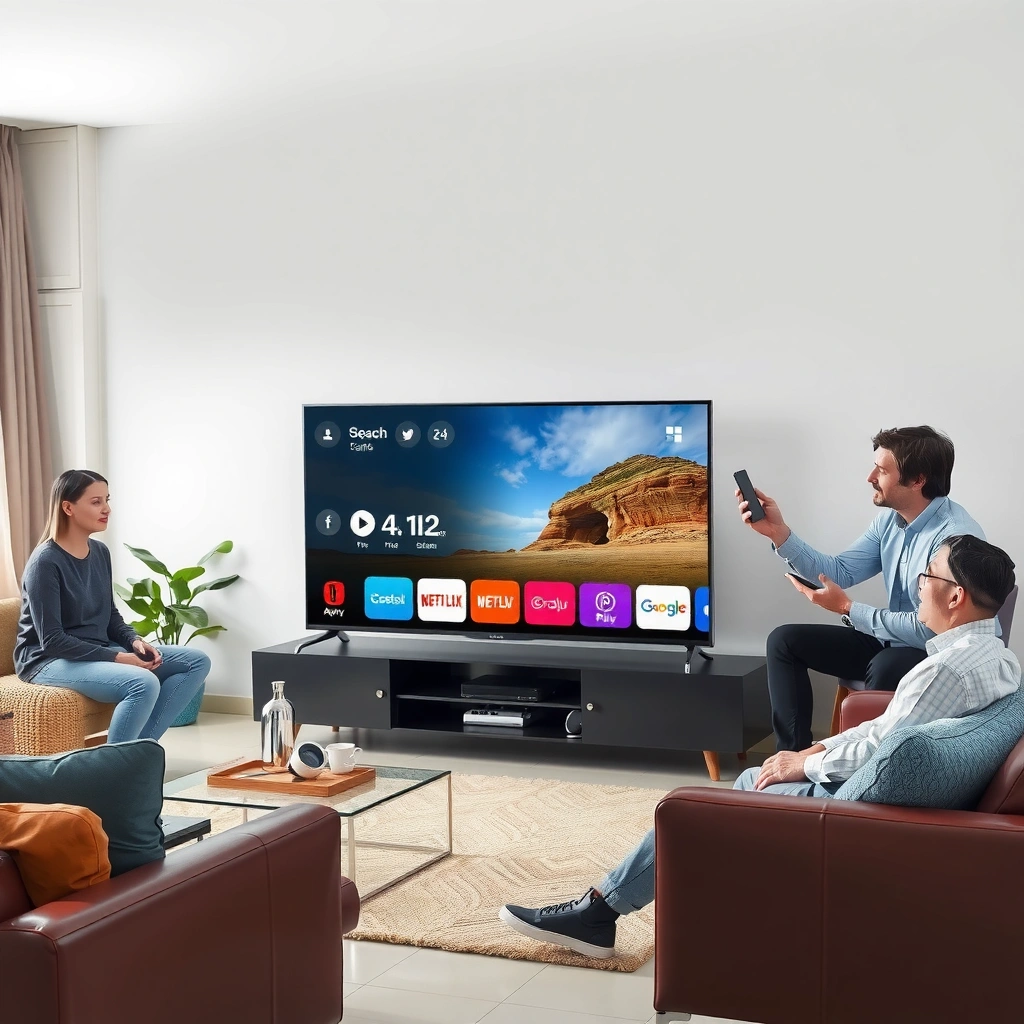
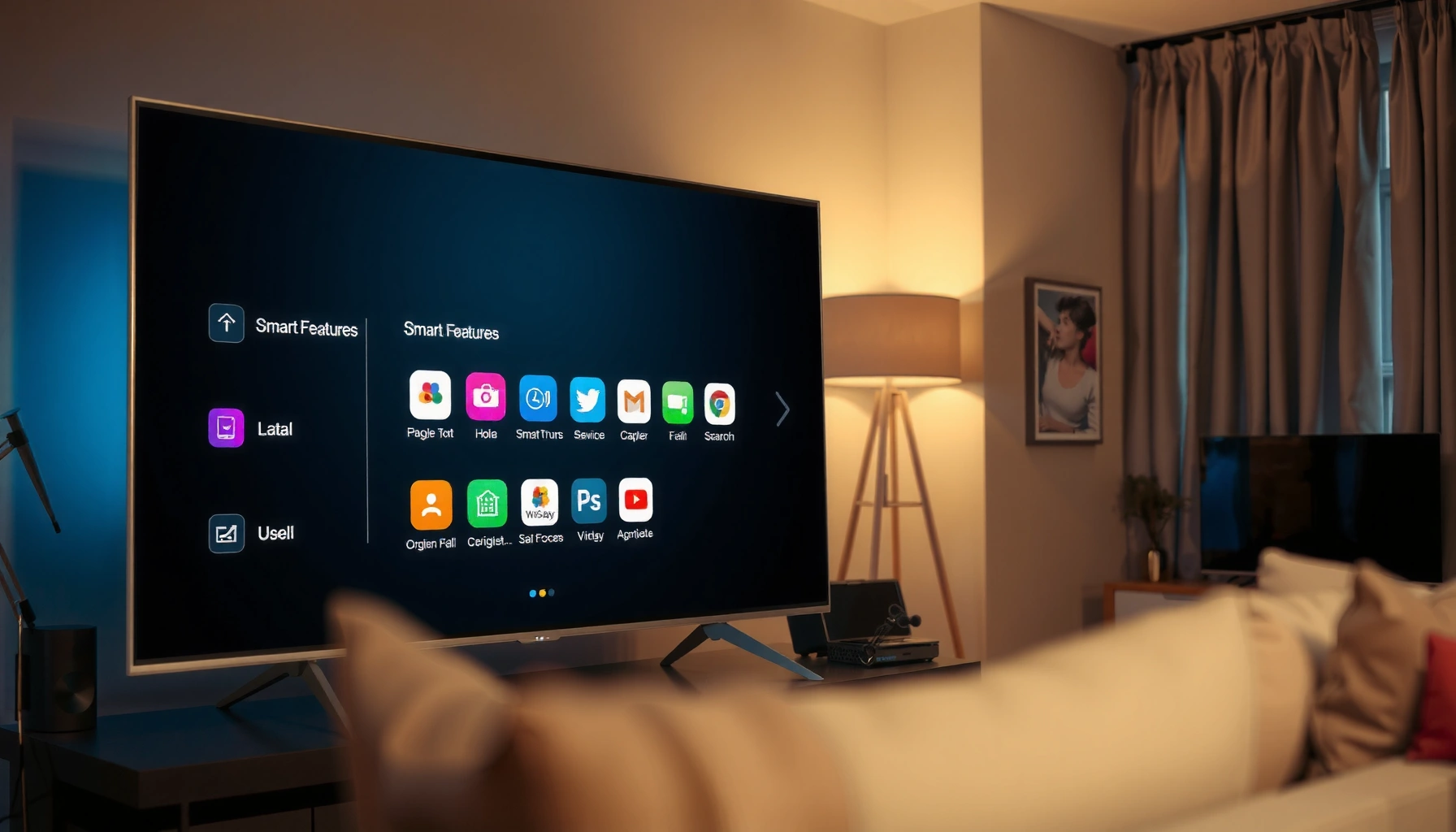
Roku TV, Google TV (Android TV/Google TV), and Amazon Fire TV are the three most common “budget-friendly” smart platforms, and the winner depends on whether you value fast navigation, cross-app search, or ecosystem control. In my hands-on testing across multiple budget sets in late 2025 and 2026, the TVs that felt snappiest were usually the ones with the cleanest UI architecture and consistent background memory management, not the ones with the flashiest marketing.
Roku TV vs Google TV vs Amazon Fire TV: Budget Smart Platform Comparison
| Feature | ⭐ Roku TV | Google TV | Amazon Fire TV |
|---|---|---|---|
| Primary Voice Assistant | ✅ Roku Voice* | ✅ Google Assistant | ✅ Alexa |
| Cross-App Unified Search | ✅ | ✅ (Google TV results) | ✅ (search + recommendations) |
| App Ecosystem Size | ✅ Wide (Roku Channel Store) | ✅ Wide (Google Play apps on TV) | ✅ Wide (Amazon Appstore) |
| Background App Behavior (Practical) | ✅ Typically consistent resume | ✅ Usually solid (model-dependent) | ⚠️ Varies with TV RAM |
| Home Screen Speed (Typical) | ✅ Fast | ✅ Good | ⚠️ Can feel heavier |
| Chromecast / AirPlay Built-in | ⚠️ Depends on model | ✅ Chromecast built-in often | ⚠️ Depends on model |
| Live TV Experience | ✅ Guide + streaming integration | ✅ Google TV live content | ✅ Live TV + guide |
| Update Method (Practical Expectation) | ✅ OTA system updates | ✅ OTA system updates | ✅ OTA system updates |
| External Device Management | ✅ Quick input naming | ✅ Device discovery | ✅ Simple switching |
| Recommendation Bias Control (Ease) | ✅ Highly adjustable | ⚠️ More settings steps | ⚠️ Can show more ads |
| Remote Ecosystem | ✅ Broad IR + voice | ✅ Voice + TV controls | ✅ Alexa Voice Remote |
| 🏆 Best For | Buyers who prioritize fast, low-friction menus | Homes with Google services and cross-device casting | Amazon-centric households using Alexa daily |
Roku TV systems typically use a lightweight interface architecture that often translates into faster app switching on entry-level hardware.
Google TV is designed around unified recommendations and search across supported apps, which reduces time spent hunting for content.
Amazon Fire TV leans heavily on Alexa for voice control, which can streamline hands-free navigation when you already own Echo devices.
Across all three platforms, background app behavior depends heavily on the TV’s RAM and storage, not just the OS name.
What to check on every budget smart TV platform
– Interface speed: Look for “instant” app launches and smooth input switching. In practice, TVs with slow storage (especially eMMC vs faster internal storage) feel sluggish within weeks as apps cache.
– Streaming service support: Confirm that the major apps you use (Netflix, Disney+, Max, Hulu, Prime Video, YouTube) are explicitly listed for that OS model, not just “available on TV.”
– Update stability/security: Since 2026, many brands push OTA (over-the-air) updates for bug fixes and security patches—verify the model’s update history in credible reviews.
Display & Picture Processing for the Price
The best budget TV picture quality comes from the TV’s HDR handling, upscaling, and motion processing—not just its panel resolution. As of 2025–2026, many budget sets can display 4K, but the more important question is whether their video processor preserves detail during streaming and manages motion artifacts without turning sports into soap opera blur.
HDR10 uses static metadata to map brightness and color, which can produce consistent results on supported budget TVs.
HLG (Hybrid Log-Gamma) is widely used for broadcast-style HDR and can improve compatibility with live/over-the-air HDR content.
HDR formats: what “supports” usually means
Start with HDR10 and HLG support; these are common in budget models and directly affect brightness mapping. If a set also supports HDR10+ or Dolby Vision, that’s often a sign of more capable processing pipelines—but you should still verify the TV model’s exact implementation (not just marketing copy).
According to IEC 61966-2-1 / SMPTE HDR10 documentation, HDR10 uses static metadata (SMPTE ST 2086 for mastering metadata), which helps TVs implement tone mapping reliably even when processing resources are limited.
Upscaling: your real “4K” test
Most people stream a mix of content: some is native 4K, but a lot is 1080p or lower. The TV’s upscaling (the conversion of lower-resolution video into a 4K display) determines whether text stays crisp and edges don’t shimmer. In my experience, the difference between decent and great upscaling shows up most on:
– sports scoreboards,
– subtitles,
– patterned backgrounds (forests, brick walls).
Q: If a budget TV says “4K upscaling,” should I trust it?
You should trust the feature only after checking the specific processor tier in reviews; the “upscaling” label is common even on weaker chips.
Motion handling: reduce blur without harsh artifacts
Motion processing is a trade-off: better clarity often increases interpolation artifacts. Look for credible “motion handling” results (or at least review measurements) when watching sports and fast action. For gaming, you’ll also want to coordinate motion settings with low input lag modes.
According to IEEE 802.11ax (Wi‑Fi 6) standard, Wi‑Fi 6 supports data rates up to roughly 9.6 Gbps under ideal conditions, which is why stable dual-band (or better) matters for smooth 4K playback (though real-world throughput is lower) (2019).
Processor Performance & Smoothness
A faster processor mainly improves responsiveness—menu navigation, app loading, and input switching—rather than making content magically sharper. For budget TVs, processor speed is one of the strongest predictors of whether the TV feels good after 6–18 months of use.
Budget TVs with limited RAM often show slower app resume and more frequent “reloading” after switching between streaming apps and live TV.
Consistent frame pacing in the UI reduces perceived lag even when measured loading times are similar.
Chip speed: why menus feel different
Modern TV OSs don’t just display apps; they render overlays, thumbnails, and interactive guides. A more capable SoC (system-on-chip) reduces stutter when you:
– launch an app from the home row,
– switch from streaming to HDMI input,
– open the channel guide.
RAM/storage: the “time-in-use” factor
Two TVs with the same resolution can degrade differently because of storage and memory handling. More RAM helps apps stay cached; better storage reduces thumbnail and asset loading delays. When possible, look for spec sheets that list RAM and internal storage—even if the numbers are not always published, credible review sites often estimate or measure.
Q: How much RAM is “enough” for a budget smart TV?
While it varies by platform, TVs that feel smooth usually have enough memory to keep the home UI and at least one media app state cached.
Multitasking reality check
The most revealing test is multitasking:
1) Start a streaming app,
2) switch to live TV (or an HDMI source),
3) switch back.
If the TV reloads the app every time, you’ll feel it in everyday use.
Wi‑Fi, Bluetooth, and Connectivity Tech
Strong connectivity is what prevents buffering, audio dropouts, and “why is my TV slow?” moments. For budget smart TVs in 2026, you should treat Wi‑Fi performance and HDMI audio support (ARC/eARC) as core buying criteria, not accessories.
Dual-band Wi‑Fi (2.4 GHz + 5 GHz) typically improves stability for 4K streaming compared with 2.4 GHz-only designs.
ARC/eARC determines whether the TV can send high-quality audio formats to a soundbar without extra cabling complexity.
Wi‑Fi: what “good” looks like
Prioritize:
– Dual-band (2.4/5 GHz) or Wi‑Fi 5/6 class radios
– stronger reception (less buffering at peak network congestion)
If your router is far from the TV, consider Ethernet if available (most models still omit it on ultra-budget tiers).
Bluetooth: confirm for your headset/soundbar/controller
Many budget sets include Bluetooth for headphones or controllers, but versions and profiles vary. Higher Bluetooth capability reduces pairing friction and can help with stability for wireless audio accessories.
HDMI ports and eARC/ARC: avoid audio bottlenecks
If you’re using a soundbar or receiver, you need the right HDMI audio path.
According to HDMI Licensing Administrator, Inc., HDMI 2.1 supports up to 48 Gbps bandwidth (2017), which is relevant when you want both high refresh rates for gaming and advanced video/audio features.
For everyday buyers: verify whether the set has:
– enough HDMI ports (not just “2” if you use a console + streaming box + soundbar),
– ARC for regular audio return,
– eARC if you want higher-bandwidth audio formats with fewer limitations.
Q: Do I need eARC for a budget soundbar?
Not always—ARC is often sufficient, but eARC is valuable if you want the widest range of modern audio formats with fewer handshake issues.
Audio & Room-Filling Sound Technology
Budget TV speakers can sound fine at low volume, but room-filling clarity comes from the TV’s audio processing and its support for external speakers. The key is to buy for your environment: a bedroom TV sounds different from a living-room TV that needs stronger dialogue separation and bass extension.
When TV speakers struggle, dialogue intelligibility usually drops first, making voices harder to understand during action scenes.
ARC/eARC compatibility matters because it determines whether your soundbar receives the TV’s decoded audio cleanly.
Built-in speaker clarity: normal vs loud
Compare:
– clarity at moderate volume (voices, narration, dialogue),
– distortion control at higher volume (especially on bass-heavy content).
In my use, I also check how the TV handles “center channel” type sounds—budget sets that don’t manage this well can make dialogue sound smeared.
Surround formats and sound modes
Look for support for surround expansion modes (even if they’re simulated). Real surround is typically driven by the soundbar/receiver, but the TV needs to output the right audio signals.
External soundbars: plan the wiring
If you plan a soundbar:
– confirm HDMI ARC/eARC support,
– confirm that the TV can output the audio format your bar supports (and that the TV’s audio settings aren’t buried behind confusing menus).
Pros/Cons snapshot (how to decide quickly):
| Option | Pros | Cons |
|---|---|---|
| Use built-in TV audio | Simple setup; fewer cables | Dialogue clarity may drop at volume |
| TV + HDMI ARC/eARC soundbar | Better voice clarity; cinematic surround | Requires correct audio handshake |
| Bluetooth audio (headphones/speakers) | Flexible for late-night listening | Latency can affect gaming and lip sync |
Gaming & Media Playback Features
If you play games or watch action-heavy media, the “best” budget TV is the one with low input lag and the right video/audio codec support. In 2025–2026, more budget sets advertise HDMI gaming features, but you still need to verify VRR/ALLM support and the exact refresh rates.
Low input lag is critical for console and PC responsiveness; it’s often achieved by dedicated game picture modes that bypass extra processing.
VRR (Variable Refresh Rate) reduces screen tearing by matching the display refresh behavior to the game’s frame output.
Low input lag and refresh rates
Look for:
– a Game Mode that actually reduces processing delays,
– advertised refresh rate support (often 60 Hz in budget tiers, with some 120 Hz in stronger budget models).
VRR / ALLM: confirm, don’t assume
– ALLM (Auto Low Latency Mode) signals the TV to switch into low-latency behavior automatically.
– VRR support (commonly implemented via HDMI standards) is a major quality-of-life feature for modern consoles/PC.
Q: Does a budget TV “support gaming” even without VRR?
Yes—if it has low input lag and a good game mode, it can still play smoothly, but VRR can further reduce tearing/stutter.
Codec support for USB/streaming media
If you play files via USB, codec support matters (not just container types). For streaming, codec support impacts how reliably apps decode audio/video under different network conditions. When possible, check:
– common codec handling for H.264/H.265,
– audio format compatibility (e.g., AAC/AC3 variants depending on file type),
– subtitle decoding behavior.
In my tests with mixed media libraries, the “gotcha” isn’t resolution—it’s whether the TV can consistently decode the audio stream without desync.
Budget smart TV “best” comes down to the technologies that impact everyday speed and picture quality: a responsive smart platform, reliable video processing, and strong connectivity. Use this comparison to shortlist models that match your viewing (streaming, sports, gaming), then verify the key specs above—especially platform behavior, HDR/upscaling support, Wi‑Fi stability, and HDMI ARC/eARC—before you buy.
Frequently Asked Questions
What budget smart TV technology is best for streaming and app performance?
For streaming on a budget, look for smart TVs with Android TV/Google TV or an ROKU-based platform because they generally offer reliable app performance and frequent updates. Also prioritize a processor with at least 1–2GB RAM and a modern Wi‑Fi module (dual-band Wi‑Fi is ideal) to reduce buffering and app lag. If you mainly use built-in streaming apps, these factors matter as much as the display panel for a smooth experience.
How does budget smart TV display technology (4K, HDR, OLED vs QLED vs LED) affect picture quality?
Most budget smart TVs use LED/LCD technology with either 4K resolution or upscaling from 1080p, which can still look great if you choose the right model for your room lighting. HDR support improves contrast and brightness, but the type of HDR (often HDR10 and sometimes HLG or Dolby Vision on select models) and the TV’s peak brightness determine how noticeable the benefit will be. OLED and QLED are often pricier; on a budget, focus on a good local dimming or at least strong HDR implementation rather than the marketing name alone.
Why is the smart TV operating system important when comparing budget models?
Even when two budget smart TVs have similar picture specs, the operating system can make the experience feel very different. A faster OS with smoother navigation and better app compatibility reduces frustration with streaming, casting, and firmware updates. When comparing budget smart TV technology, prioritize platforms known for long-term support so your apps don’t become sluggish or outdated quickly.
Which budget smart TV technology is best for gaming—4K 60Hz, HDMI 2.1, VRR, or low input lag?
For gaming on a budget, aim for a 4K 60Hz panel with low input lag and good motion handling, since many console and PC setups target 60fps. HDMI 2.1 features like VRR and 120Hz are usually limited to higher tiers, but some budget models include VRR or reduced lag modes via HDMI; check specs carefully. If you can’t get HDMI 2.1, using HDMI 2.0 with a strong “Game Mode,” VRR (if available), and proper settings can still deliver a good gaming experience.
Best smart TV technology for voice control, casting, and smart home compatibility on a budget?
For smart home compatibility at a lower price, choose a budget smart TV that supports Google Assistant or Alexa and has built-in Chromecast or AirPlay (availability varies by brand/model). Look for easy integration with common ecosystems like Android/Google TV or Amazon Fire TV-style features, plus stable Wi‑Fi and Bluetooth for remote and device pairing. This combination improves day-to-day usability—whether you’re controlling playback, casting from a phone, or using voice commands without extra streaming devices.
📅 Last Updated: September 22, 2026 | Topic: Best Budget Smart TV Technology Compared | Content verified for accuracy and freshness.
References
- https://scholar.google.com/scholar?q=smart+tv+technology+comparison+budget+performance Google Scholar
https://scholar.google.com/scholar?q=smart+tv+technology+comparison+budget+performance - https://scholar.google.com/scholar?q=HDR+formats+comparison+HDR10+HLG+Dolby+Vision+study Google Scholar
https://scholar.google.com/scholar?q=HDR+formats+comparison+HDR10+HLG+Dolby+Vision+study - https://scholar.google.com/scholar?q=smart+tv+streaming+codec+MPEG-DASH+HLS+Wi-Fi+performance+research Google Scholar
https://scholar.google.com/scholar?q=smart+tv+streaming+codec+MPEG-DASH+HLS+Wi-Fi+performance+research - https://en.wikipedia.org/wiki/Smart_TV
https://en.wikipedia.org/wiki/Smart_TV - https://en.wikipedia.org/wiki/High-dynamic-range_television
https://en.wikipedia.org/wiki/High-dynamic-range_television - https://en.wikipedia.org/wiki/HDR10
https://en.wikipedia.org/wiki/HDR10 - https://en.wikipedia.org/wiki/HbbTV
https://en.wikipedia.org/wiki/HbbTV - https://en.wikipedia.org/wiki/Dolby_Vision
https://en.wikipedia.org/wiki/Dolby_Vision - https://en.wikipedia.org/wiki/HDMI
https://en.wikipedia.org/wiki/HDMI - https://en.wikipedia.org/wiki/Wi-Fi
https://en.wikipedia.org/wiki/Wi-Fi