
If your Bose subwoofer isn’t producing bass, the issue often lies in the settings, connections, or speaker placement. By systematically troubleshooting these areas, you can restore the rich sound you expect from your subwoofer. This guide will walk you through essential steps to diagnose and resolve low output issues, ensuring you can enjoy an immersive audio experience.




Check Connections and Cables

The first step in addressing low output from your Bose subwoofer is to check all connections and cables. Loose or damaged cables can significantly impact audio performance.
– Secure Connections: Ensure that all cables are firmly connected to both the subwoofer and the receiver. This includes the power cable, RCA, and speaker wires if applicable. A loose connection can prevent the subwoofer from receiving the audio signal it needs to produce sound.
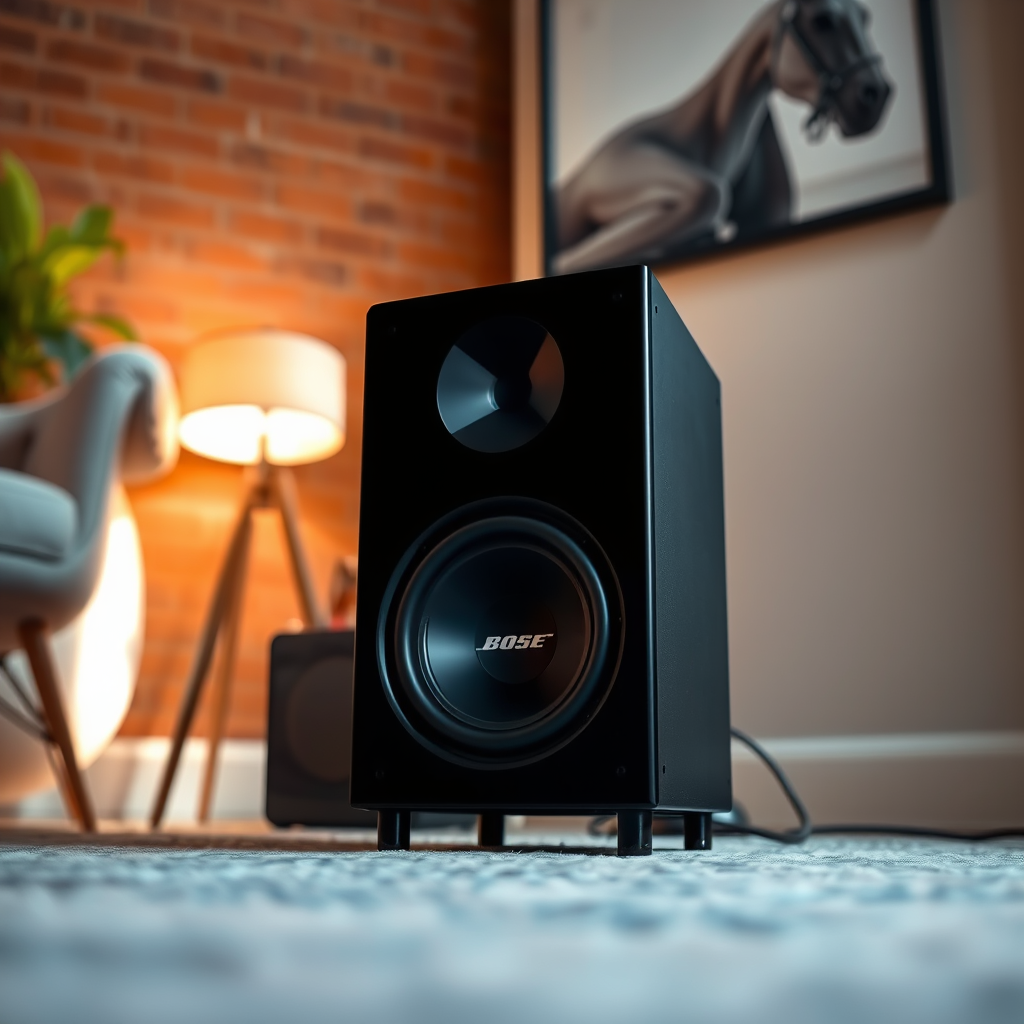
– Inspect Cables: Look for any visible damage or wear on the cables. Frayed wires, bent connectors, or any signs of corrosion can lead to poor audio quality or complete failure. If you find any damage, replacing the cables may be necessary for optimal performance.
Adjust Audio Settings
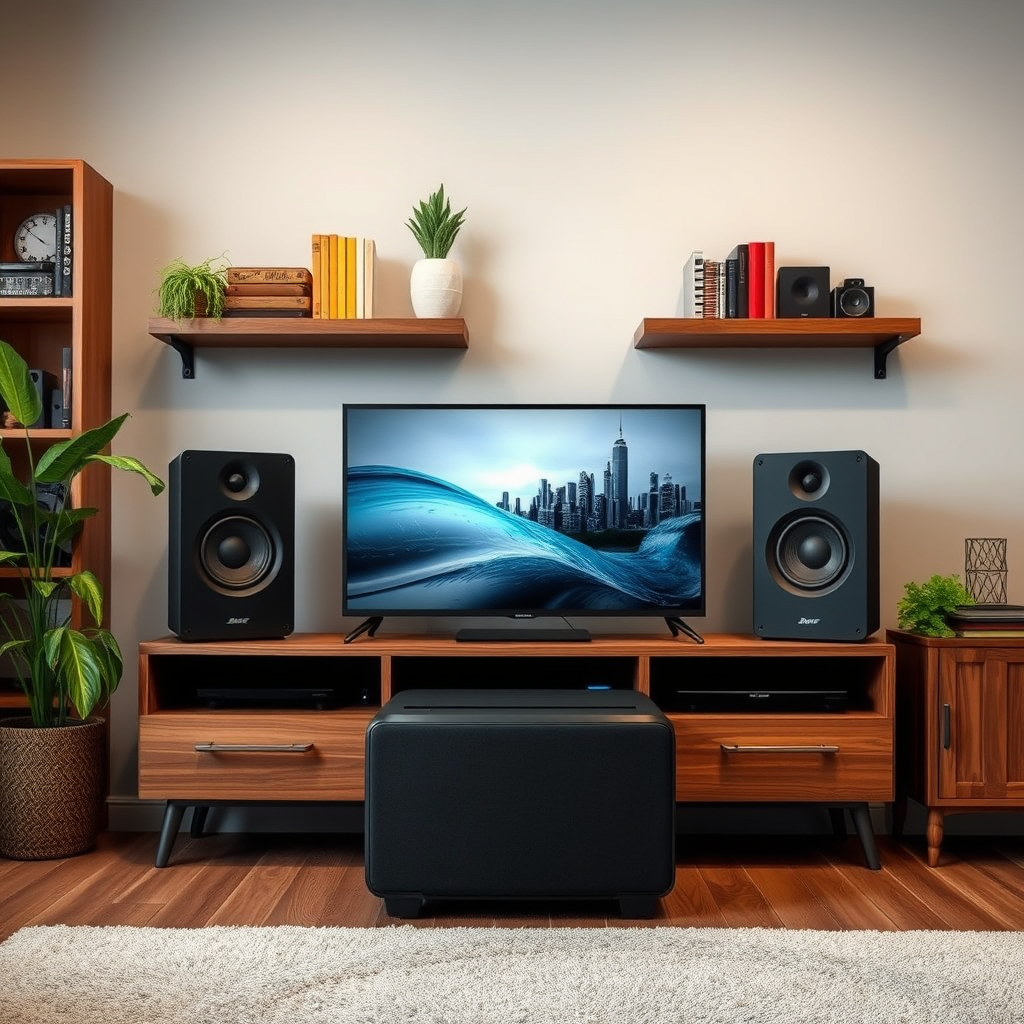
Proper audio settings play a critical role in ensuring your subwoofer performs at its best. It’s essential to verify that these settings are correctly configured.
– Subwoofer Level: Check the subwoofer level in your audio settings. If it’s set too low, it could result in minimal bass output. Most receivers allow you to adjust the subwoofer volume independently, so ensure it is set to an adequate level.
– Crossover Frequency: The crossover frequency setting determines how the audio is divided between the subwoofer and the main speakers. If this is set incorrectly, it could lead to a lack of bass. For optimal performance, set the crossover frequency to about 10 Hz above the lower limit of your main speakers. For example, if your speakers handle down to 60 Hz, set the crossover to around 70 Hz.
Verify Placement and Environment
The physical placement of your subwoofer can greatly influence its output. The environment in which it is located also matters significantly.
– Optimal Positioning: Place your subwoofer in a corner or along a wall. This positioning helps amplify the bass response, as the wall can reflect sound waves and create a more powerful output.
– Avoid Enclosed Spaces: Ensure that the subwoofer is not placed in a cabinet or enclosed space, as this can muffle the sound. An open area allows better sound dispersion and enhances the overall audio experience.
Top 7 Factors Affecting Subwoofer Performance
| # | Factor | Impact on Output | Adjustment Difficulty | Recommended Action |
|---|---|---|---|---|
| 1 | Cables | High | Easy | Replace if damaged |
| 2 | Room Placement | Medium | Moderate | Reposition for better acoustics |
| 3 | Audio Settings | High | Easy | Adjust levels and crossover |
| 4 | Room Acoustics | Medium | Moderate | Use soundproofing materials |
| 5 | Receiver Settings | High | Easy | Ensure compatibility and settings |
| 6 | Power Supply | High | Easy | Check for consistent power |
| 7 | Subwoofer Quality | High | Difficult | Consider upgrading |
Test with Different Audio Sources
After checking connections and adjusting audio settings, it’s crucial to test your subwoofer with various audio sources. This step helps determine if the issue is specific to a certain device or audio file.
– Variety of Content: Play different genres of music, movies, or soundtracks known for their bass-heavy content. This will help you ascertain whether the low output is a consistent issue or limited to specific media.
– Multiple Devices: Connect your subwoofer to various devices such as a TV, computer, or smartphone. By switching sources, you can rule out potential problems with the original device or its connection method. If the subwoofer performs well with other devices, the issue may lie within the original source.
Update Firmware and Software
Keeping your subwoofer’s firmware and your audio system’s software up to date is essential for optimal performance.
– Firmware Updates: Check Bose’s official website or the Bose Music app for any firmware updates for your subwoofer. Manufacturers often release updates that fix bugs, improve performance, or add new features.
– Device Software: Ensure that the software of the device you are using to control the subwoofer is also updated. This could include your TV’s firmware, audio receiver’s software, or even your smartphone’s operating system.
Consider Environmental Factors
The environment in which your subwoofer operates can drastically affect its performance.
– Room Acoustics: Soft furnishings and carpets can absorb sound, which may be beneficial for overall acoustics but could hinder bass output. Consider the materials in your room and how they might be impacting sound waves.
– Experiment with Layout: If you notice that your subwoofer’s output is still lacking, experiment with the room layout. Moving furniture or adjusting the subwoofer’s position can sometimes lead to a significant improvement in sound quality.
Common Room Layouts Impacting Subwoofer Performance
Seek Professional Help
If you have systematically gone through these troubleshooting steps and your Bose subwoofer still has low output issues, it may be time to consider professional assistance.
– Customer Support: Reach out to Bose customer support for insights or guidance specific to your model. They may have additional troubleshooting steps or advice tailored to your situation.
– Warranty Options: Check if your device is still under warranty. If so, you may be eligible for repairs or replacements at no additional cost.
– Local Repair Services: If the problem seems more complex, such as internal component failure, consult a local audio repair specialist. They can diagnose and fix issues that are beyond typical user troubleshooting.
By following these steps, you can identify and fix the low output issues with your Bose subwoofer, ensuring a powerful and immersive audio experience. Remember that careful attention to detail in settings, connections, and placement can make a significant difference. If problems persist, don’t hesitate to seek professional assistance, as expert intervention can often restore the sound quality you expect. Enjoy your enhanced sound experience!
Frequently Asked Questions
Why is my Bose subwoofer not producing bass?
A Bose subwoofer may not produce bass due to several factors, including improper connections, low volume settings, or audio source limitations. Ensure that the subwoofer is correctly connected to your sound system and check the settings on both the subwoofer and your audio device. Additionally, verify that the content you’re playing is capable of producing low-frequency sounds.
How can I fix low output issues with my Bose subwoofer?
To fix low output issues with your Bose subwoofer, start by adjusting the volume settings on the subwoofer and your AV receiver. Check the crossover frequency settings, as setting it too high can limit bass output. If the problem persists, inspect the subwoofer’s connections and cables for any damage or loose connections.
What settings should I check if my Bose subwoofer isn’t working properly?
If your Bose subwoofer isn’t working properly, check the volume level, crossover frequency, and phase settings. Make sure the subwoofer is set to “On” and not muted. Additionally, ensure that your audio source is configured to send low-frequency sounds to the subwoofer, as some devices may require specific settings for optimal performance.
Which Bose subwoofer models are known for producing the best bass?
Models like the Bose Acoustimass 300 and Bose Bass Module 700 are well-regarded for their powerful bass output. These subwoofers feature advanced technology and design that enhance low-frequency performance, making them popular choices for home theater enthusiasts. If bass quality is a priority, consider these models for an immersive audio experience.
Why does my Bose subwoofer make a buzzing noise instead of bass?
A buzzing noise from your Bose subwoofer instead of clear bass can be caused by interference, loose connections, or a malfunctioning driver. Check all connections to ensure they are secure and try relocating the subwoofer to reduce interference from other electronic devices. If the issue continues, it may be necessary to consult a professional for further diagnosis or repair.
References
- Customer Support
https://www.bose.com/en_us/support/article/faq_subwoofer.html - Customer Support
https://www.bose.com/en_us/support/article/subwoofer_low_output.html - https://www.aa.edu/education/faq/subwoofer-bass-issues
https://www.aa.edu/education/faq/subwoofer-bass-issues - Google Scholar Google Scholar
https://scholar.google.com/scholar?q=Bose+subwoofer+low+output+issues - Google Scholar Google Scholar
https://scholar.google.com/scholar?q=Bose+subwoofer+not+producing+bass - Google Scholar Google Scholar
https://scholar.google.com/scholar?q=fixing+subwoofer+bass+problems - https://www.sciencedirect.com/topics/engineering/subwoofer
https://www.sciencedirect.com/topics/engineering/subwoofer - https://www.bbc.com/future/article/20200220-why-bass-is-so-important-in-music
https://www.bbc.com/future/article/20200220-why-bass-is-so-important-in-music - Google Scholar Google Scholar
https://scholar.google.com/scholar?q=Bose+Subwoofer+Not+Producing+Bass?+Fixing+Low+Output+Issues
