
If your Pioneer AV receiver isn’t producing sound, the issue can often be traced back to simple settings or connections. In this guide, you’ll learn quick troubleshooting steps that can help you restore audio in no time. Sound issues can stem from various sources, including improper connections, incorrect settings, or even firmware glitches. By methodically following the steps outlined below, you can diagnose and fix the problem efficiently.
Check Your Speaker Connections
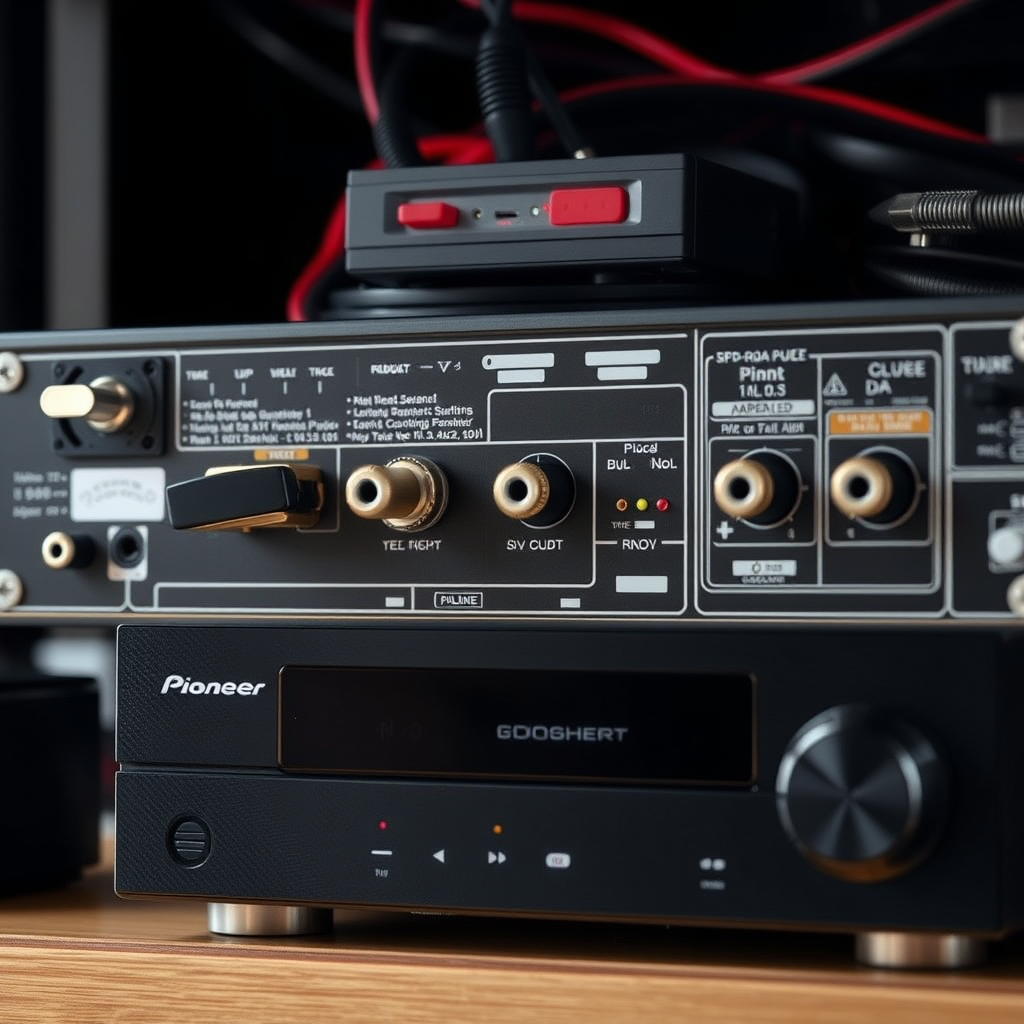
The first step in resolving sound issues with your Pioneer AV receiver is to check your speaker connections. Ensuring that all speaker wires are securely connected to both the receiver and the speakers is crucial. Loose or disconnected wires can easily lead to no sound output. Additionally, inspect the wires for any fraying or damage. Even a small nick in a wire can disrupt the audio signal.
For optimal performance, make sure you are using the correct gauge of wire for your speakers, as this can also affect sound quality and reliability. If you find any damaged wires, replace them with new ones to restore sound.
Verify Input Source and Settings
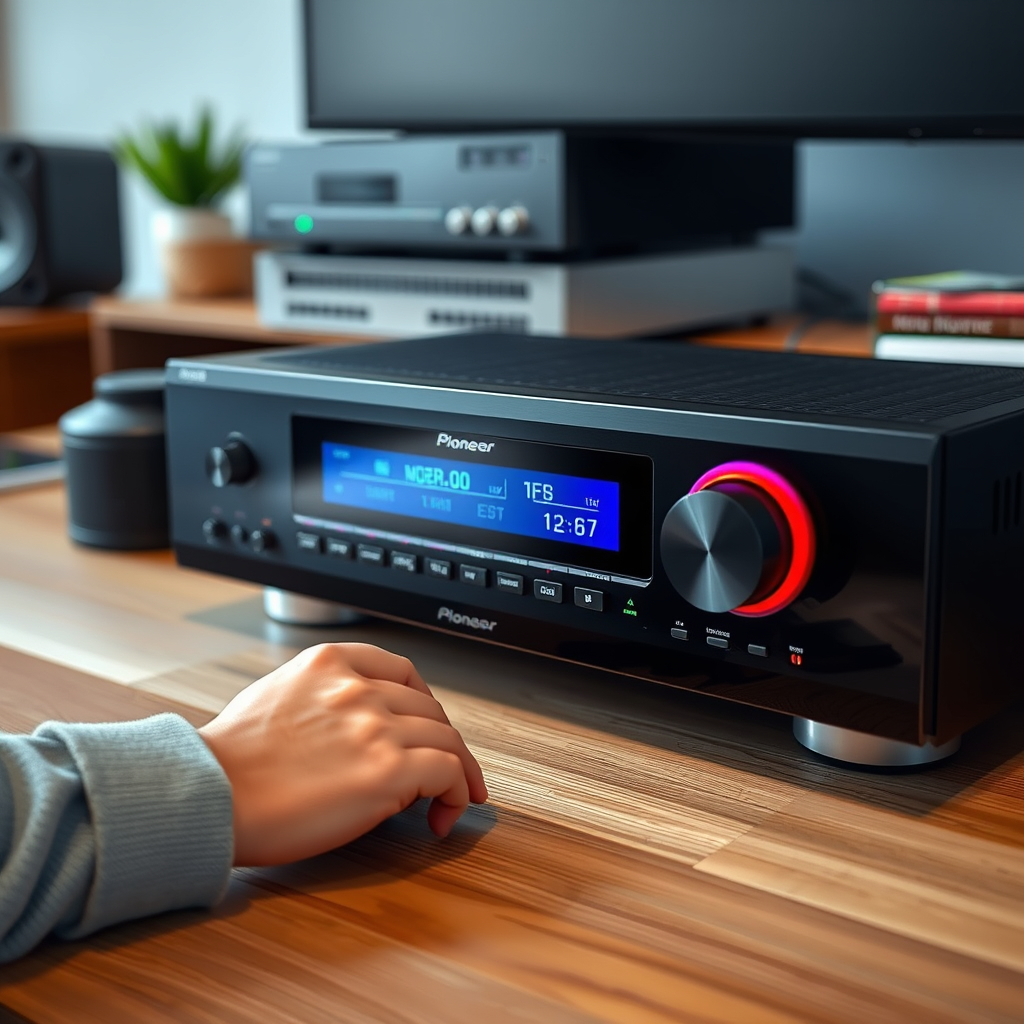
Next, it’s essential to verify that the correct input source is selected on your Pioneer AV receiver. Many users accidentally leave the receiver on an input that is not connected to any device, leading to silence. Use the remote control or the front panel of the receiver to cycle through the input options and select the one corresponding to your audio source.
After confirming the input source, check the volume levels. It may seem basic, but sometimes the volume is simply turned down low or muted. Make sure the mute function is not activated, as this would prevent any sound output.
Inspect HDMI and Other Cables
Cables often play a significant role in audio transmission. Inspect all HDMI and audio cables to ensure they are properly connected and functioning. A loose connection can lead to no sound, so firmly reinsert all cables into their respective ports. If the problem persists, try using a different HDMI port or cable to rule out a faulty connection.
Additionally, check for compatibility issues, especially if you are using different brands or older equipment. Using high-quality cables designed for audio and video transmission can also improve sound quality.
Common Audio Connection Issues and Solutions
| # | Issue | Possible Cause | Solution |
|---|---|---|---|
| 1 | No Sound from Speakers | Loose or Damaged Wires | Check and replace wires as needed |
| 2 | No Sound on HDMI | Faulty HDMI Cable | Try a different HDMI cable/port |
| 3 | Sound Cuts Out | Interference or Overheating | Ensure proper ventilation and check for interference |
| 4 | Low Volume | Incorrect Settings | Adjust volume and settings |
| 5 | Sound Delay | Audio Processing Settings | Check and adjust audio delay settings |
| 6 | No Sound from One Speaker | Speaker Connection Issue | Inspect and reconnect speaker wires |
| 7 | Static or Distorted Sound | Poor Connection or Interference | Check all connections and relocate if necessary |
Examine Receiver Settings
After ensuring all hardware connections are correct, the next step is to examine the receiver settings. Access the setup menu of your Pioneer AV receiver to check audio settings, ensuring speakers are configured correctly. This includes verifying the speaker size settings and the distance settings for each speaker, which can impact sound quality.
If you suspect a misconfiguration, consider resetting the receiver to its default settings. This can often resolve issues that arise from changes made inadvertently over time. Be sure to save your settings or write them down before performing a reset, as you may want to restore them later.
Update Receiver Firmware
Firmware updates can often resolve sound-related issues caused by software bugs. Check for any firmware updates available for your Pioneer receiver on the manufacturer’s website. Following the manufacturer’s instructions to perform the update is crucial, as it can fix various sound issues, enhance performance, and introduce new features.
Regularly updating your receiver’s firmware ensures that it remains compatible with the latest audio formats and standards, thereby maintaining optimal performance.
Test with Another Device
If you have gone through the previous steps and the sound issue persists, it’s time to test with another device. Connect a different audio source, such as a smartphone or tablet, to the receiver to see if sound works. This helps determine if the issue lies with the receiver itself or the original audio source.
If sound is present when using an alternative device, the problem may be with the original audio source. Check settings on that device, or try different audio files to ensure it’s not a media-specific issue.
Sound Troubleshooting Steps Effectiveness (Percentage)
Consult the User Manual and Support
If you’ve followed these steps and the sound issue persists, referring to the user manual for your specific Pioneer AV receiver model can provide additional troubleshooting tips tailored to your device. The manual often contains a troubleshooting section that addresses common sound problems and their solutions.
If all else fails, do not hesitate to reach out to Pioneer customer support for professional assistance. Their technical team is well-equipped to help you diagnose and fix persistent sound issues that may require expert intervention.
If you’ve followed these steps and still encounter issues with your Pioneer AV receiver, it may be time to consult a professional technician. Remember, many sound problems can be resolved with careful inspection and adjustment of settings. Don’t hesitate to reach out for help if needed!
Frequently Asked Questions
Why is my Pioneer AV receiver not producing any sound?
There could be several reasons why your Pioneer AV receiver is not producing sound. Common issues include incorrect speaker connections, muted output, or improper input settings. Check the speaker wires, ensure the receiver is not muted, and confirm that the correct input source is selected for your audio.
How can I troubleshoot sound issues on my Pioneer AV receiver?
To troubleshoot sound issues on your Pioneer AV receiver, start by checking all cable connections for secure fittings. Next, verify that the receiver is set to the correct audio input and that the volume is adjusted appropriately. If the problem persists, reset the receiver to factory settings or consult the user manual for more specific troubleshooting steps.
What settings should I check if my Pioneer AV receiver has no sound?
If your Pioneer AV receiver has no sound, check the audio output settings in the receiver’s menu. Ensure that the speaker configuration matches your setup and that the audio format is compatible with the source. Additionally, look for any settings related to HDMI audio and make sure they are enabled.
Which troubleshooting steps are best for fixing a Pioneer AV receiver with no sound?
The best troubleshooting steps for a Pioneer AV receiver with no sound include checking the speaker connections, ensuring the receiver is not muted, and verifying that the correct input is selected. If you are using HDMI, check that the HDMI ARC settings are activated, and consider performing a factory reset if all else fails.
What should I do if my Pioneer AV receiver still has no sound after trying all fixes?
If your Pioneer AV receiver still has no sound after trying all fixes, it may indicate a hardware issue. Consider consulting the warranty information and contacting Pioneer customer support for further assistance. If you are comfortable with electronics, you might also inspect the internal components for any visible damage or seek help from a professional technician.
References
- Broadcast radio receiver
https://en.wikipedia.org/wiki/Audio_receiver - https://www.audioholics.com/how-to-articles/home-theater-troubleshooting-guide
https://www.audioholics.com/how-to-articles/home-theater-troubleshooting-guide - Support | Pioneer Electronics
https://www.pioneerelectronics.com/PUSA/Support - https://www.lifewire.com/common-receiver-problems-1846997
https://www.lifewire.com/common-receiver-problems-1846997 - https://www.crutchfield.com/S-vJz9sKb5s2/learn/how-to-fix-a-home-theater-receiver.html
https://www.crutchfield.com/S-vJz9sKb5s2/learn/how-to-fix-a-home-theater-receiver.html - Google Scholar Google Scholar
https://scholar.google.com/scholar?q=Pioneer+AV+Receiver+No+Sound+Fix - Google Scholar Google Scholar
https://scholar.google.com/scholar?q=troubleshoot+audio+receiver+no+sound - Google Scholar Google Scholar
https://scholar.google.com/scholar?q=home+theater+receiver+troubleshooting - Google Scholar Google Scholar
https://scholar.google.com/scholar?q=Pioneer+AV+Receiver+No+Sound?+Step-by-Step+Fix - Pioneer AV Receiver No Sound? Step-by-Step Fix – Search results
https://en.wikipedia.org/wiki/Special:Search?search=Pioneer+AV+Receiver+No+Sound?+Step-by-Step+Fix
