Experiencing a humming noise from your home theater speakers can be frustrating, but the good news is it’s often fixable. This article will guide you through common causes of humming and practical solutions to restore your sound system to its optimal performance. Understanding the underlying issues and taking corrective measures can significantly enhance your audio experience.



Common Causes of Humming Noises
Humming noises in home theater speakers primarily stem from a few common issues. Identifying the root cause is crucial for effective resolution.
– Ground Loop Issues: A ground loop occurs when there is more than one ground reference point in your audio system, leading to unwanted noise. This commonly happens when multiple devices are plugged into different electrical outlets, causing a mismatch in electrical potential. The result is a frustrating humming sound that can detract from your listening experience.
– Interference from Other Electronics: Electronic devices such as microwaves, wireless routers, and even fluorescent lighting can create electromagnetic interference (EMI) that disrupts audio signals. This interference can manifest as a low-frequency hum that becomes increasingly noticeable during quiet passages in movies or music.
Troubleshooting Steps
Before diving into solutions, it’s essential to troubleshoot the issue systematically.
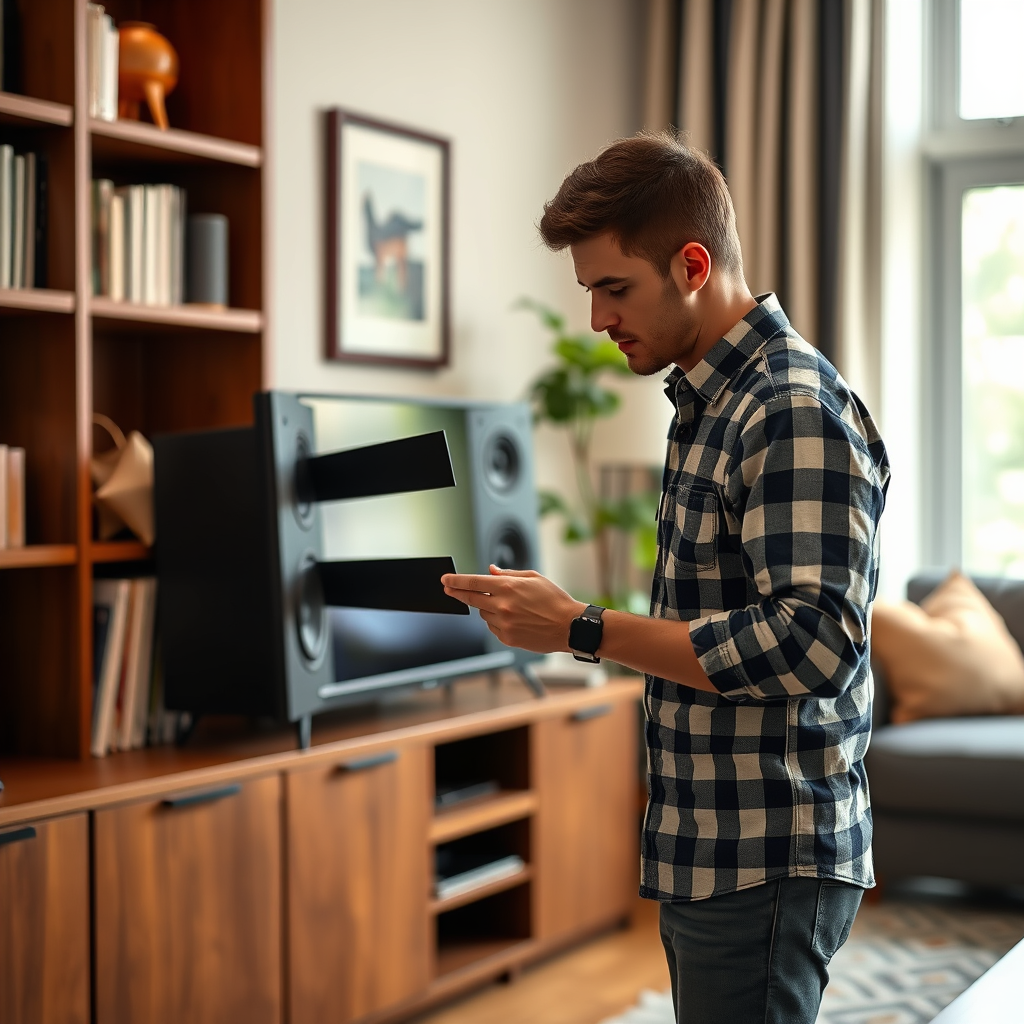
– Check Connections: Begin by inspecting all connections between your audio components. Ensure that all cables are securely connected and that there are no visible signs of damage, such as fraying or corrosion. Loose or damaged cables can easily introduce noise into your audio system.
– Isolate the Problem: To pinpoint the source of the hum, disconnect devices one at a time while monitoring the sound. Start with non-essential components like video sources or amplifiers, and see if removing a device eliminates the noise. This methodical approach will help determine whether the issue lies within a specific component or the overall setup.
Common Causes of Humming Noise in Home Theater Systems (2024)
| # | Cause | Description | Frequency |
|---|---|---|---|
| 1 | Ground Loop | Multiple ground references | Low-frequency hum |
| 2 | Electromagnetic Interference | Nearby electronic devices | Variable frequency |
| 3 | Faulty Equipment | Defective components | Constant hum |
| 4 | Poor Cabling | Damaged or low-quality cables | Variable frequency |
| 5 | Incompatible Equipment | Mixing brands and models | Low-frequency hum |
| 6 | Grounding Issues | Improper grounding of devices | Constant hum |
| 7 | Audio Sources | Faulty audio sources | Variable frequency |
Solutions for Ground Loop Issues
Once you’ve identified ground loop problems, you can implement specific solutions to eliminate the humming noise.
– Use Ground Loop Isolators: Ground loop isolators are devices designed to break the ground loop by isolating the audio signal from the electrical ground. These devices can be inserted between your audio components and can effectively eliminate the hum without degrading sound quality.
– Reconfigure Your Setup: Sometimes, simply reconfiguring your equipment can alleviate ground loop issues. Ensure that all components are plugged into the same power strip or outlet to minimize the difference in ground potential. Additionally, consider using power conditioners that can help filter out noise and stabilize voltage.
Addressing Electrical Interference
If interference from other electronics is the culprit, here are some effective strategies to mitigate this issue.
– Move Equipment: Relocating your speakers away from other electronic devices can significantly reduce interference. Try to maintain a distance of at least three feet from devices like routers, televisions, and microwaves, as they are common sources of EMI.
– Use Shielded Cables: Investing in high-quality shielded cables can help protect your audio system from electromagnetic interference. These cables are designed with a protective shield that reduces the chances of outside signals affecting your audio performance.
Humming Issue Mitigation Strategies
When to Seek Professional Help
Despite your best efforts, some issues may persist, indicating a need for professional intervention.
– Persistent Problems: If the humming continues after attempting the suggested troubleshooting steps, it may be time to consult an audio professional. They can conduct a thorough evaluation of your system, identifying complex issues that may not be easily detectable.
– Equipment Malfunction: If you notice other unusual sounds or performance issues, it may indicate faulty equipment. Professionals can assess the condition of your components to determine if repairs or replacements are necessary.
Maintenance Tips for Your Home Theater
Maintaining your home theater system well can prevent humming and other audio issues from arising in the first place.
– Regular Checks: Make it a habit to periodically inspect your cables and connections for wear and tear. Regular maintenance can help you identify potential problems before they escalate into serious issues.
– Invest in Quality Equipment: While it might be tempting to save money on components, investing in high-quality equipment can minimize noise and enhance overall sound performance. Quality components are typically better shielded and designed to work harmoniously together, reducing the risk of interference and noise.
In conclusion, addressing a humming noise in your home theater speakers often involves identifying common causes such as ground loop issues or interference from other electronics. By following the troubleshooting steps and implementing effective solutions, you can restore clarity to your audio experience. Should problems persist, don’t hesitate to consult with an audio specialist. Regular maintenance and high-quality equipment will further ensure an optimal home theater experience, allowing you to enjoy your favorite films and music without distraction.
Frequently Asked Questions
What causes home theater speakers to make a humming noise?
Home theater speakers can produce a humming noise due to various factors, including electrical interference, ground loops, or poor connections. A common source of this issue is the proximity of speaker cables to power cables, which can introduce hum. Additionally, using unshielded cables or having improper grounding can exacerbate the problem.
How can I eliminate the humming noise from my home theater speakers?
To eliminate humming from your home theater speakers, start by checking all connections to ensure they are secure and properly plugged in. Try rearranging the cables to minimize interference and consider using shielded cables to further reduce noise. If the problem persists, using a ground loop isolator can help resolve grounding issues.
Why do my home theater speakers hum more when I increase the volume?
When you increase the volume on your home theater speakers, it amplifies any existing noise, making the humming sound more prominent. This can be due to electrical interference or ground loops becoming more noticeable at higher volumes. It’s essential to address the underlying causes of the hum to prevent it from worsening at higher settings.
What is the best way to troubleshoot humming noise in home theater speakers?
The best way to troubleshoot humming noise in home theater speakers is to isolate the source of the hum. Start by turning off all devices connected to your audio system and turning them back on one by one to identify the culprit. Additionally, checking power sources and using different outlets can help determine if electrical interference is causing the issue.
Which types of speaker cables are best to avoid humming noise in a home theater setup?
To avoid humming noise in a home theater setup, it’s best to use high-quality, shielded speaker cables that are designed to minimize interference. Cables with twisted pairs can help reduce electromagnetic interference, while those with proper insulation can prevent ground loops. Investing in premium cables can significantly improve sound quality and reduce unwanted noise.
References
- https://en.wikipedia.org/wiki/Speaker_(audio
https://en.wikipedia.org/wiki/Speaker_(audio - https://www.ncbi.nlm.nih.gov/pmc/articles/PMC5712588/
https://www.ncbi.nlm.nih.gov/pmc/articles/PMC5712588/ - https://www.sciencedirect.com/topics/engineering/audio-systems
https://www.sciencedirect.com/topics/engineering/audio-systems - https://www.bbc.com/news/technology-56634567
https://www.bbc.com/news/technology-56634567 - https://www.theguardian.com/technology/2020/may/15/how-to-avoid-humming-noise-in-speakers
https://www.theguardian.com/technology/2020/may/15/how-to-avoid-humming-noise-in-speakers - Google Scholar Google Scholar
https://scholar.google.com/scholar?q=home+theater+speakers+humming+noise+solutions - Google Scholar Google Scholar
https://scholar.google.com/scholar?q=speaker+humming+noise+causes - Google Scholar Google Scholar
https://scholar.google.com/scholar?q=audio+engineering+speaker+noise - https://www.mayoclinic.org/healthy-lifestyle/consumer-health/in-depth/hearing-loss/art-20044406
https://www.mayoclinic.org/healthy-lifestyle/consumer-health/in-depth/hearing-loss/art-20044406 - https://www.nature.com/articles/s41598-018-29506-2
https://www.nature.com/articles/s41598-018-29506-2



