
Using Digital Signal Processing (DSP) is essential for enhancing your sound system and achieving high-quality audio performance. With DSP, you can manipulate sound signals to improve clarity, adjust frequencies, and tailor the audio experience to your environment. This technology allows for significant enhancements in sound systems, enabling users to enjoy a more immersive and satisfying listening experience. In this article, you’ll learn how to effectively utilize DSP to elevate your sound system.


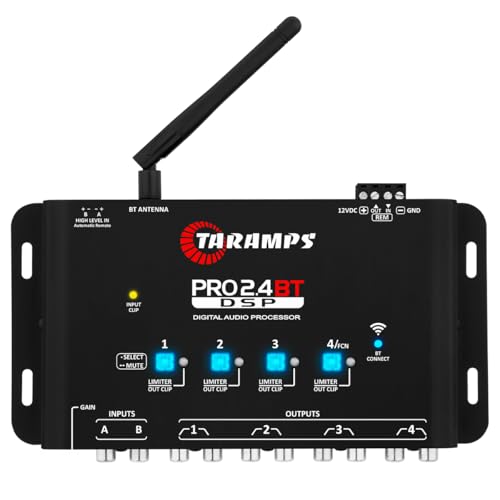
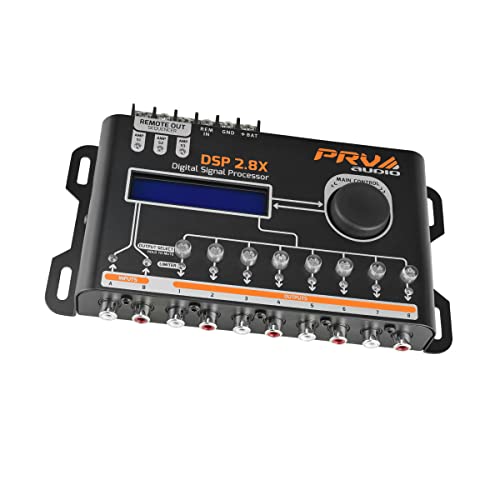
Understanding Digital Signal Processing (DSP)
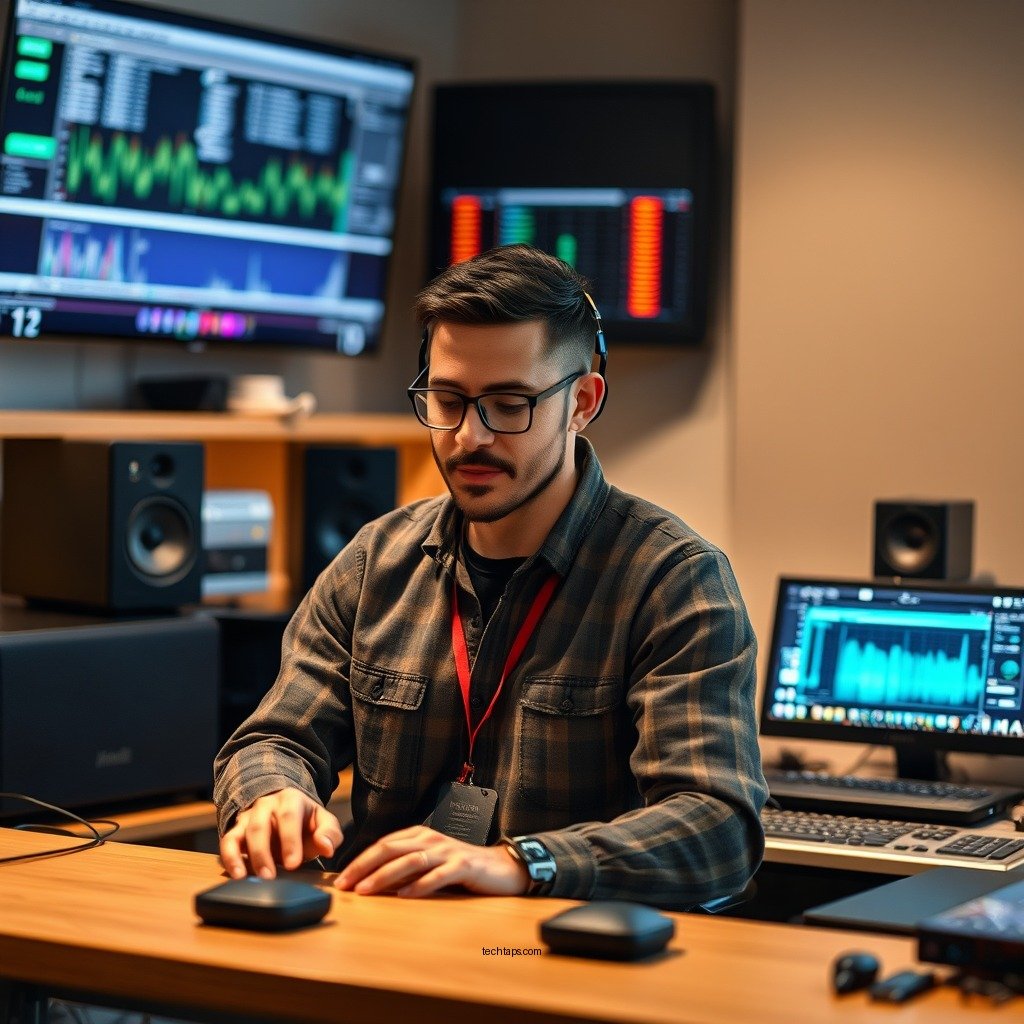
Digital Signal Processing (DSP) refers to the manipulation of digital signals to improve their efficiency or performance. In audio systems, DSP plays a crucial role by allowing the alteration of sound signals in real-time, which can significantly enhance audio quality. By converting analog signals into digital form, DSP enables the application of various algorithms that can adjust sound properties, suppress noise, and optimize clarity.
The importance of DSP in sound systems cannot be overstated. It allows for precise control over audio playback, making it possible to correct imperfections and adapt the sound output to various listening environments. Without DSP, audio systems would struggle to deliver the optimal sound experience, especially in acoustically challenging settings.
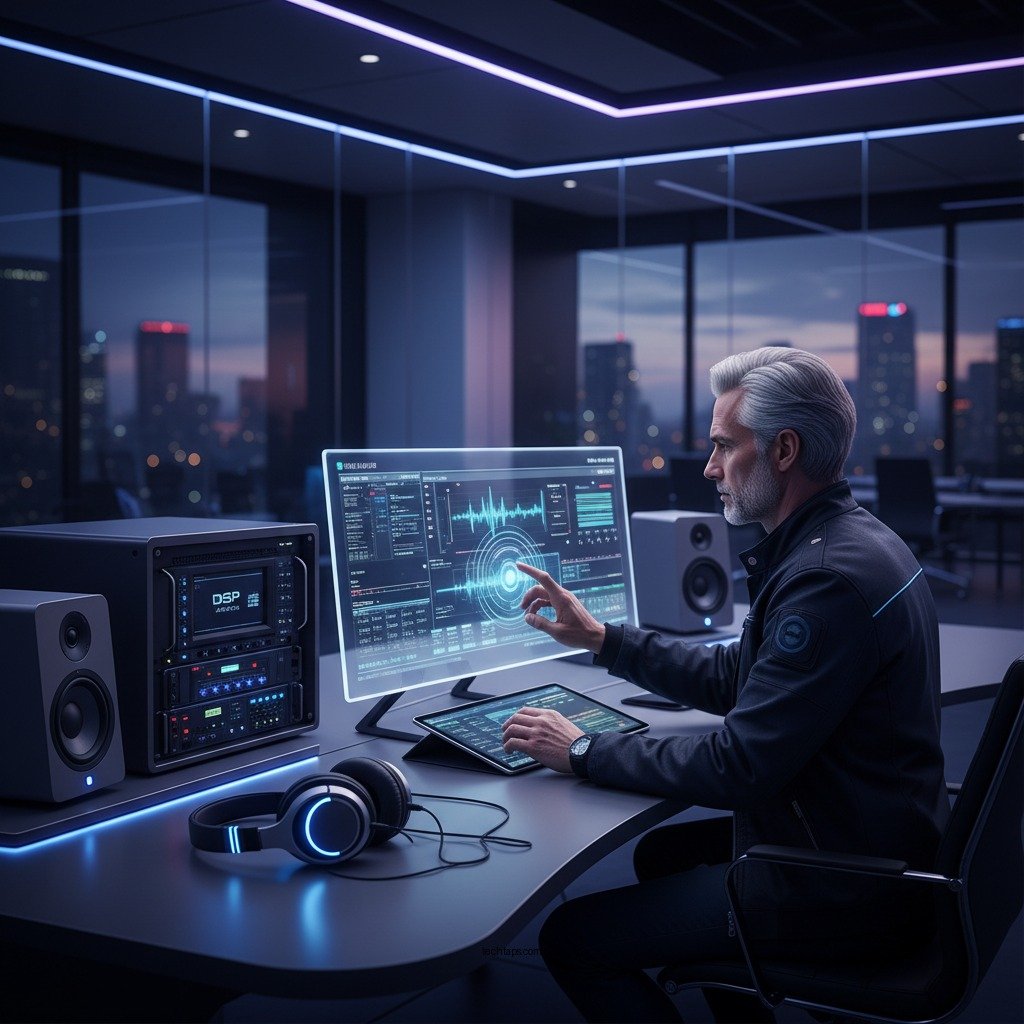
Key Benefits of DSP in Sound Systems
Improved Sound Clarity
One of the most significant benefits of DSP is the improvement in sound clarity. DSP algorithms can eliminate unwanted noise, such as hum and hiss, which can detract from the listening experience. By employing techniques like noise reduction and echo cancellation, DSP ensures that the audio signal is clean and crisp, enhancing the overall fidelity of the sound. This is particularly important in environments with a lot of background noise, such as live venues or busy households.
Customization
DSP also provides users with the ability to customize their audio experience. Different environments have unique acoustic characteristics, and DSP allows users to tailor sound profiles accordingly. Whether you prefer a more bass-heavy sound for music or a balanced profile for dialogue in movies, DSP can be programmed to adjust frequencies and dynamics to match personal preferences. This level of customization ensures that every listener can enjoy their favorite audio content in the way that best suits them.
Types of DSP Techniques
Equalization
Equalization (EQ) is one of the most widely used DSP techniques in audio processing. EQ allows users to adjust the levels of specific frequency ranges to achieve a balanced sound. For instance, if a sound system has a pronounced mid-range, the EQ can be used to lower those frequencies while boosting the bass and treble, creating a more harmonious mix. This technique is essential for achieving a well-rounded sound that caters to the specific characteristics of the audio content and the listening environment.
Dynamic Range Compression
Dynamic range compression is another critical technique used in DSP. This process controls the volume levels of audio signals, ensuring that the softest sounds are audible while preventing loud sounds from distorting. By compressing the dynamic range, DSP creates a more consistent listening experience, which is particularly beneficial in live sound reinforcement and broadcasting. This technique helps in maintaining audio clarity, even when the source material has significant volume fluctuations.
Top 7 DSP Processors for Sound Systems (2024)
| # | DSP Model | Features | Price | User Rating |
|---|---|---|---|---|
| 1 | DBX DriveRack PA2 | Auto EQ, Feedback Suppression | $499 | ★★★★☆ |
| 2 | Behringer DCX2496 | Crossover, Delay | $299 | ★★★★☆ |
| 3 | Yamaha DSR Series | High-Power Amplification | $649 | ★★★★★ |
| 4 | Sonic Maximizer | Sound Enhancement, EQ | $399 | ★★★★☆ |
| 5 | Lexicon PCM92 | Reverb, Delay | $899 | ★★★★★ |
| 6 | Alesis Multimix | Mixer with DSP | $499 | ★★★★☆ |
| 7 | Korg Sound on Sound | Looper, FX | $349 | ★★★★☆ |
Setting Up DSP for Your Sound System
Choosing the Right DSP Processor
Selecting the appropriate DSP processor for your sound system is a critical step that can greatly affect audio performance. Factors to consider include compatibility with existing equipment, processing power, and the specific features you require. For example, if your system relies heavily on live sound reinforcement, you may benefit from a processor with advanced feedback suppression and real-time analysis capabilities.
Additionally, consider the interface and ease of use of the DSP. Some processors offer intuitive software that allows for straightforward configuration, while others may require a steep learning curve. Researching user reviews and expert opinions can help you make an informed decision.
Configuration Steps
After choosing the right DSP processor, configuring it for optimal performance is essential. Begin by connecting the processor between your audio source and speakers. Next, use the provided software or interface to calibrate the system. This often involves setting up the EQ to suit your listening environment and applying dynamic range compression to ensure consistent volume levels. It may also include running automatic calibration features that analyze the room acoustics and adjust settings accordingly.
Make sure to test the sound thoroughly after configuration, adjusting any parameters as needed to ensure the best audio quality.
Common DSP Applications in Sound Systems
Home Theaters
In home theater setups, DSP can significantly enhance the surround sound experience. By accurately processing and distributing audio signals to multiple speakers, DSP ensures that sound effects and dialogue are clear and immersive. Features such as room correction and bass management can further optimize the audio experience, making your movie nights feel like a cinematic event.
Live Sound Reinforcement
DSP is invaluable in live sound reinforcement scenarios, where audio quality is paramount. It allows sound engineers to manage multiple audio sources and adjust for varying acoustic environments. Applications such as feedback elimination, dynamic control, and equalization can be executed in real-time, ensuring that live performances sound their best.
The ability to adapt to changing conditions and provide clear audio is what makes DSP an essential tool for successful live events.
Troubleshooting Common DSP Issues
Latency Problems
One common issue encountered with DSP setups is latency, or the delay between audio input and output. This can be particularly problematic in live sound situations where timing is crucial. To troubleshoot latency issues, check the DSP settings and ensure that processing is set to the lowest possible latency. Additionally, using high-quality cables and connectors can help minimize delays.
Sound Quality Issues
If users experience sound quality problems, it’s essential to revisit the configuration settings. Ensure that the EQ is set correctly and that dynamic range compression is applied appropriately. It may also be beneficial to run a room analysis again, as changes in the environment can affect sound quality. Regularly updating the DSP software may also resolve bugs or performance issues.
By addressing these common challenges, users can ensure that their DSP systems continue to provide high-quality audio experiences.
Using Digital Signal Processing (DSP) provides numerous benefits for enhancing sound systems, from improved sound clarity to extensive customization options. Investing in a quality DSP processor and properly configuring it can significantly elevate your audio experience, whether at home or in a live setting. As technology continues to evolve, exploring DSP options will undoubtedly lead you to a more satisfying and immersive sound experience. Take the first step towards better audio quality by investing in DSP technology today.
Frequently Asked Questions
What is Digital Signal Processing (DSP) and how can it improve my sound system?
Digital Signal Processing (DSP) is a technology that manipulates audio signals through algorithms to enhance sound quality. By using DSP, you can reduce noise, adjust frequency response, and apply effects like reverb or equalization, ultimately improving clarity and richness in your sound system.
How do I set up DSP in my audio system for optimal performance?
To set up DSP in your audio system, start by connecting your DSP device to your audio source and speakers. Use software or built-in controls to calibrate settings such as equalization, crossover frequencies, and time alignment, ensuring that each component works harmoniously for an enhanced listening experience.
Why is room acoustics important when using DSP in my sound system?
Room acoustics significantly affect how sound is perceived; reflections and resonances can distort audio. DSP can help mitigate these issues by analyzing the room’s acoustics and applying corrective filters, allowing for a clearer and more accurate sound reproduction tailored to your specific environment.
What are the best DSP tools or software for enhancing home audio systems?
Some of the best DSP tools for enhancing home audio systems include software like Room EQ Wizard, Dirac Live, and the DSP capabilities found in AV receivers from brands like Denon and Yamaha. These tools offer user-friendly interfaces and powerful algorithms to optimize your sound system based on your unique listening space.
Which settings should I prioritize when using DSP to enhance sound quality?
When using DSP to enhance sound quality, prioritize settings such as equalization to balance frequencies, dynamic range compression to manage loudness, and time alignment to ensure sound waves reach your ears simultaneously. Focusing on these areas can dramatically improve the overall audio experience in your sound system.
References
- https://en.wikipedia.org/wiki/Digital_signal_processing
https://en.wikipedia.org/wiki/Digital_signal_processing - https://www.sciencedirect.com/topics/engineering/digital-signal-processing
https://www.sciencedirect.com/topics/engineering/digital-signal-processing - https://www.nature.com/articles/4322
https://www.nature.com/articles/4322 - https://pubmed.ncbi.nlm.nih.gov/11266655/
https://pubmed.ncbi.nlm.nih.gov/11266655/ - https://www.britannica.com/technology/digital-signal-processing
https://www.britannica.com/technology/digital-signal-processing - https://www.ijraset.com/fileserve.php?fid=15982
https://www.ijraset.com/fileserve.php?fid=15982 - Google Scholar Google Scholar
https://scholar.google.com/scholar?q=Digital+Signal+Processing+to+Enhance+Sound+System - Google Scholar Google Scholar
https://scholar.google.com/scholar?q=Applications+of+Digital+Signal+Processing+in+Audio - Google Scholar Google Scholar
https://scholar.google.com/scholar?q=DSP+techniques+in+audio+enhancement - https://www.cdc.gov/niosh/topics/noise/default.html
https://www.cdc.gov/niosh/topics/noise/default.html
