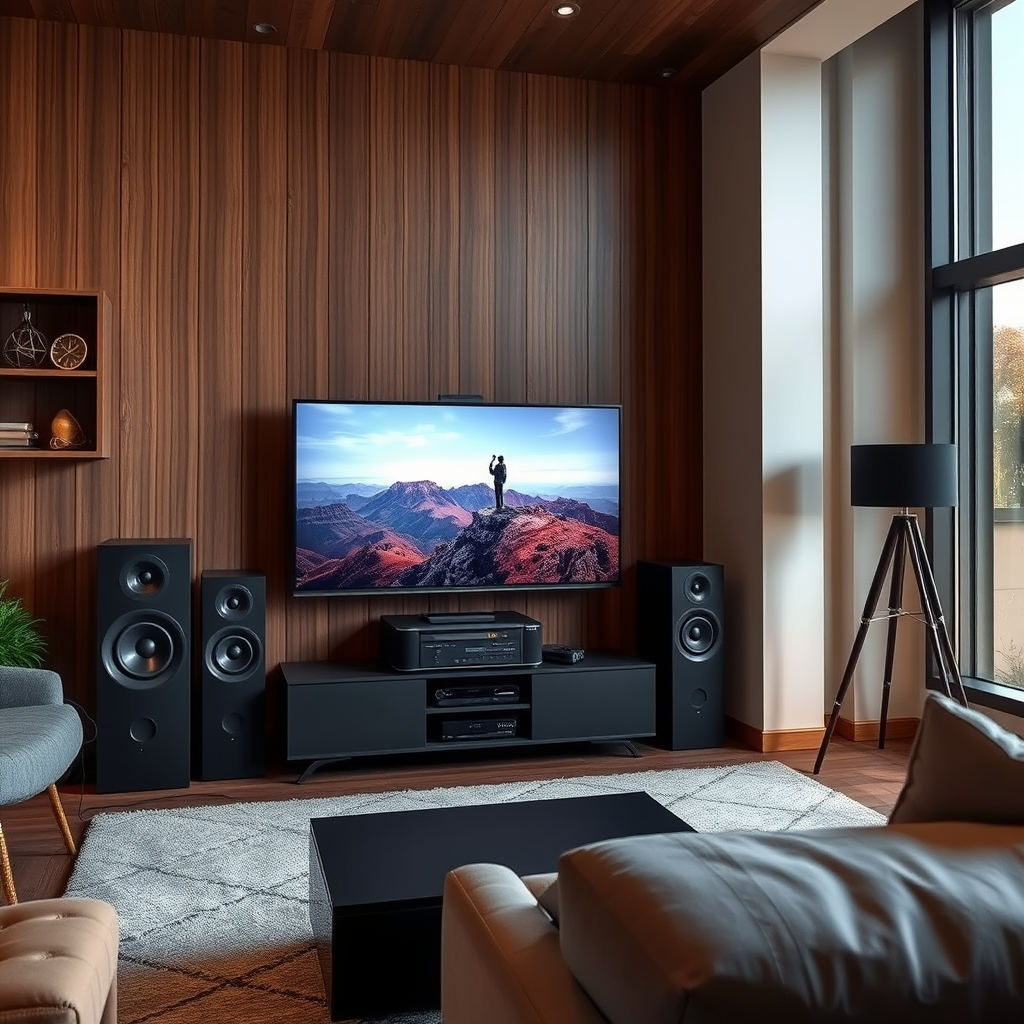
If your KEF surround sound system isn’t working, you can troubleshoot several common issues to restore its performance. By following systematic steps, you can identify and resolve the problem, allowing you to enjoy high-quality audio once again. This guide provides a structured approach to help you diagnose and fix the most frequent issues encountered with KEF surround sound systems.




Check Power Supply
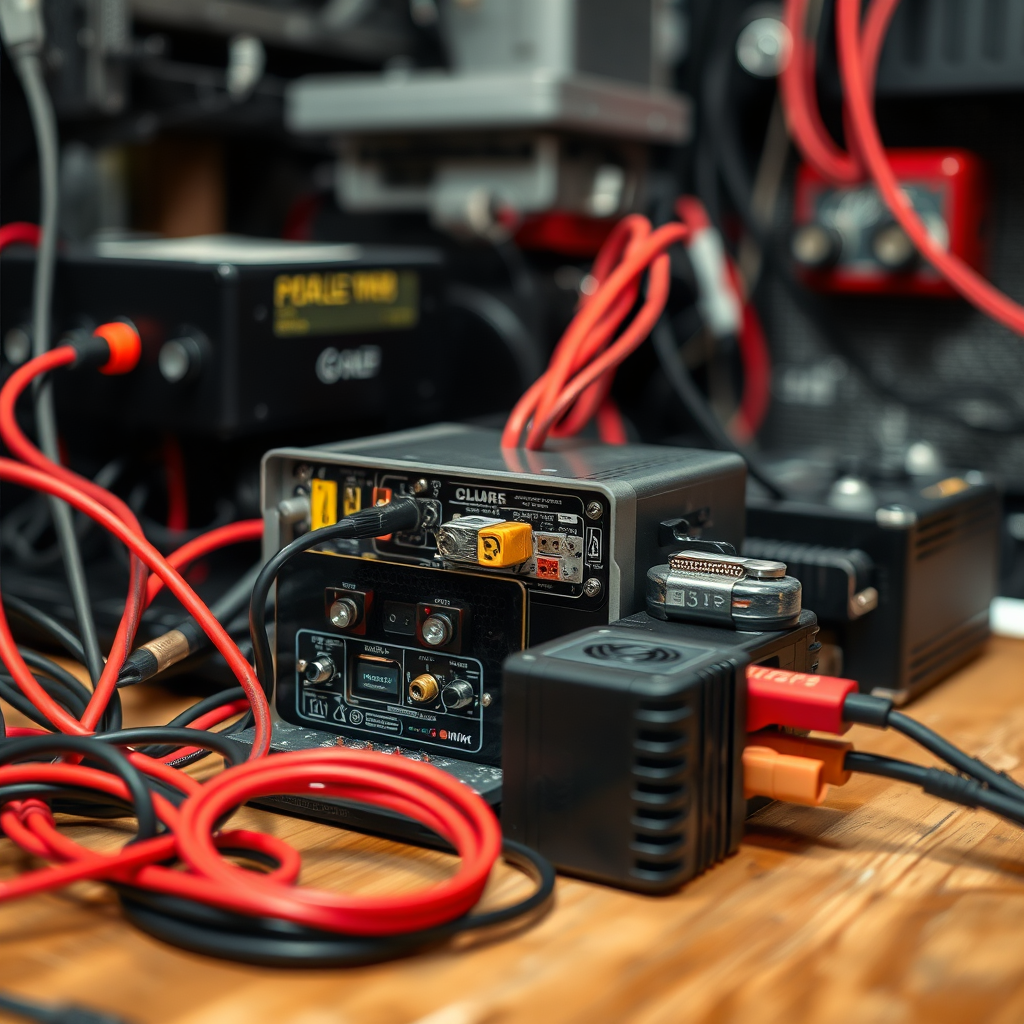
The first step in troubleshooting any electronic device is to ensure it is receiving power. Begin by checking that all components of your KEF surround sound system are properly plugged into a power outlet and that they are powered on. Look for any power indicators on the devices; if they are not lit, there may be an issue with the power source.
Next, inspect the power cables for any visible damage or wear. Frayed wires or loose connections can prevent your system from functioning correctly. If you notice any damage, consider replacing the power cable or using a different outlet to rule out issues with your power source.
Verify Connections

Once you’ve confirmed that your system is powered, the next step is to verify that all audio and video connections between devices are secure. Check the connections between your KEF surround sound system and the source devices, such as your television, Blu-ray player, or gaming console. Loose cables can lead to audio dropouts or no sound at all.
It’s essential to ensure that the correct types of cables are used for the connections. HDMI, optical, and RCA cables are common for audio connections, and using the right one can significantly affect sound quality. Make sure that cables are firmly connected to both the surround sound system and the source device.
Assess Input Settings
After verifying connections, check the input settings on your KEF surround sound system. Ensure that you have selected the correct input source corresponding to the device you are using. For instance, if you are watching a movie on a Blu-ray player, make sure the surround sound system is set to the HDMI or optical input that the player is connected to.
Additionally, verify that the source device is set to output audio to the surround sound system. On many televisions and media players, you may need to navigate to the audio settings menu to select the proper output.
Inspect Volume Levels
Next, inspect the volume levels on both your KEF surround sound system and the source device. Sometimes, the simplest solutions are the most overlooked. Check if the volume is muted or turned down too low on the surround sound system. If the remote control has a mute button, ensure it is not activated.
Additionally, ensure that the volume settings on the source device are also appropriately set. If the television’s volume is too low or muted, it can affect the audio output to the surround sound system.
Test Speaker Functionality
If sound issues persist, it is time to test the functionality of each speaker in your surround sound setup. Many KEF systems come with a built-in test tone feature, allowing you to play sound through each speaker individually. This feature helps determine if all speakers are functioning correctly.
If you suspect that a specific speaker is not working, consider swapping its cable with another speaker’s cable. This process will help you identify whether the issue lies with the speaker or the cable itself. If the problem persists across multiple speakers, it may indicate a more complex issue with the system.
Update Firmware
In some cases, software issues may affect the performance of your KEF surround sound system. Check for any available firmware updates by visiting the manufacturer’s website or using the accompanying app if applicable. Keeping your system updated ensures it has the latest features and bug fixes that can improve performance.
To perform firmware updates, follow the manufacturer’s instructions carefully. This process may involve downloading files onto a USB drive or connecting the system to the internet.
Contact Support
If you’ve tried all the above steps and your KEF surround sound system is still not working, it may be time to contact customer support for professional assistance. Before reaching out, gather essential information such as your system’s model number and purchase information. This data will help expedite service and ensure a more efficient resolution to your issue.
Support representatives can provide additional troubleshooting steps or advise on repair or replacement options if necessary.
Common KEF Surround Sound System Issues (2024)
| # | Issue | Frequency (%) | Common Fix |
|---|---|---|---|
| 1 | No Sound | 35% | Check Connections |
| 2 | Poor Audio Quality | 25% | Update Firmware |
| 3 | Delayed Audio | 15% | Check Input Settings |
| 4 | Speaker Not Working | 10% | Test Speaker Functionality |
| 5 | Audio Sync Issues | 8% | Adjust Settings |
| 6 | Remote Control Not Working | 7% | Check Batteries |
| 7 | Connectivity Issues | 5% | Restart Devices |
Troubleshooting Steps for KEF Surround Sound Systems
By following these troubleshooting tips, you can effectively address most common issues with your KEF surround sound system. From checking the power supply to ensuring connections are secure, each step is essential in diagnosing the problem. If issues continue after these steps, don’t hesitate to seek professional help to restore your audio experience. Whether it’s contacting customer support or finding a technician, taking action will ensure that you can enjoy the superior sound quality that KEF is known for.
Frequently Asked Questions
What are the common reasons why my KEF surround sound system is not working?
Common issues that may cause your KEF surround sound system to malfunction include incorrect wiring connections, compatibility issues with your audio source, or outdated firmware. Additionally, check if the speakers are powered on and if the input settings on your receiver are correctly configured for surround sound.
How can I reset my KEF surround sound system to fix audio problems?
To reset your KEF surround sound system, turn off the main unit and unplug it from the power source for at least 30 seconds. Plug it back in, power it on, and then refer to your user manual for specific reset instructions for your model, as this can help resolve various audio issues.
Why is there no sound coming from my KEF surround speakers?
If there is no sound from your KEF surround speakers, first ensure that the speakers are properly connected and powered on. Check the audio source to confirm that surround sound is enabled and that the correct audio output is selected on your receiver or television.
What is the best way to troubleshoot connectivity issues in my KEF surround sound system?
The best way to troubleshoot connectivity issues in your KEF surround sound system is to check all cable connections for tightness and integrity. Additionally, ensure that your devices are on the same network if using wireless features and restart your system components to refresh the connections.
Which settings should I adjust to optimize the sound quality of my KEF surround sound system?
To optimize sound quality, adjust the speaker distance settings in the receiver’s setup menu to account for the physical placement of your KEF speakers. Additionally, calibrate the system using any available auto-calibration feature and experiment with equalizer settings to enhance the audio experience based on your listening preferences.
References
- Surround sound
https://en.wikipedia.org/wiki/Surround_sound - https://www.sciencedirect.com/topics/engineering/surround-sound
https://www.sciencedirect.com/topics/engineering/surround-sound - Google Scholar Google Scholar
https://scholar.google.com/scholar?q=KEF+Surround+Sound+System+Troubleshooting - Google Scholar Google Scholar
https://scholar.google.com/scholar?q=Surround+Sound+System+Not+Working - https://pubmed.ncbi.nlm.nih.gov/?term=audio+systems+troubleshooting
https://pubmed.ncbi.nlm.nih.gov/?term=audio+systems+troubleshooting - https://www.bbc.com/future/article/20200504-how-surround-sound-works
https://www.bbc.com/future/article/20200504-how-surround-sound-works - https://www.nature.com/articles/s41598-020-75748-4
https://www.nature.com/articles/s41598-020-75748-4 - https://www.theguardian.com/technology/2020/jul/28/how-to-set-up-a-surround-sound-system
https://www.theguardian.com/technology/2020/jul/28/how-to-set-up-a-surround-sound-system - https://www.nytimes.com/2021/02/05/technology/personaltech/home-theater-sound.html
https://www.nytimes.com/2021/02/05/technology/personaltech/home-theater-sound.html - Page Not Found – Site Help – Mayo Clinic
https://www.mayoclinic.org/diseases-conditions/audio-systems-explained/faq-20431441




3 thoughts on “KEF Surround Sound System Not Working? Troubleshooting Tips”