
To achieve an ideal 7.1 surround sound experience, meticulous setup and calibration of your sound system are paramount. This article outlines essential steps to optimize your audio setup, ensuring immersive sound quality for movies, music, and gaming, bringing you the ultimate audio experience.




Understanding 7.1 Surround Sound
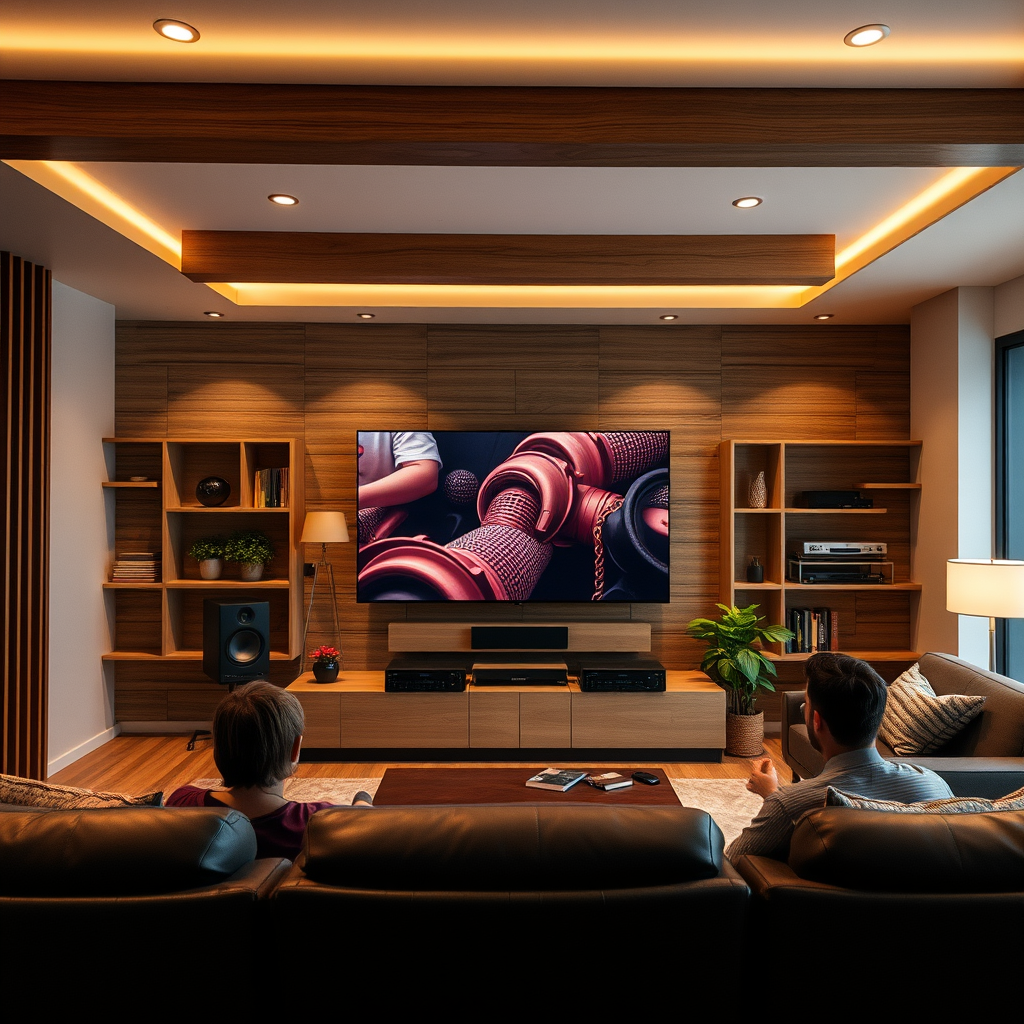
7.1 surround sound refers to an audio system configuration that features seven speakers and one subwoofer, designed to create a three-dimensional audio environment. The setup typically consists of five main speakers positioned around the listener—three front speakers (left, center, right) and two side speakers (left and right). Additionally, two rear speakers are included, enhancing the depth and realism of the sound.
The importance of these additional rear speakers is significant; they provide a more enveloping sound field that allows for precise audio placement. This spatial awareness is crucial for creating an immersive experience, especially in cinematic and gaming contexts where directional sound cues play a vital role. For instance, the rustle of leaves or the distant roar of an engine can be placed accurately in the listener’s environment, making the experience more engaging.
Room Acoustics and Layout
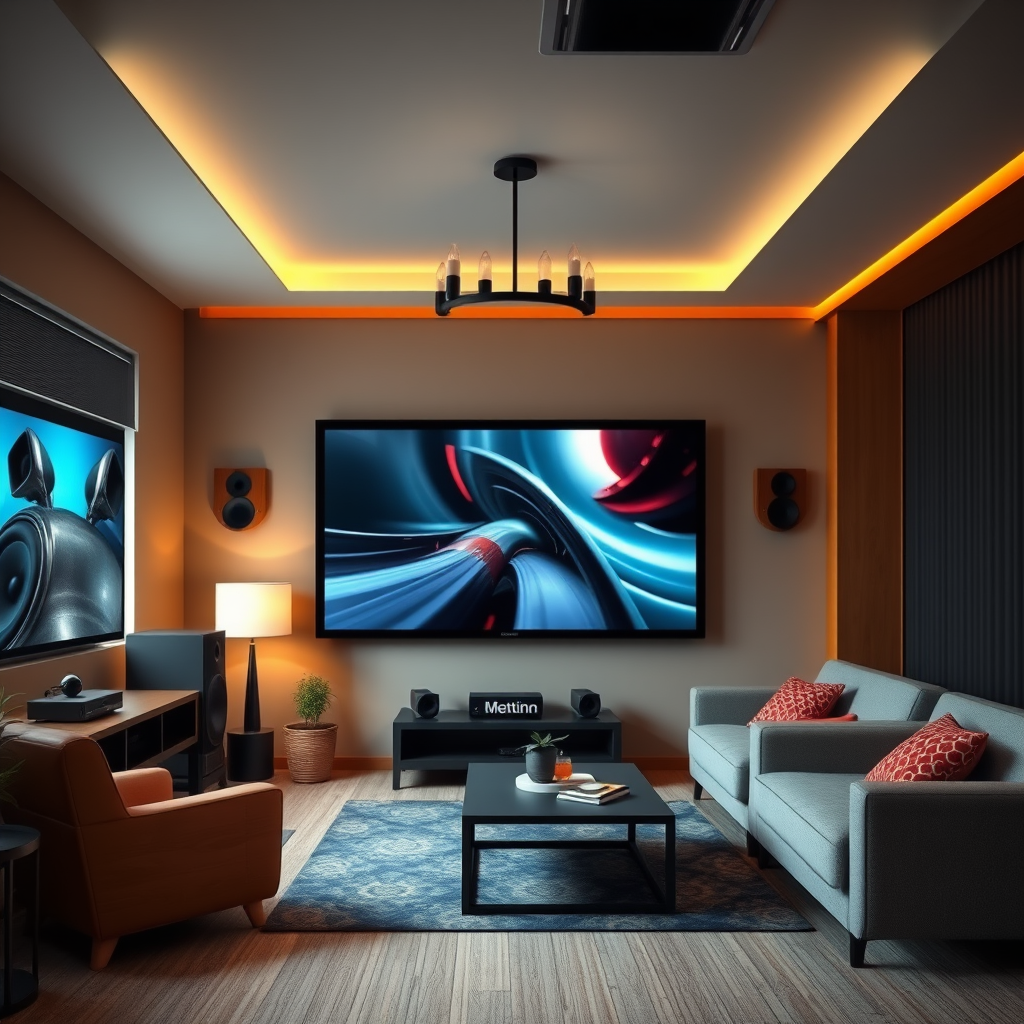
Room acoustics greatly affect sound quality; factors such as room size, shape, and furnishings can alter how sound waves travel. For optimal performance, it’s essential to consider these elements when setting up a sound system.
– Room Size: Larger rooms may require more powerful speakers or additional subwoofers to fill the space effectively, while smaller rooms can often use compact speakers without sacrificing quality.
– Room Shape: Irregularly shaped rooms can create echo and distortion, so using acoustic panels or sound-dampening materials can help mitigate these effects.
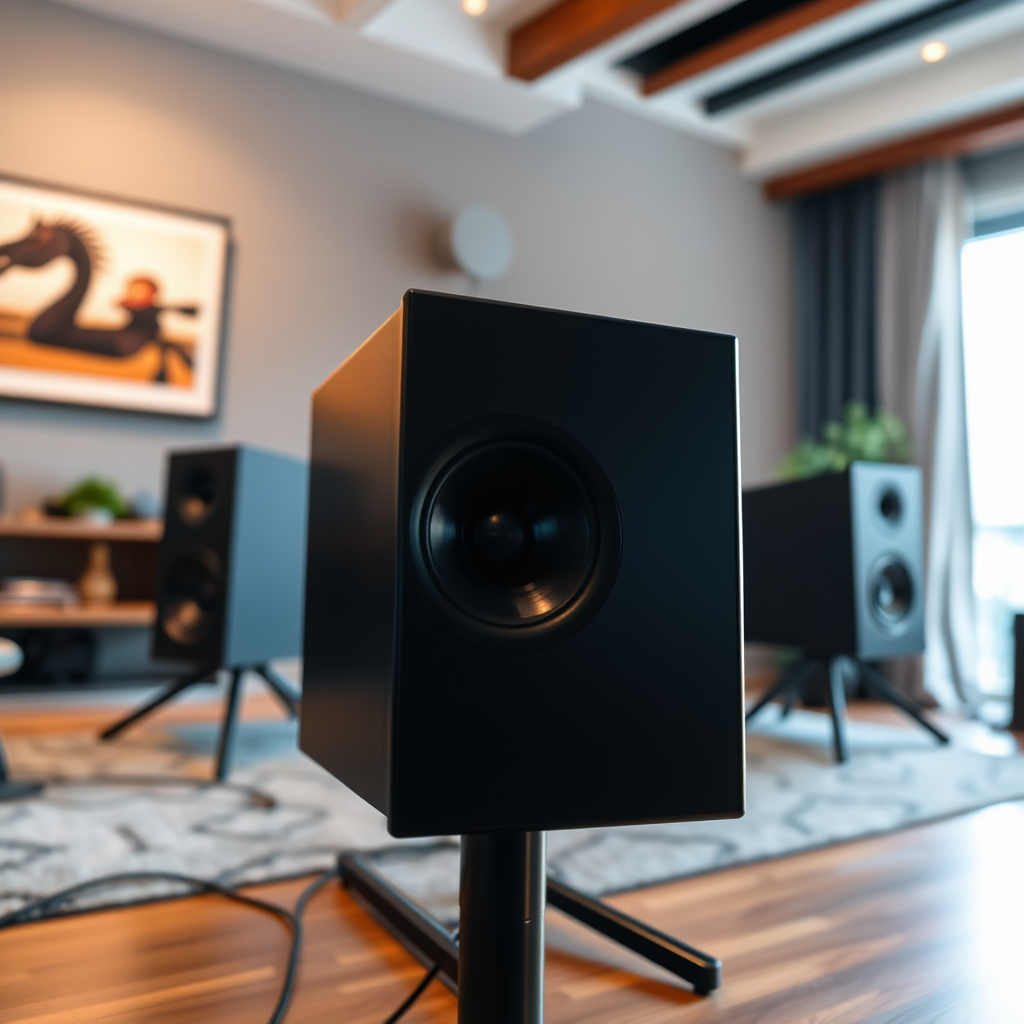
– Speaker Placement: Positioning speakers at ear level and ensuring that they are equidistant from the listening area will enhance soundstage and clarity. The ideal configuration for 7.1 setups generally places the rear speakers behind the listener, angled at approximately 135 degrees from the center speaker.
Speaker Placement Tips:
– Place the left and right front speakers about 22-30 degrees from the center listening position.
– Position the center speaker directly above or below the screen for coherent dialogue.
– Ensure rear speakers are placed slightly above ear level, facing towards the listener for optimal sound immersion.
Speaker Selection and Configuration
Selecting the right speakers for a 7.1 setup is crucial for achieving the desired audio experience. When choosing speakers, consider factors such as brand reputation, audio quality, and compatibility with your existing equipment.
Key Considerations for Speaker Selection:
– Type of Speakers: Floor-standing speakers typically provide better bass response than bookshelf speakers, making them ideal for front channels. However, smaller speakers can be effective in rear placements.
– Speaker Specifications: Pay attention to the frequency response, sensitivity, and impedance of the speakers to ensure they work harmoniously together. All speakers should ideally have matching specifications to maintain consistent sound quality.
Example Speaker Configurations:
| Speaker Type | Example Model | Frequency Response | Sensitivity | Power Handling |
|——————-|————————|——————–|————-|—————-|
| Front Left | Klipsch RP-8000F | 32Hz – 25kHz | 98dB | 150W |
| Front Right | Klipsch RP-8000F | 32Hz – 25kHz | 98dB | 150W |
| Center | Klipsch RP-504C | 82Hz – 25kHz | 95dB | 150W |
| Surround Left | SVS Prime Elevation | 90Hz – 25kHz | 87dB | 150W |
| Surround Right | SVS Prime Elevation | 90Hz – 25kHz | 87dB | 150W |
| Rear Left | Polk Audio OWM3 | 80Hz – 25kHz | 89dB | 100W |
| Rear Right | Polk Audio OWM3 | 80Hz – 25kHz | 89dB | 100W |
| Subwoofer | SVS SB-2000 Pro | 19Hz – 240Hz | – | 500W |
Calibration Techniques for Optimal Sound
Calibrating your sound system is essential for ensuring that it performs at its best in your specific environment. This can be accomplished through both automated tools and manual adjustments.Calibration Tools:
– Automated Calibration Systems: Many modern AV receivers come equipped with built-in calibration software, such as Audyssey or YPAO, which uses a microphone to analyze the room acoustics and adjust speaker settings accordingly.
– Manual Adjustments: For those who prefer a hands-on approach, manually adjusting speaker levels, distances, and crossover settings based on personal preference can enhance the audio experience. A sound level meter can be beneficial for achieving balanced output across all channels.
Calibration Tips:
– Start with the automated calibration, then fine-tune settings based on listening tests.
– Ensure that the subwoofer crossover frequency is set appropriately to blend seamlessly with the main speakers.
– Test with various audio sources to ensure consistent performance across formats.
Integrating with Other Audio Sources
For a truly immersive 7.1 surround sound experience, seamless integration with various audio sources is crucial. Whether it’s gaming consoles, Blu-ray players, or streaming devices, ensuring compatibility and proper connection is essential.
Connection Tips:
– HDMI: Use HDMI connections for video and audio to take full advantage of formats like Dolby TrueHD and DTS-HD Master Audio.
– Optical and Coaxial: For older devices, optical or coaxial connections may be necessary, but they do not support the latest high-definition audio formats.
– Streaming Devices: Ensure that your streaming devices are set to output surround sound formats to fully utilize your 7.1 setup.
Maintenance Tips for Longevity
Maintaining your sound system is essential for its longevity and performance. Regular checks and updates can prevent issues and ensure optimal functionality.
Key Maintenance Practices:
– Wiring and Connections: Periodically inspect all wiring and connections for wear and tear. Loose or damaged cables can significantly affect audio quality.
– Software Updates: Keep your AV receiver and other audio equipment updated with the latest firmware to benefit from performance enhancements and new features.
Troubleshooting Common Issues
Even the best sound systems can encounter problems. Identifying and resolving common audio issues can enhance your listening experience.
Common Audio Problems and Solutions:
– No Sound from One Speaker: Check the speaker connections and settings in the receiver. Use a test tone to identify if the speaker is functioning.
– Poor Bass Response: Ensure the subwoofer is properly placed and calibrated. Adjust the crossover frequency and phase settings as needed.
– Echo or Reverberation: This can often be mitigated by adding acoustic treatments to the room, such as rugs, curtains, and wall panels.
By following these guidelines, you can significantly enhance your 7.1 surround sound experience, ensuring that your sound system delivers the immersive audio quality that you expect. The careful selection of components, attention to room acoustics, and diligent calibration will elevate your enjoyment of movies, music, and gaming.
In summary, optimizing your sound system for a 7.1 surround sound experience requires thoughtful consideration of speaker placement, room acoustics, and calibration techniques. By diligently applying these steps, you can create a captivating audio environment that enriches your entertainment experiences. Transform your sound system today and indulge in the ultimate auditory adventure.
Frequently Asked Questions
What are the essential components needed for a perfect 7.1 surround sound setup?
To achieve a perfect 7.1 surround sound experience, you need a compatible AV receiver, seven speakers (two front speakers, a center channel, two surround speakers, and two rear speakers), and a subwoofer. Additionally, high-quality speaker wire and proper acoustic treatment in the room can enhance sound performance, ensuring balanced audio distribution throughout the space.
How can I optimize speaker placement for my 7.1 surround sound system?
Optimal speaker placement is crucial for a 7.1 surround sound system. Front speakers should be positioned at ear level and equidistant from the listening area, while surround speakers should be placed slightly above ear level, ideally 90 to 110 degrees from the listening position. The subwoofer can be placed in a corner or near the front wall to enhance bass response, but experimenting with placement can yield the best results for your specific room acoustics.
Why is room acoustics important for a 7.1 surround sound experience?
Room acoustics significantly affect sound quality, as hard surfaces can lead to echoes and sound reflections, while soft furnishings can absorb sound and reduce distortion. To optimize your 7.1 surround sound experience, consider adding acoustic panels, rugs, and curtains to control sound waves and create a more immersive audio environment. Proper acoustics help ensure that every sound element reaches the listener clearly and dynamically.
What is the best way to calibrate my 7.1 surround sound system?
The best way to calibrate your 7.1 surround sound system is to use an automatic calibration feature available in most modern AV receivers. This feature typically employs a microphone to analyze the room’s acoustics and adjust speaker levels, distances, and equalization settings accordingly. For manual calibration, you can use a sound level meter to balance each speaker’s volume while playing a test tone, ensuring a consistent audio experience.
Which audio formats should I use to take full advantage of my 7.1 surround sound system?
To fully utilize your 7.1 surround sound system, opt for audio formats that support multi-channel sound, such as Dolby Atmos, DTS:X, or Dolby TrueHD. These formats provide immersive audio experiences with enhanced spatial effects, allowing you to enjoy films and music as intended by the creators. Ensure your source devices and AV receiver support these formats to maximize your surround sound capabilities.
References
- Surround sound
https://en.wikipedia.org/wiki/Surround_sound - https://www.sciencedirect.com/topics/engineering/surround-sound
https://www.sciencedirect.com/topics/engineering/surround-sound - https://www.britannica.com/topic/surround-sound
https://www.britannica.com/topic/surround-sound - https://www.nature.com/articles/s41598-020-74035-3
https://www.nature.com/articles/s41598-020-74035-3 - https://pubmed.ncbi.nlm.nih.gov/32965893/
https://pubmed.ncbi.nlm.nih.gov/32965893/ - Google Scholar Google Scholar
https://scholar.google.com/scholar?q=optimizing+sound+system+for+7.1+surround+sound - Google Scholar Google Scholar
https://scholar.google.com/scholar?q=7.1+surround+sound+optimization - Google Scholar Google Scholar
https://scholar.google.com/scholar?q=surround+sound+home+theater+setup - https://www.theguardian.com/science/audio/2021/oct/07/how-to-make-your-home-cinema-sound-great
https://www.theguardian.com/science/audio/2021/oct/07/how-to-make-your-home-cinema-sound-great - https://www.cdc.gov/nceh/lead/lead_in_water.html
https://www.cdc.gov/nceh/lead/lead_in_water.html
