
If your Denon surround sound system isn’t producing bass, it could be due to a variety of reasons such as incorrect settings, poor speaker placement, or connection issues. Understanding these factors is crucial for achieving the rich audio experience your system is designed to provide. This article will explore the common causes of bass problems and provide you with practical solutions to enhance your audio experience, ensuring you can enjoy the full range of sound that your Denon system can deliver.

Check Your Receiver Settings

The first step in troubleshooting bass issues is to check the receiver settings. Many Denon receivers have specific configurations that can affect the overall audio output, especially bass.
– Subwoofer Settings: Ensure that the subwoofer is enabled in the receiver settings. Sometimes, during setup or after firmware updates, the subwoofer may be inadvertently disabled. Access your receiver’s menu, navigate to the audio settings, and confirm that the subwoofer is set to “On.”
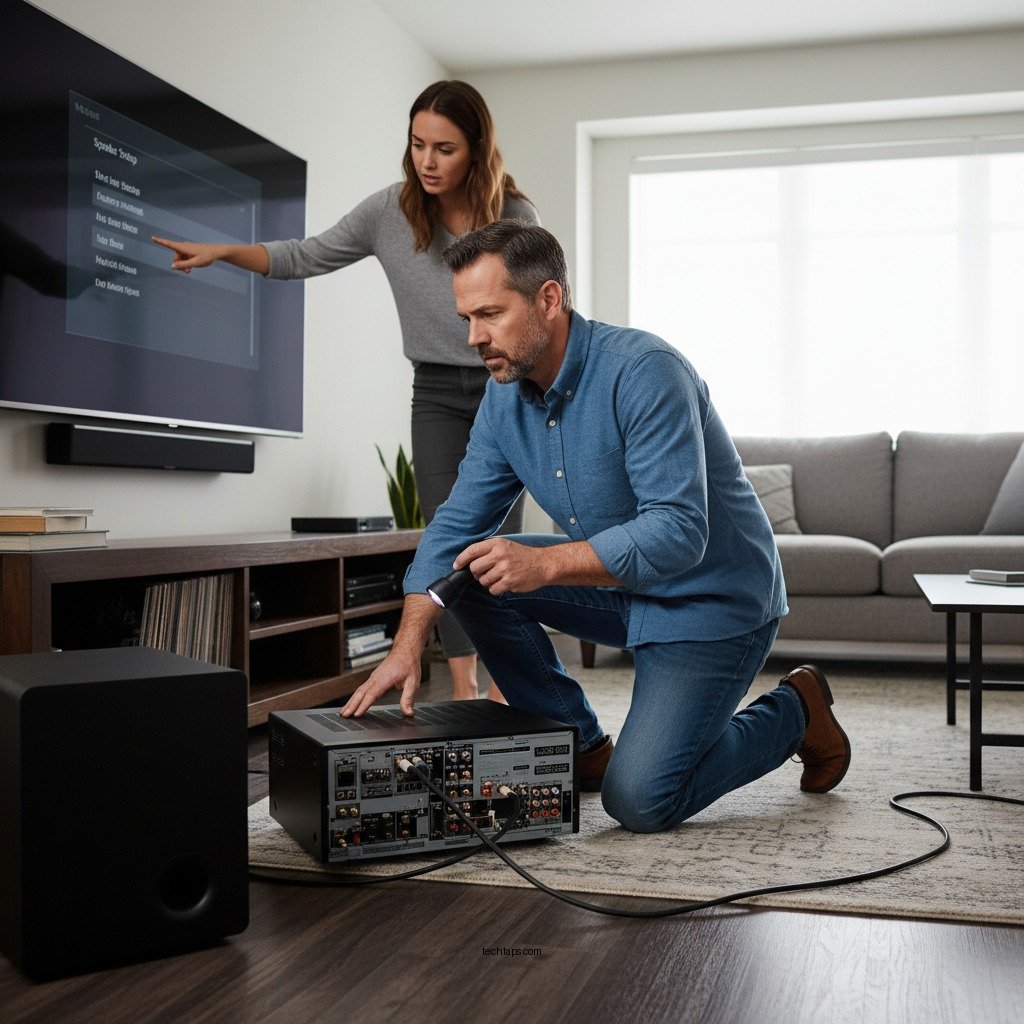
– Crossover Frequency: Adjust the crossover frequency to optimize bass output. This setting determines the frequency range that the subwoofer will handle. A common recommendation is to set the crossover frequency to around 80 Hz, but this can be adjusted based on your specific speaker setup. If your main speakers are capable of producing lower frequencies, you may select a lower crossover point to enhance bass performance.
Inspect Speaker Connections
Connection issues can significantly impact audio performance, including bass output.
– Secure Connections: Verify that all speaker wires are securely connected. Loose or improperly connected wires can result in a loss of signal to the subwoofer and other speakers. Make sure that the connections at the back of the receiver and the subwoofer are tight and free from corrosion.
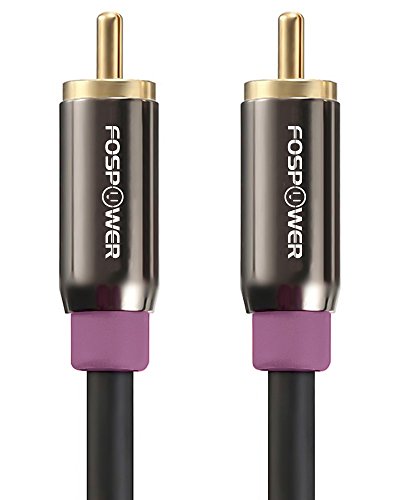
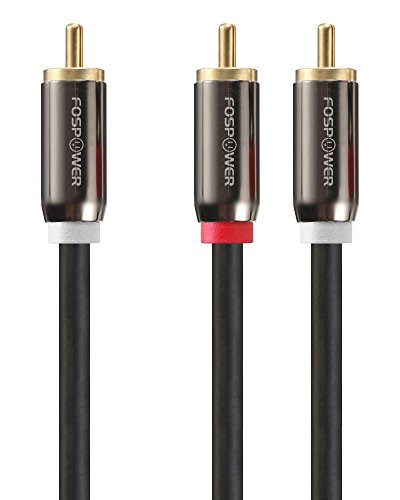
– Check for Damage: Inspect for any damaged cables that might affect sound quality. Look for frayed wires, cuts, or other signs of wear that could impair the signal. If you find any damaged cables, replace them with high-quality alternatives to ensure optimal sound transmission.
Evaluate Subwoofer Placement
The placement of your subwoofer can dramatically influence its performance and the overall sound experience.
– Experiment with Locations: Try different locations for the subwoofer to find the best sound. The ideal placement often requires some trial and error. Move the subwoofer around the room while playing bass-heavy audio to identify the location that provides the most impactful bass.
– Avoid Corners and Walls: Avoid placing the subwoofer in corners or near walls, which can muffle bass. While corners can sometimes amplify bass, they can also lead to muddiness and uneven sound. Ideally, the subwoofer should be positioned in an open area with enough space around it to allow sound waves to disperse effectively.
Subwoofer Placement Impact on Bass Performance
| # | Placement Type | Bass Quality | Recommended Frequency | Notes |
|---|---|---|---|---|
| 1 | Corner | Poor | 60-80 Hz | Muffled Sound |
| 2 | Near Wall | Fair | 80-100 Hz | Satisfactory |
| 3 | Open Space | Excellent | 60-80 Hz | Optimal |
| 4 | Behind Furniture | Poor | Variable | Blocked Waves |
| 5 | Middle of Room | Very Good | 70-90 Hz | Balanced |
| 6 | On Elevated Surface | Good | 80-100 Hz | Clear Sound |
| 7 | Diagonal from Listening Position | Excellent | 60-80 Hz | Immersive |
Adjust Audio Formats and Sources
Sometimes, the root of the bass problem lies in the audio formats and sources being used.
– Audio Format Compatibility: Confirm that you are using audio formats that support bass, such as Dolby Digital or DTS. These formats are designed to deliver a full-range audio experience, including low frequencies. If you’re using standard stereo audio or older formats, consider switching to a format that better supports surround sound and bass.
– Testing Multiple Sources: Test multiple audio sources to see if the issue persists across all of them. For example, play content from a streaming service, a Blu-ray disc, and a local media file to check if the bass is consistently lacking or if it varies by source. This can help you identify whether the issue is with a specific format, source, or the overall system.
Update Firmware and Software
Keeping your Denon receiver’s firmware and software up to date can resolve various performance issues, including those related to bass output.
– Check for Firmware Updates: Regularly check for any available firmware updates for your Denon receiver. Manufacturers often release updates that fix bugs and enhance performance. Visit the official Denon website or use the receiver’s built-in network features to check for and install updates.
– Software Bug Fixes: Updating software can resolve bugs that may affect audio performance. If you’ve noticed changes in performance after a recent firmware update, consider checking forums or the Denon support page for any known issues and recommended fixes.
Use Calibration Tools
Proper calibration is vital for achieving the best sound from your surround sound system.
– Automatic Calibration Features: Utilize automatic calibration features if your Denon supports it. Many Denon receivers come with built-in calibration tools that use a microphone to analyze the room’s acoustics and adjust settings accordingly. Follow the on-screen instructions to complete the calibration process, which can significantly improve bass response.
– Manual Calibration Adjustments: Manual calibration adjustments can also help optimize the bass response. After automatic calibration, you might still want to fine-tune settings based on your personal preferences. Experiment with volume levels, distance settings for each speaker, and EQ settings to achieve the desired sound profile.
In resolving the bass issues with your Denon surround sound system, it’s essential to check the settings, connections, placement, and software. By following the outlined steps, you can significantly enhance your audio experience and enjoy the deep bass that your system is capable of producing. If problems persist, consider consulting the user manual or reaching out to customer support for further assistance. Remember that an optimal audio setup not only enhances your enjoyment of music and films but also contributes to the overall ambiance of your space.
Frequently Asked Questions
Why is my Denon surround sound system not producing bass?
There could be several reasons why your Denon surround sound system is lacking bass. First, check if the subwoofer is properly connected and powered on. Additionally, ensure that the bass management settings in your receiver’s setup menu are configured correctly, as incorrect settings can lead to insufficient bass output.
How can I improve the bass on my Denon surround sound system?
To enhance the bass on your Denon surround sound system, start by adjusting the subwoofer level in the audio settings. You may also want to experiment with speaker placement, as positioning your subwoofer in a corner can amplify the bass response. Finally, consider using the room calibration feature, if available, to optimize settings based on your specific environment.
What settings should I check if my Denon surround sound isn’t producing bass?
If your Denon surround sound isn’t producing bass, check the crossover frequency settings in the receiver’s menu. Make sure the subwoofer output is enabled and that the subwoofer is set to “LFE” or “On” in the audio settings. Also, confirm that the correct speaker configuration is selected, as this can significantly impact bass performance.
Which audio sources provide the best bass for my Denon surround sound system?
For optimal bass performance on your Denon surround sound system, consider using high-quality audio sources such as Blu-ray discs, streaming services with lossless audio, or high bitrate music files. Movies with robust soundtracks and dedicated bass tracks also enhance the overall listening experience, providing deeper and more impactful bass.
Why does my Denon surround sound system produce weak bass during certain movies or music?
Weak bass during specific movies or music may be due to the audio mix of the content itself. Some films and tracks prioritize dialogue clarity over bass, leading to weaker low-end performance. Additionally, your receiver’s sound mode may affect how bass is handled, so experimenting with different modes like “Movie” or “Music” can yield better results.
References
- Home cinema
https://en.wikipedia.org/wiki/Home_theater - https://www.audioholics.com/how-to/setting-up-home-theater-subwoofer
https://www.audioholics.com/how-to/setting-up-home-theater-subwoofer - https://www.lifewire.com/how-to-fix-your-subwoofer-1846642
https://www.lifewire.com/how-to-fix-your-subwoofer-1846642 - https://www.crutchfield.com/S-N6KslEJcIuT/learn/subwoofer-setup.html
https://www.crutchfield.com/S-N6KslEJcIuT/learn/subwoofer-setup.html - Music.com.au | Music > Entertainment > Community > Culture
https://www.audio.com.au/bass-issues-explained-and-what-to-do-about-them - Google Scholar Google Scholar
https://scholar.google.com/scholar?q=Denon+surround+sound+bass+issues - Google Scholar Google Scholar
https://scholar.google.com/scholar?q=fix+surround+sound+subwoofer+not+working - Google Scholar Google Scholar
https://scholar.google.com/scholar?q=home+theater+subwoofer+troubleshooting - Google Scholar Google Scholar
https://scholar.google.com/scholar?q=Why+Is+My+Denon+Surround+Sound+Not+Producing+Bass? - https://en.wikipedia.org/wiki/Special:Search?search=Why+Is+My+Denon+Surround+Sound+Not+Producing+Bass?
https://en.wikipedia.org/wiki/Special:Search?search=Why+Is+My+Denon+Surround+Sound+Not+Producing+Bass?
