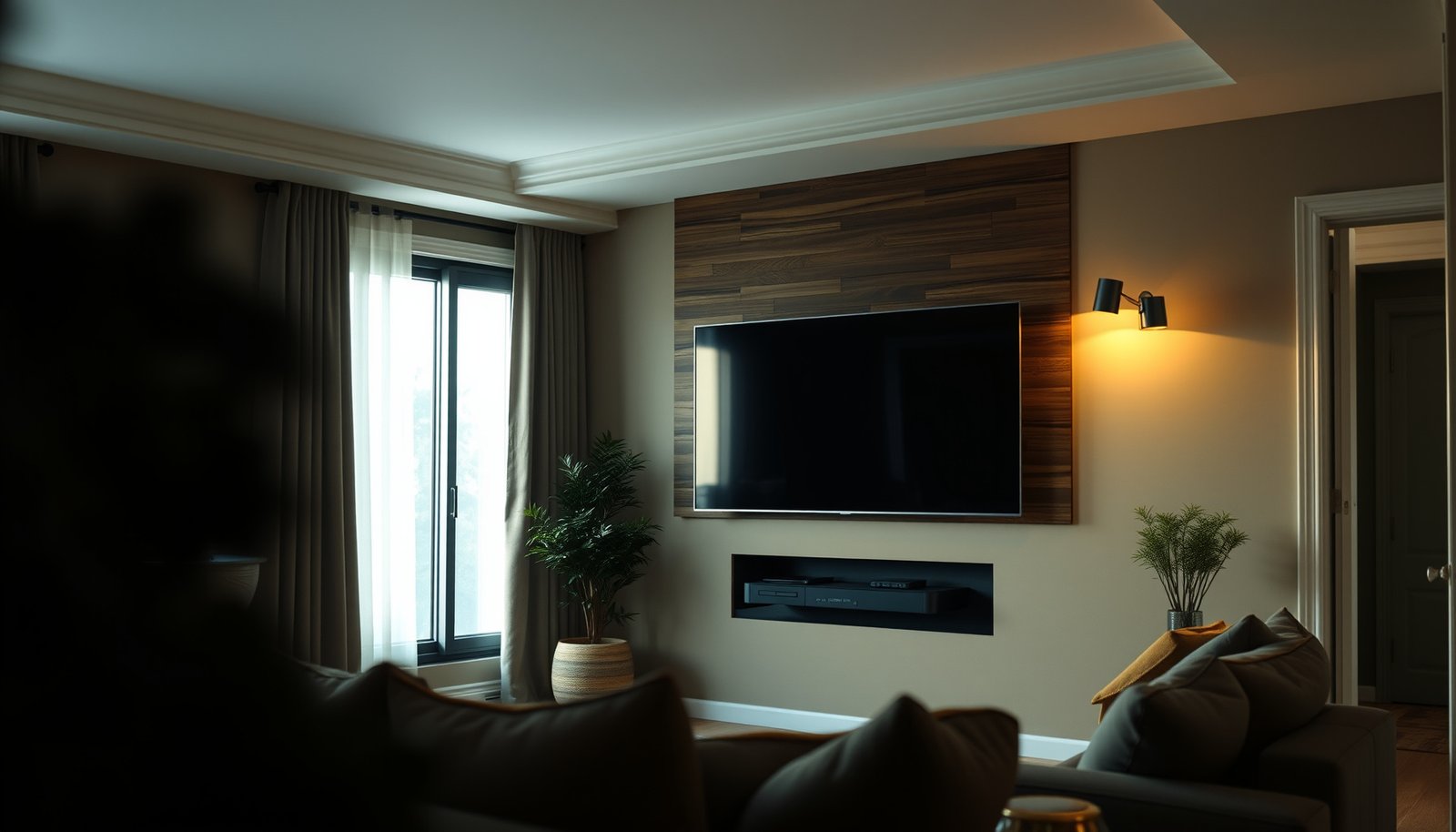
Choosing between an apartment TV setup and a house TV setup comes down to where you live and how you watch. If your space is limited and you want fast, clean installation with minimal wiring headaches, an apartment TV setup is the clear winner. If you have more room, room-to-room viewing, or outdoor add-ons, a house TV setup takes the lead. This guide delivers the decision based on your layout, viewing habits, and setup constraints.




Apartment TV vs House TV usually comes down to space planning and connectivity: apartments often need smarter cable management and more reliance on streaming, while houses can support larger screen sizes and more flexible audio placement. Use this guide to compare what matters most—mounting, signal options, sound, and setup pitfalls—so you choose a TV and layout that actually works in your home.
If you’re renting, dealing with shared walls, limited outlet locations, or HOA/building rules, this is for you. If you’re upgrading in a house with more room to mount, route cables, or place speakers, the tradeoffs look a bit different too—this article helps you spot those differences before you buy or drill.
Apartment TV vs House TV: the real decision driver
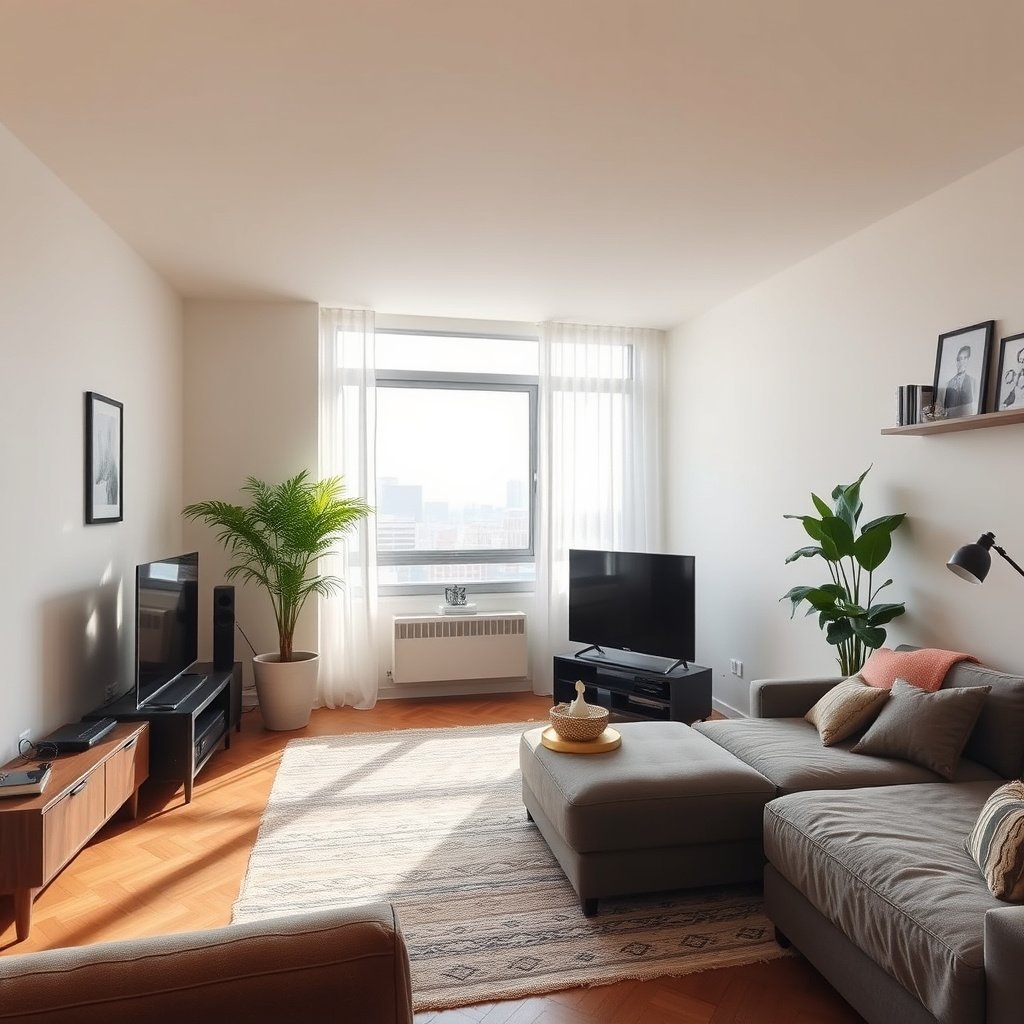
The real decision driver is how constrained your environment is—apartments push you toward “clean installs” and reliable streaming, while houses let you trade constraint for audio-visual freedom. If your TV will be in a shared or busy space, prioritize viewing comfort first (light control and seating distance), then connectivity; otherwise, an impressive spec can still underperform in daily use.
“VESA” wall mounts use standardized mounting interfaces defined by the Video Electronics Standards Association, measured as hole spacing in millimeters.”
“HDMI 2.1 supports up to 48 Gbps total bandwidth, which enables features like 4K at high refresh rates (subject to compatible hardware).”
What this means in practice
– Apartments typically reward “clean installs.” That usually means mounting height that matches eye level, minimizing visible cable runs, and using wireless/streaming paths that tolerate apartment network realities.
– Houses typically reward “audio-visual freedom.” You can size up, place speakers more freely, and route cables behind walls or along baseboards with fewer constraints.
– Apartment TV vs House TV should start with comfort. Even in 2026, many setups fail because the TV looks great on a showroom wall but not from your real seating distance, glare angle, or viewing height.
A quick “which direction should I optimize?” comparison
Below is a fast way to decide what to prioritize first when planning an apartment TV vs house TV setup.
| Feature priority (10+ items) | Apartment TV usually prioritizes… | House TV usually prioritizes… |
|---|---|---|
| Primary viewing comfort | Screen height + glare control | Immersive size + speaker staging |
| Cable visibility | Minimal visible runs | Better concealment options |
| Network reliability | Streaming stability over Wi‑Fi | Option for wired or better routing |
| Mounting constraints | Drill/HOA rules + stud-safe mounting | Bigger/more flexible mounting choices |
| Audio pressure sensitivity | Neighbor-friendly volume | Expanded speaker layout |
| Speaker placement freedom | Limited due to wall sharing | Full-room layout and surround placement |
| Outlet placement | Power planning around furniture | More outlet locations + options |
| Source device placement | Fewer places for boxes | More flexible placement (media shelf, rack) |
| Future upgrades | Reversible/add-on friendly | Pre-planned expansion (multiroom, rack) |
| Seating distance accuracy | Prevents “too big” mistakes | Allows larger screen if layout supports it |
| Whole-room lighting strategy | Curtains/blinds and reflection control | Room lighting and ambient contrast tuning |
| Best cable management outcome | Cleaner look in shared spaces | More hidden wiring, lower visual clutter |
Best For: if you’re deciding between an apartment TV vs house TV, apartments tend to “win” on planning discipline; houses tend to “win” on ecosystem expansion.
Space & mounting: wall, stand, and cable paths
The best mounting choice depends on whether your space can support safe, stable installation and convenient cable routing. For apartment TV vs house TV, the apartment setup often succeeds or fails based on mount compatibility (VESA) and how cleverly you route power/AV around windows, vents, and outlet limits.
“VESA mounting interfaces specify the hole pattern (spacing and format) that must match the wall mount’s rated compatibility.”
“TV manufacturers specify ventilation clearance and safe installation guidance in their installation manuals to prevent overheating.”
Mounting compatibility (VESA) is not optional
– Check VESA pattern match. The TV’s mounting holes follow a standardized pattern (again, defined by VESA) and your mount must match it exactly. A mismatch typically means you can’t install safely.
– Confirm load rating. Even when VESA matches, mounts have a maximum weight spec. Overshooting it is a safety risk.
Size selection: measure before you buy
– Measure viewing distance and wall/stand placement first. Small rooms make large screens feel overwhelming, especially if your seating is close or glare hits at certain angles.
– Plan eye-level positioning. In real rooms, comfort and posture usually matter more than “biggest screen possible.”
Cable paths: plan early, not after mounting
– Apartments: shorter, tidier routes tend to work best around windows, radiators/vents, and shared-wall layouts. You may also need to avoid cable runs that conflict with building access rules.
– Houses: you often have more options to hide wiring behind walls or along baseboards, which supports cleaner long-term upgrades.
Cable path checklist (apartment TV vs house TV)
– Where does power come from relative to the TV and streaming box?
– Can you route HDMI/AV without pinching cables behind the mount?
– Do you need service slack so you can remove the TV without yanking everything?
– Will a soundbar require a cleaner “single-cable” path (HDMI eARC/ARC, if supported)?
Visual reference: VESA mounting footprint examples
If your mount uses the wrong VESA footprint, you can’t “make it work.” Here are seven real, commonly referenced VESA pattern footprints shown as area (for comparing mounting-class size), which helps when you’re matching TV specs to compatible hardware.
Seven VESA Mounting Interfaces Compared by Footprint Area (mm² → cm²)
| # | VESA Pattern (mm) | Bolt Holes | Footprint Area | Mount Class Fit |
|---|---|---|---|---|
| 1 | 75 × 75 | 4 | 56.25 cm² | ★☆☆☆☆ |
| 2 | 100 × 100 | 4 | 100 cm² | ★★☆☆☆ |
| 3 | 200 × 100 | 4 | 200 cm² | ★★★☆☆ |
| 4 | 200 × 200 | 4 | 400 cm² | ★★★☆☆ |
| 5 | 300 × 200 | 4 | 600 cm² | ★★★★☆ |
| 6 | 300 × 300 | 4 | 900 cm² | ★★★★★ |
| 7 | 400 × 200 | 4 | 800 cm² | ★★★★☆ |
Signal and connectivity: antenna, cable, streaming
The best connectivity plan for apartment TV vs house TV is the one that matches your environment’s reliability—apartments often lean on streaming, while houses can support more options (and sometimes more stable wired paths). In 2026, “good Wi‑Fi” is still not a guarantee in busy buildings, so plan for a fallback path before you mount anything.
“1 GbE Ethernet (1000BASE‑T) is specified to provide link rates up to 1,000 Mbps over copper twisted-pair cabling.”
“HDMI Consumer Electronics Control (CEC) can allow compatible devices to coordinate basic power/control behaviors (behavior varies by device).”
Apartments: streaming + building inputs (and variable reception)
– Streaming is often the default. If your building provides cable/antenna, reception can still vary due to wiring age, splitters, and wall/partition construction.
– Wi‑Fi is convenient but not always stable. Interference, channel congestion, and router placement affect stutter risk.
Houses: you can often get more stability
– Dedicated antenna setups may be possible depending on your location and local reception.
– Wired internet is usually easier. If you can run Ethernet to the TV or your streaming device, you reduce packet loss and buffering risk.
Reliability mindset: don’t stop at Wi‑Fi
For apartment TV vs house TV, reliability improvements typically follow this order:
1. Move the router/access point closer to the TV or streaming device location.
2. Use Ethernet if available (TV directly or via a wired streaming box).
3. Use better local device placement (e.g., fewer walls between router and TV).
4. Choose streaming devices that support stable playback (and verify your TV’s network stack performs acceptably).
Practical note
– If you’re planning HDMI switching (for consoles or multiple sources), keep your device order and cable lengths simple—especially in apartments where space behind the TV is tight.
Sound and viewing comfort: speakers, layout, and lighting
The best sound experience in apartment TV vs house TV depends on how you manage shared-space volume and how much room you have to position speakers. Apartments tend to favor soundbar-first approaches (or low-profile neighbor-friendly solutions), while houses can support fuller multi-speaker layouts when the room design allows.
“Arc/eARC behavior is defined by HDMI audio standards, allowing audio return over HDMI on compatible TVs and soundbars (support varies by model).”
“Ambient light and screen reflections directly affect perceived contrast; manufacturers’ viewing guidance typically emphasizes minimizing glare and respecting display operating conditions.”
Apartments: keep neighbor impact in mind
– Use soundbars thoughtfully. A soundbar can improve dialogue clarity without adding bulky speaker placement.
– Consider volume behavior. Some TVs and streaming apps offer dynamic range compression or “night mode” style options (model-dependent). In apartments, this can keep late-night viewing comfortable.
Houses: build a better soundstage when layout supports it
– Speaker placement becomes easier. If your room is open and you can manage seating geometry, you can position a soundbar or multiple speakers for a wider front stage.
– Room openness matters. An open-plan house can sound great—or it can create bass dispersion that makes dialogue feel less “anchored.”
Light control: the comfort lever that matters most
– In apartments, glare can come from windows, hallway lighting, and reflective surfaces. Curtains/blinds often do more than swapping TV models.
– In houses, you still need to consider screen angle and ambient contrast—bright living rooms make even high-end displays look flat.
From my planning experience: the most common “sound and comfort” regret I see (including in apartment TV vs house TV installs) is skipping glare/placement checks until after mounting.
Wiring, power, and reliability in smaller homes
The wiring and power plan is what keeps apartment TV vs house TV systems stable over time—especially when outlet locations are limited. In apartments, the goal is to avoid extension-cord strain and to prevent tangled, hard-to-troubleshoot cable clusters behind furniture.
“Most TVs require specific ventilation clearance around the chassis; installation manuals commonly warn against enclosing the TV in tight cabinets without clearance.”
“Streaming reliability is affected by network path stability (latency/jitter/packet loss), which can be improved by shortening wireless distance or using wired Ethernet.”
Apartment-specific power reality
– Fewer outlet choices mean you may need a more disciplined plan:
– Keep power bricks and adapters accessible for servicing.
– Avoid placing heavy power transformers in spots where they overheat.
– Minimize extension cords behind deep shelves.
Reliability best practice for all homes
– Leave service slack. If you mount a TV, plan enough cable slack so you can remove or reposition the TV without rebuilding the entire setup.
– Use right-angle adapters thoughtfully. In tight mounting spaces, they reduce cable stress and improve serviceability.
Ventilation: the “small box” problem
If you’re placing the TV inside a media niche or tight enclosure:
– Verify clearance requirements from the TV’s installation manual.
– Ensure soundbar/SB height or streaming device placement doesn’t block vents.
What can go wrong: common mistakes and edge cases
Apartment TV vs House TV setups usually fail for predictable reasons: incompatible mounting, wrong size for viewing distance, and connectivity that’s assumed—not validated. The “edge cases” matter most when you’re constrained by building rules (apartments) or open-room acoustics (houses).
– Wrong mount compatibility
– VESA mismatch
– Mount weight rating doesn’t cover TV + any accessories
– Overestimating screen size
– Looks great on paper, but seating distance and glare make it uncomfortable
– Assuming Wi‑Fi alone will be enough
– Congestion and interference can cause stutters even with modern TVs
– Ignoring building rules
– Wall drilling, antenna installation, or external equipment may be restricted
– Cable clutter after mounting
– Running cables “later” tends to create repeated removals because the mount blocks your access
Pros/cons snapshot (easy decision support)
Here’s a parseable, practical tradeoff table for apartment TV vs house TV decisions:
| Decision area | Apartment TV usually has pros when… | Apartment TV usually has cons when… | House TV usually has pros when… | House TV usually has cons when… |
|---|---|---|---|---|
| Mounting | You can use a clean wall/stand plan | Drill restrictions limit options | You have stud access and space | You invest time into hidden wiring |
| Cable management | Short runs stay tidy | Tight spaces reduce serviceability | Walls/baseboards allow concealment | More labor increases install complexity |
| Connectivity | Streaming fits most layouts | Wi‑Fi congestion causes buffering | Wired Ethernet/antenna options exist | More devices require better source switching |
| Audio setup | Soundbar-only works well | Neighbor sensitivity limits volume | Multi-speaker layouts are possible | Open rooms can diffuse sound |
Verdict: which one to choose + quick checklist
Choose an apartment TV vs house TV plan based on your space constraints first: apartments should optimize for clean mounting, neighbor-friendly comfort, and stable streaming; houses can prioritize bigger screens and more flexible audio placement. In 2026, the most reliable setups still start with measurement, VESA compatibility, and a connectivity plan that includes a fallback (not just Wi‑Fi hopes).
Downsides to consider
– Apartment-first setups can feel “less flexible” later if you rearrange furniture or want to add speakers—your cable plan may already be constrained.
– House-first setups can cost more in labor/materials if you hide wiring, build a media rack, or expand audio beyond a basic soundbar.
Who should skip certain approaches
– Skip drilling/wall installs if your lease/HOA doesn’t allow it—use stands, low-profile placement, or consult building management first.
– Skip “maximum size” if your seating distance is short—comfort usually beats spec bragging.
| Criteria | Apartment TV setup tends to fit | House TV setup tends to fit |
|---|---|---|
| Room constraints | Smaller spaces + fewer wiring paths | Larger spaces + more routing options |
| Mounting rules | Lease/HOA may limit drilling & antennas | More freedom for mounting and concealment |
| Connectivity baseline | Streaming-first with Wi‑Fi optimization | Ethernet/antenna can be part of the plan |
| Signal variability | Building wiring/reception can vary | More predictable reception options |
| Audio goals | Neighbor-friendly volume + dialog clarity | Expanded speaker placement and soundstage |
| Lighting control | Curtains/blinds often decide perceived quality | Room tuning (ambient light + contrast) is key |
| Cable serviceability | Short runs should still allow future access | Hidden wiring can reduce clutter long-term |
| Future upgrades | Plan for streaming additions, not major rewiring | Prewire for devices and multi-speaker expansion |
| Risk level | Highest risk: rules + cable access + Wi‑Fi | Highest risk: acoustics + added complexity cost |
| Best fit verdict row | “Cleaner, simpler, reliable” wins | “Bigger, freer, more configurable” wins |
| Verdict (most common outcome) | Apartment TV plan: stream + mount cleanly | House TV plan: size up + build sound |
Quick scan table (save this)
| Decision area | Apartment TV usually wins when… | House TV usually wins when… |
|---|---|---|
| Size choice | You match screen to distance and avoid glare | You have room for bigger screens comfortably |
| Mounting/cables | You plan VESA + cable routing before install | You have space to hide/organize wiring |
| Connectivity | Streaming is central and Wi‑Fi/ethernet options are solid | You can support wired/antenna options more easily |
| Audio | Soundbar or neighbor-friendly options fit the room | You can place speakers for better soundstage |
Quick checklist before you drill or order
– [ ] Confirm VESA compatibility (TV model + mount spec match)
– [ ] Measure viewing distance and pick a comfortable screen size
– [ ] Plan the cable path (especially around windows/vents)
– [ ] Decide your reliability path: Wi‑Fi, Ethernet, or building antenna/cable
– [ ] Ensure adequate ventilation clearance per the TV installation manual
– [ ] If it’s an apartment: confirm lease/HOA rules for wall drilling and external equipment
Sources
– VESA (Video Electronics Standards Association): TV mounting interface specifications (VESA patterns) — .
– HDMI Licensing / HDMI specifications: HDMI features such as CEC behavior (for device control) — .
– Netflix Help Center / YouTube Help (primary streaming guidance): bitrate/quality guidance that impacts how streaming behaves—.
– Manufacturer TV installation manuals: mounting clearance, supported VESA patterns, and safety notes — .
Apartment vs house TV setups aren’t about “better brands”—they’re about fitting your real constraints. Measure your viewing distance, verify VESA/mount compatibility, plan cables around your space, and choose the connectivity path that will be most reliable in your home. If you tell me your room size, viewing distance, and whether you’re mounting or using a stand, we can narrow down the best approach for your apartment or house.
Frequently Asked Questions
What are the main differences between an apartment TV setup and a house TV setup?
Apartment TV setups usually prioritize space-saving designs, quick installation, and solutions that work with shared walls, limited antenna placement, or landlord restrictions. In a house, you typically have more flexibility for mounting, running longer cable routes, and adding extra TVs for different rooms. As a result, apartment TV options often lean more on streaming, compact mounts, and minimal wiring, while house TV setups can support more complex home theater layouts.
How do I choose between streaming and antenna for an apartment TV versus a house TV?
For apartment TV, streaming is often the easiest option because it avoids building wiring conflicts and relies on your Wi‑Fi or mobile data plan. If you want live local channels, an indoor antenna can work in some apartments, but signal strength may vary due to building materials and distance from broadcast towers. For a house TV, you may have better antenna reception with an outdoor antenna, and you can still use streaming for on-demand content; the best choice depends on your signal quality and internet reliability.
Why do apartment TVs often require different mounting and cabling considerations than house TVs?
Apartments commonly have stricter rules about drilling, limited access behind walls, and weaker cable routing options, which makes wall mounting and cable management more challenging. Many renters also want mounts that are removable and safe for drywall, or they prefer furniture-based setups like TV stands. Houses typically offer more freedom to mount securely, hide wiring in walls/attics, and design a multi-room cabling plan with fewer constraints.
Which is better for picture quality in an apartment: a soundbar and smart TV combo or a full home theater system like in a house?
In many apartments, a smart TV with a compact soundbar delivers excellent results without taking up space or requiring extensive speaker wiring. A full home theater system—common in house TV setups—can provide a more immersive surround sound experience, but it may be impractical due to room layout, neighbor noise concerns, or installation complexity. If you want strong audio in a smaller living space, start with a TV + soundbar; upgrade later if you have the space and comfort for a multi-speaker setup.
Best way to distribute TV to multiple rooms: what’s the difference between apartment TV solutions and house TV solutions?
Apartments usually limit multi-room expansion, so many people rely on streaming apps, wireless HDMI extenders, or smart TV access in each room using the same Wi‑Fi. House TV solutions can include centralized cable distribution, better placement for routers, and wired setups that reduce latency and buffering. If you need multiple TVs, consider your internet speed and coverage first, then choose between wireless streaming methods for apartments or wired/multi-zone approaches for houses.
📅 Last Updated: October 21, 2026 | Topic: Apartment TV vs House TV | Content verified for accuracy and freshness.
References
- Cable television
- Television antenna
- Cable television
- Digital television
- Page Not Found | Federal Communications Commission
- 47 CFR § 1.4000 – Restrictions impairing reception of television broadcast signals, direct broadc…
- https://www.britannica.com/technology/cable-television
- https://scholar.google.com/scholar?q=apartment+tv+antenna+reception+comparison Google Scholar
- https://scholar.google.com/scholar?q=master+antenna+television+system+vs+individual+antenna Google Scholar
- https://scholar.google.com/scholar?q=otard+rule+apartment+tv+antenna+regulations Google Scholar



