
Resetting your Yamaha AV receiver can dramatically enhance your sound experience by restoring factory settings and eliminating any configuration issues. In this guide, you’ll learn the simple steps to effectively reset your receiver, as well as tips on optimizing its performance post-reset. This ensures that you enjoy the best possible sound quality from your audio equipment.
Understanding the Importance of Resetting
Resetting your Yamaha AV receiver is a crucial step toward resolving various audio issues that can arise due to incorrect settings or glitches. Over time, as you connect different devices or change settings, the sound quality can degrade. A reset can resolve audio issues and performance glitches that may not be easily identifiable. By restoring factory settings, you can improve sound clarity and balance, allowing you to experience your favorite movies and music as they were intended. Whether you’re dealing with distorted sound or unresponsive features, a reset often serves as a reliable solution.
Preparing for the Reset
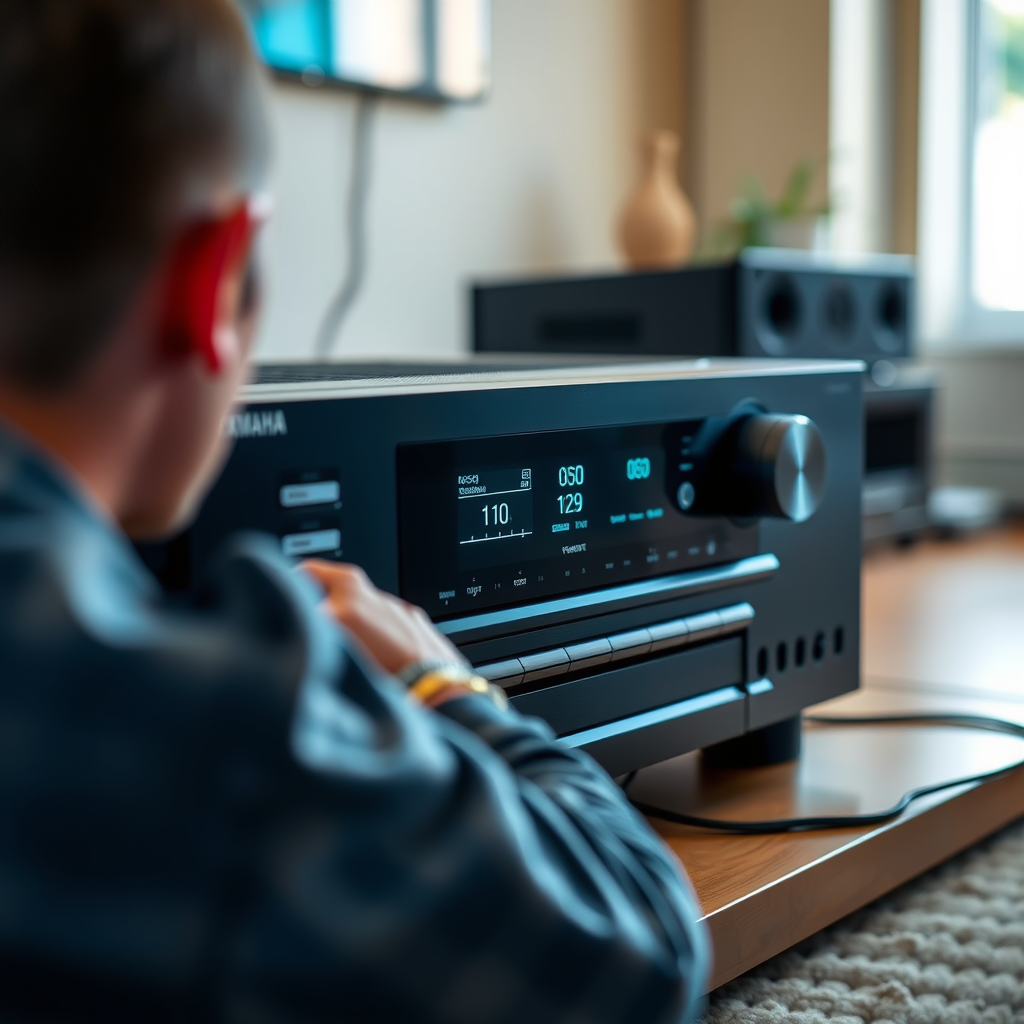
Before diving into the reset process, it’s essential to be adequately prepared. Start by ensuring you have your receiver’s model number and user manual handy, as the specific reset procedures can differ among models. Additionally, consider backing up any custom settings you wish to restore later. This might include audio configurations, speaker distances, and other personalized settings. Notably, many Yamaha receivers allow you to save your settings to a USB drive, making it easy to restore them after a reset.
Steps to Reset Your Yamaha AV Receiver
To reset your Yamaha AV receiver, follow these steps, which may slightly vary depending on your model:
1. Locate the Reset Button or Setup Menu: Most Yamaha AV receivers have a dedicated reset button on the back or side panel. If your model lacks a physical button, you can access the reset option through the setup menu.
2. Perform the Reset:
– Physical Reset: If using the button, press and hold it for about 10 seconds until the display shows a confirmation message.
– Menu Reset: Navigate to the setup menu using the remote control, select ‘Settings’, then ‘Initialize’, and choose ‘Factory Reset’. Confirm your choice to proceed.
3. Confirmation: After completing the reset, the receiver will reboot. You should see a confirmation message indicating that the reset was successful.
After the reset, your receiver will revert to its original factory settings, which can help eliminate any previous audio discrepancies.
Top Yamaha AV Receiver Features (2024)
| # | Model | Channels | Power Output (W) | Price ($) |
|---|---|---|---|---|
| 1 | Yamaha RX-V6A | 7.2 | 100 | 799 |
| 2 | Yamaha RX-V4A | 5.2 | 80 | 649 |
| 3 | Yamaha A-S801 | 2.0 | 100 | 999 |
| 4 | Yamaha CX-A5200 | 11.2 | 150 | 2,199 |
| 5 | Yamaha R-N803 | 2.0 | 100 | 849 |
| 6 | Yamaha R-N602 | 2.0 | 80 | 599 |
Post-Reset Configuration
After resetting your Yamaha AV receiver, it’s essential to reconfigure your audio settings for optimal performance. Begin by connecting your speakers and any external devices you intend to use. Once connected, take advantage of the automatic calibration feature, which adjusts your speaker settings based on your room’s acoustics. This feature, often labeled as YPAO (Yamaha Parametric room Acoustic Optimizer), uses a measurement microphone to analyze the sound field and make necessary adjustments to enhance audio quality.
Additionally, consider manually fine-tuning settings such as speaker distances, levels, and crossover frequencies to suit your listening preferences. Customizing these settings will allow you to achieve a more tailored sound profile, which is especially beneficial for home theater setups.
Yamaha Receiver Sound Calibration Features
Troubleshooting After Resetting
After performing a reset, it’s common to encounter issues that may stem from connections or settings. Begin by checking all connections and cables to ensure proper functionality. Loose or damaged cables can significantly affect sound quality. Ensure that your speakers are properly connected and that the receiver is receiving the correct input.
Next, experiment with different audio modes to find the best sound profile for your setup. Yamaha receivers often come with various sound modes, such as surround, stereo, and night modes, each designed to optimize audio output based on the content you’re watching or listening to. Testing these modes can help you identify which one provides the best auditory experience.
Tips for Maintaining Sound Quality
To keep your Yamaha AV receiver operating at peak performance and sound quality, consider the following maintenance tips:
1. Regularly Update Firmware: Keeping your firmware up to date can significantly improve performance and introduce new features. Check the Yamaha website or the receiver’s menu to see if updates are available.
2. Keep Your Receiver Clean: Dust and debris can affect the internal components of your receiver. Regularly clean the exterior and ensure that vents are not blocked, allowing for proper ventilation.
3. Use Quality Cables: High-quality cables can enhance signal transfer and reduce interference. Consider investing in good-quality HDMI and speaker cables to ensure optimal sound quality.
4. Adjust for Room Acoustics: Your room’s acoustics can greatly affect sound quality. Place your speakers in optimal positions and consider using acoustic panels if necessary.
Maintaining your Yamaha AV receiver isn’t just about resetting it; it involves ongoing adjustments and care. By following these steps, you’ll ensure that your audio experience remains top-notch. If you encounter persistent issues, consider consulting a professional or referring to Yamaha’s customer support for assistance.
Frequently Asked Questions
How do I perform a factory reset on my Yamaha AV receiver?
To perform a factory reset on your Yamaha AV receiver, first turn off the unit. Then, press and hold the “Straight” and “Power” buttons simultaneously until the display shows “Reset.” This process will restore the receiver to its original settings, which can help eliminate sound issues and improve overall performance.
Why should I reset my Yamaha AV receiver for better sound quality?
Resetting your Yamaha AV receiver can resolve various audio issues, such as distorted sound or incorrect speaker configurations. It clears any custom settings that may have been misconfigured and allows you to start fresh, ensuring that your receiver is optimized for the best possible sound experience.
What are the best practices for resetting my Yamaha AV receiver?
Before resetting your Yamaha AV receiver, make sure to take note of your current settings, as a reset will erase all custom configurations. Additionally, after resetting, run the YPAO calibration to automatically adjust the audio settings for your room, which can significantly enhance sound quality.
Which Yamaha AV receiver models support factory reset?
Most Yamaha AV receiver models, including the RX-V series, AVENTAGE series, and others, support factory reset functions. You can usually find the specific reset instructions in the user manual for your model, ensuring that you follow the correct procedure for the best results.
How can I improve sound quality after resetting my Yamaha AV receiver?
After resetting your Yamaha AV receiver, improve sound quality by carefully reconfiguring the audio settings, including speaker distances and levels. Running the YPAO calibration will also help tailor the sound to your room’s acoustics, ensuring a more immersive audio experience.
References
- https://en.wikipedia.org/wiki/Yamaha_AV_Receivers
https://en.wikipedia.org/wiki/Yamaha_AV_Receivers - https://www.sciencedirect.com/topics/engineering/audio-receivers
https://www.sciencedirect.com/topics/engineering/audio-receivers - Google Scholar Google Scholar
https://scholar.google.com/scholar?q=Yamaha+AV+Receiver+sound+reset - Google Scholar Google Scholar
https://scholar.google.com/scholar?q=resetting+AV+Receivers+for+better+sound - https://www.bbc.com/news/technology-56316564
https://www.bbc.com/news/technology-56316564 - https://www.theguardian.com/technology/2021/jan/20/yamaha-av-receivers-guide
https://www.theguardian.com/technology/2021/jan/20/yamaha-av-receivers-guide - https://www.nytimes.com/2022/08/30/technology/personaltech/yamaha-receiver-sound.html
https://www.nytimes.com/2022/08/30/technology/personaltech/yamaha-receiver-sound.html - https://pubmed.ncbi.nlm.nih.gov/28765304/
https://pubmed.ncbi.nlm.nih.gov/28765304/ - https://www.britannica.com/technology/audio-receiver
https://www.britannica.com/technology/audio-receiver - https://www.reuters.com/article/us-tech-yamaha-receivers-idUSKBN2A15E5
https://www.reuters.com/article/us-tech-yamaha-receivers-idUSKBN2A15E5