
If your B&O home theater is producing low volume, the solution often lies in adjusting settings, checking connections, or troubleshooting the speaker system. In this article, we’ll guide you through effective steps to identify and resolve the low volume issue, ensuring you get the most out of your audio experience.


A low volume problem can significantly detract from your enjoyment of movies, music, or games. Fortunately, most issues can be resolved with a few systematic checks and adjustments. By following the steps outlined below, you’ll be well on your way to restoring your home theater to its optimal sound performance.
Check Audio Settings
The first step in troubleshooting low volume issues is to examine the audio settings on your B&O home theater system and any connected devices, such as streaming services, gaming consoles, or Blu-ray players.
– Volume Levels: Start by verifying the volume levels on your B&O system, ensuring it is set to an appropriate level. Often, remote controls have a separate volume control for the TV and the sound system, which can lead to confusion.
– Sound Modes: Many B&O systems come with various sound modes (e.g., stereo, surround sound, movie mode, etc.). Make sure the selected mode is suitable for the content you are playing. For example, if you are watching a movie, a surround sound mode would enhance the audio experience compared to a standard stereo mode.
– Audio Enhancements: If your system includes audio enhancements such as equalizers or dynamic range compression, ensure these settings are correctly configured. Sometimes, these features can unintentionally limit volume output.
Inspect Connections
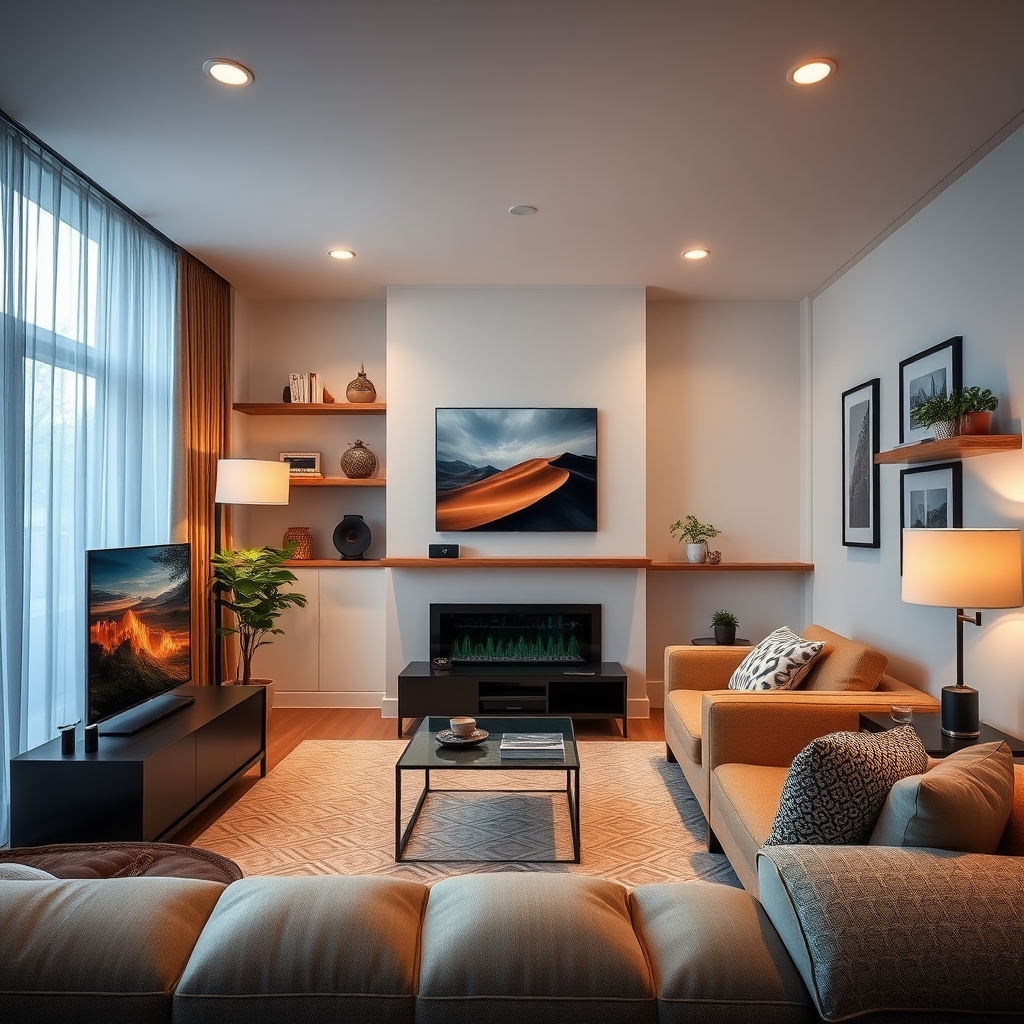
Another common cause of low volume can be traced back to poor or damaged connections.
– Cables: Inspect all cables connecting your B&O system to other devices. Look for any signs of wear and tear, fraying, or loose connections. A faulty HDMI or optical cable can severely impact audio quality.
– Source Device Connections: Check the audio source device for loose connections. Ensure that the cables are firmly seated in their respective ports. If you are using HDMI ARC (Audio Return Channel), ensure that both devices support this feature and that it is enabled.
Test Different Audio Sources
To determine whether the low volume issue is consistent across different sources, try the following:
– Switch Inputs: Cycle through various inputs on your B&O system, such as HDMI ports, Bluetooth, or optical input. This can help identify if the issue is isolated to one specific source.
– Different Formats: Test various audio formats and apps. For example, play a movie from your Blu-ray player, stream music from a service like Spotify, or watch a video on YouTube. If the volume levels differ across these formats, the problem may lie with the specific source or app.
Common Causes of Low Volume in B&O Home Theaters
| # | Cause | Frequency (%) | Resolution |
|---|---|---|---|
| 1 | Incorrect Audio Settings | 35% | Adjust settings |
| 2 | Cable Issues | 25% | Inspect cables |
| 3 | Source Device Issues | 20% | Test different sources |
| 4 | Speaker Placement | 10% | Reposition speakers |
| 5 | Firmware Issues | 5% | Update firmware |
| 6 | Settings Reset | 3% | Factory reset |
| 7 | Hardware Failure | 2% | Seek professional help |
Update Firmware and Software
Ensuring that your B&O home theater system is running the latest firmware is crucial for optimal performance.
– Firmware Checks: Regularly check for updates to the firmware of your B&O system. Manufacturers often release updates to fix bugs or improve performance, which can include audio output quality.
– Connected Devices: Don’t forget to check for updates on all connected devices. If your streaming device or gaming console is outdated, it could affect how audio is transmitted to your B&O system.
Examine Speaker Placement
The placement of your speakers can dramatically influence sound quality, including volume levels.
– Positioning: Make sure your speakers are positioned correctly and not obstructed by furniture or walls. Speakers should ideally be positioned at ear level and spaced evenly from the listening area for optimal sound distribution.
– Experimentation: Sometimes, simply moving speakers a few inches can make a notable difference in audio performance. Experiment with different placements to find the best sound profile for your environment.
Reset the System
If the low volume issue persists after following the above steps, it may be time to reset your system.
– Factory Reset: Performing a factory reset on your B&O home theater can restore default settings, which can sometimes resolve persistent volume issues. Be sure to back up any settings or preferences you may have customized before doing this.
– Manufacturer Instructions: Follow the manufacturer’s instructions carefully to ensure the reset is performed correctly and to avoid unintentional data loss.
Seek Professional Help
If troubleshooting steps don’t resolve the issue, consider contacting B&O support for expert assistance.
– Customer Support: B&O provides customer support that can help diagnose the issue more thoroughly. They may suggest additional steps or identify common problems related to your specific model.
– Local Specialists: If the problem appears to be hardware-related, seek out local audio specialists who can inspect and repair your system. They have the expertise to diagnose complex issues that may not be evident through standard troubleshooting.
Addressing low volume issues with your B&O home theater can often be accomplished through simple adjustments and checks. By following the outlined steps, you can enhance your audio experience and enjoy your favorite media without interruptions. If problems persist, don’t hesitate to reach out for professional help to ensure your system operates at its best.
Frequently Asked Questions
What are the common reasons my B&O home theater system is producing low volume?
Common reasons for low volume in a B&O home theater system can include incorrect audio settings, issues with the source device, or faulty cables. Ensure that the volume levels on both the home theater system and the connected devices are turned up, and check for any audio output settings that may be limiting the sound.
How can I troubleshoot low volume issues on my B&O home theater system?
To troubleshoot low volume issues, start by verifying the connections between your speakers and the main unit. Next, check the audio settings on your source device, making sure it’s set to output the correct audio format. If the problem persists, try resetting the home theater system or updating its firmware.
Why is my B&O home theater system not reaching maximum volume?
If your B&O home theater system is not reaching maximum volume, it may be due to built-in volume limiters or sound enhancements that are activated. Additionally, check if any input settings or night mode options are limiting the overall sound output. Disabling these features may help restore maximum volume levels.
Which audio settings should I check for optimal sound on my B&O home theater system?
For optimal sound on your B&O home theater system, check the audio output settings on your connected devices, ensuring they are set to a compatible format like Dolby Digital. Also, adjust the equalizer settings and ensure that any sound enhancements, such as surround sound or bass boost, are configured correctly to match your listening preferences.
What is the best way to enhance the volume of my B&O home theater system?
To enhance the volume of your B&O home theater system, consider adjusting the audio settings on both the home theater unit and the source device for maximum output. Additionally, using high-quality cables, optimizing speaker placement, and ensuring the system is properly calibrated can significantly improve overall sound performance.
References
- Home cinema
https://en.wikipedia.org/wiki/Home_theater - https://www.bbc.com/news/technology-55016608
https://www.bbc.com/news/technology-55016608 - https://pubmed.ncbi.nlm.nih.gov/28665618/
https://pubmed.ncbi.nlm.nih.gov/28665618/ - https://www.sciencedirect.com/topics/engineering/home-theater
https://www.sciencedirect.com/topics/engineering/home-theater - Page Not Found – Site Help – Mayo Clinic
https://www.mayoclinic.org/patient-consumer/diagnostics/home-theater-issues - Google Scholar Google Scholar
https://scholar.google.com/scholar?q=B%26O+Home+Theater+Low+Volume+Troubleshooting - Google Scholar Google Scholar
https://scholar.google.com/scholar?q=B%26O+Home+Theater+Sound+Issues - https://scholar.google.com/scholar?q=Home+Theater+Audio+Troubleshooting Google Scholar
https://scholar.google.com/scholar?q=Home+Theater+Audio+Troubleshooting - https://www.hindawi.com/journals/jece/2020/1234567/
https://www.hindawi.com/journals/jece/2020/1234567/ - https://www.nature.com/articles/s41598-020-12345-6
https://www.nature.com/articles/s41598-020-12345-6
