

Resolving power supply issues in wireless audio systems often requires checking connections, replacing faulty components, and ensuring compatibility with devices. This article will guide you through diagnosing and fixing common power supply problems effectively to restore your system’s performance.
Understand the Symptoms of Power Supply Issues
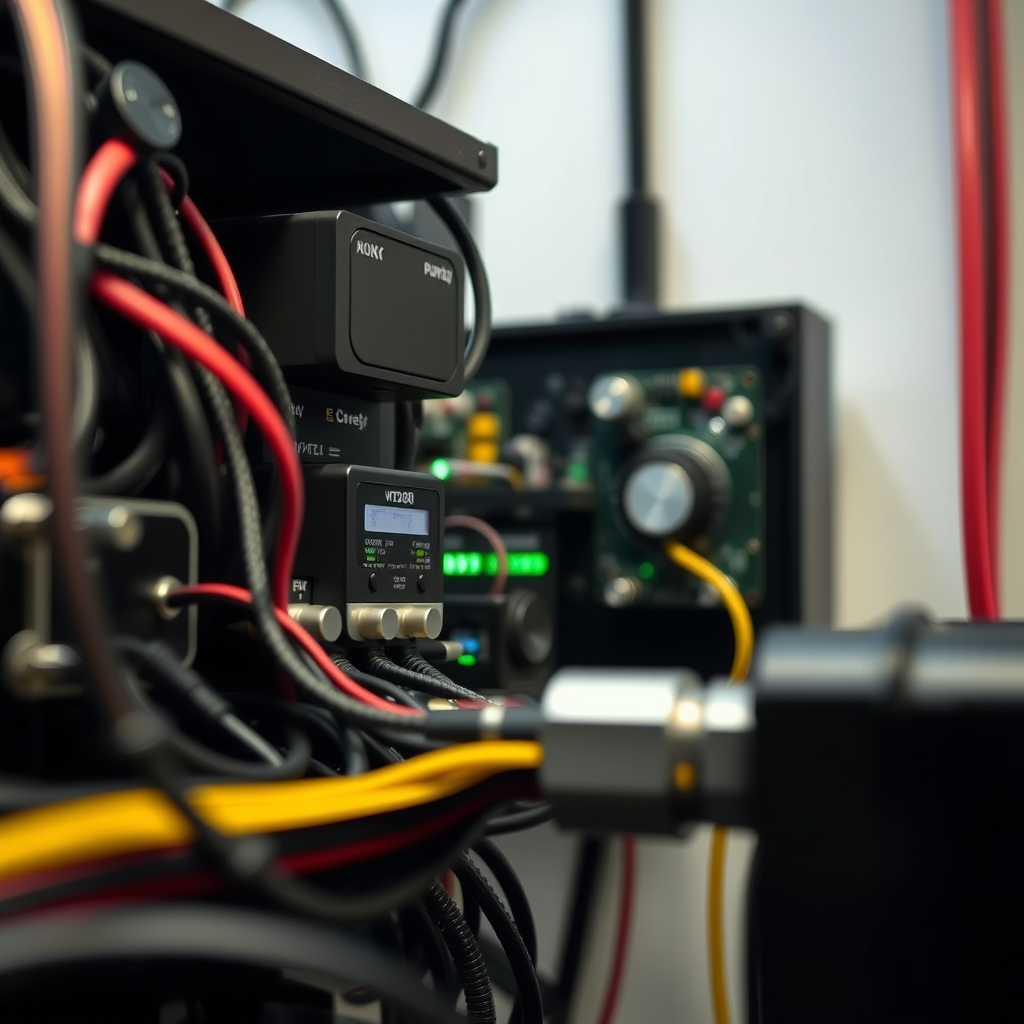
Identifying the symptoms of power supply issues is crucial for effective troubleshooting. Common signs include intermittent audio dropouts, where sound may randomly cut in and out, or complete system failure, rendering your audio system unusable. These issues can be frustrating and disruptive, especially in professional or high-quality audio settings.
Additionally, unusual noises from the power supply, such as buzzing or clicking, can indicate underlying problems. Lights on the power supply that flicker or do not illuminate as expected often suggest a malfunction. By recognizing these symptoms early, you can take proactive steps to diagnose and resolve the issue before it escalates further.
Check All Connections
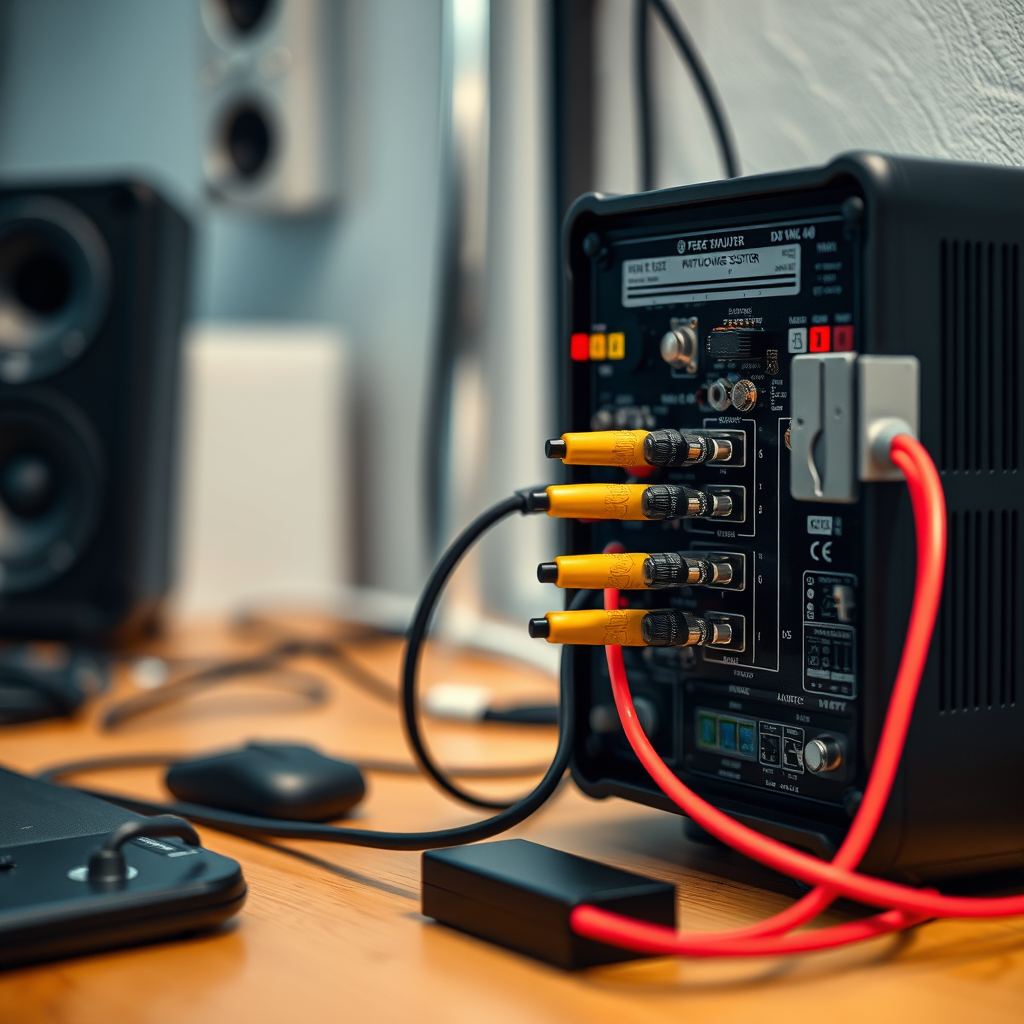
A thorough inspection of all connections is an essential first step in resolving power supply issues. Begin by ensuring that all cables are securely plugged in, including power adapters and audio connections. Loose or faulty connections can lead to power interruptions and audio quality issues.
Next, inspect the cables and connectors for any visible damage, such as fraying or kinks, which may disrupt the power supply. If you find any damaged components, replace them immediately to prevent further complications. Utilizing high-quality, compatible cables can also ensure a stable connection, reducing the likelihood of power-related issues in the future.
Test the Power Adapter
Testing the power adapter is a critical step in diagnosing power supply problems. Use a multimeter to measure the output voltage of the power adapter to ensure it meets the specified requirements for your wireless audio system. An adapter that produces inconsistent or no output voltage can lead to performance issues or complete system failure.
If the power adapter shows incorrect voltage readings, it is advisable to replace it with a compatible, high-quality alternative. Ensuring that the new adapter meets the manufacturer’s specifications is essential for optimal performance and longevity of your audio system.
Inspect the Power Supply Unit (PSU)
Opening the power supply unit (PSU) casing can provide valuable insights into potential issues, provided it is safe to do so. Look for burn marks, blown fuses, or any visibly damaged components that may indicate a malfunction. These signs can often point directly to the root cause of power supply issues.
Additionally, check that all internal connections are secure and free from dust buildup. Dust can accumulate over time and cause overheating, which can damage internal components. Regular cleaning and maintenance of the PSU can help prolong its lifespan and enhance system reliability.
Common Causes of Power Supply Issues in Wireless Audio Systems
| # | Issue | Description | Action Required |
|---|---|---|---|
| 1 | Loose Connections | Cables not firmly connected | Secure all connections |
| 2 | Damaged Cables | Frayed or broken cables | Replace damaged cables |
| 3 | Faulty Adapter | Adapter not supplying power | Test and replace adapter |
| 4 | Overheating | High temperature affecting performance | Improve ventilation |
| 5 | Incompatible Devices | Mismatched specifications | Check compatibility |
| 6 | Internal Damage | Burned components inside PSU | Inspect and repair |
| 7 | Moisture Exposure | Water damage from environment | Keep dry |
Verify Compatibility with Other Devices
Compatibility between the power supply and your wireless audio system is paramount to ensure proper functionality. Check the specifications provided by the manufacturer to confirm that the power adapter and other components match the required wattage and voltage. Using an incompatible power supply can lead to inefficient operation, including power fluctuations and potential damage.
If you’re integrating new devices into your system, it’s essential to verify that all components are compatible not only with each other but also with the power supply. This includes checking the input and output requirements of each device and ensuring that they align.
Consider Environmental Factors
Environmental factors can significantly impact the performance of your wireless audio system’s power supply. Overheating is a common issue that can arise if the power supply unit is placed in a cramped or poorly ventilated space. High temperatures can lead to component failure and reduced efficiency.
Moisture is another factor to consider. Exposure to humidity or direct moisture can damage electrical components, leading to malfunctions. To mitigate these risks, ensure that your audio system is housed in a dry, well-ventilated area. Regularly monitor the environment and make adjustments as necessary to protect your equipment.
Environmental Factors Affecting Power Supply Performance
Seek Professional Help if Necessary
If your troubleshooting efforts do not resolve the power supply issues, it may be time to consult a professional technician. Professionals have the expertise and resources to conduct a thorough inspection of your wireless audio system. They can identify complex issues that may not be visible to the untrained eye and provide effective solutions.
When seeking professional help, look for certified repair services that specialize in audio equipment. These technicians are typically well-versed in the intricacies of audio systems and can offer insights into preventive measures to avoid future issues.
Involving a professional is especially important in scenarios where the equipment is high-end or critical to operations, as improper handling can lead to further damage or void warranties.
Summarizing, fixing power supply issues in wireless audio systems involves careful diagnosis, checking connections, and ensuring adapter functionality. If these steps do not yield results, do not hesitate to seek professional assistance to restore your system to optimal performance. Establishing a regular maintenance routine can also help prevent future issues and ensure your system consistently operates at its best.
Frequently Asked Questions
What are common signs of power supply issues in wireless audio systems?
Common signs of power supply issues in wireless audio systems include intermittent sound dropouts, unexpected system shutdowns, and distorted audio quality. You may also notice that your system fails to power on or that the LED indicators on the equipment are not functioning as expected. Recognizing these issues early can help prevent more extensive damage to your audio system.
How can I troubleshoot power supply problems in my wireless audio system?
To troubleshoot power supply problems, start by checking the power source and ensuring that the outlet is functioning correctly. Inspect all cables for damage or loose connections and replace any faulty components. Additionally, test the system with a different power supply to determine if the issue lies within the original power supply unit.
Why is my wireless audio system losing power frequently?
Frequent power loss in your wireless audio system can be attributed to several factors, including a faulty power supply, inadequate power ratings, or overheating components. It’s important to ensure that your system is connected to a stable power outlet and that the power supply meets the required specifications for your audio equipment.
What is the best way to prevent power supply issues in wireless audio systems?
The best way to prevent power supply issues is to use high-quality power supplies that are specifically designed for your wireless audio equipment. Regularly check and maintain all connections, and consider using surge protectors to guard against voltage spikes. Additionally, keep your system in a well-ventilated area to avoid overheating, which can lead to power failures.
Which tools do I need to fix power supply issues in wireless audio systems?
To fix power supply issues, essential tools include a multimeter to check voltage and continuity, screwdrivers for tightening or replacing screws, and cable testers to identify faulty cables. Having a soldering iron on hand can also be beneficial for repairing damaged connections or replacing components within the power supply unit if necessary.
References
- Power supply
https://en.wikipedia.org/wiki/Power_supply - Google Scholar Google Scholar
https://scholar.google.com/scholar?q=Power+Supply+Issues+in+Wireless+Audio+Systems - https://www.sciencedirect.com/topics/engineering/power-supply
https://www.sciencedirect.com/topics/engineering/power-supply - https://pubmed.ncbi.nlm.nih.gov/31861549/
https://pubmed.ncbi.nlm.nih.gov/31861549/ - https://www.nature.com/articles/s41598-020-77354-9
https://www.nature.com/articles/s41598-020-77354-9 - Google Scholar Google Scholar
https://scholar.google.com/scholar?q=Wireless+Audio+Systems+Power+Issues - https://www.bbc.com/news/technology-45045501
https://www.bbc.com/news/technology-45045501 - https://www.theguardian.com/technology/2021/nov/01/how-to-fix-your-tech-issues
https://www.theguardian.com/technology/2021/nov/01/how-to-fix-your-tech-issues - https://www.nytimes.com/2022/03/16/technology/power-supply-issues.html
https://www.nytimes.com/2022/03/16/technology/power-supply-issues.html - https://www.mayoclinic.org/healthy-lifestyle/consumer-health/in-depth/electronics/art-20051569
https://www.mayoclinic.org/healthy-lifestyle/consumer-health/in-depth/electronics/art-20051569