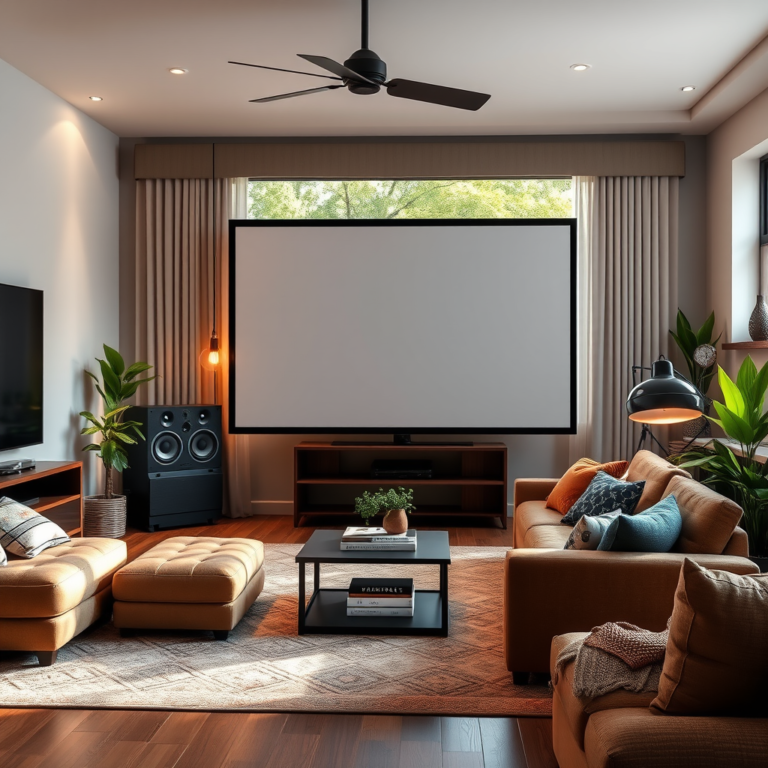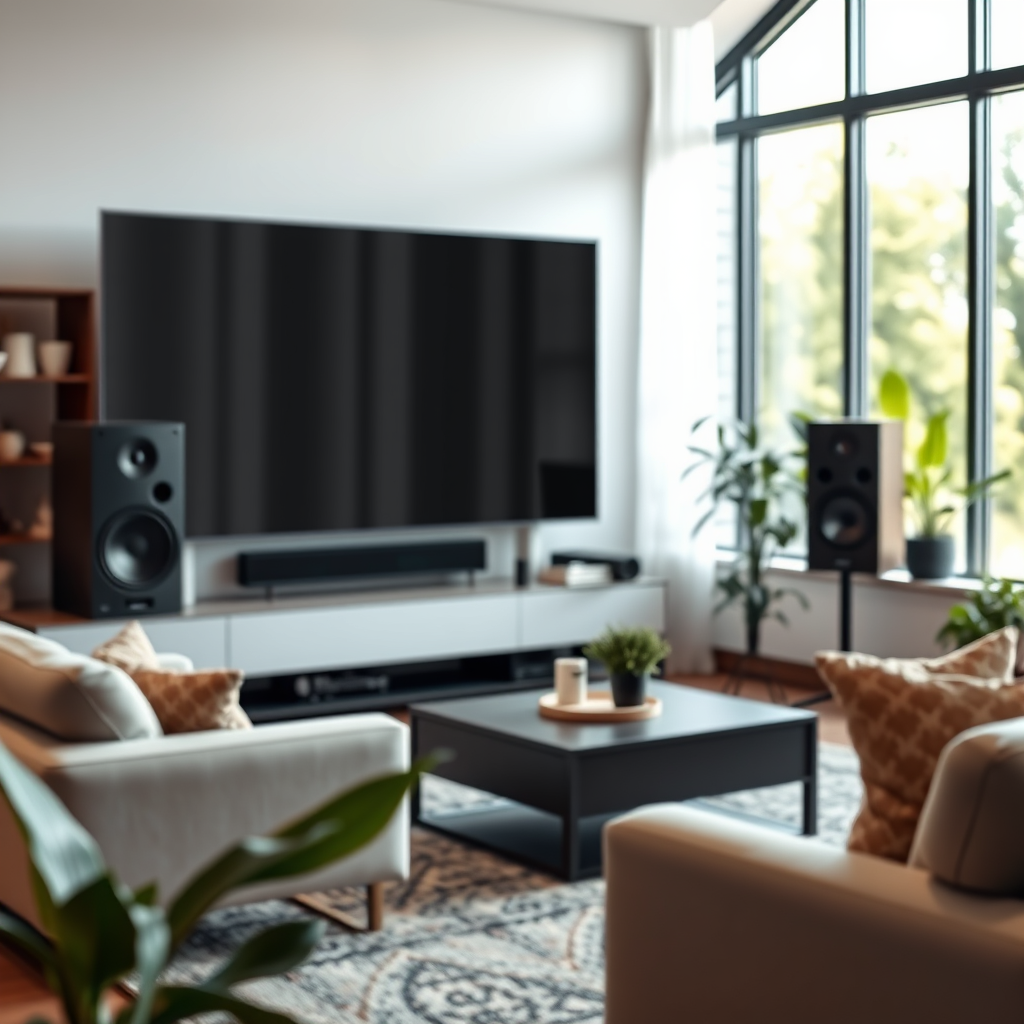

Calibrating your home theater speakers is crucial for maximizing sound quality and creating an immersive listening experience. Proper calibration not only enhances audio clarity but also ensures even sound distribution throughout your space. By following specific techniques and utilizing the right tools, you can transform your home theater setup into a premier audio environment that elevates your movie nights and music enjoyment.
Achieving optimal sound performance involves understanding various aspects of speaker placement, using calibration tools, adjusting room acoustics, and fine-tuning speaker settings. In this article, we will explore these practical steps to help you calibrate your speakers effectively.
Understanding Speaker Placement
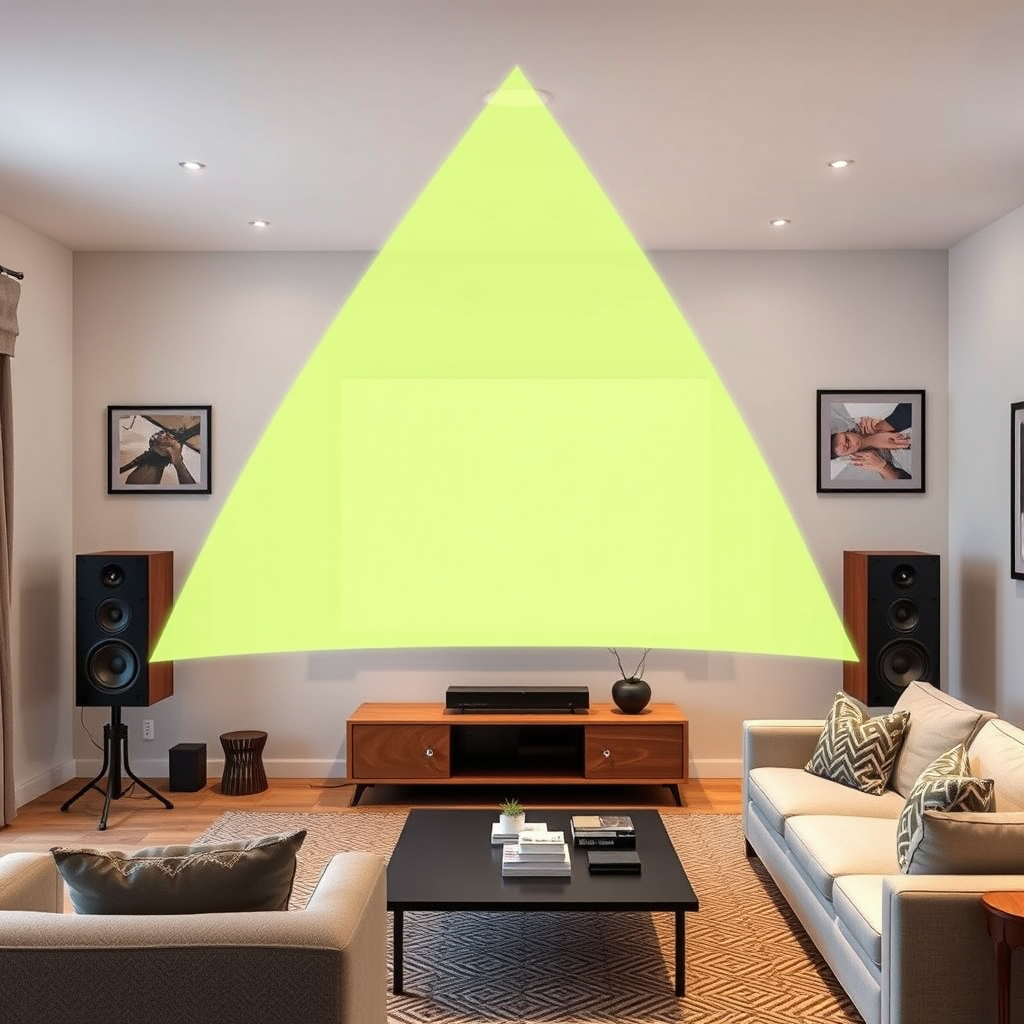
The placement of speakers plays a fundamental role in the quality of audio output. For the best sound experience, it is recommended to position your speakers at ear level. This positioning allows sound waves to hit your ears directly, creating a more natural and immersive listening experience. Ideally, the front left and right speakers should be placed about 22 to 30 degrees from your main listening position, while the center speaker should be directly in front of you, at ear level.
In addition to height, the distance from walls is equally important. Speakers placed too close to walls can experience sound distortion due to reflections, which muddle the audio. It is generally advisable to keep speakers at least 1-2 feet away from walls, particularly for bass-heavy speakers, which can amplify low frequencies if positioned too close.
When setting up your surround sound system, consider the layout of your room. For 5.1 or 7.1 systems, the rear speakers should be positioned slightly above ear level and angled towards the listening area to enhance the surround sound experience.
Using Calibration Tools
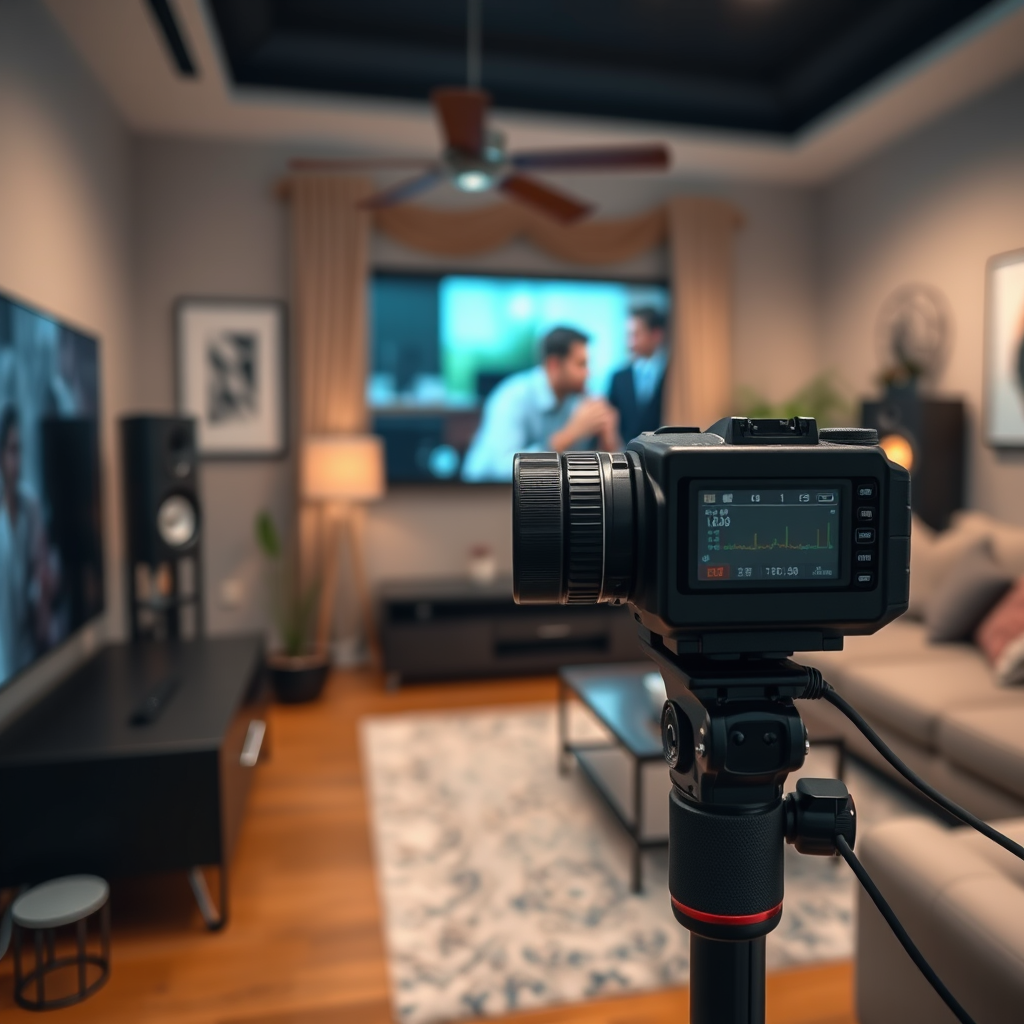
To achieve precise calibration, investing in a sound level meter is highly recommended. This device allows you to measure the audio output from each speaker accurately. By using a sound level meter, you can ensure that all speakers produce sound at equal levels, enhancing the overall balance of your audio system.
In addition to a sound level meter, there are several calibration software and apps available that can streamline the calibration process. Many modern AV receivers come equipped with built-in calibration systems, such as Audyssey or YPAO, which automatically analyze your room’s acoustics and adjust speaker settings accordingly. These systems can save you time and effort while delivering optimized sound performance.
Setting Up Room Acoustics
Room acoustics significantly influence sound quality. To reduce echo and improve sound clarity, consider incorporating sound-absorbing materials into your space. Heavy curtains, rugs, and upholstered furniture can minimize sound reflections, leading to a more controlled listening environment.
Additionally, experimenting with speaker placement can also help you find the best acoustic environment. For example, placing speakers in corners may enhance bass response, but it can also lead to muddiness. Conversely, positioning them away from walls can create a more open sound but may reduce bass impact. Testing various configurations will help you discover the ideal setup for your specific room.
Top 7 Speaker Brands by Customer Satisfaction (2024)
| # | Brand | Customer Satisfaction (%) | Price Range ($) | Warranty (Years) |
|---|---|---|---|---|
| 1 | Bose | 92 | 200-800 | 5 |
| 2 | Sonos | 89 | 150-700 | 2 |
| 3 | Klipsch | 88 | 300-1,200 | 3 |
| 4 | Yamaha | 85 | 200-1,000 | 2 |
| 5 | JBL | 83 | 100-600 | 3 |
| 6 | Pioneer | 80 | 150-700 | 3 |
| 7 | Onkyo | 75 | 200-900 | 2 |
Adjusting Speaker Settings
Once your speakers are properly positioned, the next step is to adjust the settings for optimal performance. Utilizing the built-in equalizer on your receiver can significantly improve frequency responses. Most audio systems offer various equalization settings that allow you to boost or cut specific frequencies. For instance, if you notice that the bass is overpowering, reducing low frequencies can help create a more balanced sound.
Another vital setting to adjust is the crossover frequency, which determines how the audio signal is divided between your speakers and subwoofers. Setting the crossover frequency too high can lead to a loss of clarity in the sound, while setting it too low may result in a lack of bass. A general rule of thumb is to set the crossover frequency at about 10 Hz below the subwoofer’s rated frequency range.
Performing Test Tones and Listening Tests
To ensure that your speakers are balanced, use test tones to measure audio levels across all speakers. Test tones help identify discrepancies in volume levels, allowing you to make necessary adjustments. Many audio receivers come with built-in test tone functions that can automatically cycle through each speaker, providing a straightforward way to balance output.
After running the test tones, conduct listening tests with familiar audio tracks. Choose songs or movie scenes that you know well and focus on specific elements, such as dialogue clarity or bass response. This practical application of your settings will help refine the overall sound and ensure that your setup meets your preferences.
Speaker Calibration Benefits
Troubleshooting Common Issues
Even after calibration, you may encounter some common audio issues. One of the most frequent problems is phase issues, where sound waves from different speakers interfere with each other, leading to cancellations and a lack of clarity. To resolve this, ensure that all speakers are wired correctly, with the positive and negative terminals connected consistently.
Additionally, if you experience uneven sound distribution, check the speaker placement and room acoustics. Sometimes simple adjustments, such as repositioning speakers or adding acoustic panels, can significantly improve sound quality.
Other potential issues include incorrect settings on your receiver or equalizer. Double-check these settings, especially the crossover frequencies and equalizer adjustments, as they can dramatically affect audio performance.
By paying attention to these details and troubleshooting effectively, you can maintain an optimal sound environment in your home theater.
Calibrating your home theater speakers properly is essential for enhancing your overall audio experience. Whether utilizing professional tools or making simple adjustments, taking the time to optimize your setup can yield significant improvements in sound quality. Start by evaluating your speaker placement and proceed with adjustments to settings and room acoustics. Enjoy the rich, immersive sound that a well-calibrated home theater can provide during your movie nights and music sessions.
Frequently Asked Questions
How do I properly position my home theater speakers for optimal sound quality?
To achieve optimal sound quality, position your home theater speakers in a way that forms an equilateral triangle with your main seating area. Front speakers should be at ear level and angled slightly towards the seating area, while surround speakers should be placed slightly above ear level and positioned to the side and behind the seating. This arrangement enhances soundstage and immersion, providing a more impactful viewing experience.
What is the best method to calibrate the sound levels of my home theater speakers?
The best method to calibrate sound levels is to use a sound pressure level (SPL) meter or an audio calibration tool. Start by playing a test tone through each speaker and adjust the volume levels until they match, ensuring that the sound is balanced and cohesive. Many modern AV receivers also come with built-in calibration systems that use a microphone to automatically adjust speaker levels for optimal performance.
Why is it important to calibrate my home theater speakers?
Calibrating your home theater speakers is crucial because it ensures that each speaker delivers sound at the correct level and timing, leading to a balanced audio experience. Proper calibration minimizes distortion and compensates for room acoustics, resulting in clearer dialogue and more impactful action scenes. Without calibration, you may miss out on the full potential of your home theater system.
Which tools are necessary for effective home theater speaker calibration?
Effective home theater speaker calibration can be accomplished using a variety of tools, including an SPL meter, calibration microphones, and specialized audio calibration software. Additionally, many high-end AV receivers come equipped with automatic calibration features that use a microphone to analyze and adjust speaker settings. Investing in these tools can greatly enhance your overall audio experience.
How can I troubleshoot common issues when calibrating my home theater speakers?
To troubleshoot common calibration issues, first ensure that all speaker connections are secure and that speakers are positioned correctly. If sound levels are inconsistent, check the audio settings on your AV receiver and confirm that no settings, like dynamic range compression, are affecting output. Additionally, re-run the calibration process, ensuring that the microphone is placed at ear level in the main seating position for accurate measurements.
References
- Home cinema
https://en.wikipedia.org/wiki/Home_theater - https://www.sciencedirect.com/topics/engineering/speaker-calibration
https://www.sciencedirect.com/topics/engineering/speaker-calibration - https://www.britannica.com/topic/home-theater
https://www.britannica.com/topic/home-theater - https://www.nytimes.com/2020/01/24/realestate/home-theater-sound-system.html
https://www.nytimes.com/2020/01/24/realestate/home-theater-sound-system.html - https://www.audioholics.com/how-to/calibrating-your-home-theater
https://www.audioholics.com/how-to/calibrating-your-home-theater - https://www.pureav.com/blog/how-to-calibrate-your-home-theater-sound-system
https://www.pureav.com/blog/how-to-calibrate-your-home-theater-sound-system - Google Scholar Google Scholar
https://scholar.google.com/scholar?q=how+to+calibrate+home+theater+speakers - https://scholar.google.com/scholar?q=speaker+calibration+techniques Google Scholar
https://scholar.google.com/scholar?q=speaker+calibration+techniques - Google Scholar Google Scholar
https://scholar.google.com/scholar?q=home+theater+speaker+setup+guidelines - Google Scholar Google Scholar
https://scholar.google.com/scholar?q=How+to+Calibrate+Your+Home+Theater+Speakers+for+Maximum+Impact